




You need the product in a scene that does not exist yet.
The campaign concept shows your product in a cosy coffee shop. Problem: you don’t have a cosy coffee shop. Or a photographer. Or the budget for either. You have a product photo on a white background.
The Hack: The Scene Builder
Fine-tune the details.
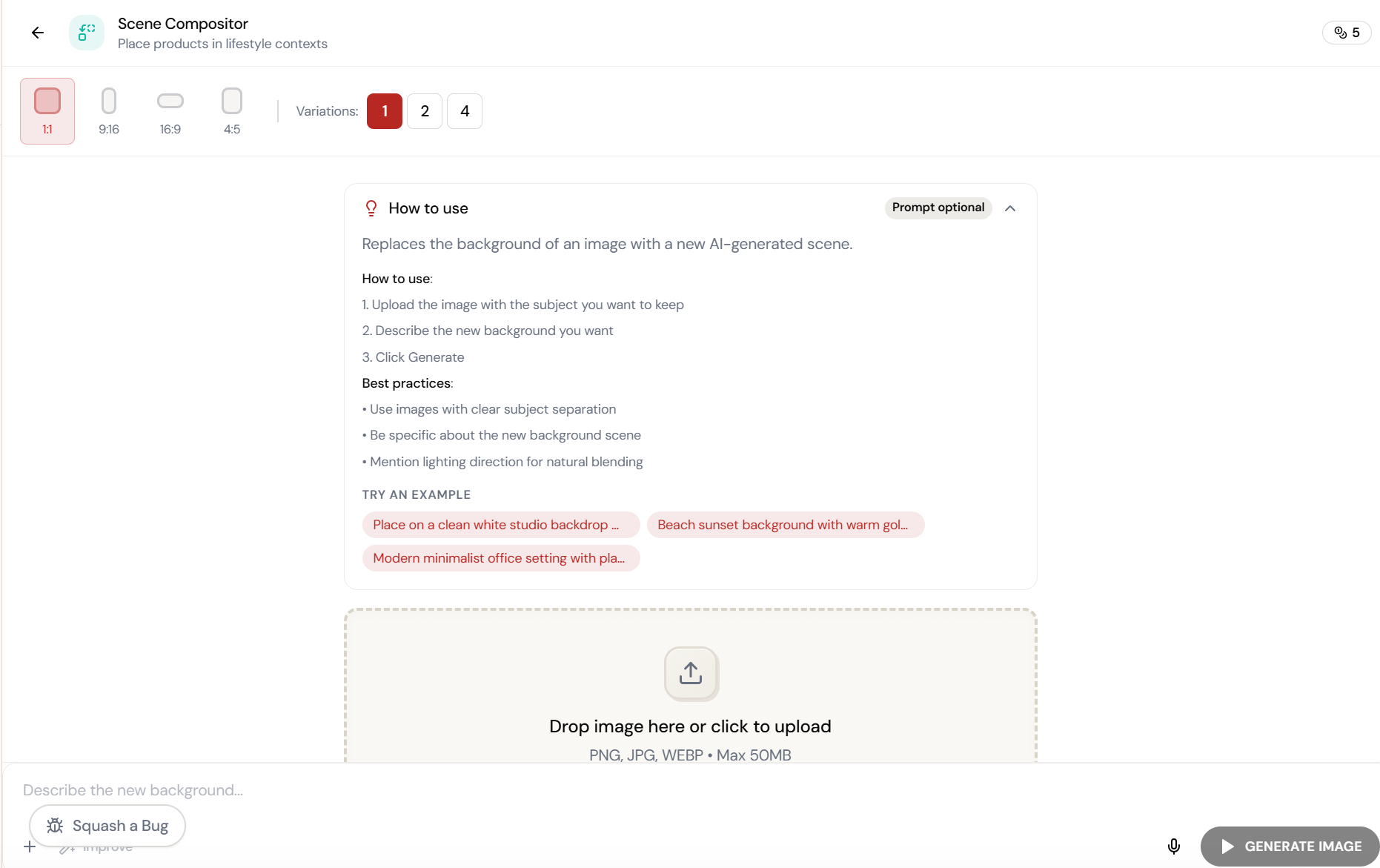
Adjust settings, add context, or refine your prompt. Scene Compositor gives you control without complexity.
The Walkthrough
Fine-tune the details.
Adjust settings, add context, or refine your prompt. Scene Compositor gives you control without complexity.
Set up your inputs.
Configure your settings, upload your assets, or describe what you need. Scene Compositor handles the complexity.
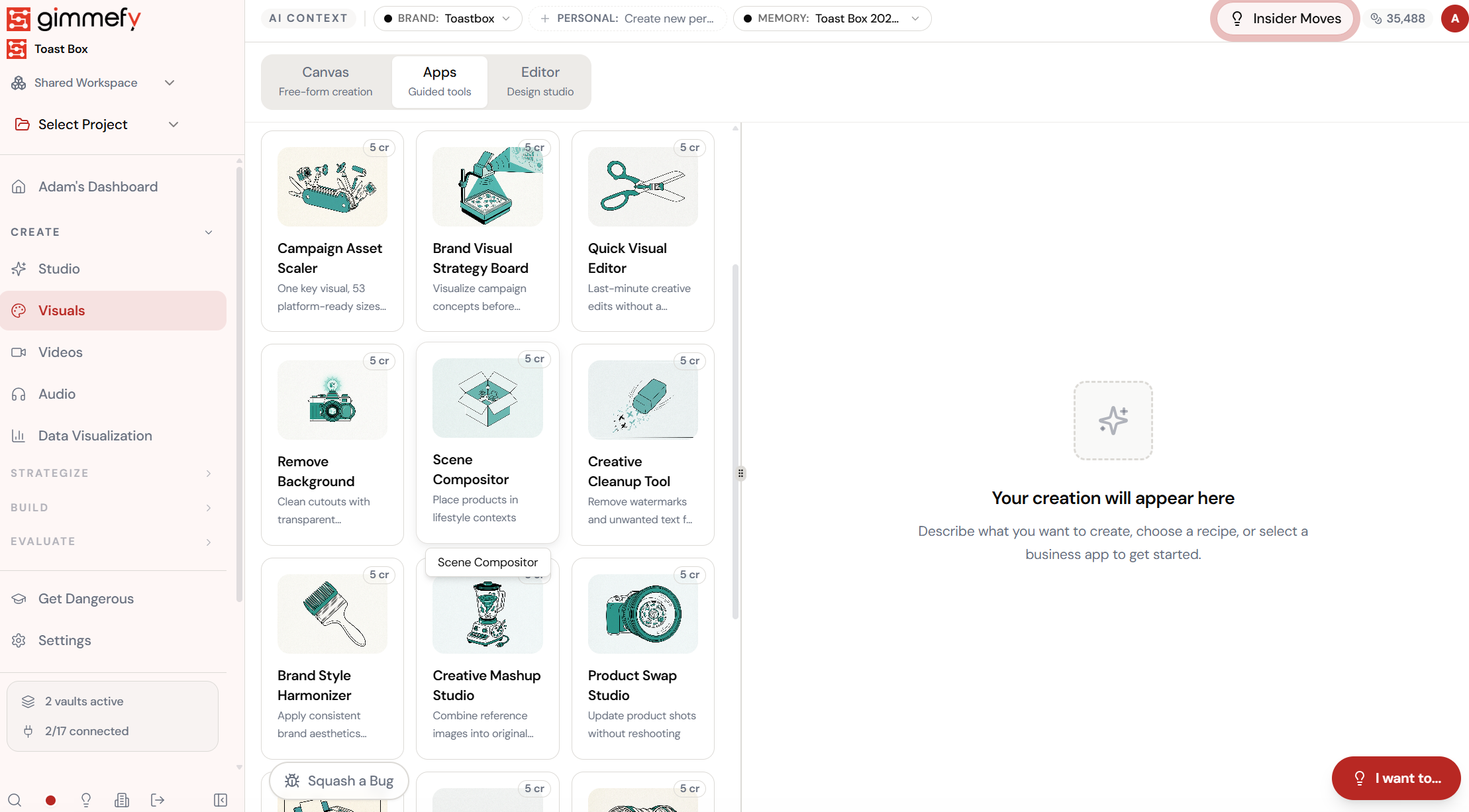
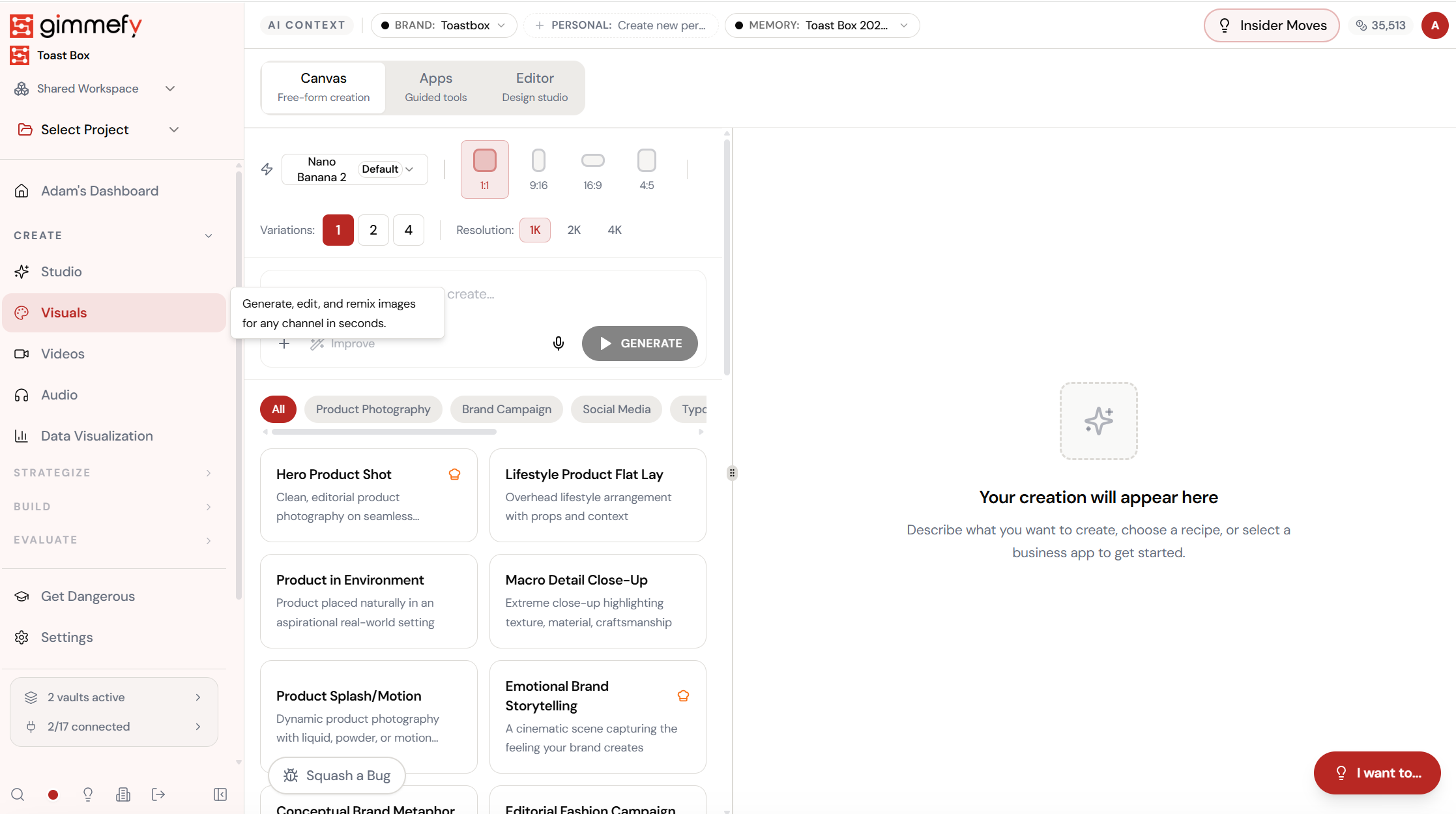
Open Scene Compositor. Here’s what you see.
Navigate to Scene Compositor — the interface is clean, focused, and ready for your input.
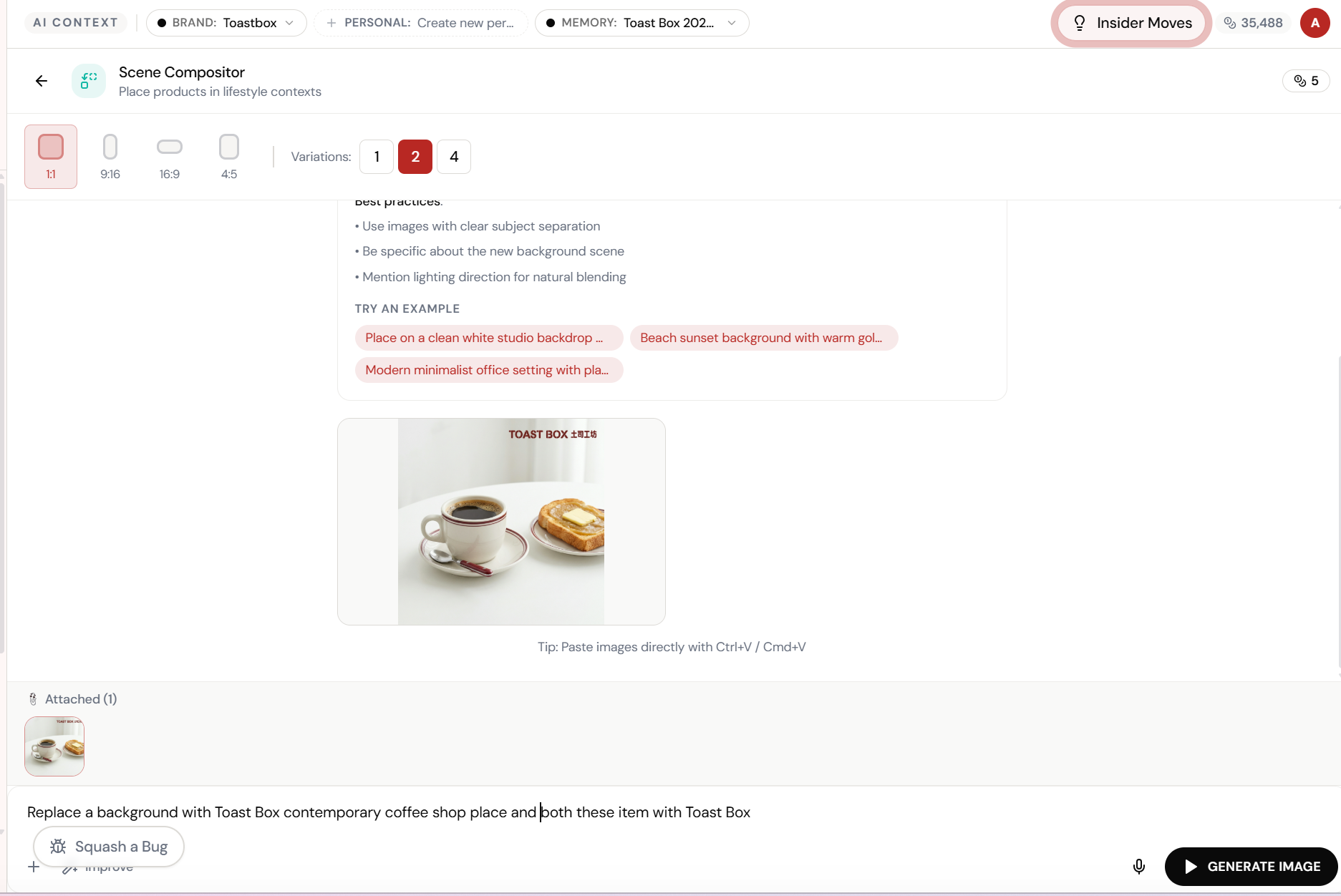
Upload the product. Describe the scene.
Scene Compositor takes your product image and places it in any environment you describe. “Toast Box contemporary coffee shop” \u2014 and it handles lighting, shadows, and perspective.
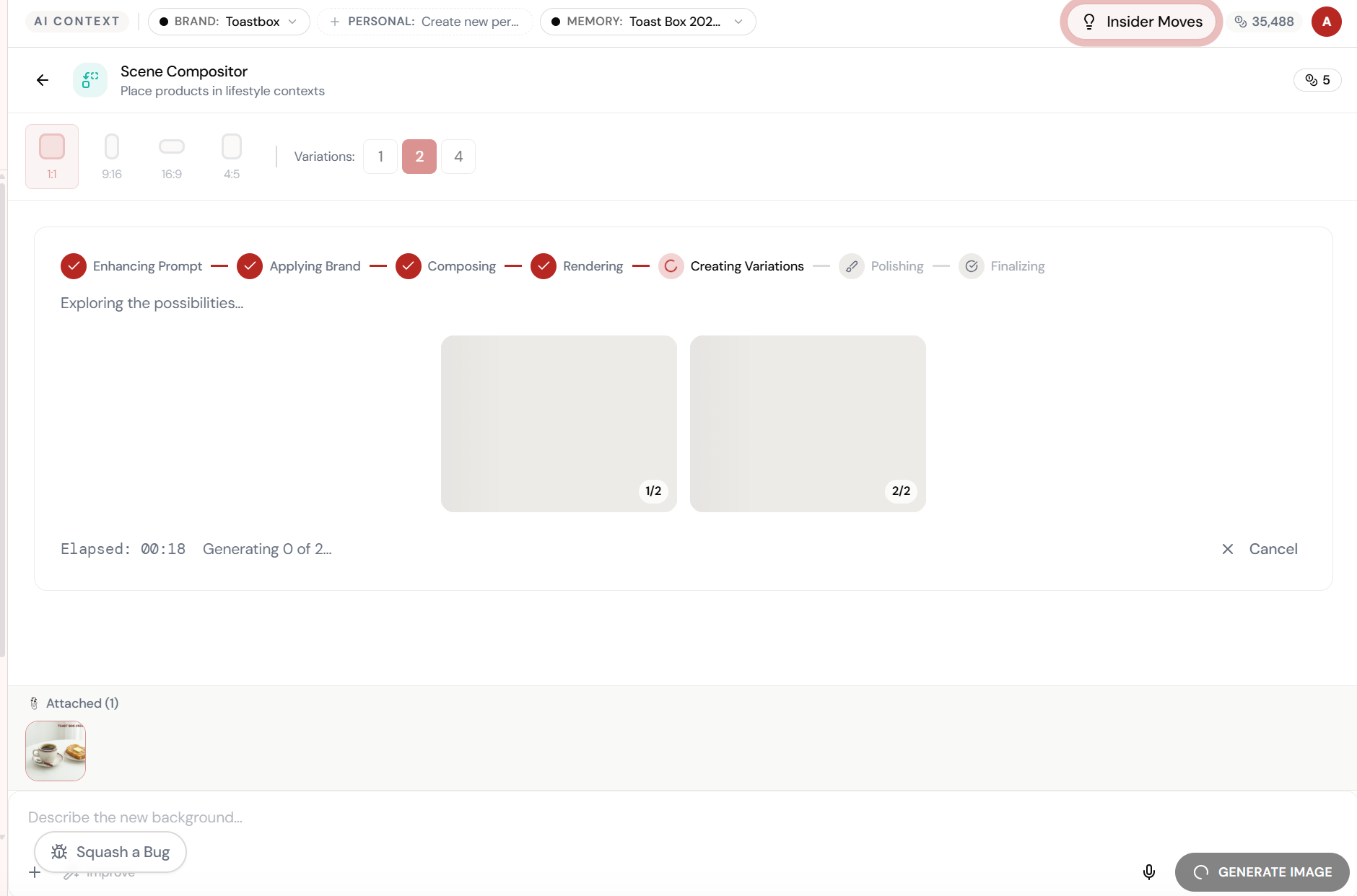
Almost there. Watch it work.
The AI processes your request — composing, rendering, and refining until the output matches your brief.
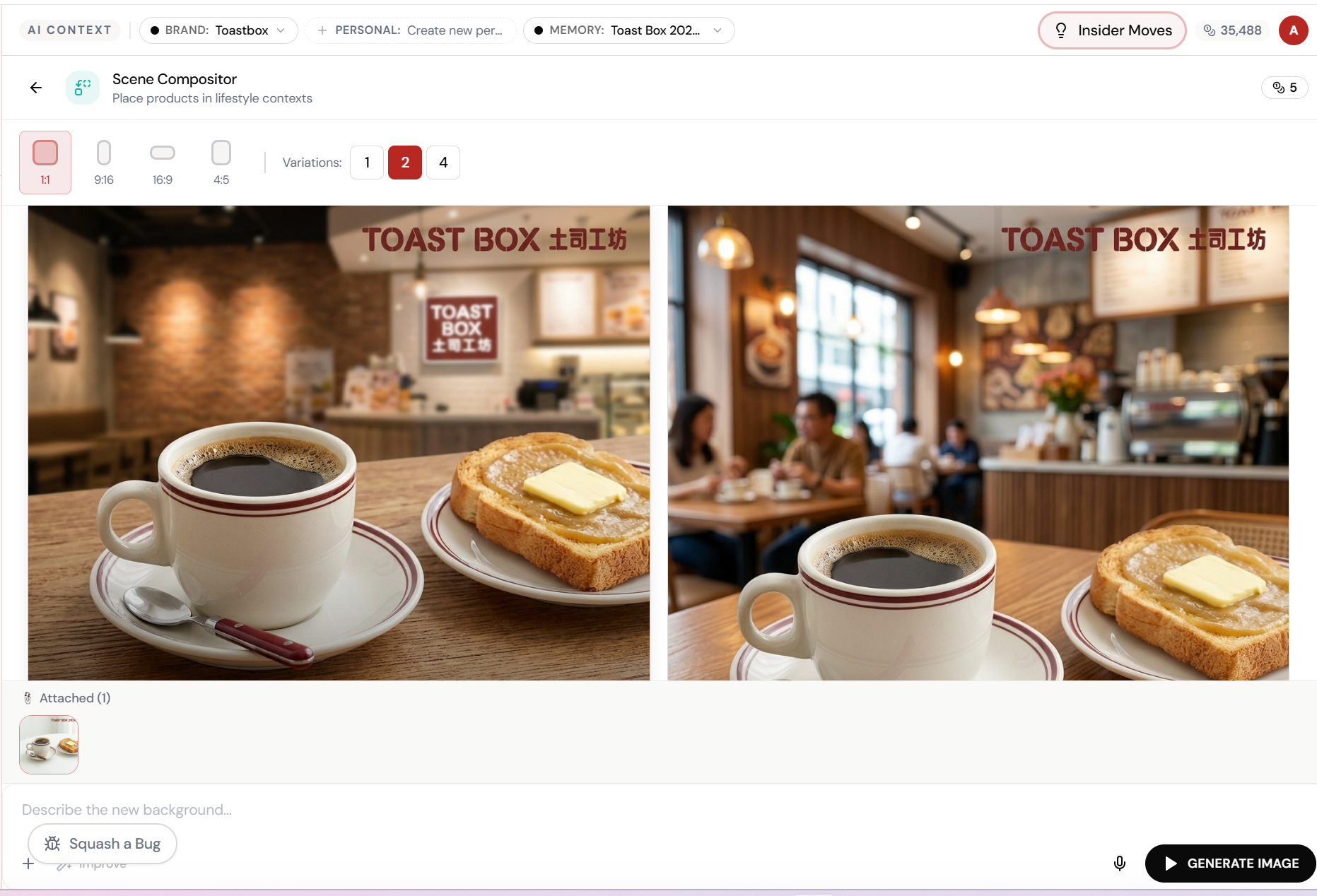
Product in a caf\u00e9. With customers. And branded signage.
Two variations \u2014 warm lighting, “TOAST BOX \u571f\u53f8\u5de5\u574a” signage, customers in the background. Your product looks like it was photographed on location.
What Actually Changes
Manual. Repetitive. Time-consuming. Every scene compositor task starts from scratch with no context, no memory, and no brand awareness.
One click. Full context. Scene Compositor handles it — with your brand, your data, your preferences baked in from the start.
Escape the Messy Middle
See how Scene Compositor transforms your workflow.