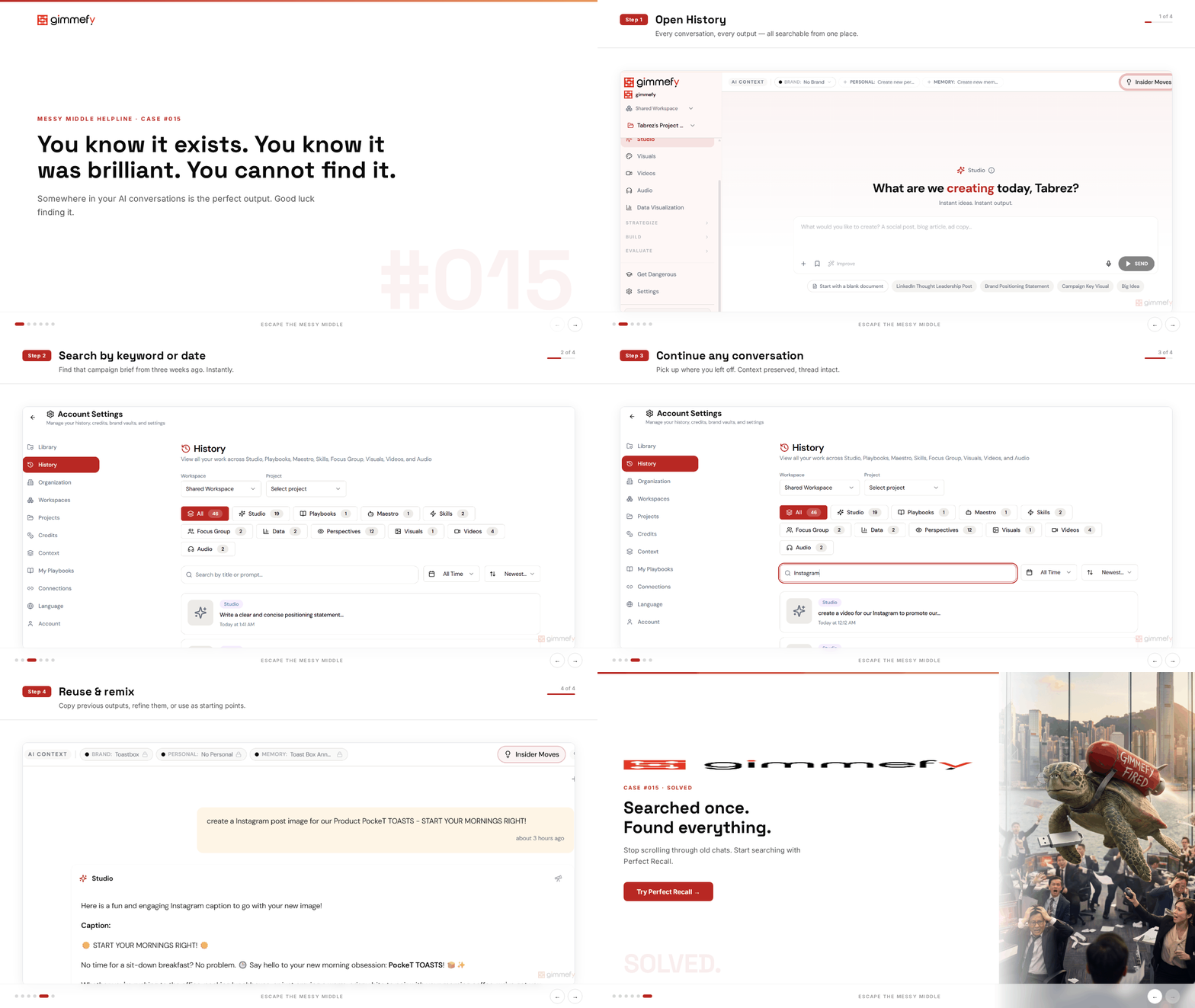
You know it exists. You know it was brilliant. You cannot find it.
Tuesday’s conversation. Or was it Wednesday’s? You were in Studio. Or maybe it was a Maestro conversation. The email subject line it generated was perfect. Absolutely perfect.
You scroll. And scroll. And scroll. It’s gone. You’re writing it again from scratch.
AI conversations are disposable by design. Generic tools treat every conversation like a single-use napkin — write on it, throw it away, start fresh. The brilliant strategy framework from last week? The perfect headline from Thursday? The competitive analysis that took three prompts to get right? All gone.
Or buried so deep in your conversation history that finding it takes longer than recreating it.
This is the hidden cost of AI tools with no proper history: you’re not just losing conversations. You’re losing hours of refined thinking.
The Hack: Every Conversation, Instantly Searchable
Every conversation in gimmefy is automatically saved, organized by capability, and fully searchable. History isn’t a feature — it’s the default. Nothing is lost. Nothing requires manual saving. Everything is findable in seconds.
That brilliant email subject line from Tuesday? Search for it. Find it in 3 seconds. Open the conversation. Copy it. Done.
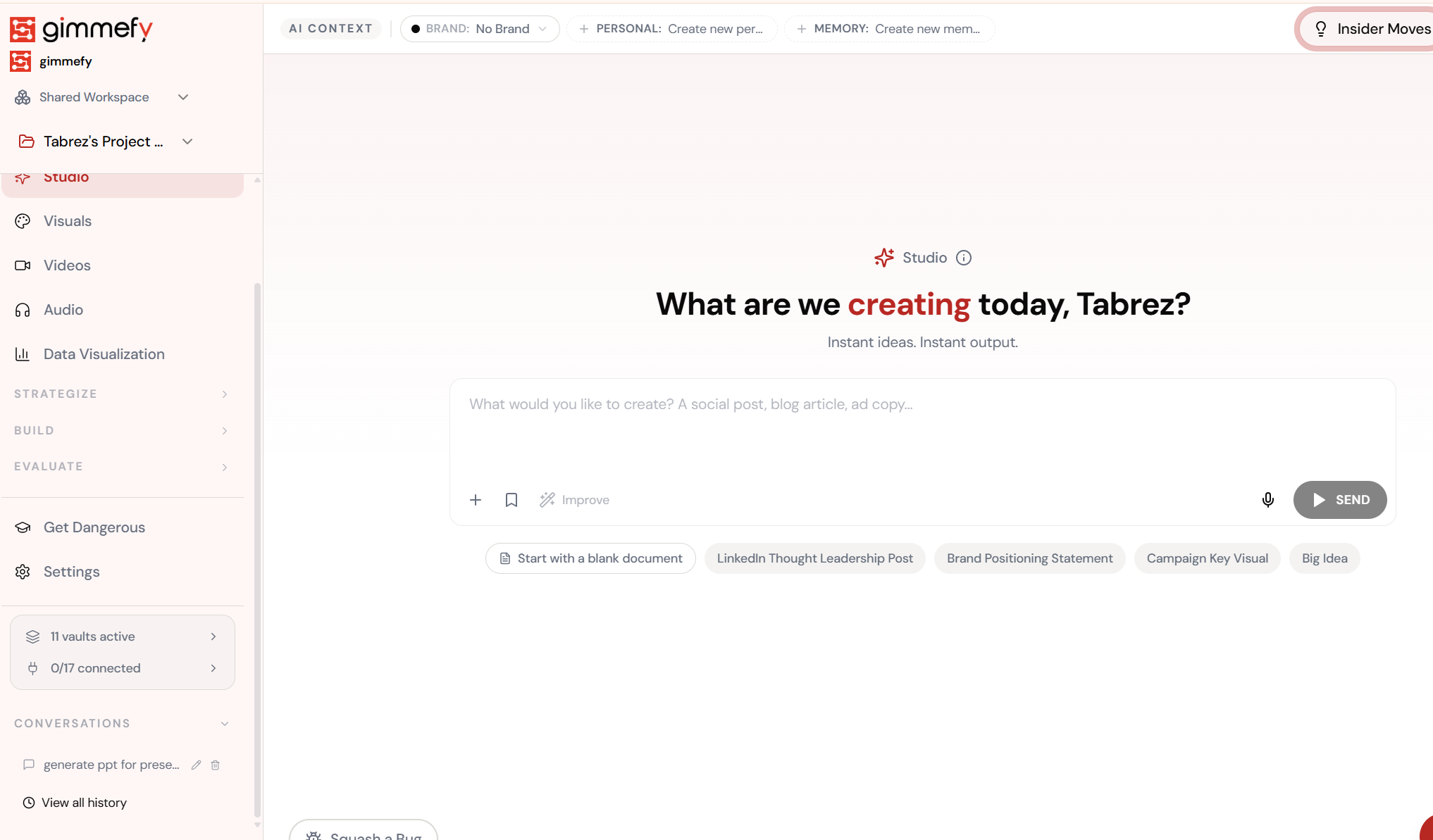
Open History
Every conversation, every output, every capability — all searchable from one place.
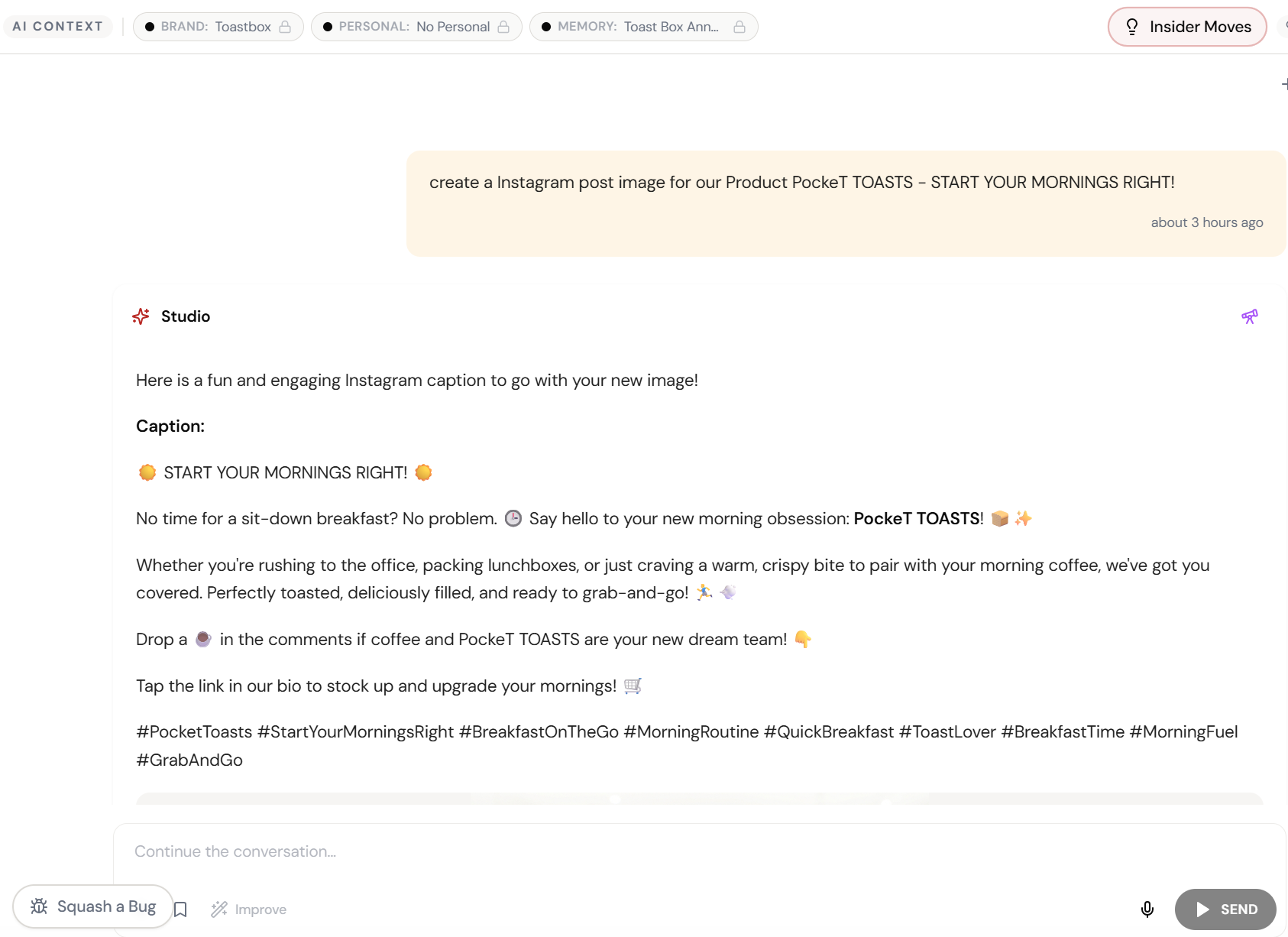
The 4-Step Walkthrough
Open History
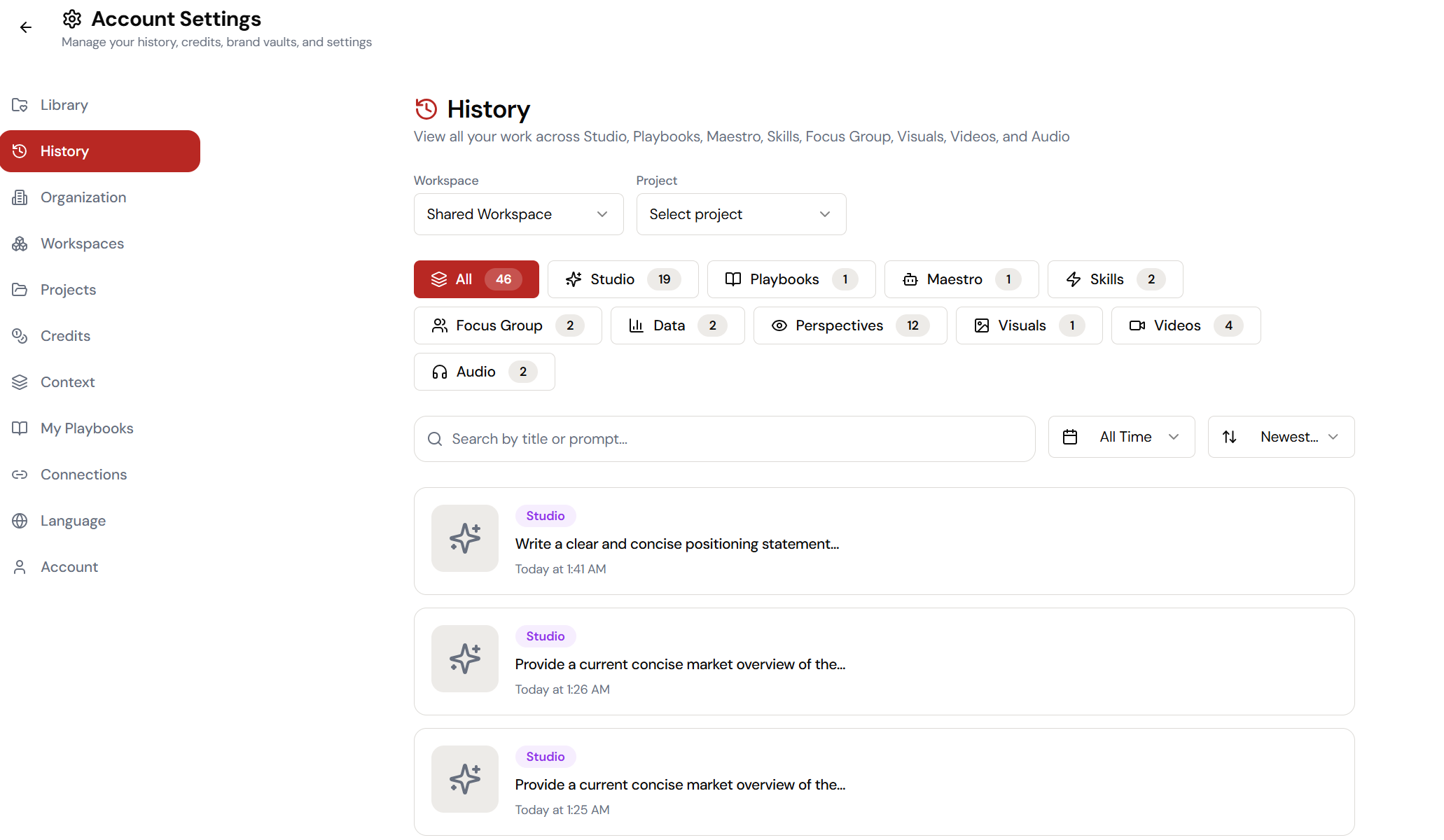
Every conversation you’ve ever had. Organized by capability, date, and project.
Browse or Search
Filter by Studio, Maestros, Skills, Playbooks — or just search by keyword.
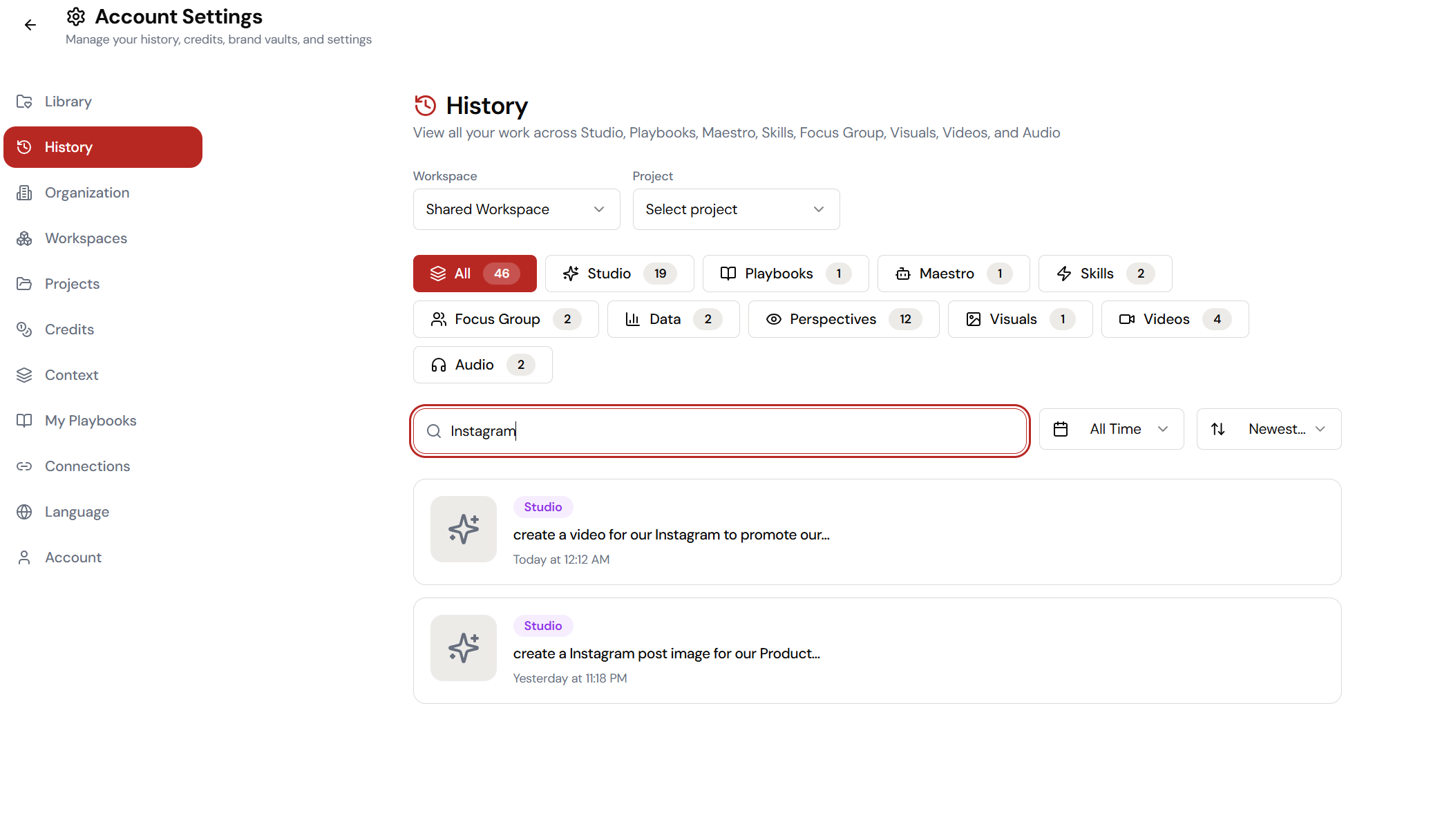
Find It Instantly
That brilliant output from Tuesday? Found in 3 seconds. Not 30 minutes of scrolling.
Open and Continue
Pick up exactly where you left off. The full conversation is preserved. Nothing lost.
What Actually Changes
You scroll through 47 conversations looking for that one output. You try different search terms in your chat history. You give up and rewrite it. The new version isn’t as good. You know the old one was better. You accept the loss.
Open History. Search ’email subject line spring campaign.’ Found. Opened. Copied. Three seconds. The brilliant version. Not a recreation.
Every AI conversation you’ve ever had is an asset. Losing it because your tool doesn’t have proper search is like deleting your email archive every Friday.
History as an Organizational Asset
Over time, your conversation history becomes a knowledge base. Every strategy discussion, every creative exploration, every campaign brief — all searchable. All organized. All accessible.
New team member? They can search your conversation history to understand how the brand approaches different marketing challenges. It’s institutional knowledge that builds automatically.
Quick Answers
Is history automatically saved?
Yes. Every conversation across every capability is automatically saved. No manual saving required. You can’t accidentally lose work.
Can I search across all capabilities?
Yes. Search finds conversations in Studio, Maestros, Skills, Playbooks, and all other capabilities. One search box, full platform history.
Can I organize conversations by project?
Yes. Conversations can be grouped into Projects. This makes it easy to keep related work together and find everything related to a specific campaign or initiative.