




You need to share this conversation. Not a screenshot — the actual conversation.
The AI just produced a brilliant strategy document. Your colleague needs to see it. Your options: screenshot it (loses formatting), copy-paste it (loses context), or describe it in Slack (loses everything).
The Hack: The One-Link Share
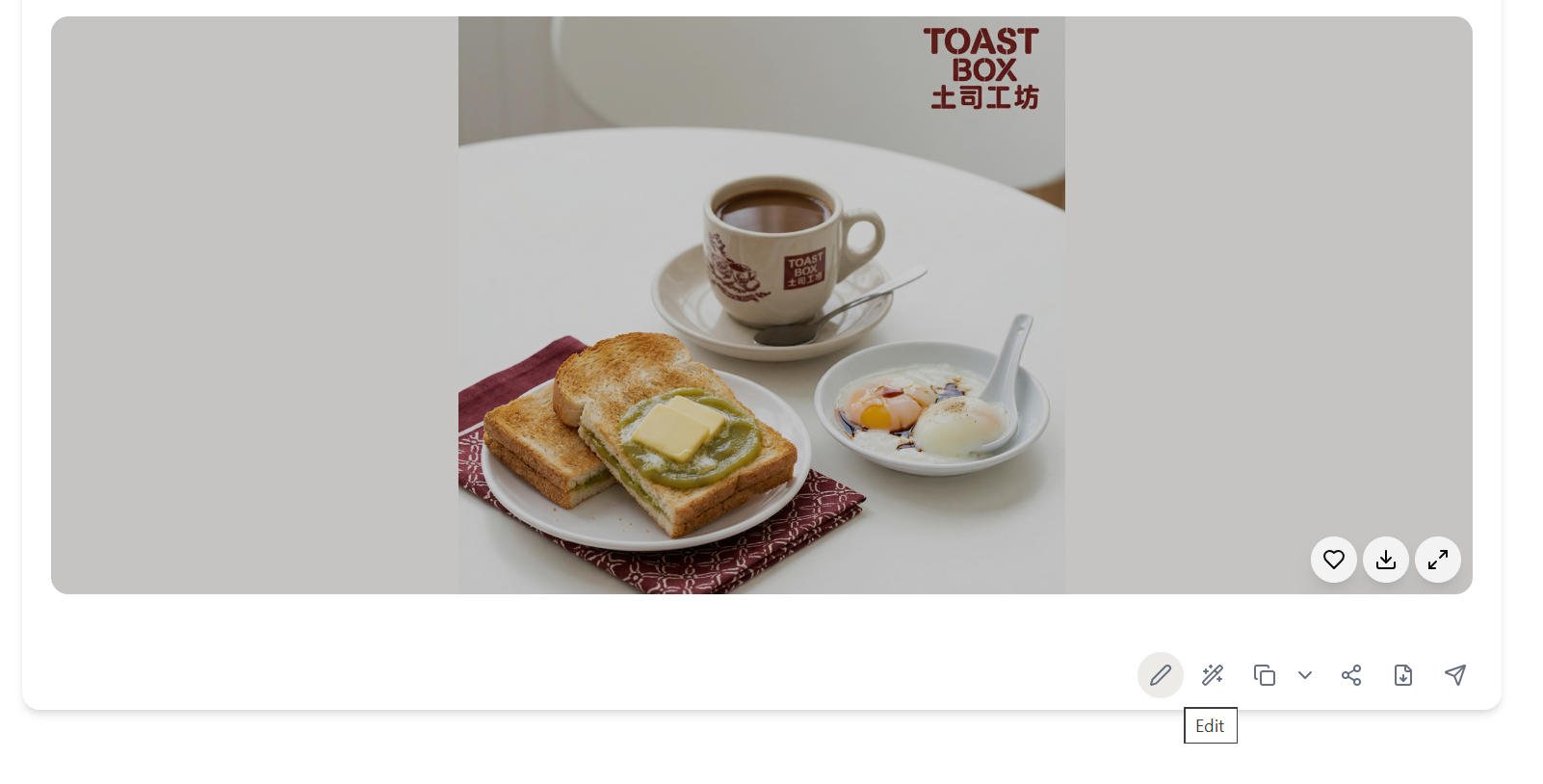
Fine-tune the details.
Adjust settings, add context, or refine your prompt. Sharing gives you control without complexity.
The Walkthrough
Fine-tune the details.
Adjust settings, add context, or refine your prompt. Sharing gives you control without complexity.
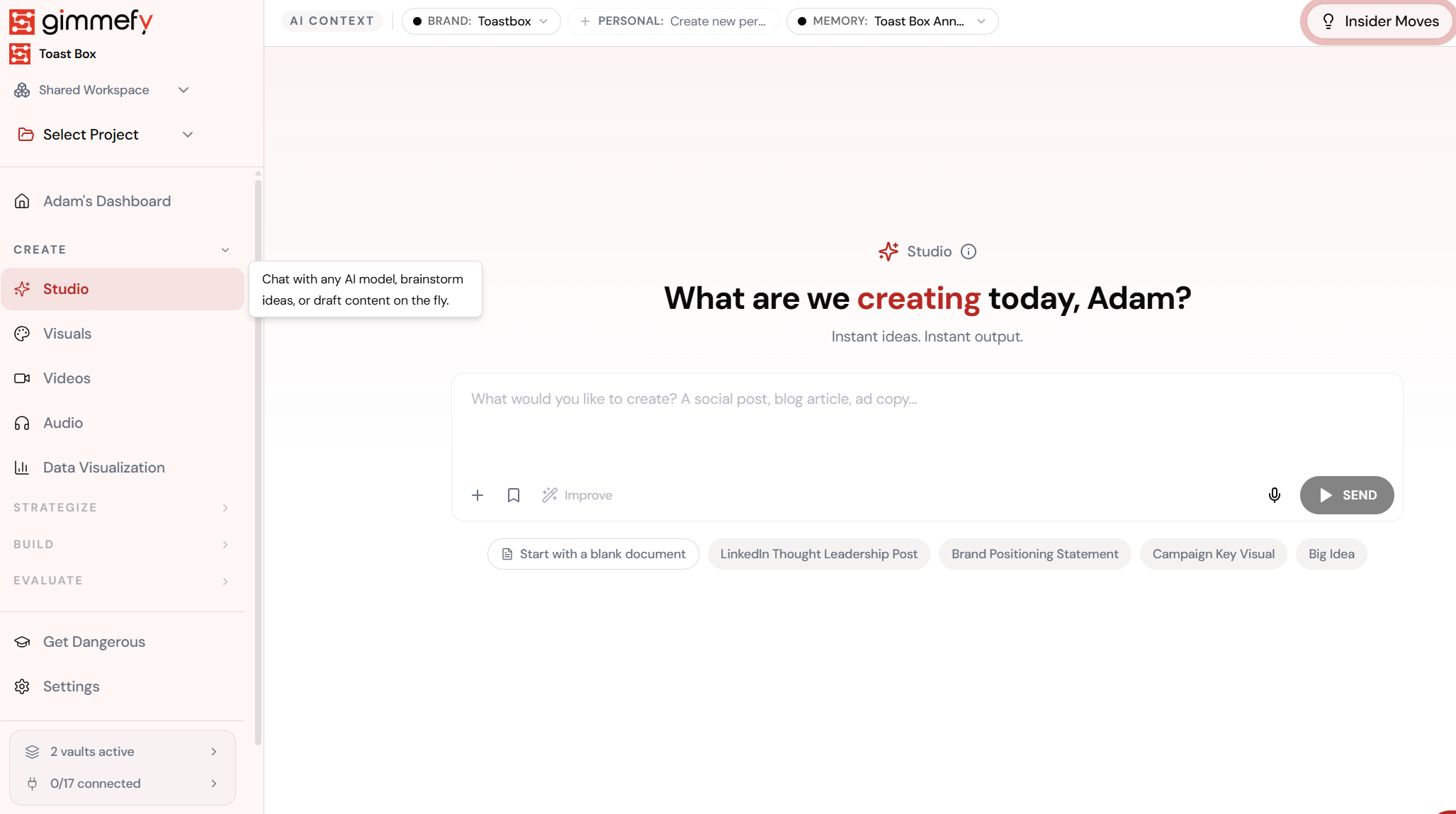
Set up your inputs.
Configure your settings, upload your assets, or describe what you need. Sharing handles the complexity.
Open Sharing. Here’s what you see.
Navigate to Sharing — the interface is clean, focused, and ready for your input.
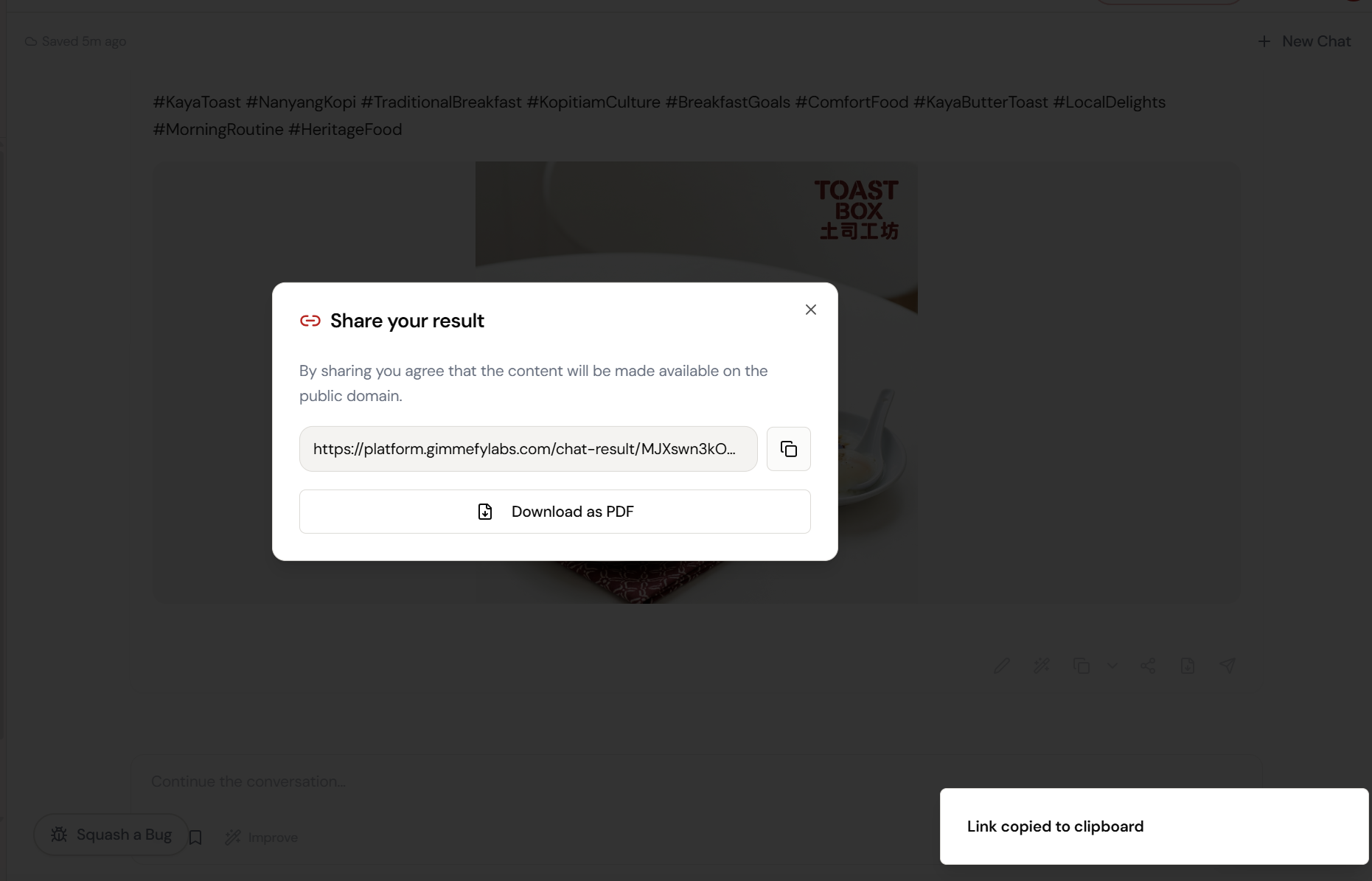
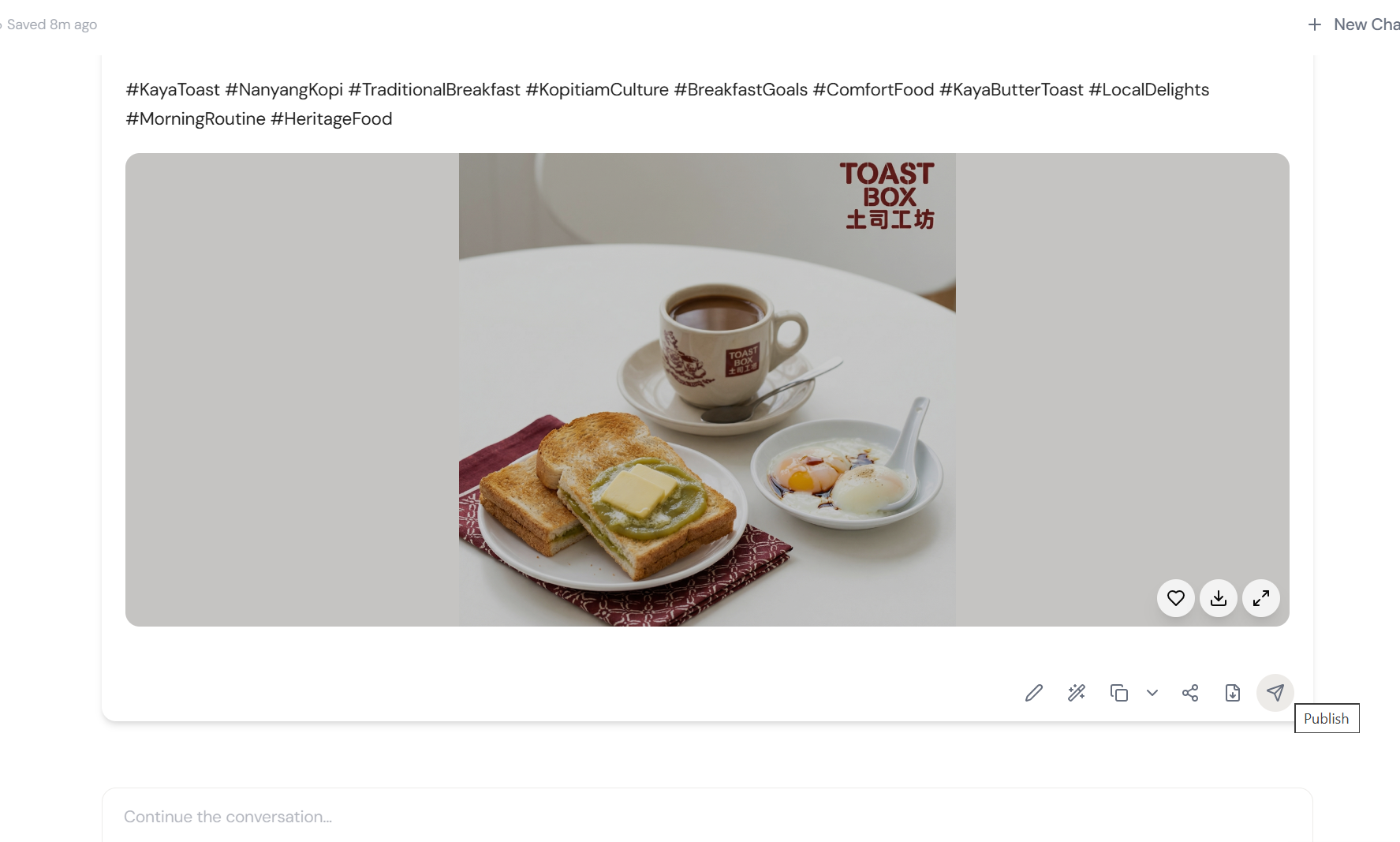
Click share. Copy the link. Done.
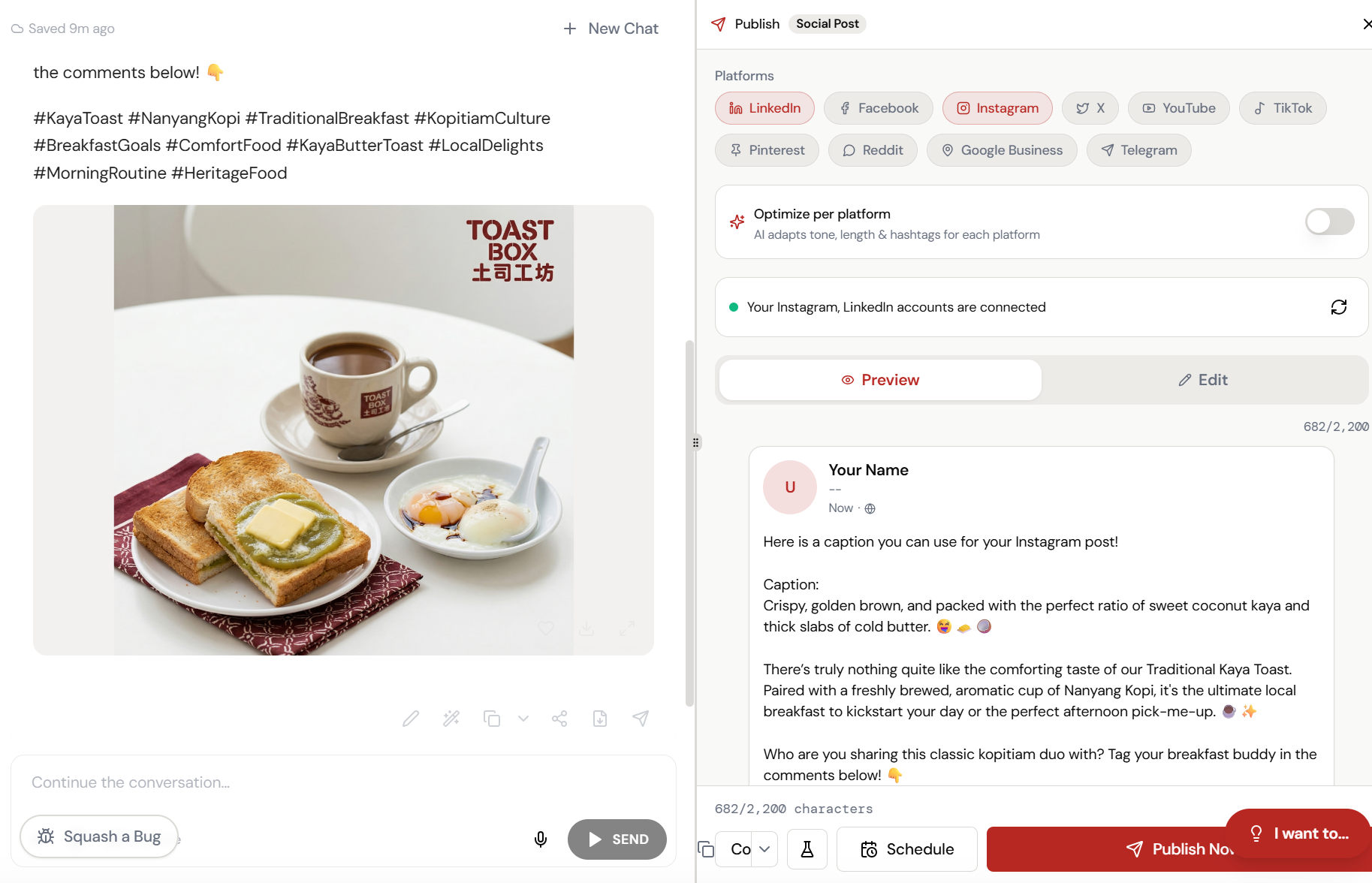
Hit the share icon on any output. Get a public URL instantly. Copy it, send it — your client sees the full result with images, text, and formatting intact.
The magic happens here.
The AI interprets your input and begins creating — you can see the progress in real time.
Your client sees exactly what you see.
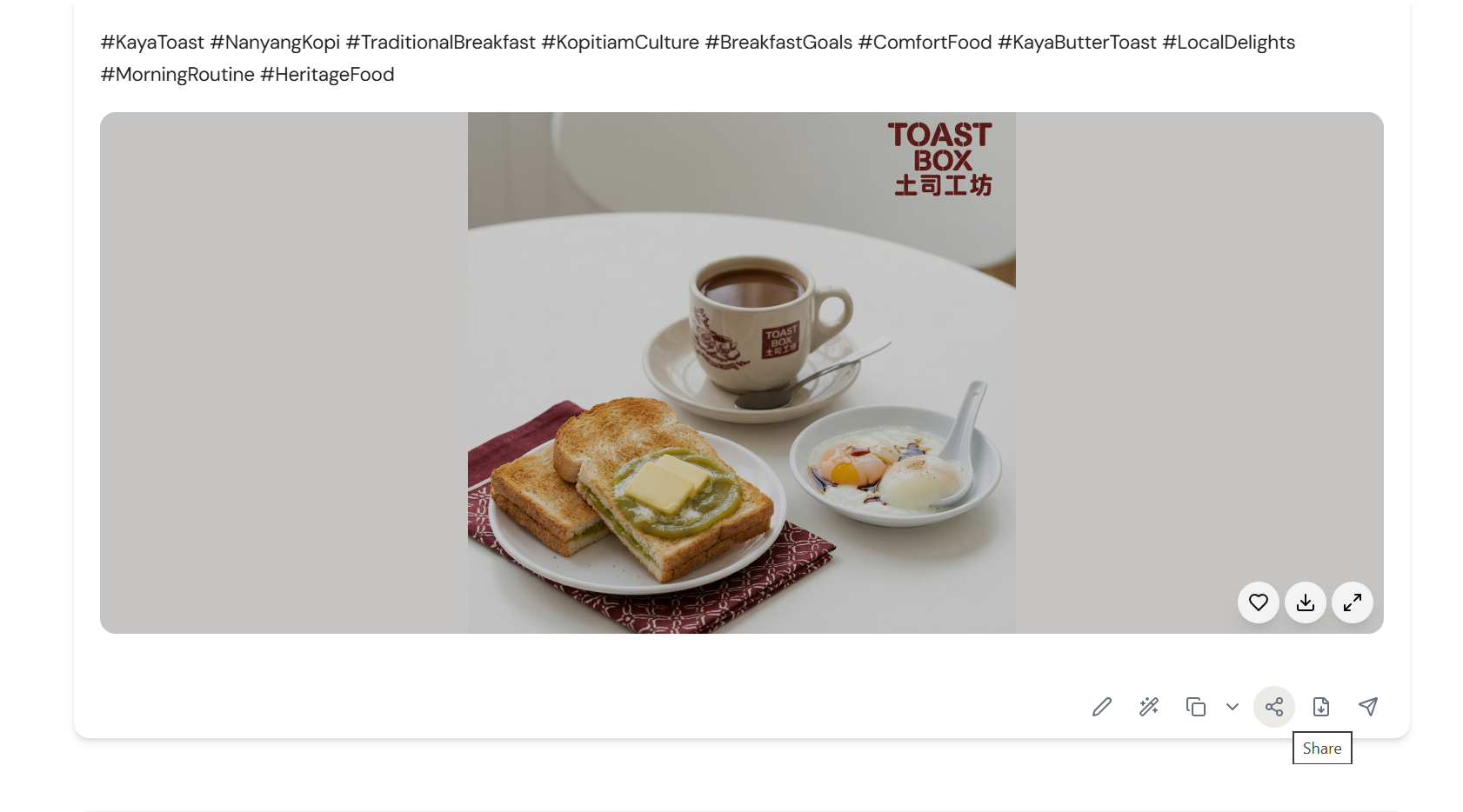
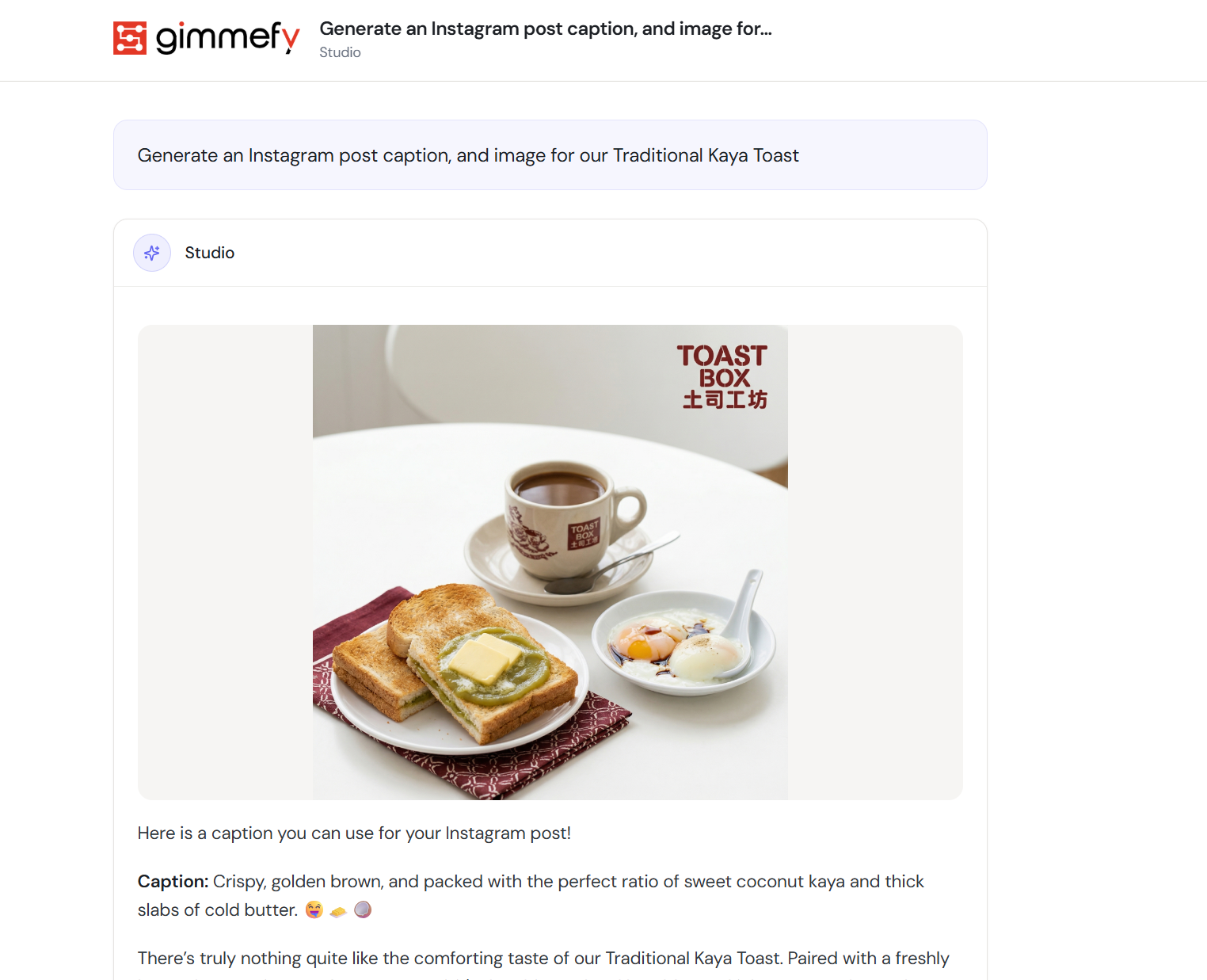
The shared page shows the full output — copy, hashtags, generated image — beautifully formatted. Plus a Publish button for direct social posting.
The result. Ready to use.
Your output is complete — polished, on-brand, and ready to download, share, or refine further.
What Actually Changes
Manual. Repetitive. Time-consuming. Every sharing task starts from scratch with no context, no memory, and no brand awareness.
One click. Full context. Sharing handles it — with your brand, your data, your preferences baked in from the start.