




You’ve written this prompt before. You’ll write it again tomorrow.
“Act as a senior marketing strategist. Consider the following brand context…” You’ve typed this exact preamble 47 times. Each time, you tweak it slightly. Each time, you wonder if last Tuesday’s version was better.
The Hack: The Prompt Template
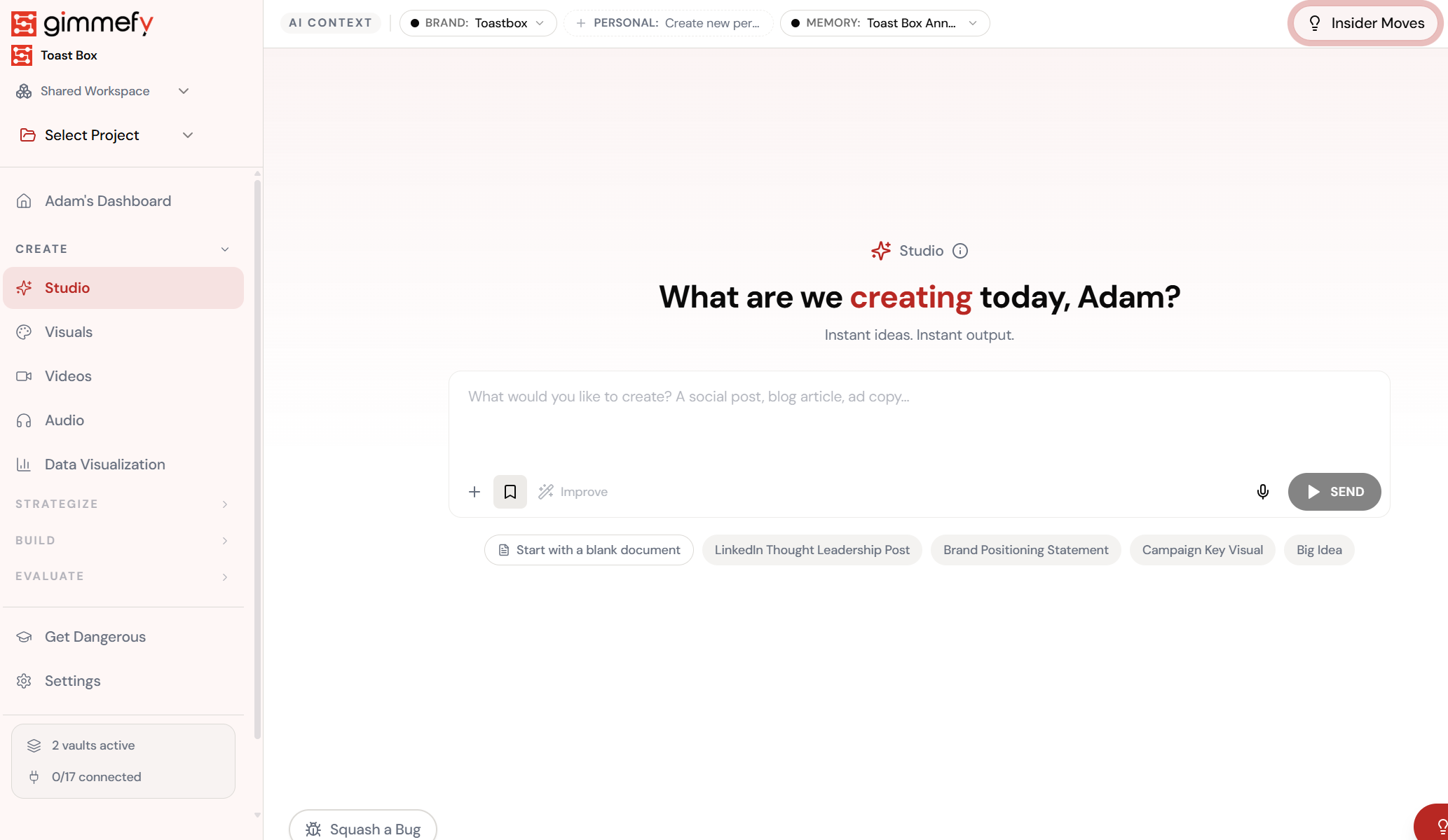
Open Skills Autofill. Here’s what you see.
Navigate to Skills Autofill — the interface is clean, focused, and ready for your input.
The Walkthrough
Open Skills Autofill. Here’s what you see.
Navigate to Skills Autofill — the interface is clean, focused, and ready for your input.
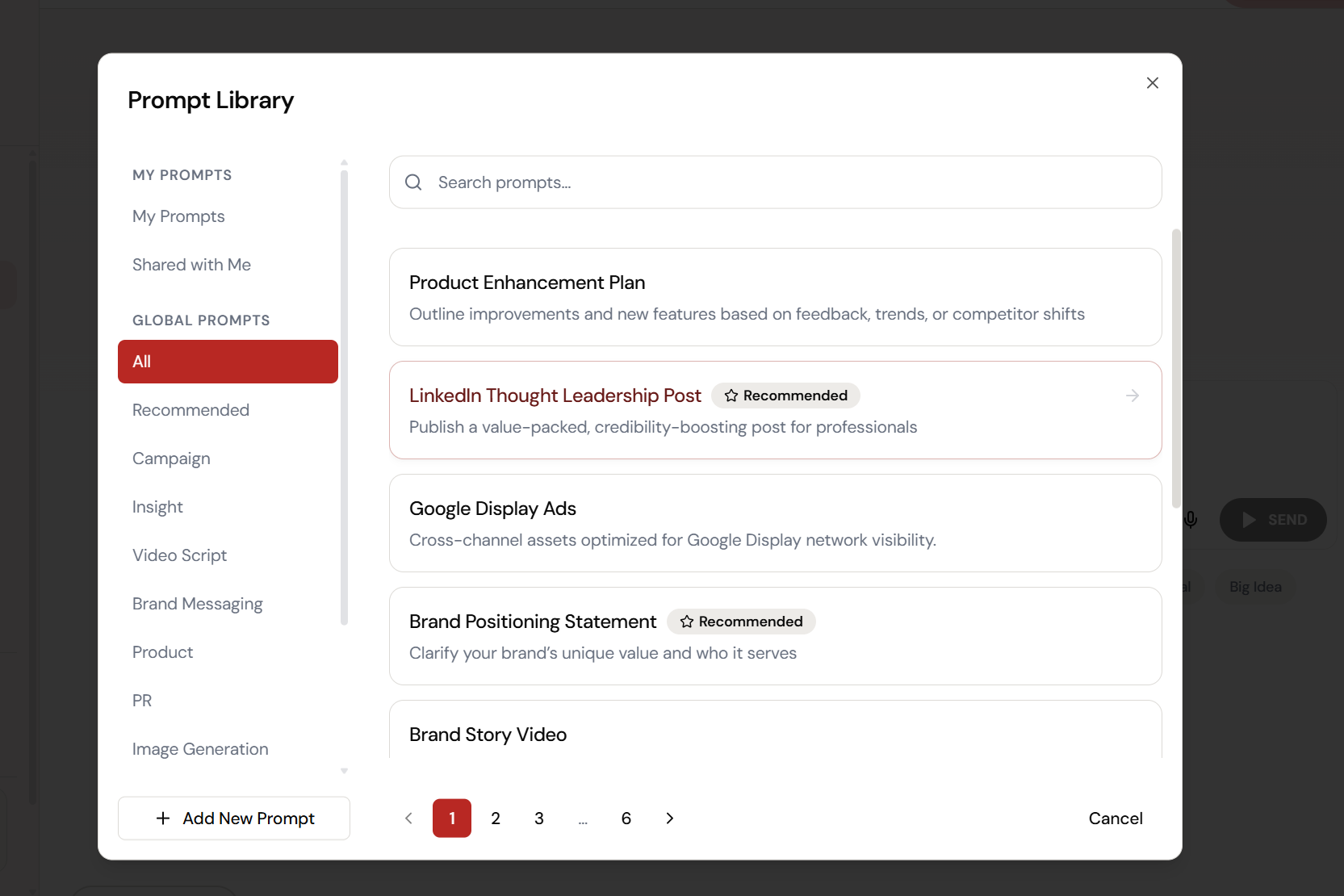
6 pages of templates. Organised by category.
The Prompt Library has templates for Campaign, Insight, Video Script, Brand Messaging, Product, PR, and Image Generation. My Prompts, Shared with Me, and Global Prompts \u2014 all searchable.
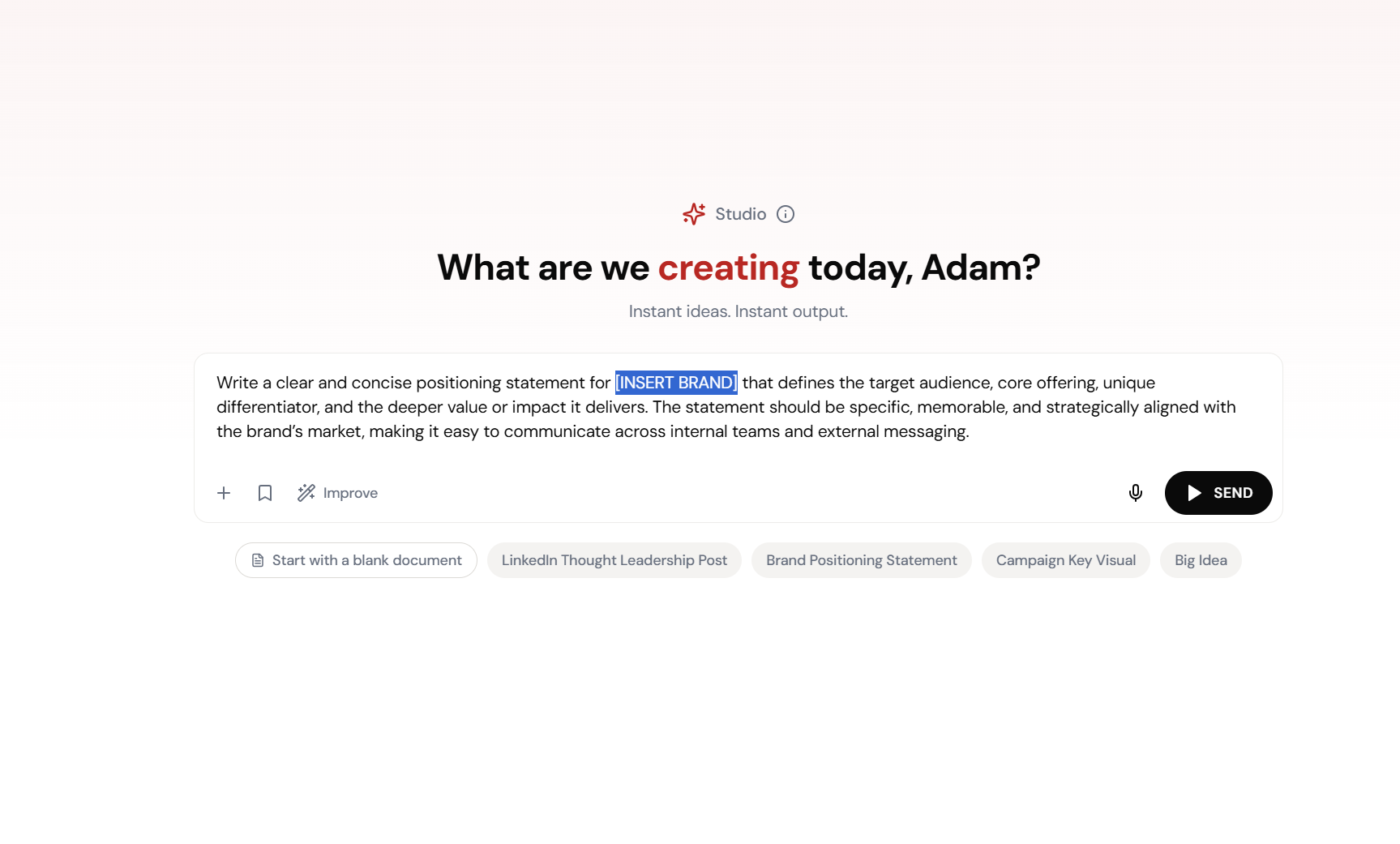
Click a template. It fills in. You tweak.
Brand Positioning Statement template loads into the prompt box with [INSERT BRAND] highlighted in blue. Replace the placeholder, hit Generate. Expert-level prompt, zero effort.
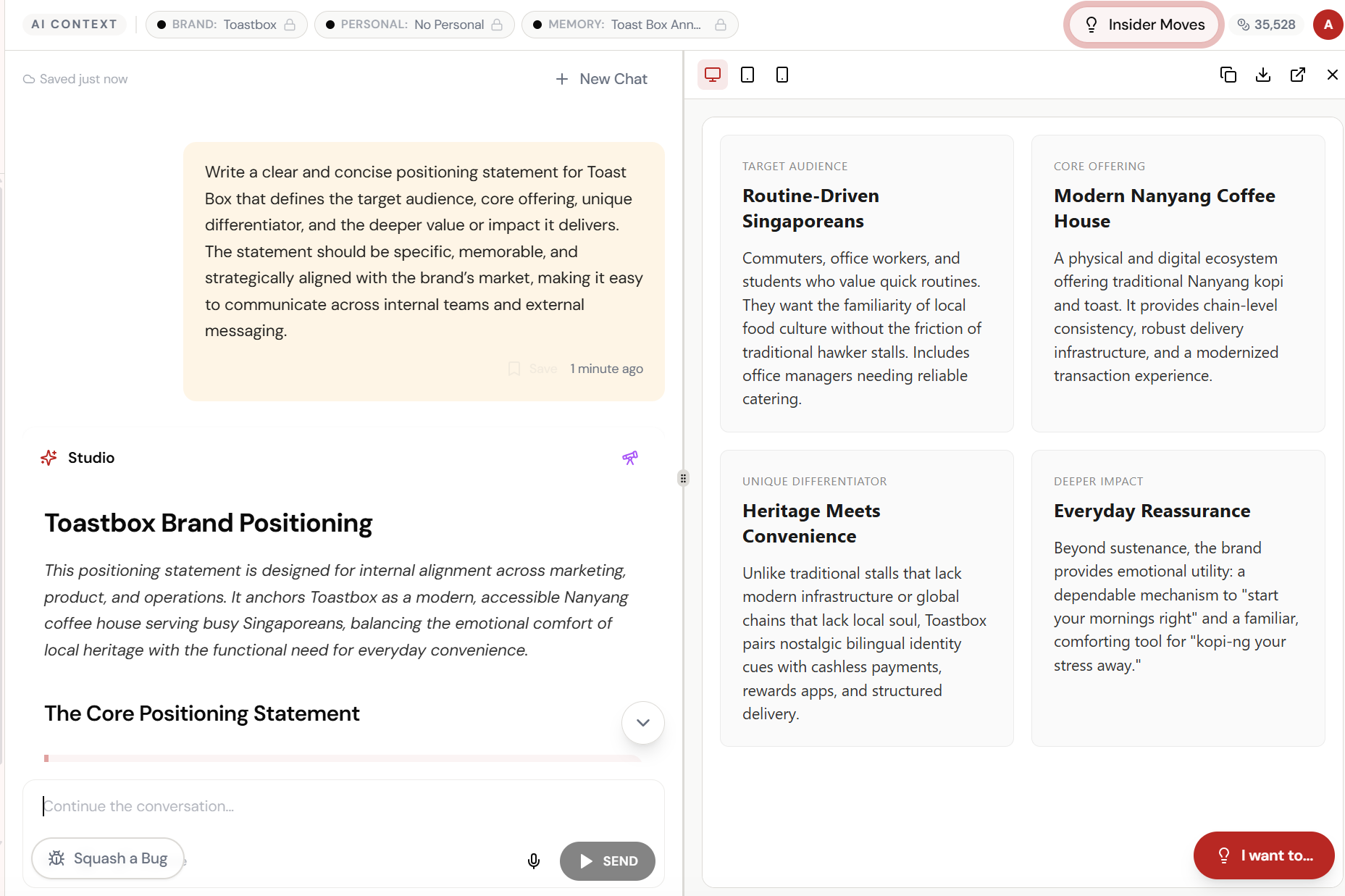
Structured output. Not a wall of text.
Toastbox Brand Positioning \u2014 Target Audience, Core Offering, Unique Differentiator, Deeper Impact. Each section in a clean card layout. Copy, share, or refine.
What Actually Changes
Manual. Repetitive. Time-consuming. Every prompt library + autofill task starts from scratch with no context, no memory, and no brand awareness.
One click. Full context. Prompt Library + Autofill handles it — with your brand, your data, your preferences baked in from the start.
Escape the Messy Middle
See how Prompt Library + Autofill transforms your workflow.