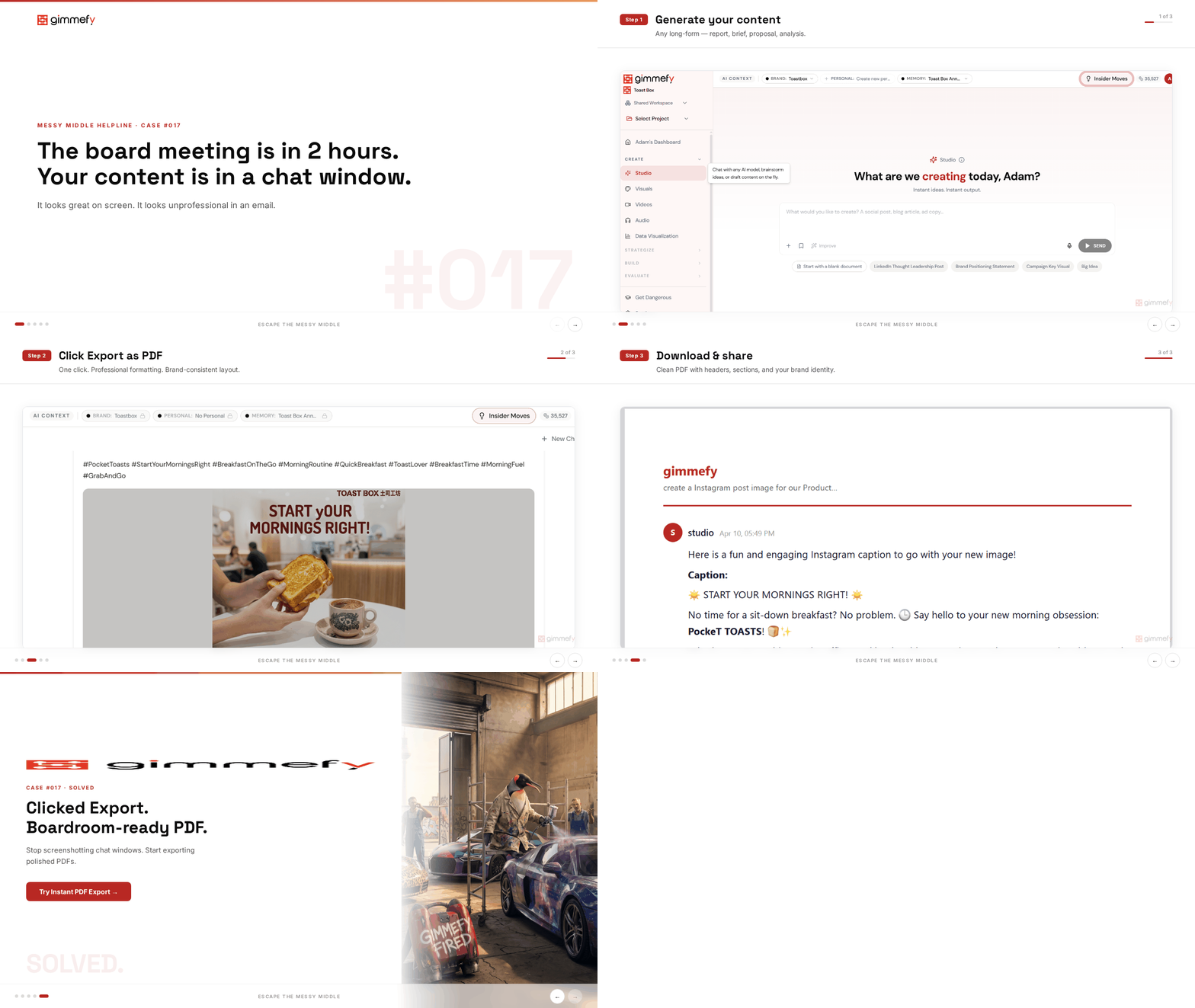
The board meeting is in 2 hours. Your content is in a chat window.
You just created a brilliant competitive analysis. A comprehensive strategy framework. A quarterly review that actually tells a story. It’s all there — in your AI conversation.
Now you need to turn it into something you can present. Copy-paste? The formatting dies. Screenshot? Your credibility dies.
There’s a cruel irony in AI-assisted work: the tool that saved you 3 hours creating the content now costs you 30 minutes extracting it. Copy-paste. Fix formatting. Add headers. Fix formatting again. Export. The font changed. Fix the font.
By the time your AI output is in a presentable document, you’ve spent enough time to question whether AI actually saved you any time at all.
The Hack: One Click. Boardroom-Ready PDF.
Click PDF Export. Your conversation transforms into a professionally formatted document. Headers, structure, clean typography. Ready to email, present, or print. One click. No formatting required.
Your board meeting is in 2 hours. Your document is ready in 2 seconds.
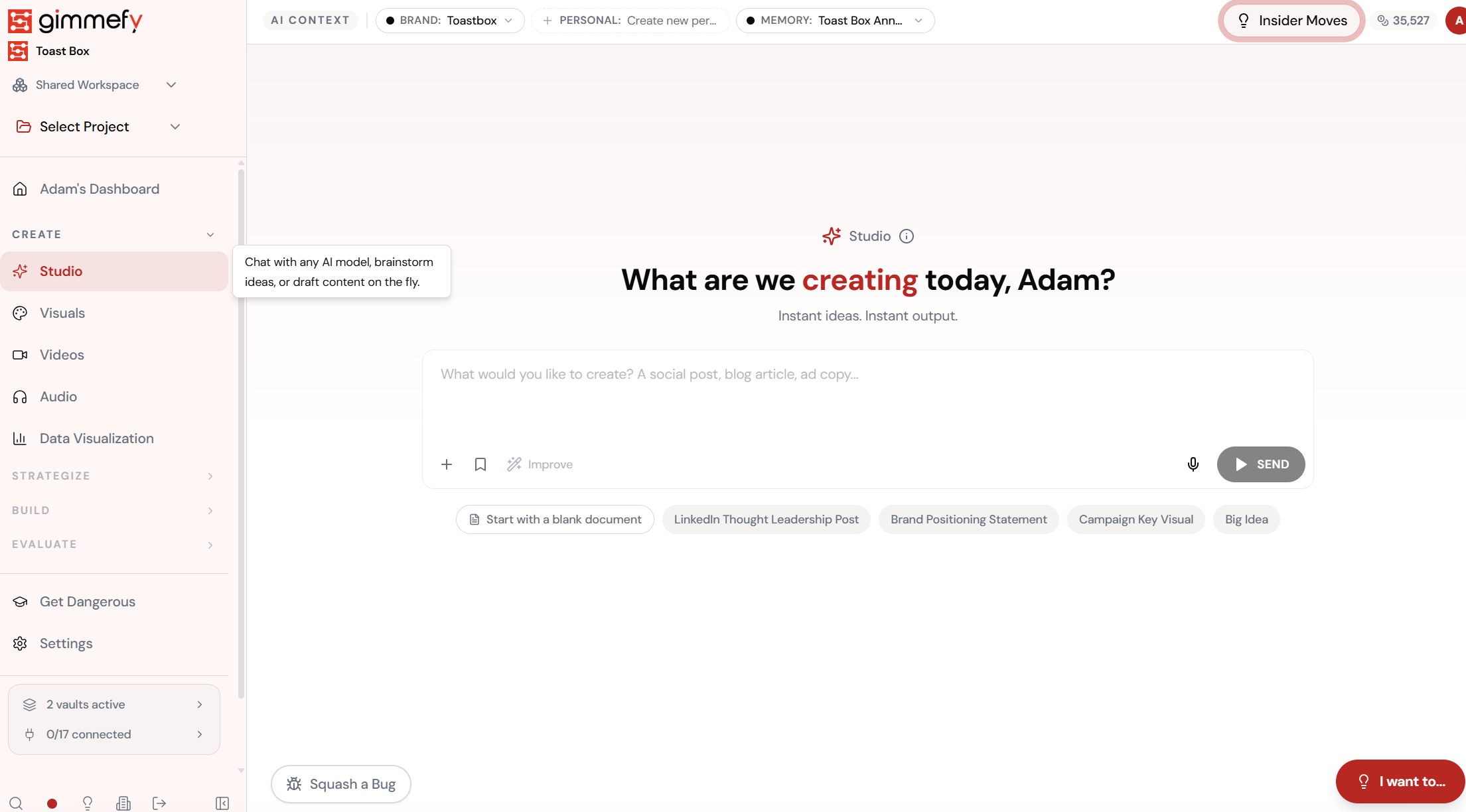
Generate Your Content
Create any long-form content — report, brief, proposal, or analysis.
The 3-Step Walkthrough
Generate Your Content
Brilliant output. Stuck in a chat window. Board meeting in 2 hours.
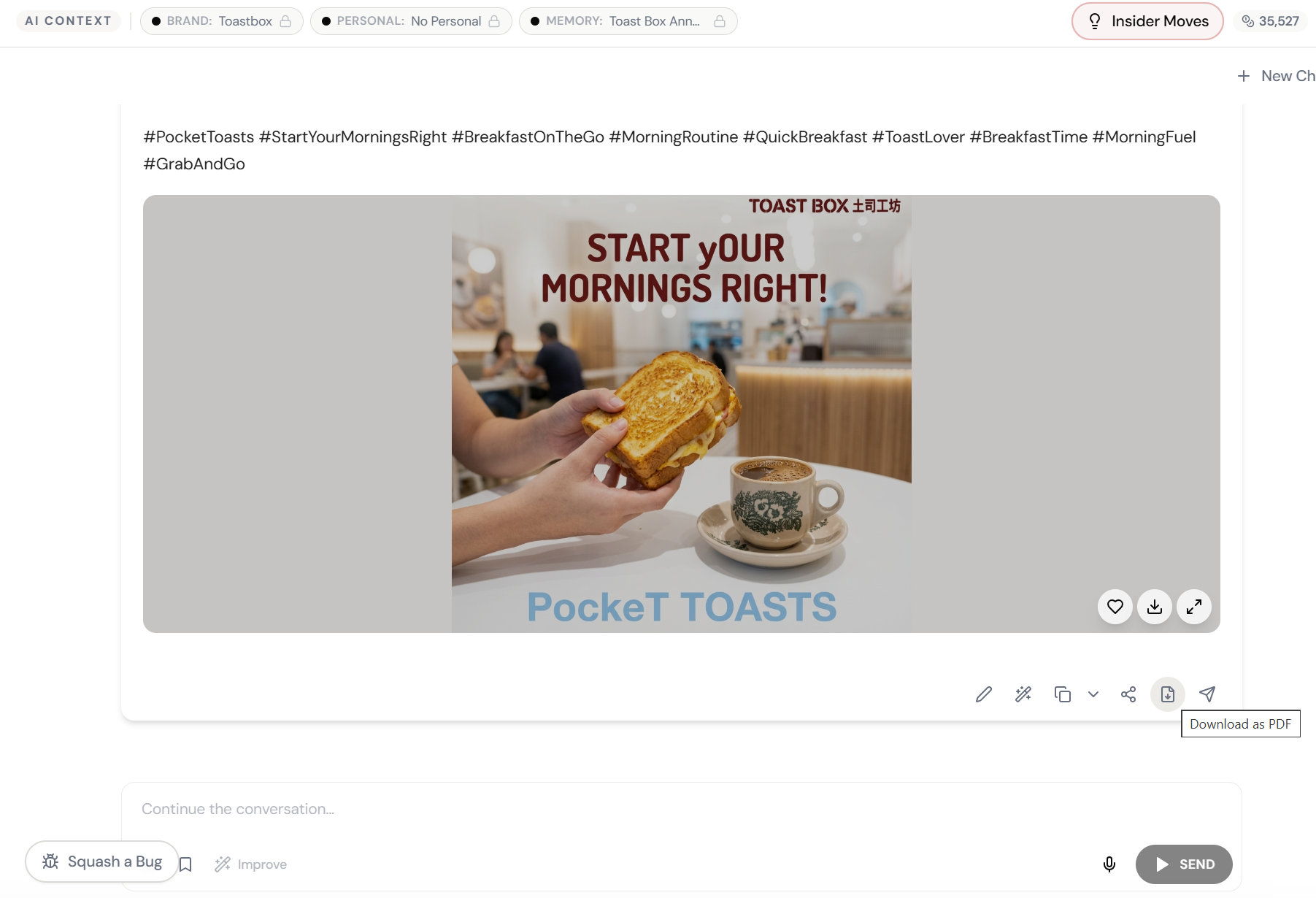
Click PDF Export
One click. Content transforms into a formatted, professional document.
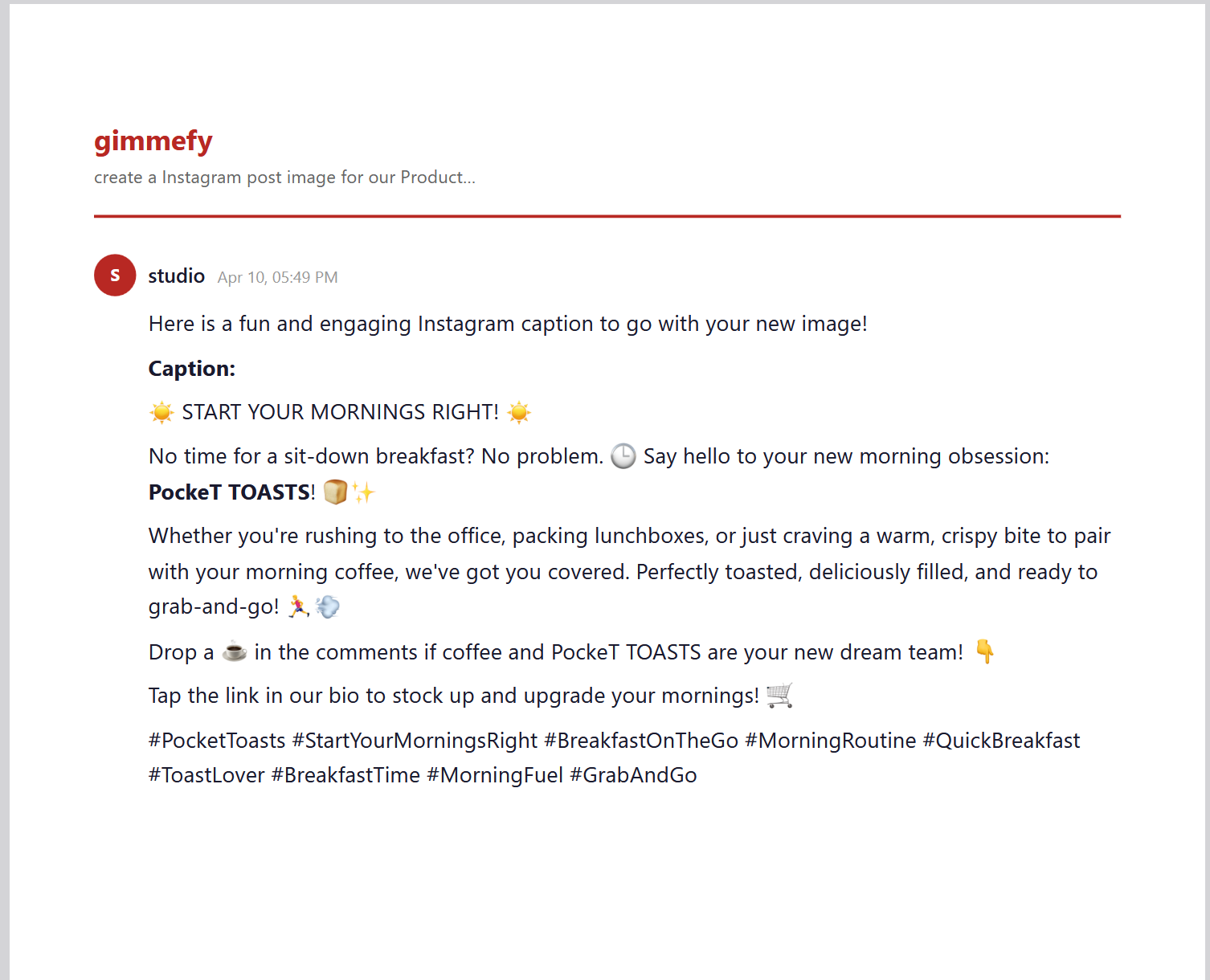
Boardroom-Ready PDF
Professional. Formatted. Headers, structure, clean typography. Ready to impress.
What Actually Changes
Copy. Paste. Formatting breaks. Fix headers. Font changed. Fix font. Add page breaks. Realise the tables didn’t copy. Redo the tables. 30 minutes later you have a Word doc that’s ‘fine.’ Board meeting starts in 10 minutes.
Click PDF Export. Document appears. Professional formatting. Clean structure. Ready to email. Board meeting is in 2 hours. You’re using the extra time for lunch.
The tool that saves you 3 hours creating content shouldn’t cost you 30 minutes extracting it.
Documents Your Work Deserves
The format matters. When your AI output arrives as a polished PDF instead of a chat screenshot, it gets taken seriously. It gets forwarded. It gets discussed in meetings instead of dismissed as “something AI wrote.”
PDF Export is the bridge between AI-generated work and professional-grade deliverables. One click. The content you created deserves the format to match.
Quick Answers
What does the PDF look like?
Clean, professional formatting with proper headers, typography, and structure. Think: a polished report, not a chat transcript.
Can I customize the PDF format?
The PDF uses professional defaults. For more control over document format, you can also use Skills and Playbooks that output directly as structured deliverables.
Does it work with long conversations?
Yes. Whether your conversation is 3 messages or 30, the PDF export structures the content into a readable document.