You just created something brilliant. Now you need to share it with someone who doesn’t use gimmefy.
Your stakeholder. Your client. Your CEO at midnight. They need to see this output. They don’t have a login. They don’t use AI tools. And “here’s a screenshot of my chat window” is not how a professional shares work.
Copy-paste into Word? The formatting breaks. Screenshot? Looks amateur.
The last mile of AI-assisted work is always the same: getting the output out of the AI tool and into the hands of someone who needs to see it. And that last mile is usually ugly.
You copy. You paste. The formatting breaks. You fix the formatting. The bullet points disappear. You re-add the bullet points. You email a Word doc that looks like it was assembled in 2003. The brilliant AI output that took 5 minutes to create now takes 15 minutes to make presentable.
The Hack: One Link. Beautiful Format. No Login Needed.
Click Share. Generate a public link. Send it. Done. Your stakeholder sees a beautifully formatted page with your AI output — clean, professional, readable. No login required. No gimmefy account needed.
One link in Slack. Everyone’s aligned. Meeting cancelled.
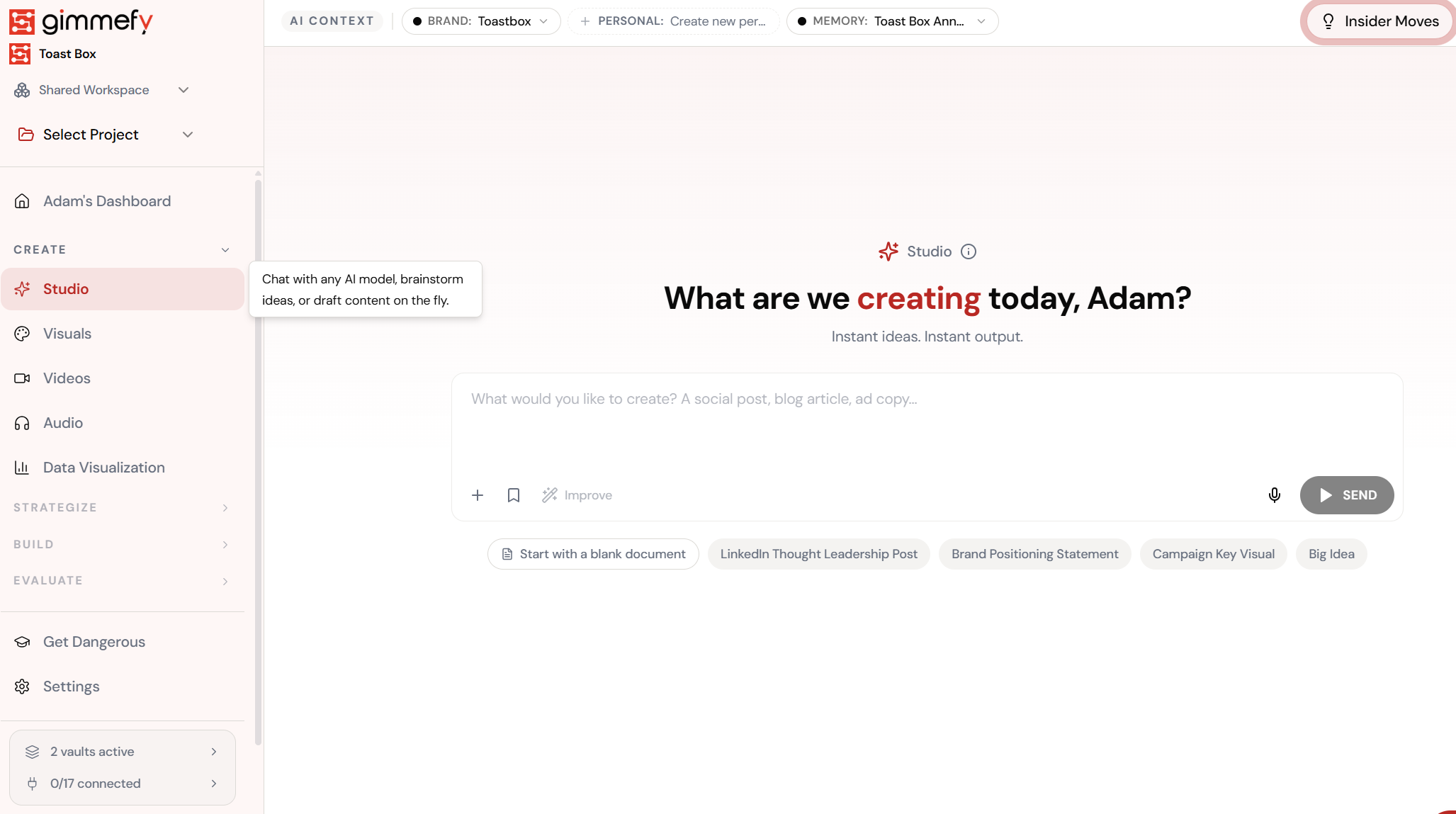
Generate Your Content
Create anything — blog post, campaign copy, competitive analysis, visual content.
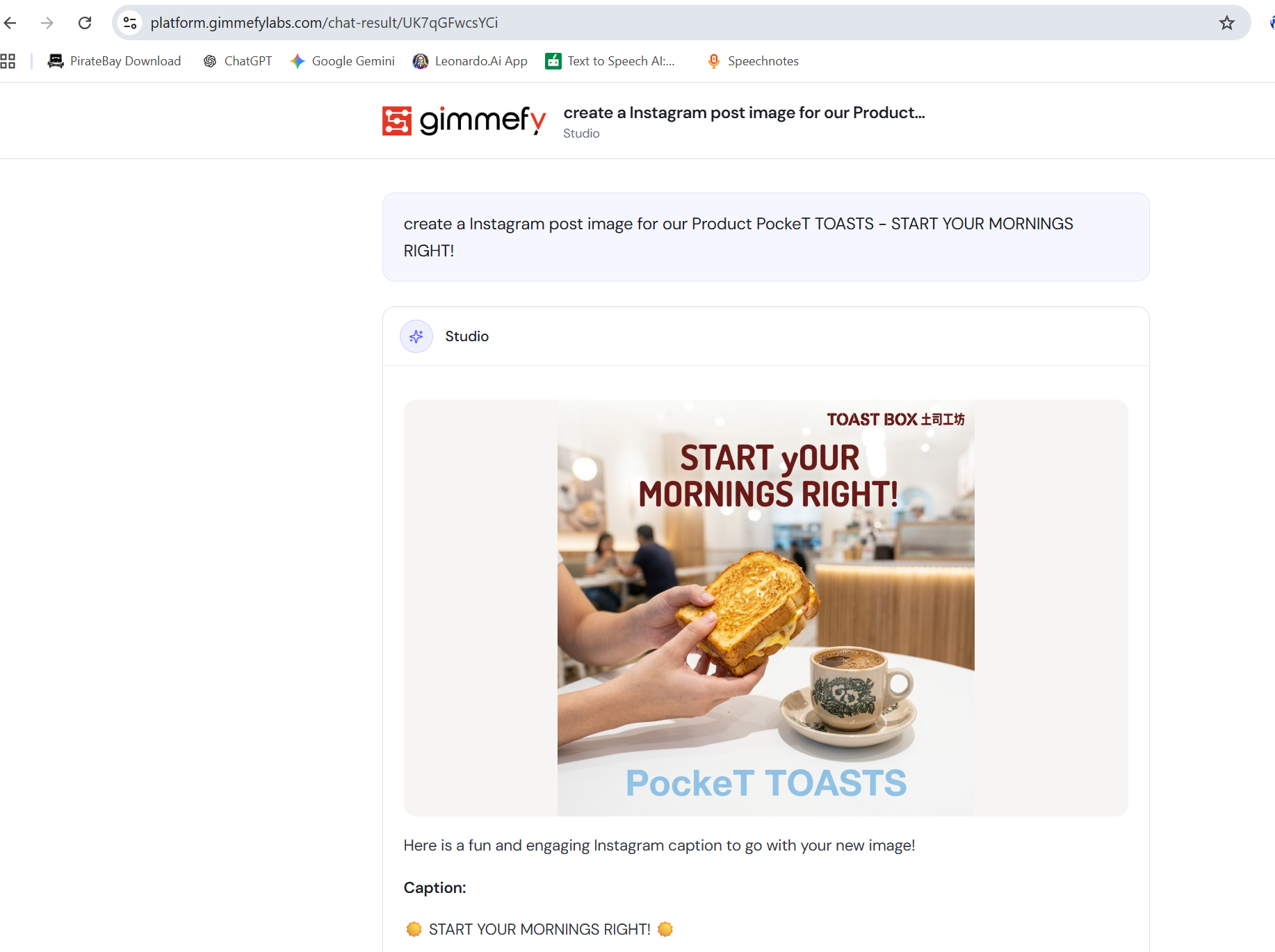
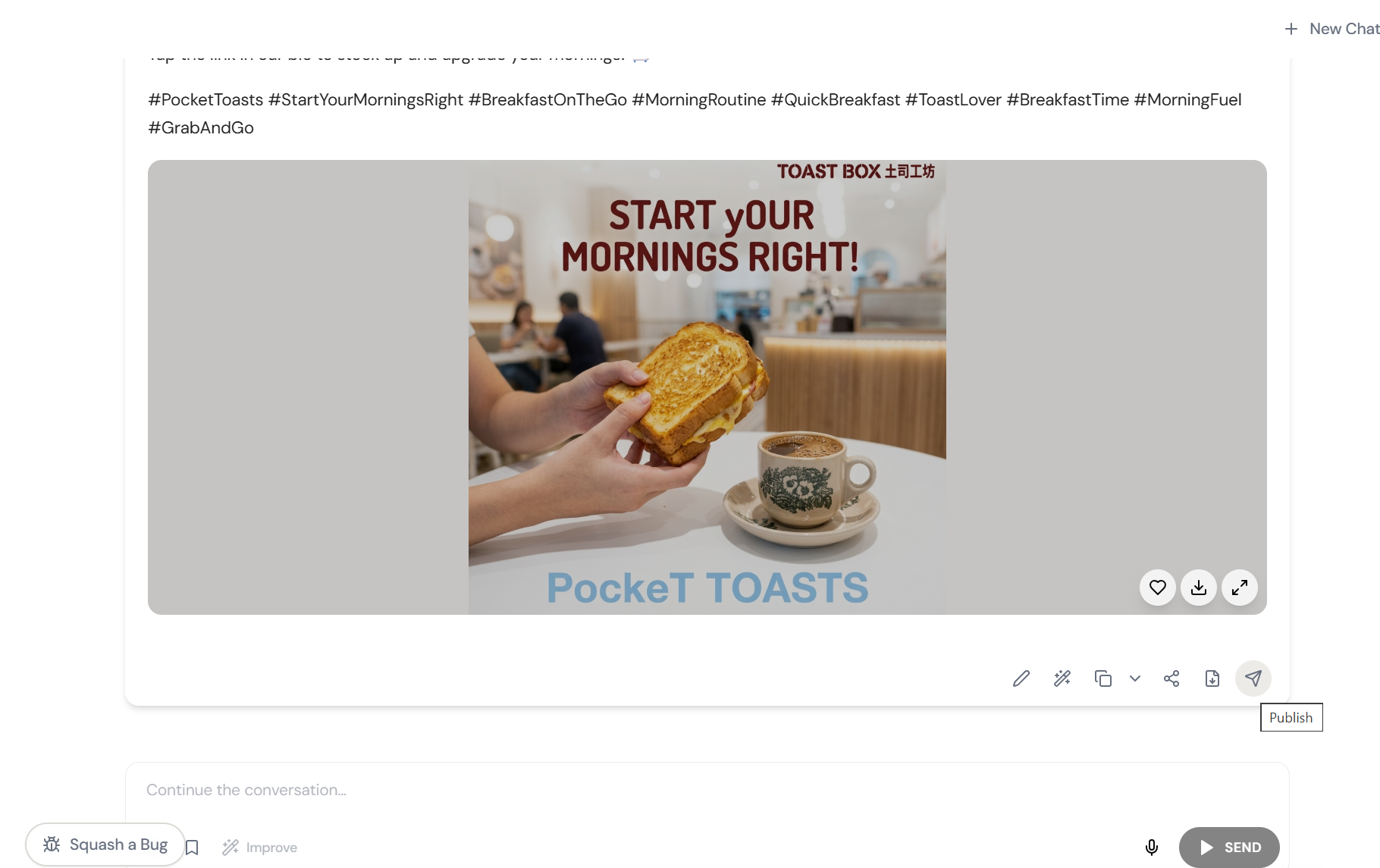
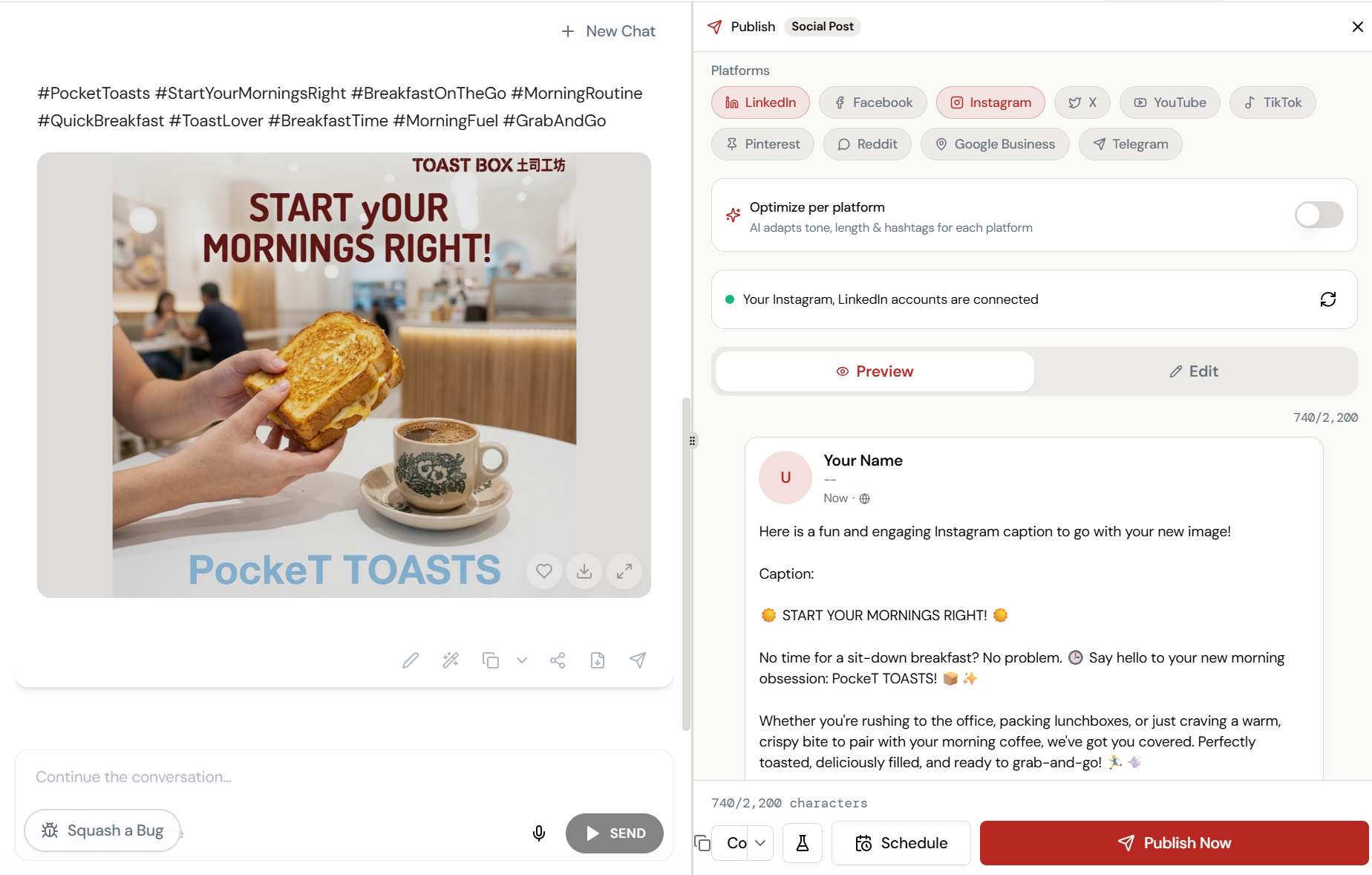
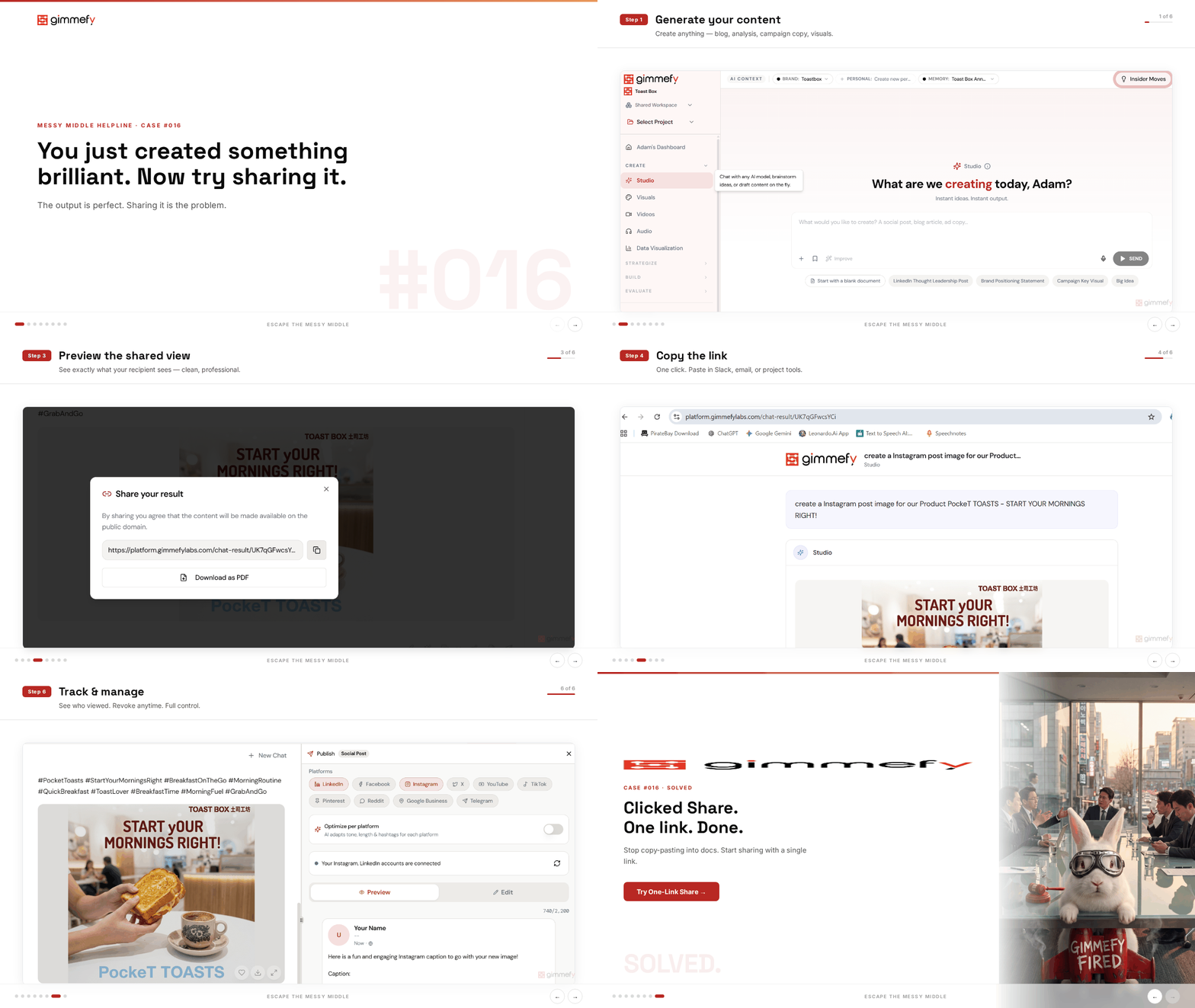
The 6-Step Walkthrough
Create Your Output
Something brilliant. A strategy, a campaign brief, an analysis. Now your stakeholder needs to see it.
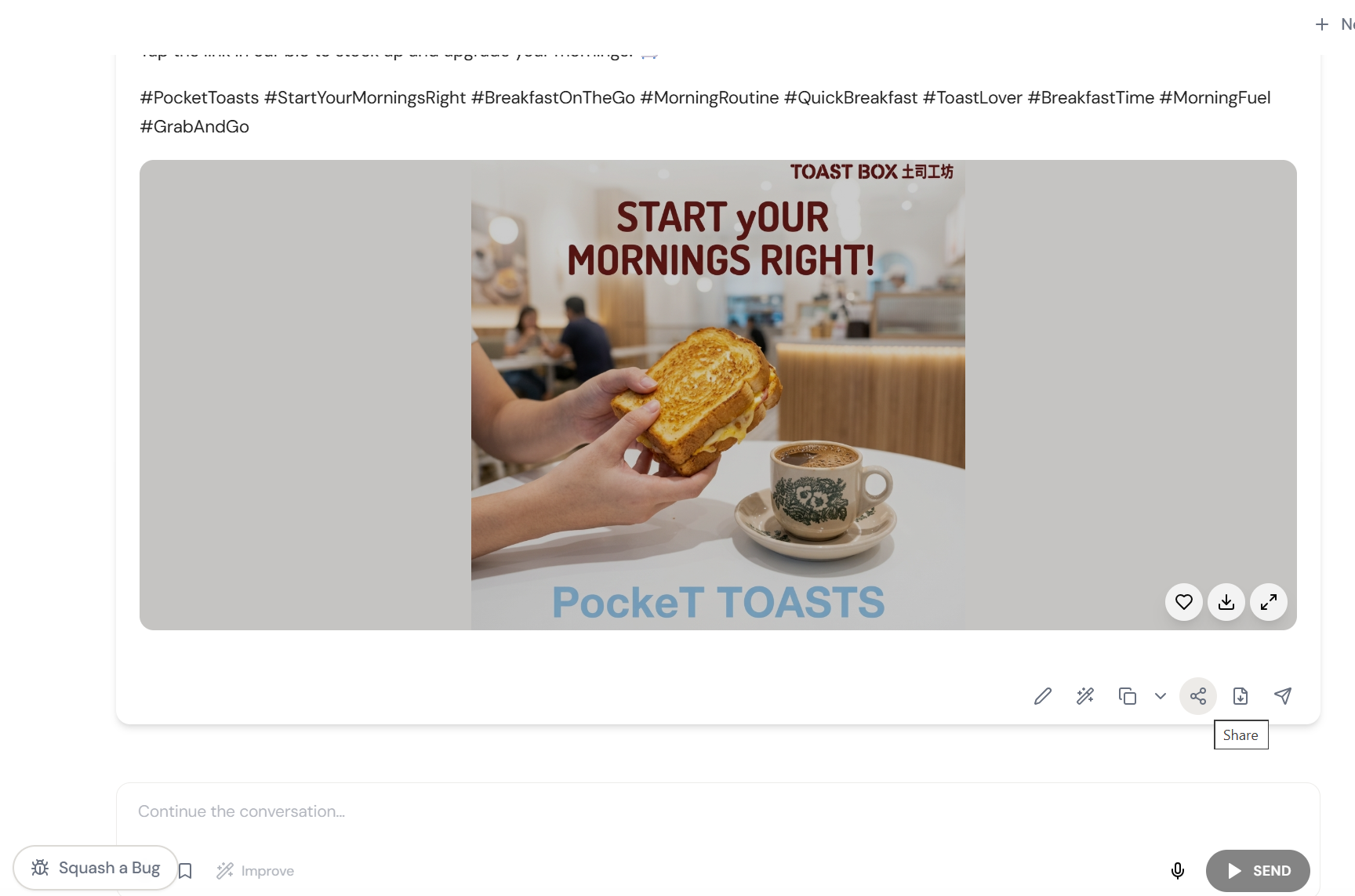
Click Share
One button in the header. Your sharing options appear.
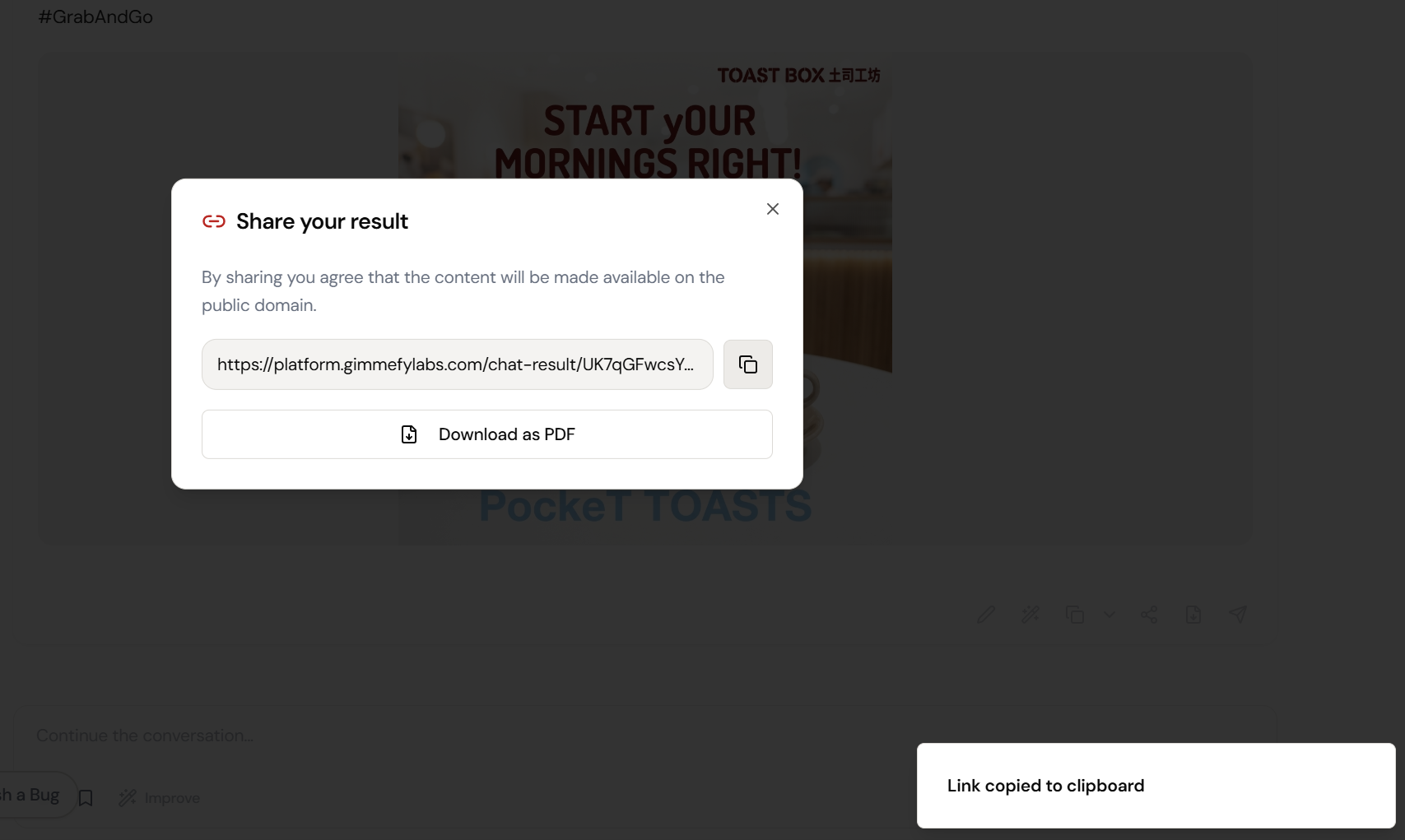
Generate Public Link
No login needed for the viewer. No gimmefy account required. One click.
Preview the Share
Beautifully formatted. Professional. Clean typography. Ready to send.
Stakeholder’s View
Clean, readable, impressive. They see the content. Not the tool.
Mission Accomplished
One link in Slack. Everyone’s aligned. The meeting you were going to schedule? Cancelled.
What Actually Changes
Screenshot, crop, paste into an email. Or copy-paste into a Google Doc with broken formatting. Or schedule a meeting to ‘walk them through it.’ The output was brilliant. The delivery was amateur.
Click Share. Copy link. Paste in Slack. Stakeholder opens a beautifully formatted page. Reads it. Replies ‘this is great.’ No meeting. No formatting. No login.
The last mile of AI-assisted work shouldn’t require a formatting degree. One link. Professional presentation. No login needed.
Sharing as Strategy
When sharing is frictionless, collaboration changes. You share early. You share often. You share drafts for input instead of scheduling meetings to “discuss the approach.” The speed of feedback increases because the speed of sharing increased.
And when the output looks professional without any formatting effort, your AI work gets taken as seriously as it deserves.
Quick Answers
Does the viewer need a gimmefy account?
No. Public links are viewable by anyone with the link. No login, no account, no friction.
Can I control access?
Yes. You can create team-only links (requires login) or public links (anyone with the URL). You can also revoke links at any time.
What does the shared page look like?
Clean, professional, beautifully formatted. Think: a polished web page, not a chat screenshot. Your content, presented properly.