




The AI output is perfect. Now make it a PDF.
The content is ready. The client expects a PDF. Your current workflow: copy from AI, paste into Google Docs, format for 20 minutes, export as PDF. The formatting breaks. You fix it. Export again. It breaks differently.
The Hack: The Instant PDF
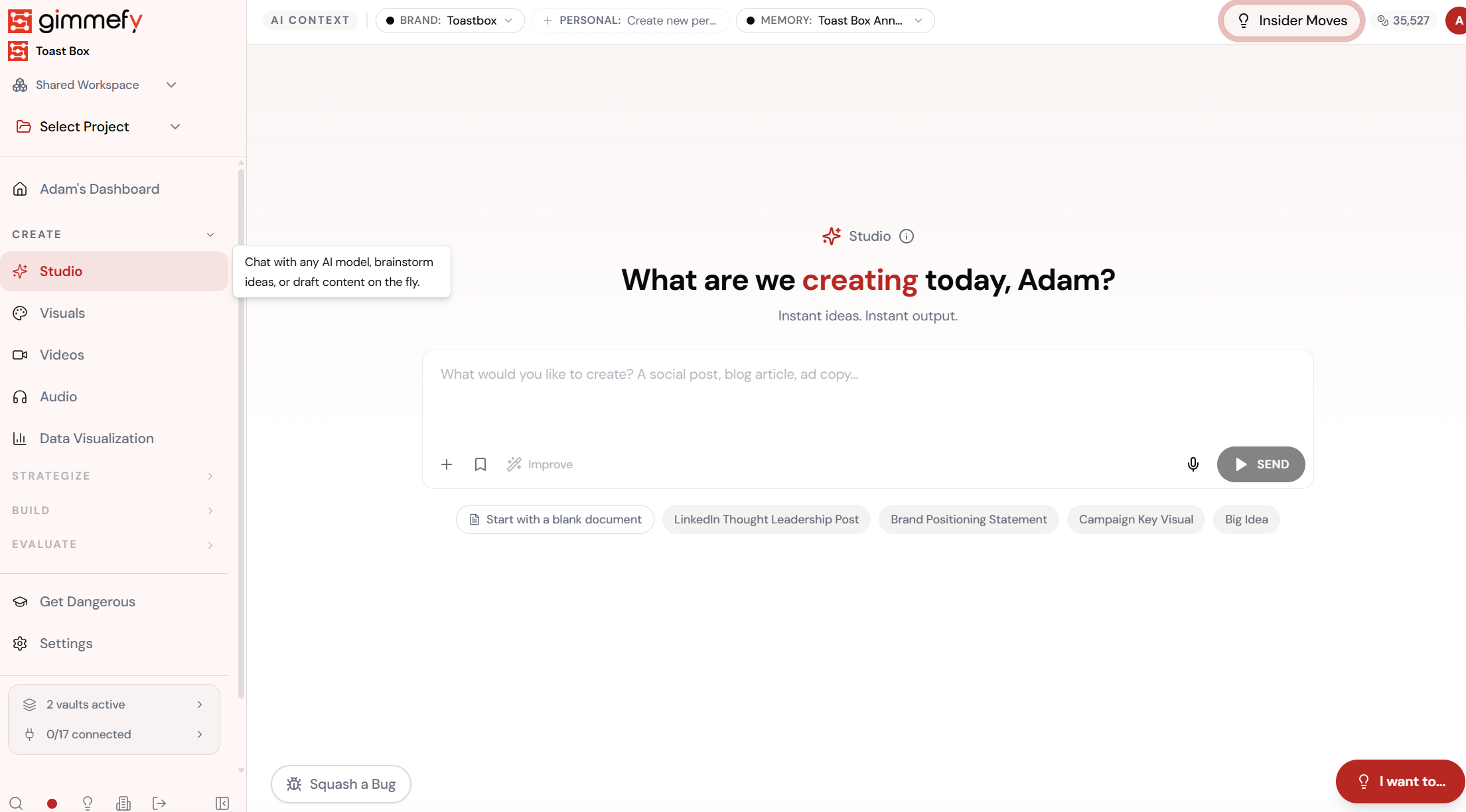
Open Export to PDF. Here’s what you see.
Navigate to Export to PDF — the interface is clean, focused, and ready for your input.
The Walkthrough
Open Export to PDF. Here’s what you see.
Navigate to Export to PDF — the interface is clean, focused, and ready for your input.
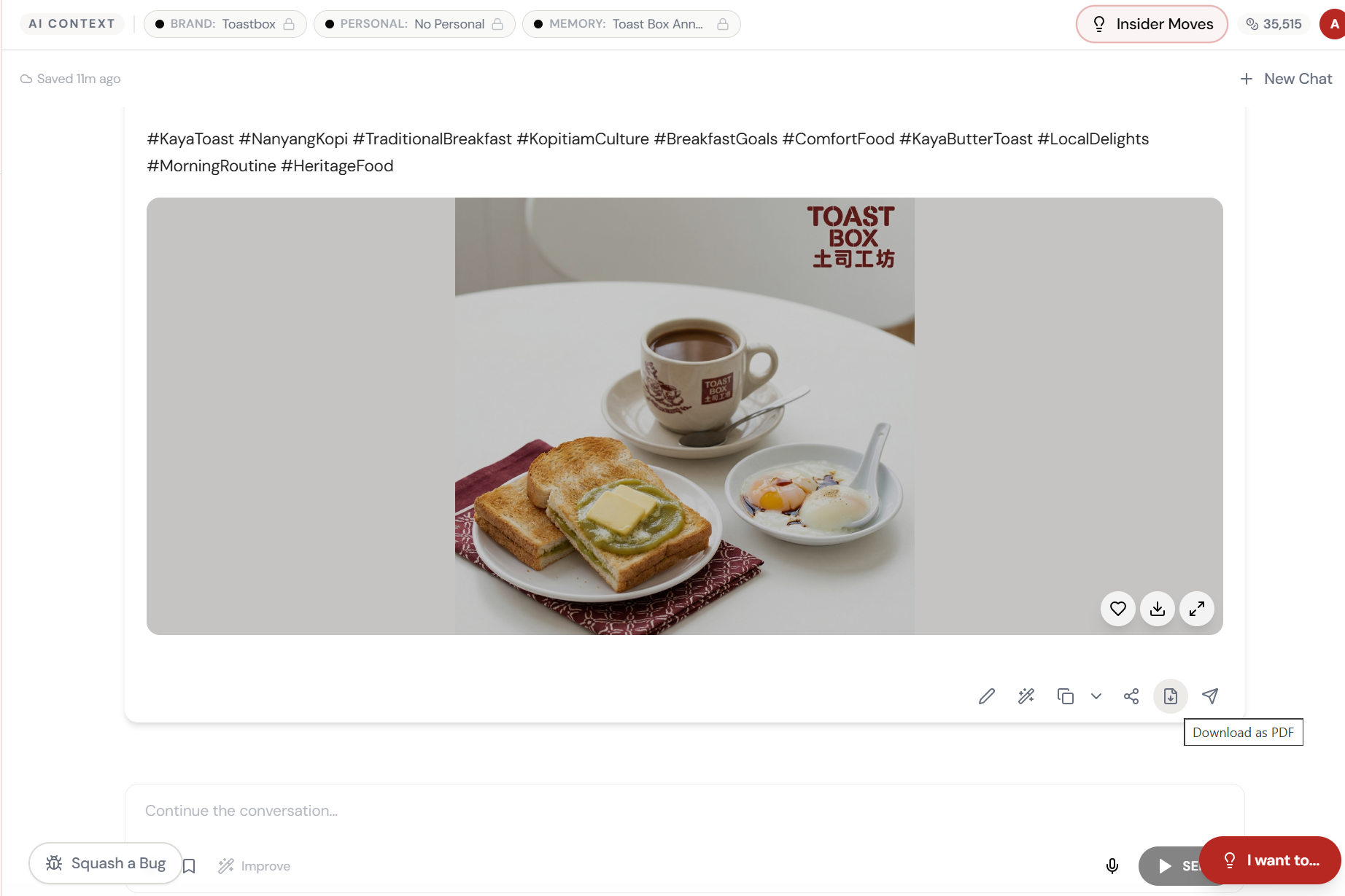
Click the PDF icon. Download.
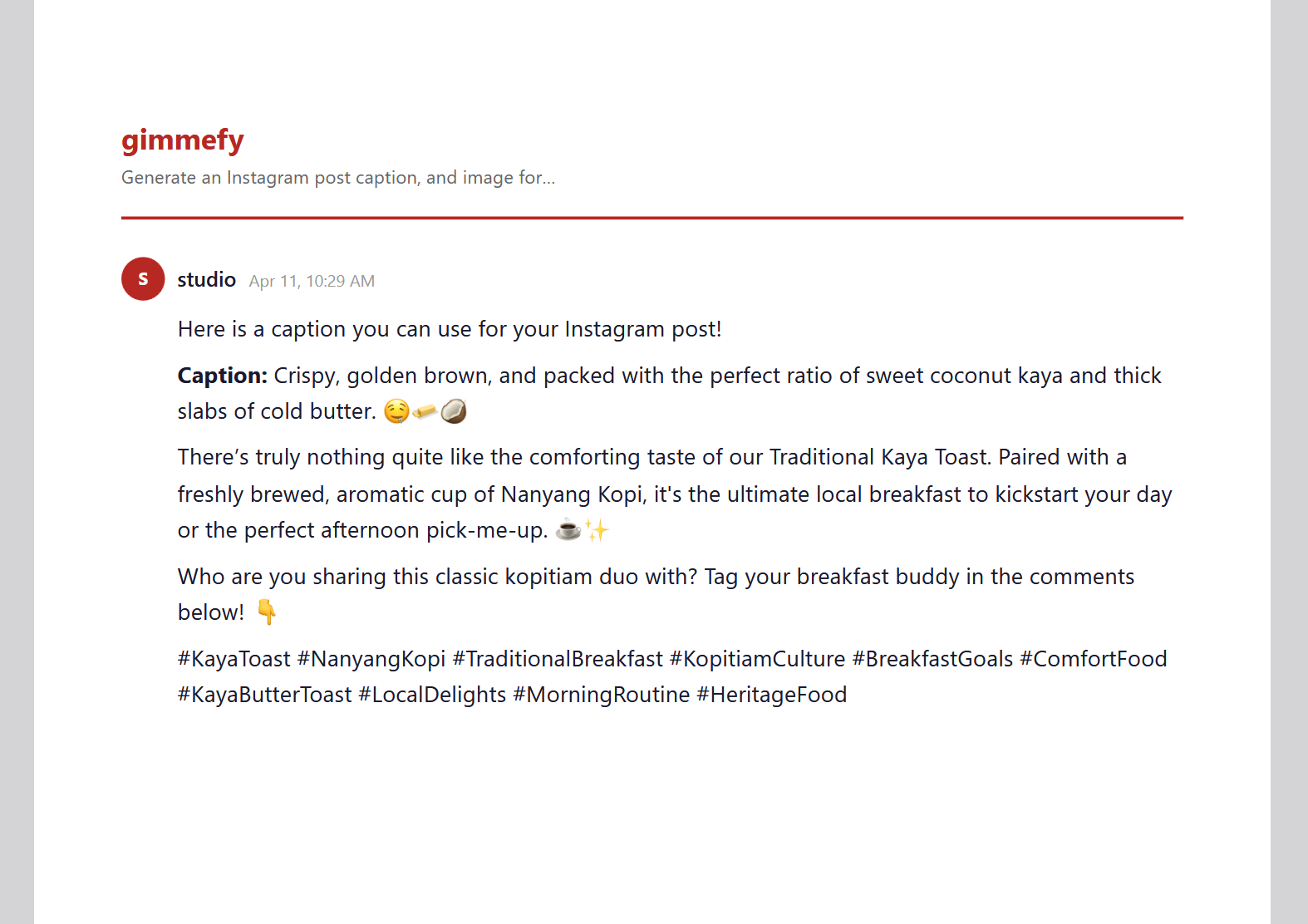
Every Studio output has a Download as PDF button. One click — your content is exported as a clean, branded PDF with gimmefy formatting.
Branded. Formatted. Ready to send.
The PDF includes your prompt, the AI’s response, timestamps, and gimmefy branding — a professional document ready for clients, stakeholders, or your own records.
What Actually Changes
Manual. Repetitive. Time-consuming. Every export to pdf task starts from scratch with no context, no memory, and no brand awareness.
One click. Full context. Export to PDF handles it — with your brand, your data, your preferences baked in from the start.