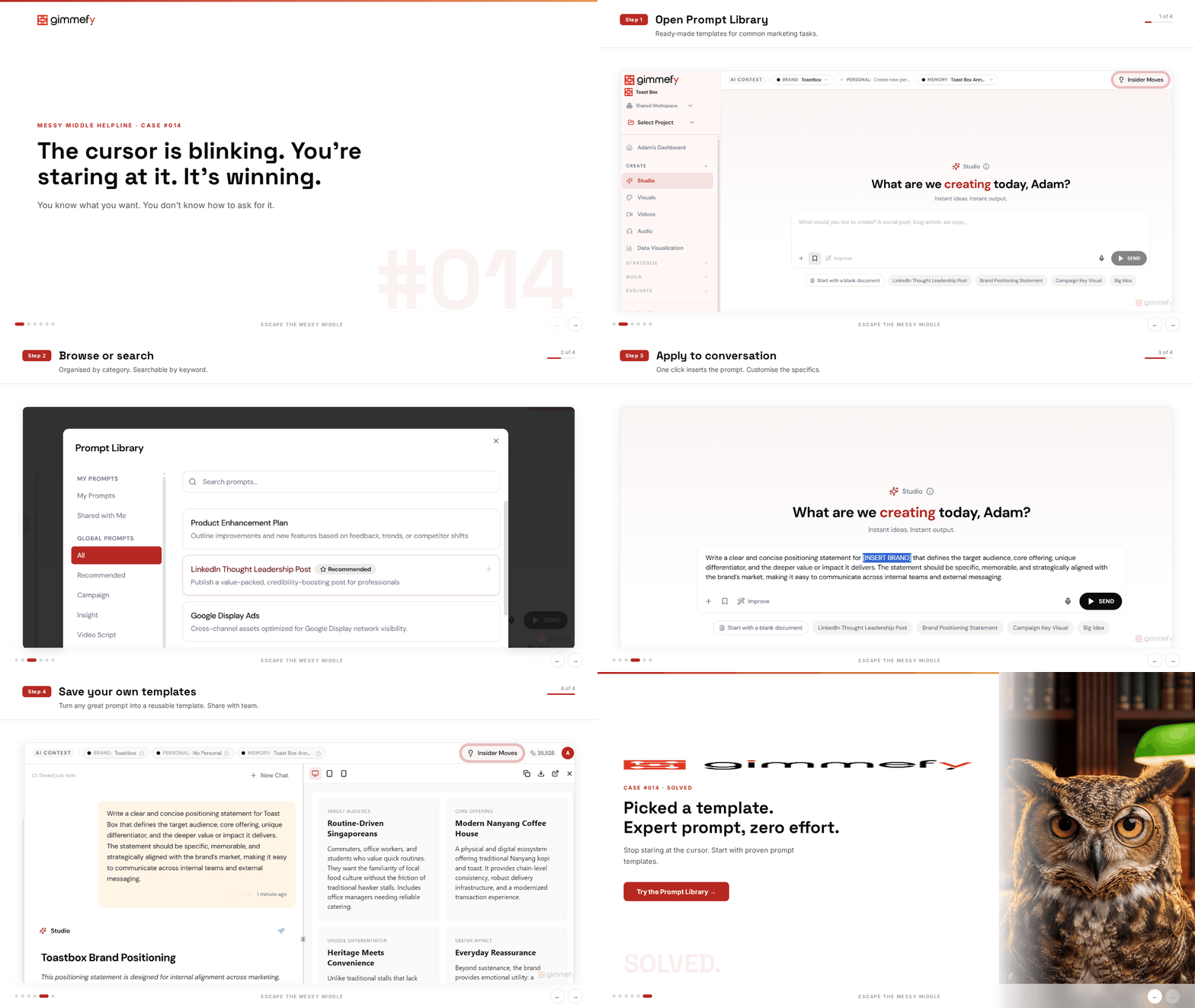
The cursor is blinking. You’re staring at it. It’s winning.
You type: “Write me a blog post about our new product launch.” The AI writes a blog post. It’s generic. It’s flat. It reads like every other AI-generated blog post on the internet.
The problem isn’t the AI. The problem is that “write me a blog post about X” is a terrible prompt. But you’re a marketer, not a prompt engineer.
Here’s an uncomfortable truth: the quality of your AI output is directly proportional to the quality of your prompt. And most marketers — through absolutely no fault of their own — write prompts that are too vague, too short, and missing the context that makes AI actually useful.
“Write me a blog post” gives you a blog post. “Write a 1,200-word thought leadership piece targeting CMOs at mid-market B2B companies, using a conversational but authoritative tone, structured around three counterintuitive insights about…” gives you something publishable.
The gap between those two prompts is the gap between AI being a novelty and AI being a tool. Most people are stuck in the first camp because nobody taught them the second.
The Hack: 50+ Expert Prompts, Zero Prompt Engineering
gimmefy’s Prompt Library gives you 50+ expert-crafted prompt templates covering every common marketing task. Thought leadership. Brand positioning. Content calendars. Campaign briefs. Social strategy. Each one is structured to extract the best possible output from AI.
You pick a template. Fill in your specifics. Send. The prompt engineering is done for you. The output doesn’t know you didn’t write the prompt.
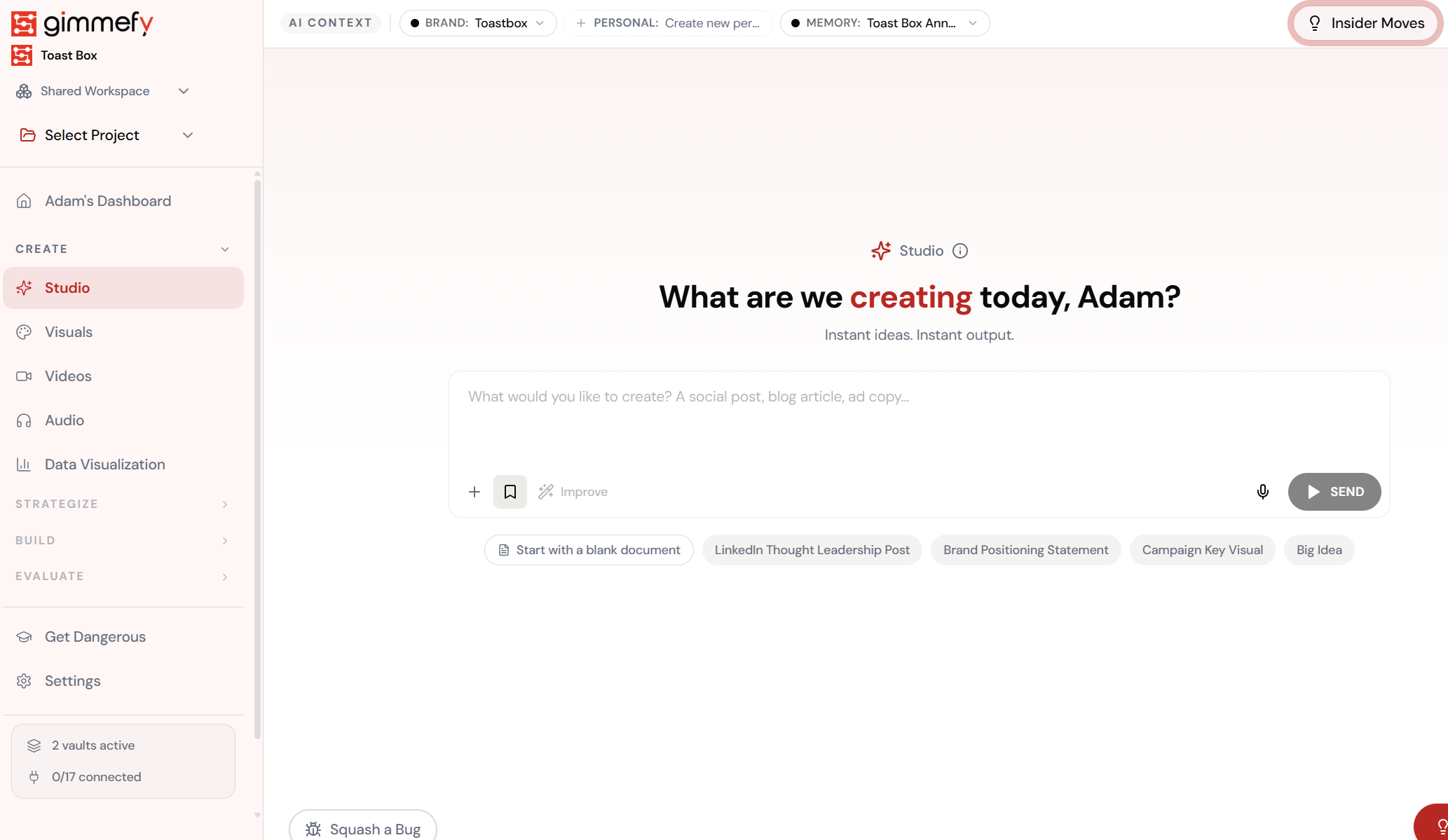
Open Prompt Library
Access your collection of saved prompts — ready-made templates for common tasks.
The 4-Step Walkthrough
Open Prompt Library
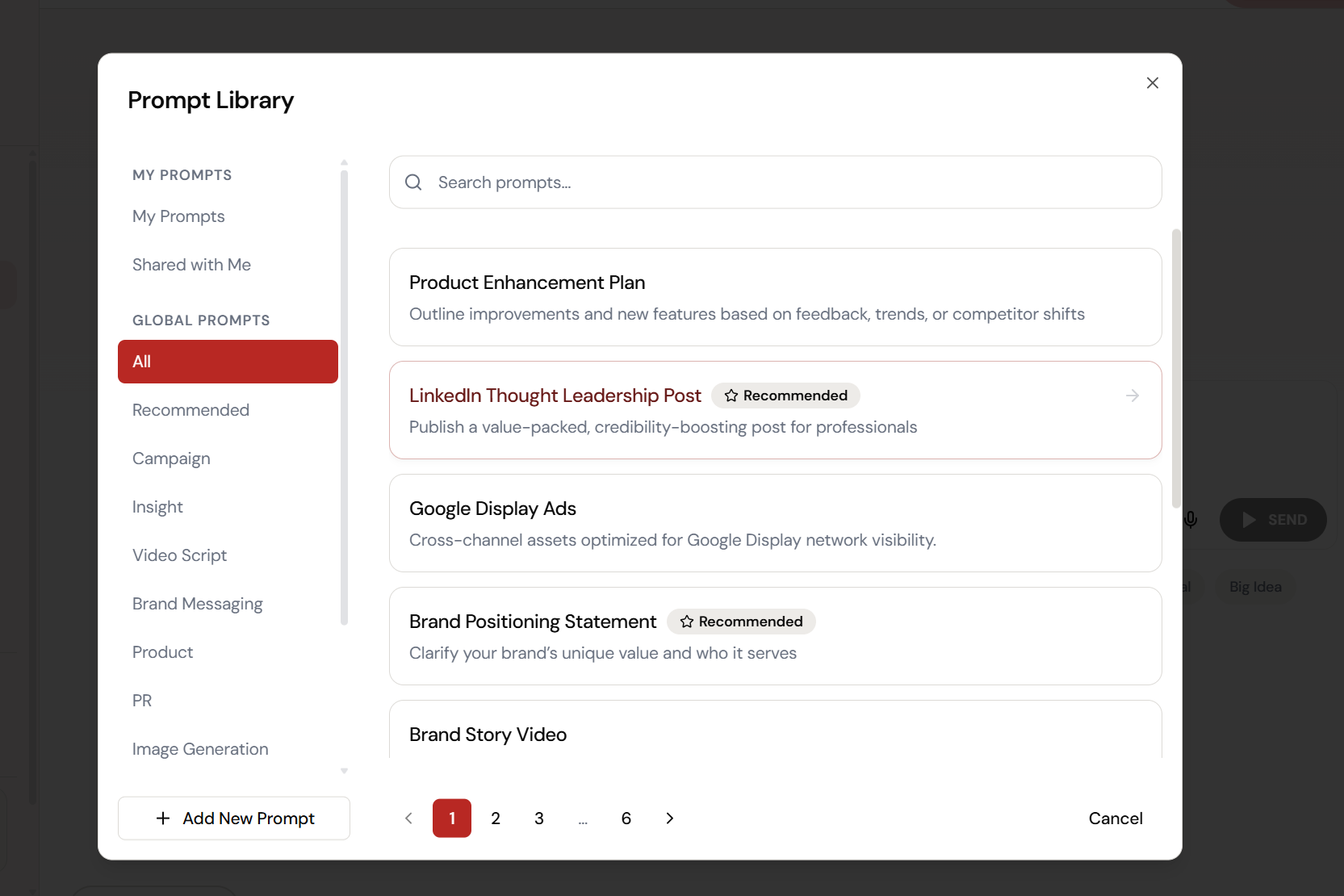
50+ expert templates. Zero prompt engineering required. Browse by category.
Browse Templates
Thought leadership, brand positioning, content plans, campaign briefs — pick the one that fits.
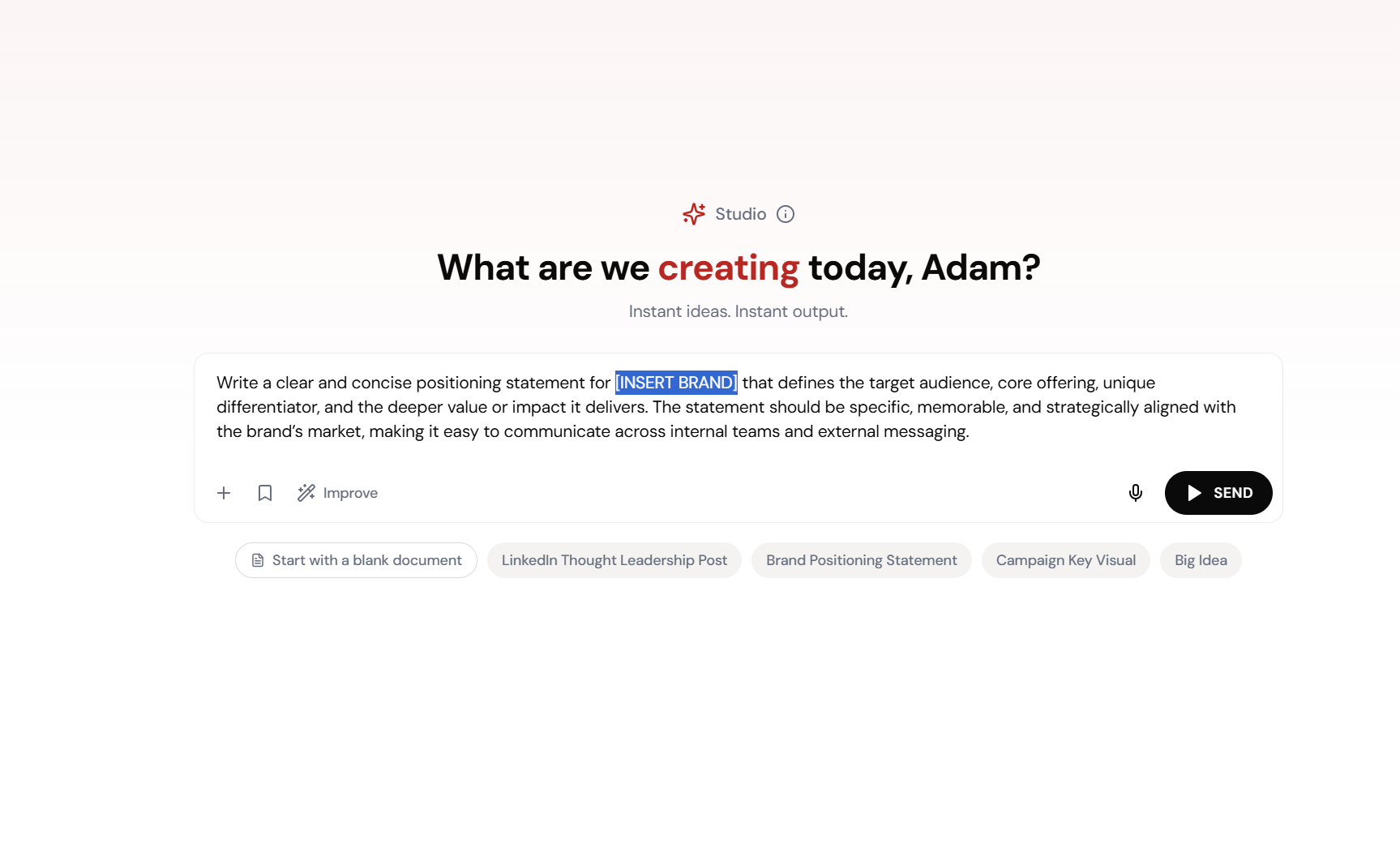
Customize and Send
Fill in your details. The structure, the framework, the best practices — all baked into the template.
Expert-Level Output
You didn’t write the prompt. The output doesn’t know that. Professional quality from a template.
What Actually Changes
Blank cursor. You type something vague. Get something generic. Re-prompt. Get something differently generic. Wonder why everyone says AI is so transformative. Close the tab.
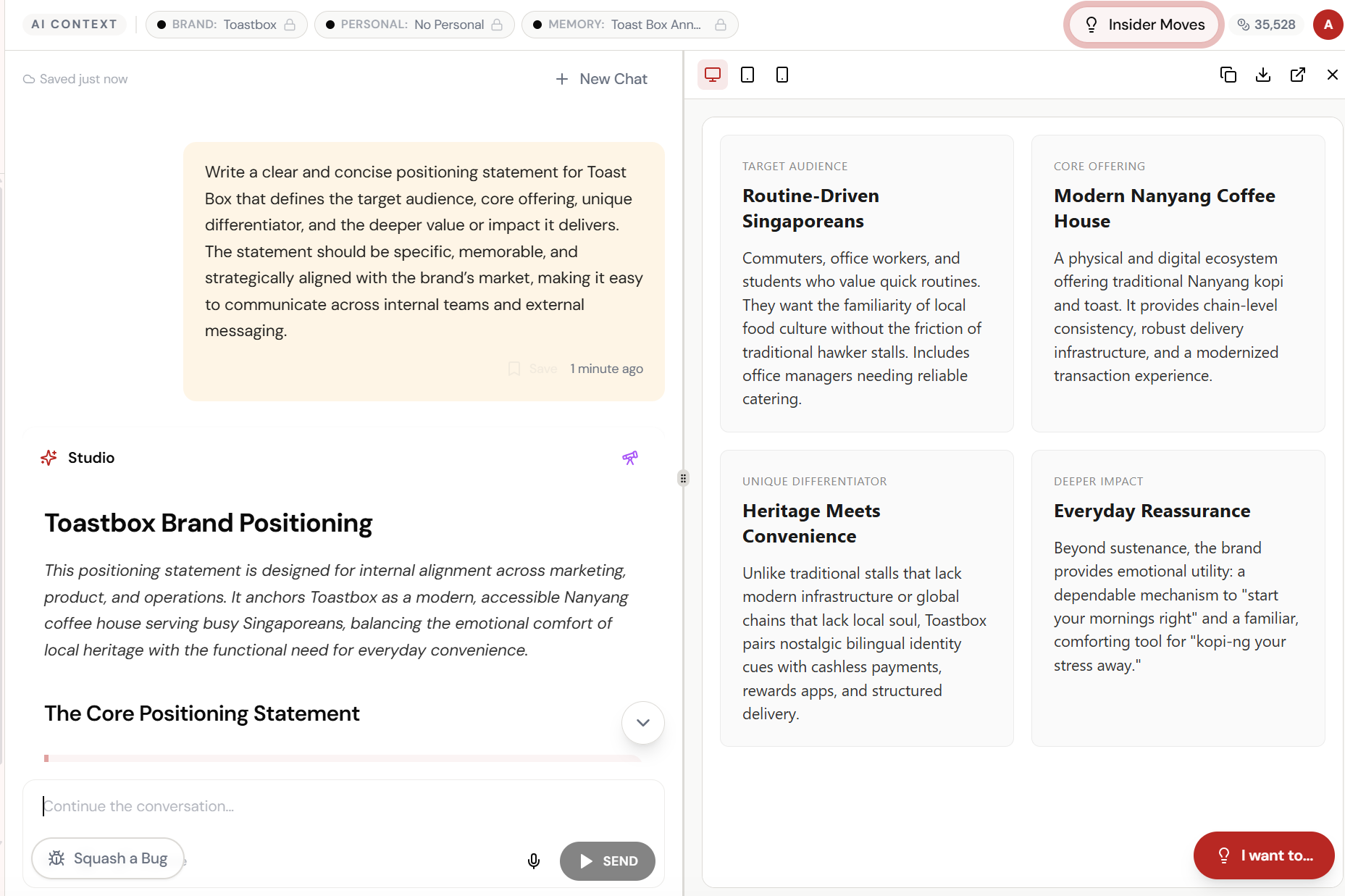
Open Prompt Library. Pick ‘Thought Leadership.’ Fill in your topic and audience. Send. Get a structured, detailed, expert-level piece that you’ll actually want to edit and publish.
The prompt is the product. Most people are writing the equivalent of a one-line brief and expecting a full campaign back.
Save Your Own Prompts Too
Found a prompt that works brilliantly? Save it to the library. Your whole team can reuse it. The prompt that got you that perfect email sequence? Now it’s a template. Consistency across the team without a training session.
Over time, your Prompt Library becomes a playbook of what works for your brand. Institutional knowledge, codified as prompts.
Quick Answers
Can I create my own templates?
Yes. Save any prompt to the library. Add a title and description so your team can find it. Your custom templates sit alongside the 50+ pre-built ones.
Do the templates work with Brand Vault?
Absolutely. Prompt templates + Brand Vault = expert-level prompts with full brand context. It’s the combination that produces genuinely great output.
Are the templates for Studio only?
The Prompt Library is accessible across capabilities. Use templates in Studio, Skills, Maestros, and more. Same prompts, different contexts.
Browse the Prompt Library
50+ expert prompts. Your marketing, but with better instructions.