



The first draft is 80% there. The last 20% takes 80% of the time.
The structure is right. The argument is sound. But the tone is off, the transitions are clunky, and paragraph three reads like it was written by a different person. You need a polish, not a rewrite.
The Hack: The One-Click Polish
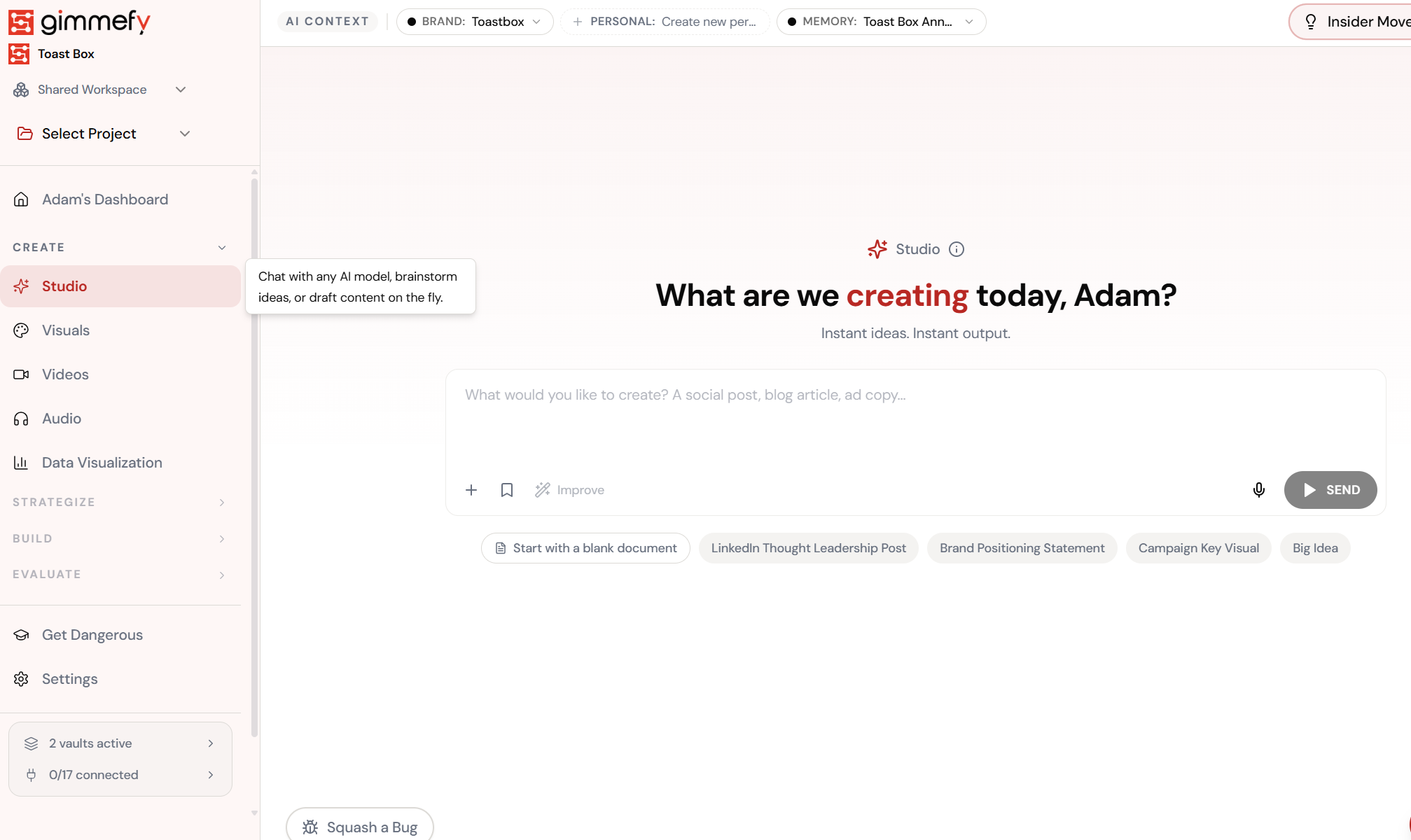
Open Improve Button. Here’s what you see.
Navigate to Improve Button — the interface is clean, focused, and ready for your input.
The Walkthrough
Open Improve Button. Here’s what you see.
Navigate to Improve Button — the interface is clean, focused, and ready for your input.
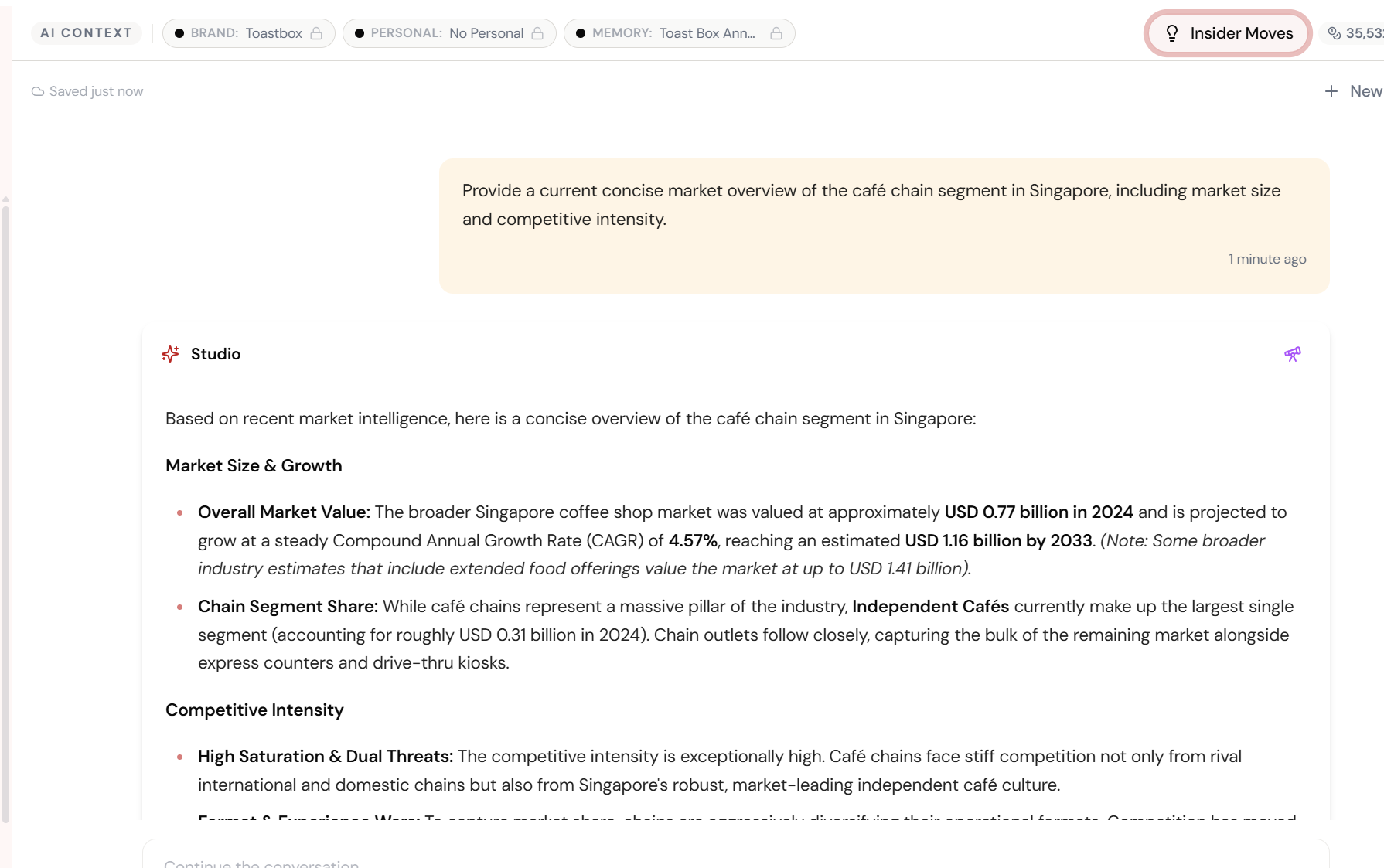
Good output. Now make it great.
Studio generates a market overview with real data. It’s solid. But you want it sharper. Instead of rewriting the prompt, you click one button.
Fine-tune the details.
Adjust settings, add context, or refine your prompt. Improve Button gives you control without complexity.
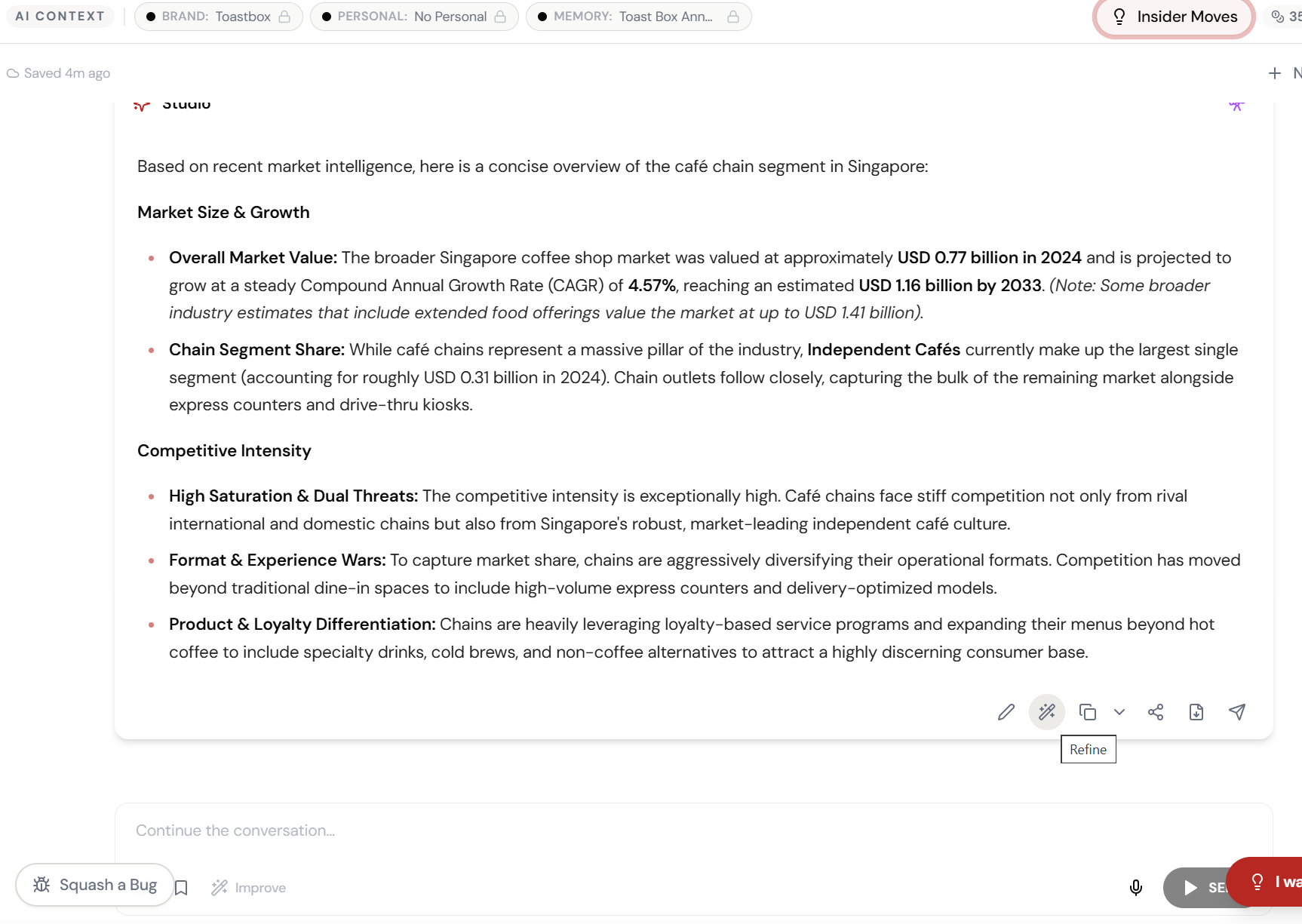
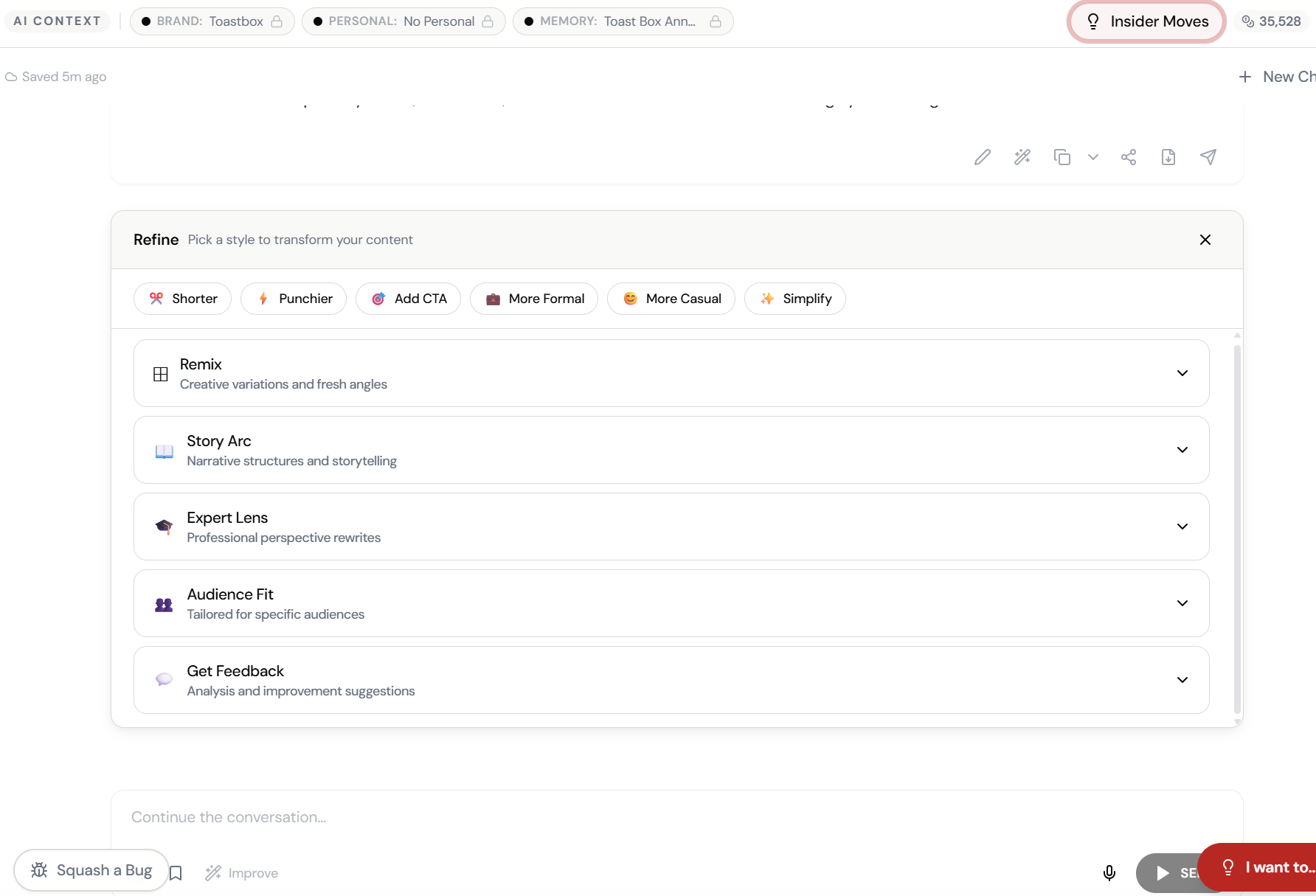
Shorter. Punchier. Expert Lens. One click.
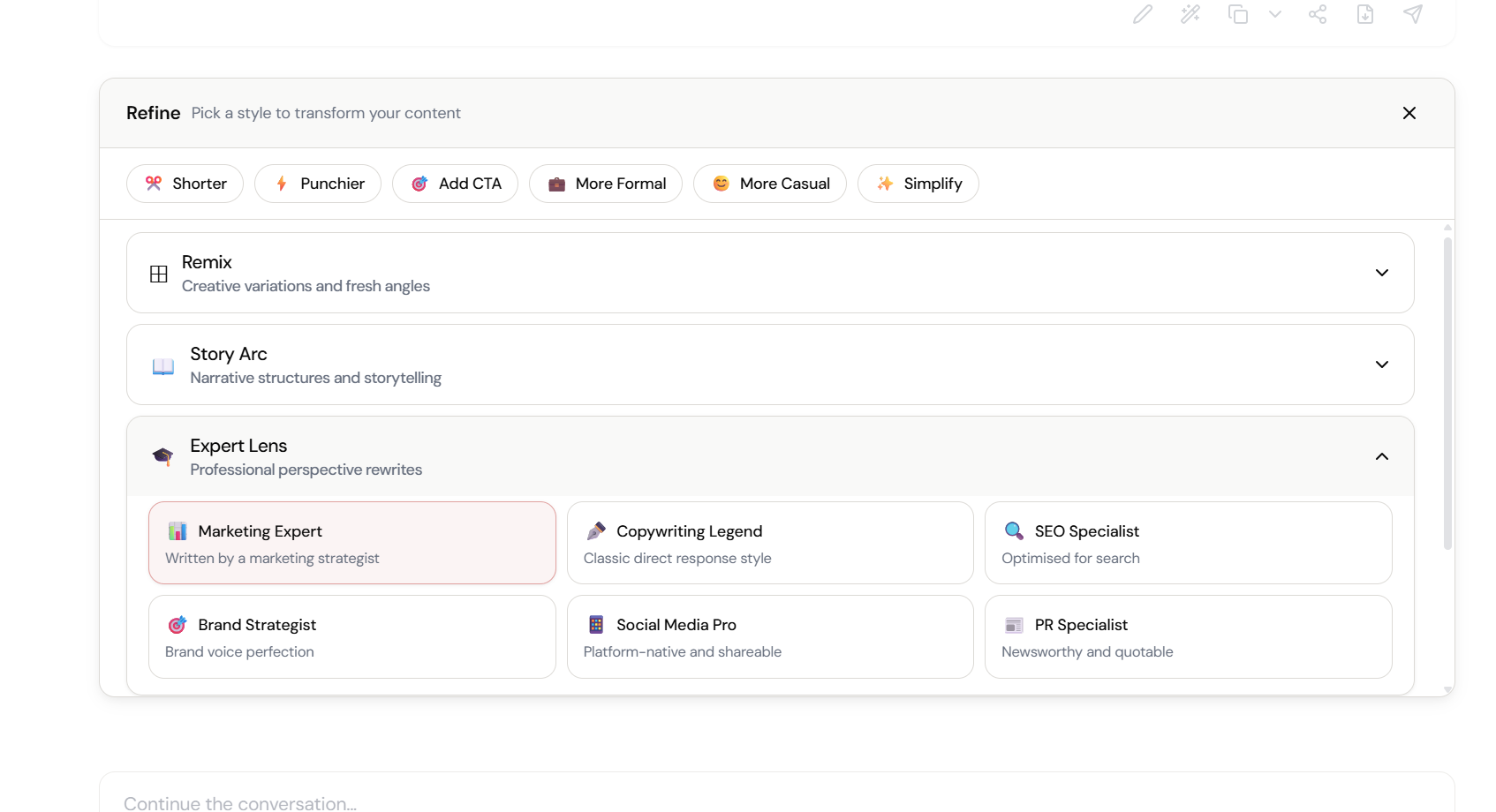
Click Improve and choose your style: Shorter, Punchier, Add CTA, More Formal, More Casual, Simplify. Or go deeper — Remix, Story Arc, Expert Lens, Audience Fit, Get Feedback.
The magic happens here.
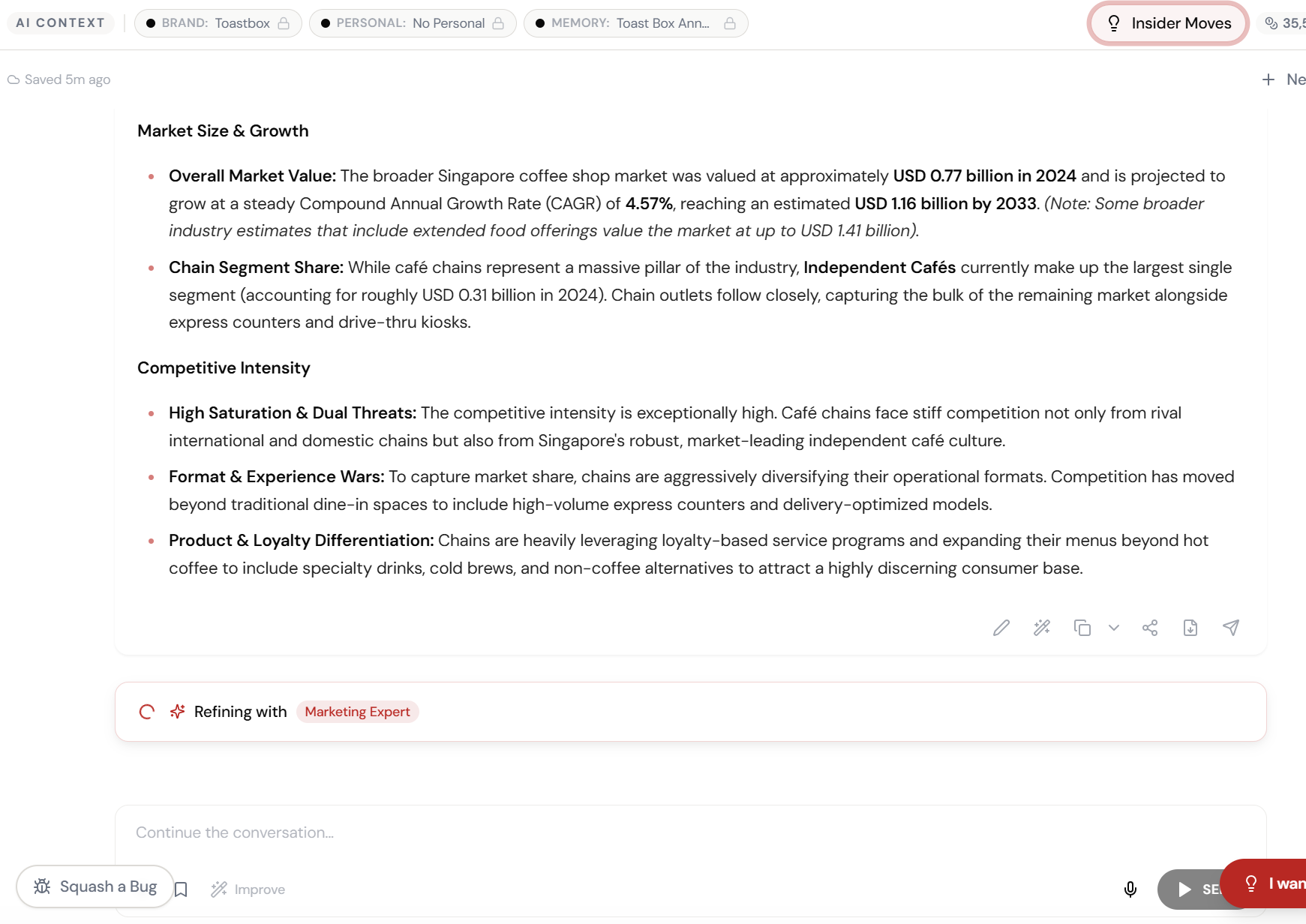
The AI interprets your input and begins creating — you can see the progress in real time.
Refining with Marketing Expert. Automatically.
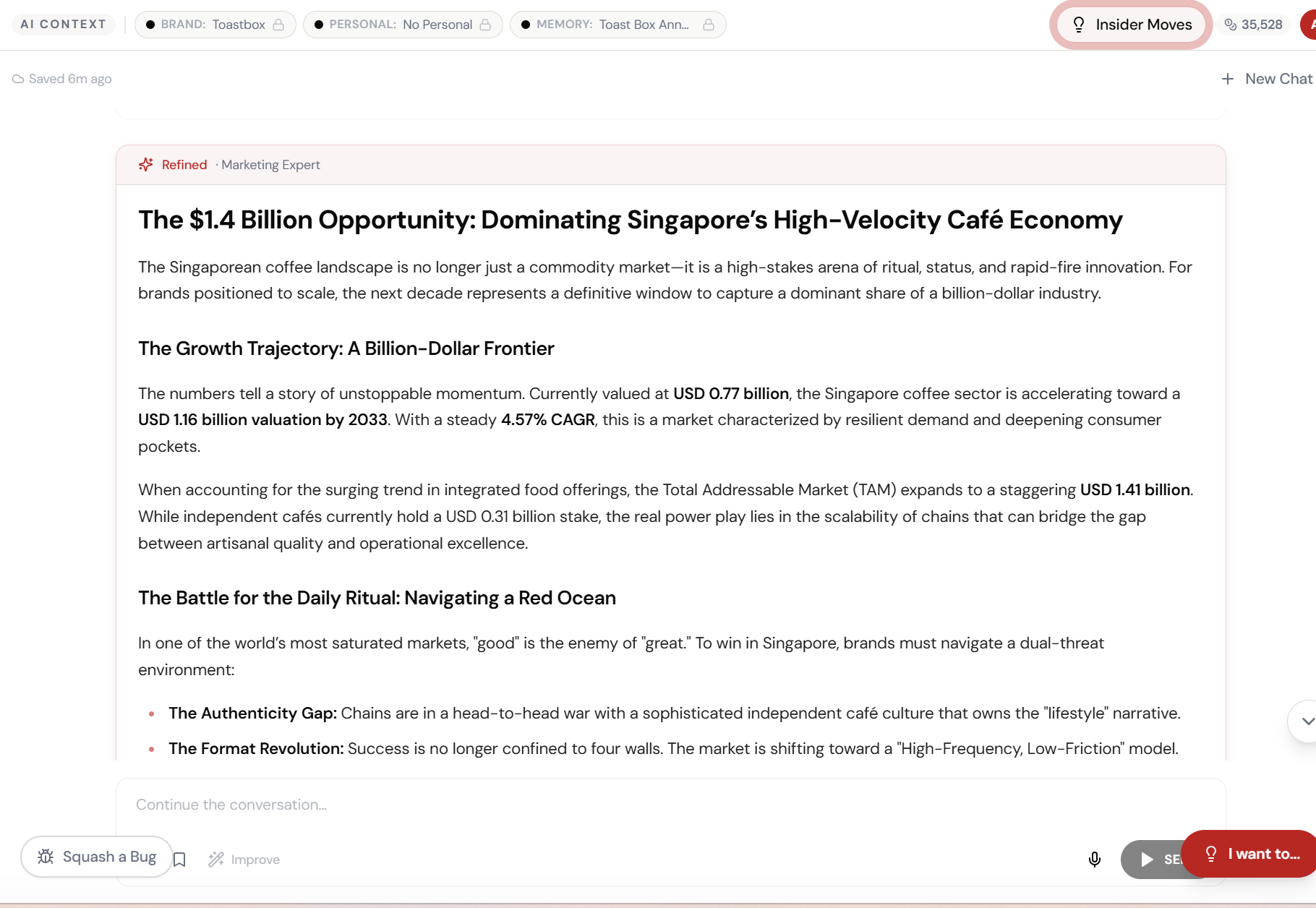
Pick “Expert Lens” and the AI rewrites your content through the eyes of a marketing expert — sharper positioning, stronger hooks, more actionable insights.
The result. Ready to use.
Your output is complete — polished, on-brand, and ready to download, share, or refine further.
What Actually Changes
Manual. Repetitive. Time-consuming. Every improve button task starts from scratch with no context, no memory, and no brand awareness.
One click. Full context. Improve Button handles it — with your brand, your data, your preferences baked in from the start.