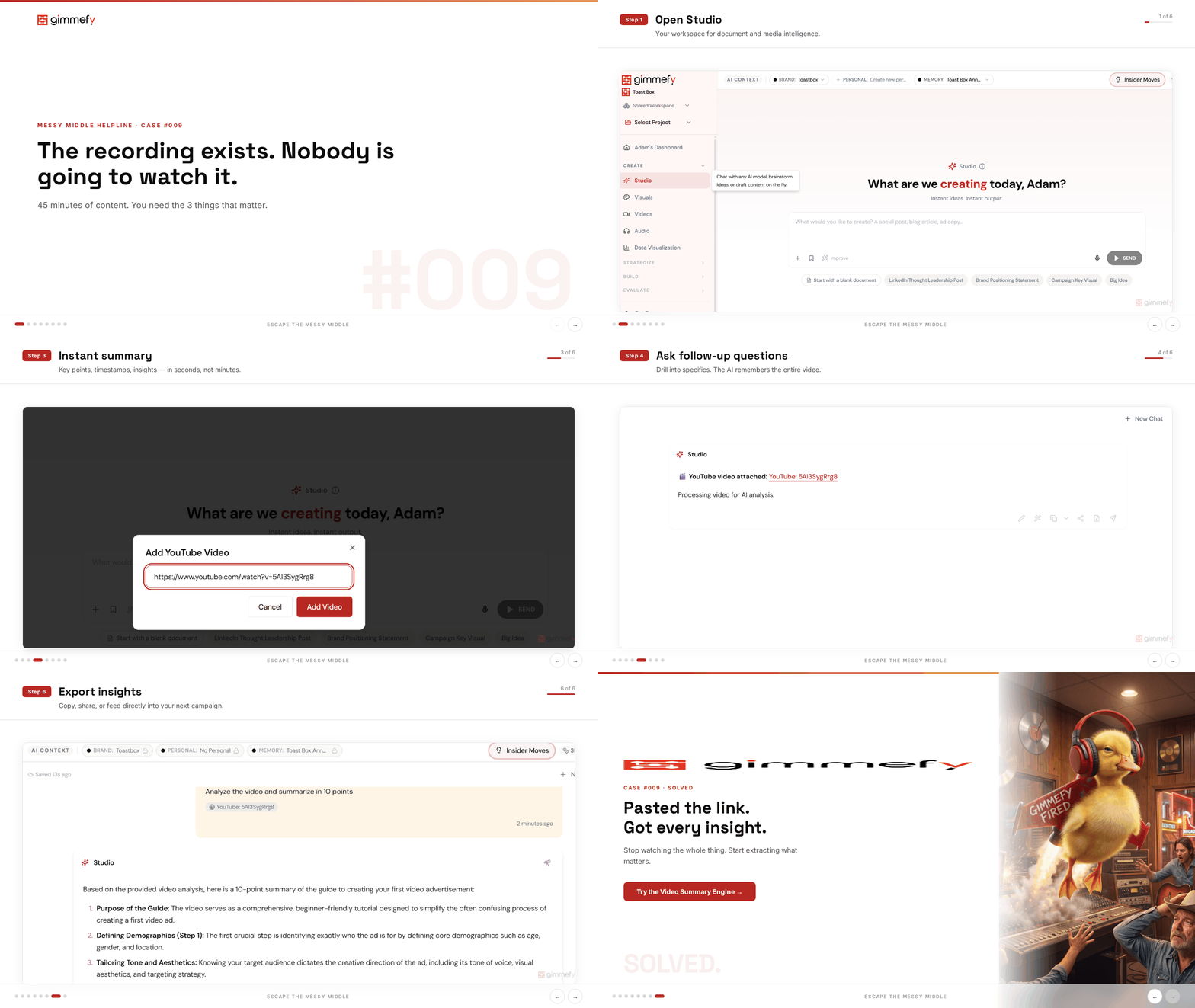
The recording exists. Nobody is going to watch it.
Someone recorded a product demo. Someone else recorded the client feedback session. There’s a 45-minute webinar from last week that’s apparently “essential viewing.”
Total watch time across your team: zero minutes. The insights are locked inside videos nobody has time for.
Video is the best way to capture information and the worst way to retrieve it. There’s no Ctrl+F. There’s no skim mode. You can’t jump to the good part because you don’t know where the good part is.
So the videos pile up. The recordings stay unwatched. The insights stay trapped. And everyone relies on whoever happened to be in the room to relay what was said — which, as any marketer knows, is a game of telephone that loses the plot by the third retelling.
The Hack: Extract Everything Without Watching
Paste a YouTube URL or upload a video file into Studio. The AI watches the entire thing — every minute, every slide, every word spoken. You get timestamps, key moments, quotes, and a complete transcript. In about 2 minutes.
Everyone on your team is now up to speed on a 30-minute recording. None of them had to watch it.
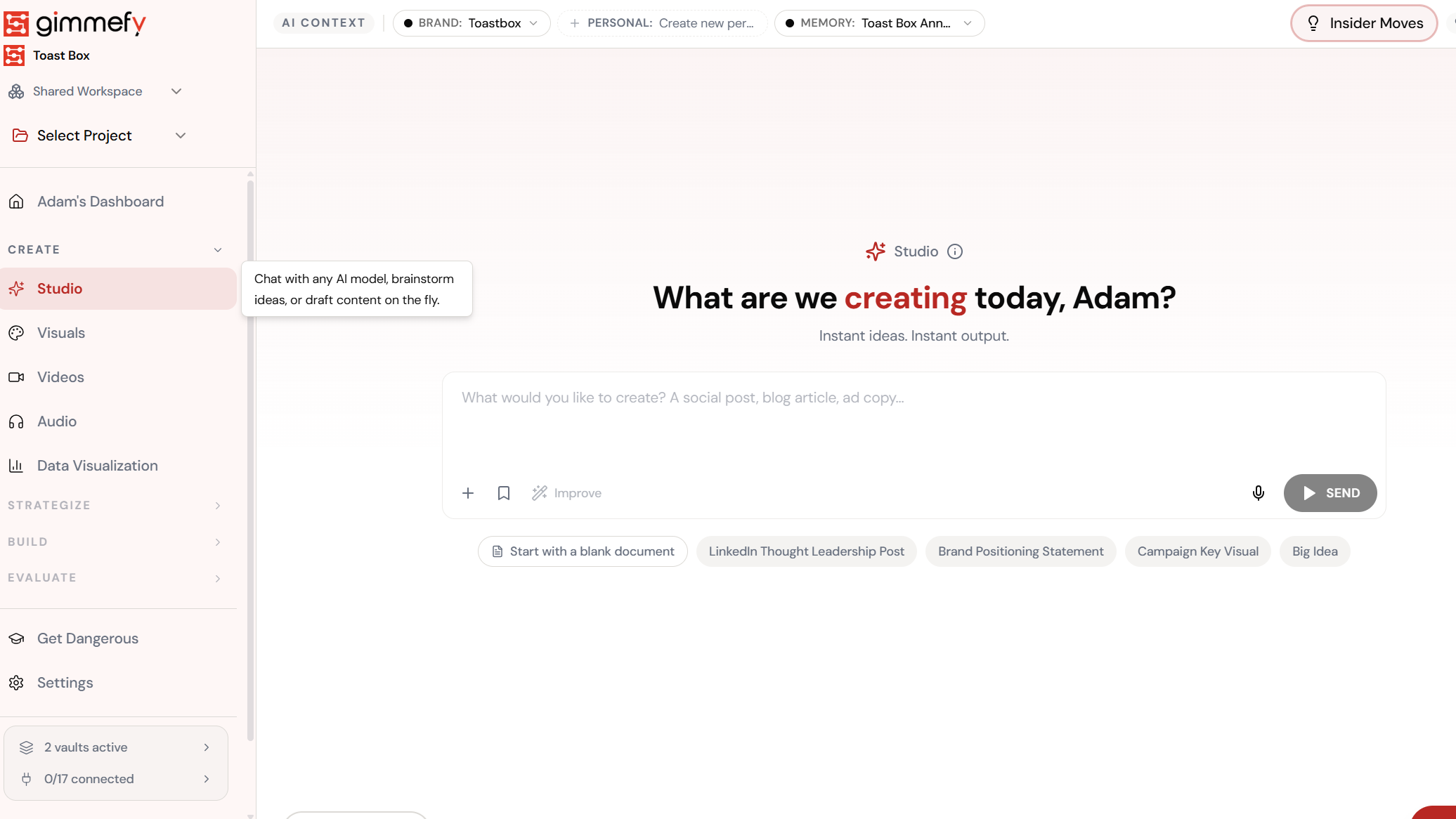
Open Studio
Your workspace for document and media intelligence.
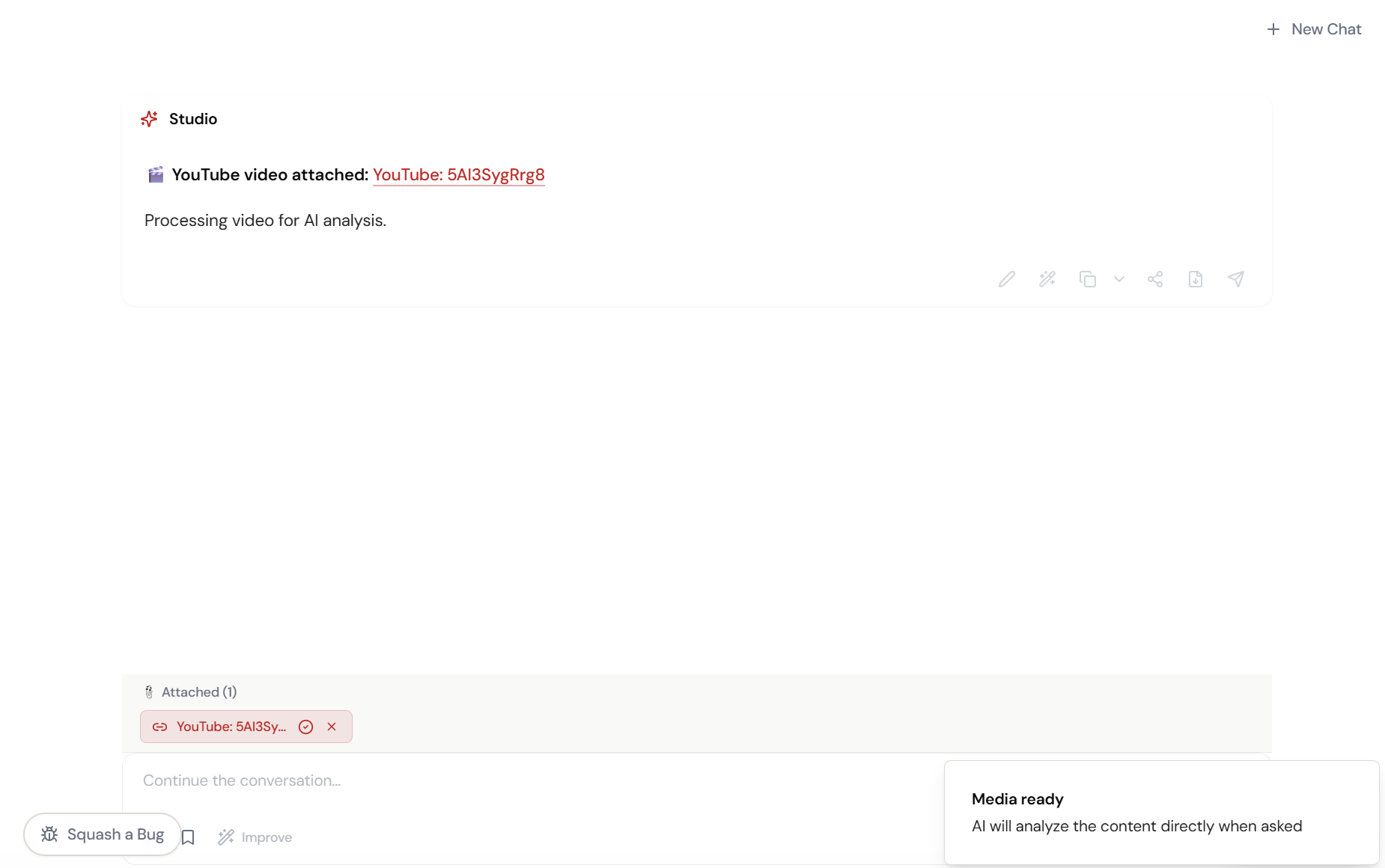
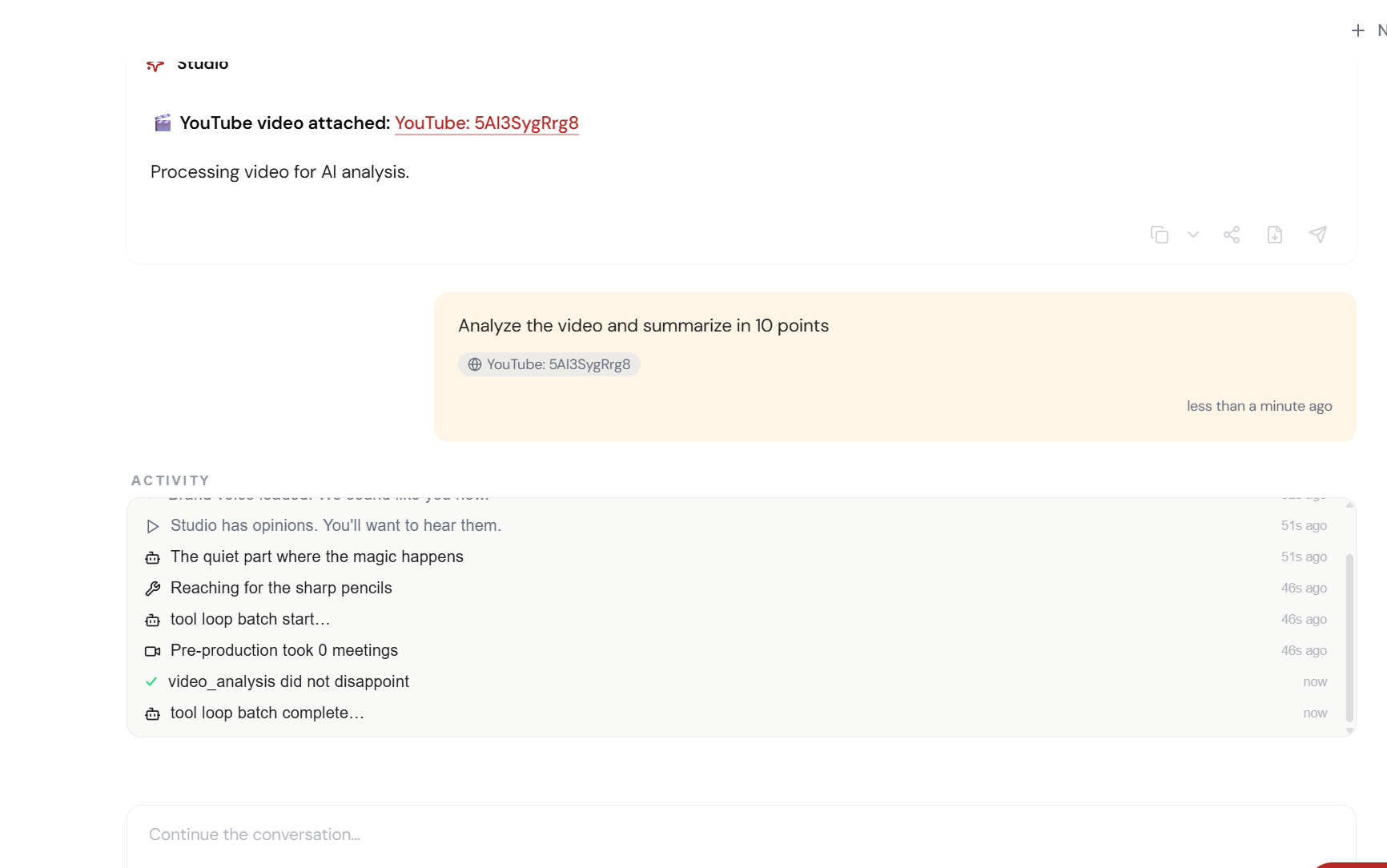
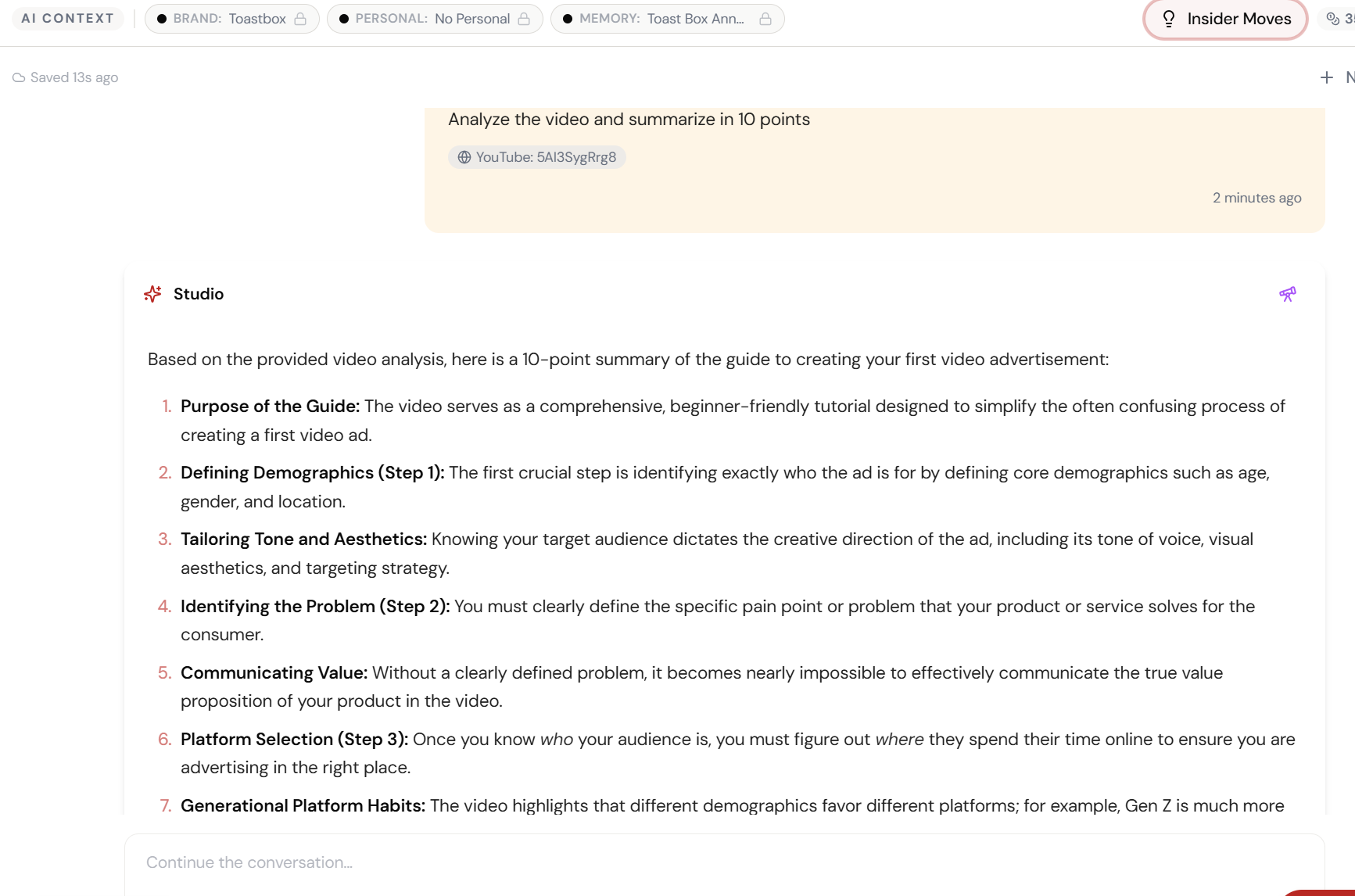
The 6-Step Walkthrough
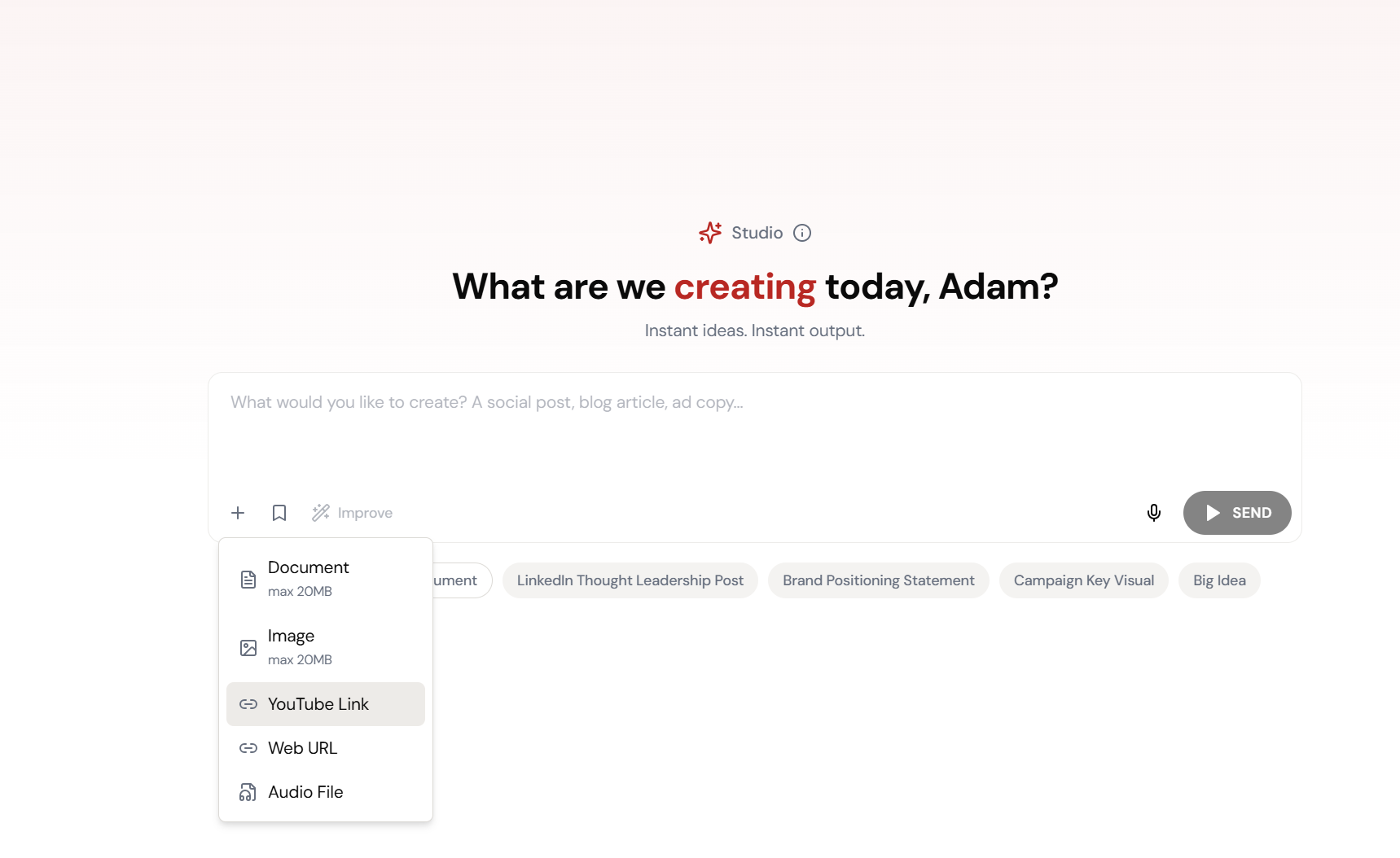
Open Studio Attachments
Video, audio, URLs — Studio handles all of them.
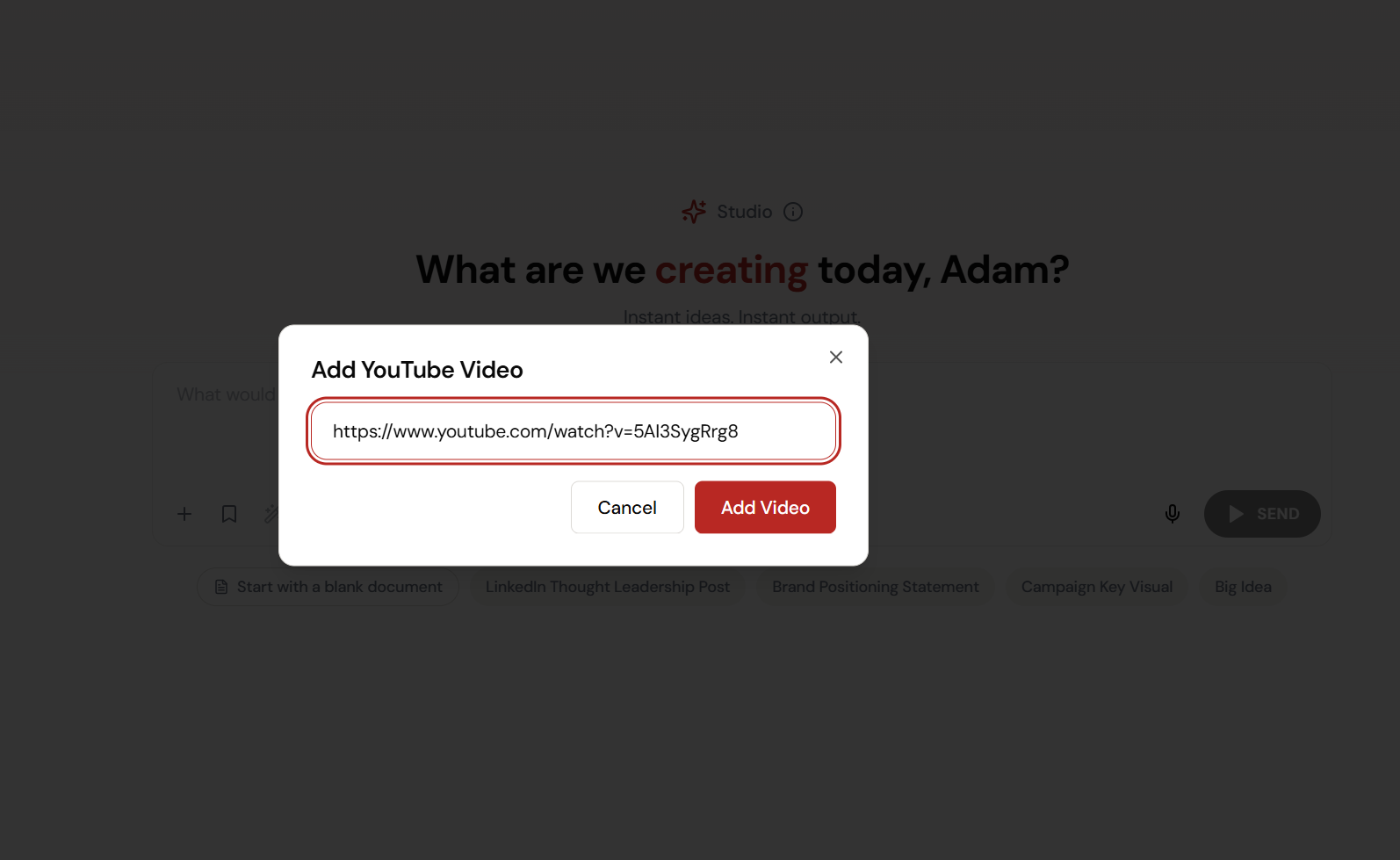
Paste the YouTube URL
That 30-minute demo nobody watched? Paste the link.
Video Processing
AI is watching and transcribing. You don’t have to.
Key Moments Extracted
Timestamps, quotes, action items — pulled automatically from the full video.
Full Transcript Ready
Everything that was said. Searchable. Quotable. Shareable.
Video Intelligence Done
30 minutes → 2 minutes. Everyone’s now up to speed.
What Actually Changes
The recording exists. It’s been shared in Slack. The watch count is zero. Everyone’s ‘going to get to it.’ Nobody does. The insights stay locked in a video nobody has time for.
You pasted the URL. Two minutes later: timestamps, key quotes, action items, and a full transcript. You shared the summary in Slack. Everyone’s informed. Nobody watched 30 minutes of video.
Video is the best way to capture information and the worst way to retrieve it. Until now.
This Works for Everything
Product demos, client recordings, competitor webinars, conference talks, training videos, sales calls. Any video where the content matters but nobody has 30 minutes to spare.
The transcript is searchable. The key moments are timestamped. The action items are extracted. You can even ask follow-up questions about the video content in the same conversation.
Quick Answers
Does it work with YouTube URLs?
Yes. Paste any YouTube URL and Studio will process the video, extract the transcript, and analyse the content. No downloading required.
Can I upload video files directly?
Yes. MP4, MOV, and other common formats. Drop the file into Studio chat just like a document.
Can I ask questions about the video content?
Absolutely. After processing, you can ask: ‘What was said about pricing?’ ‘Summarize the first 10 minutes.’ ‘What action items were mentioned?’ Full conversational analysis.