



The recordings exist. Nobody is going to listen to 3 hours of audio.
Customer interviews. Team meetings. Podcast episodes. The actionable insights are buried in hours of audio that nobody will ever re-listen to. You need transcripts, summaries, and key quotes — not a play button.
The Hack: The Audio Intelligence
Set up your inputs.
Configure your settings, upload your assets, or describe what you need. Audio Upload handles the complexity.
The Walkthrough
Set up your inputs.
Configure your settings, upload your assets, or describe what you need. Audio Upload handles the complexity.
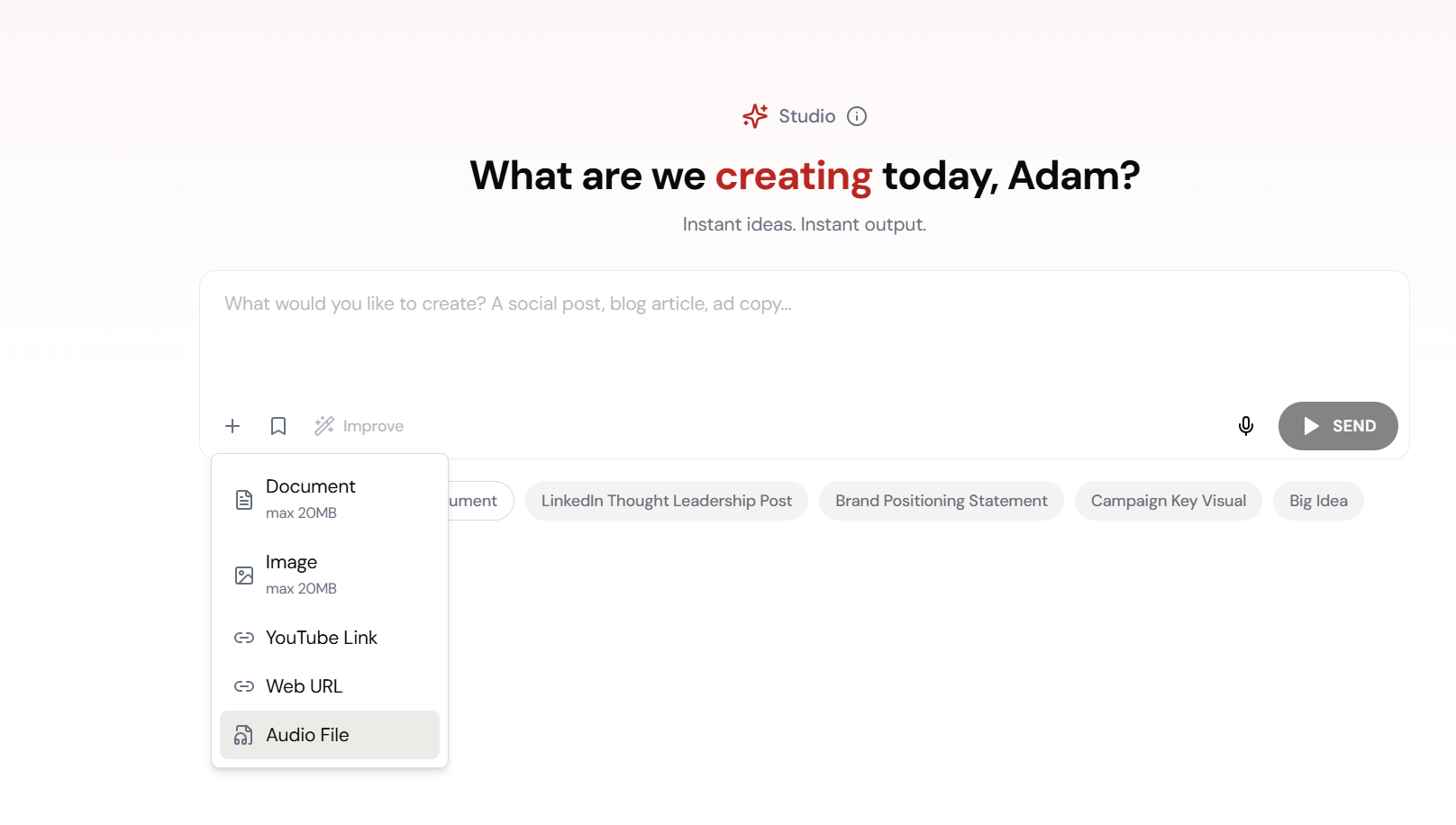
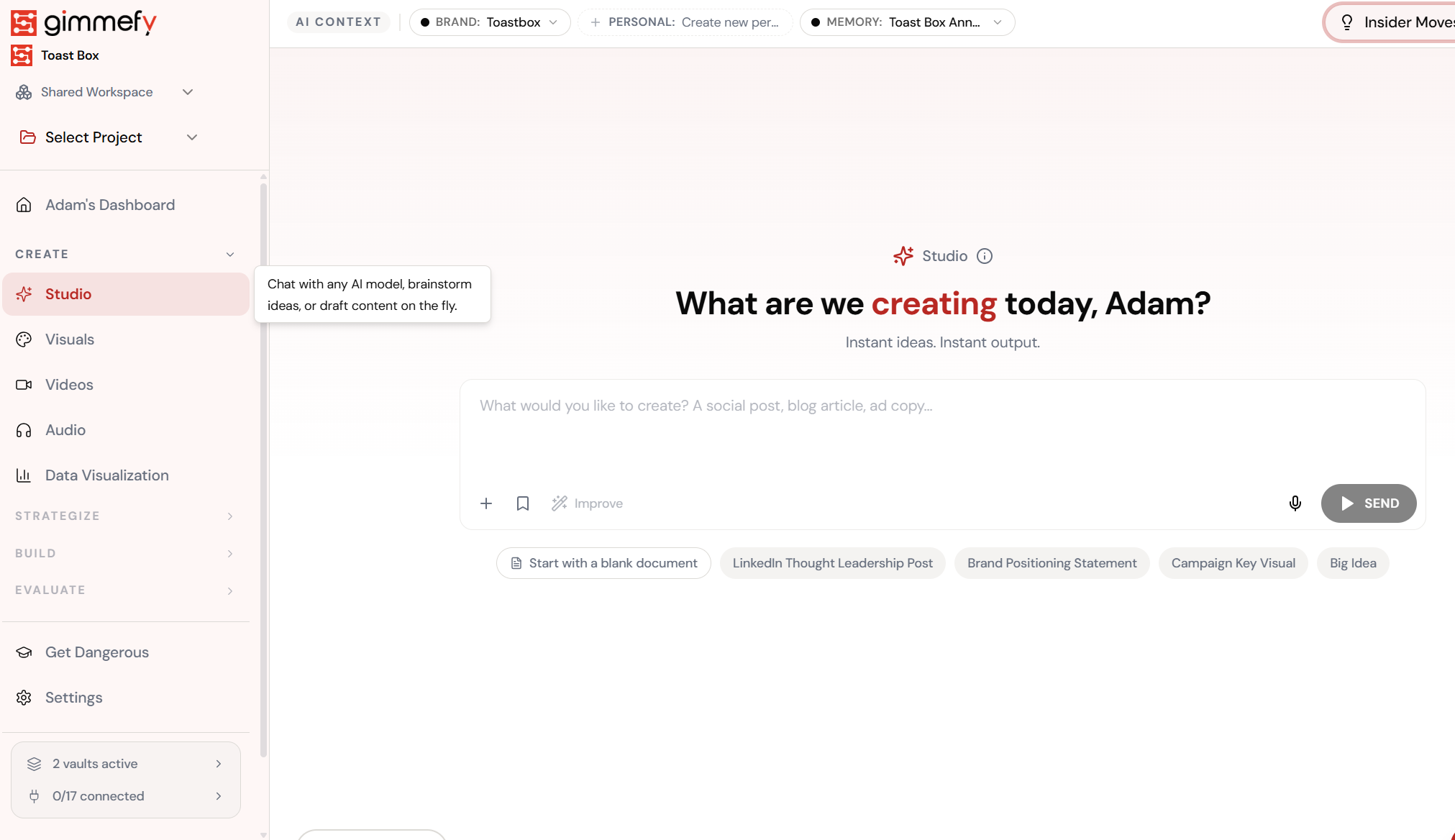
Open Audio Upload. Here’s what you see.
Navigate to Audio Upload — the interface is clean, focused, and ready for your input.
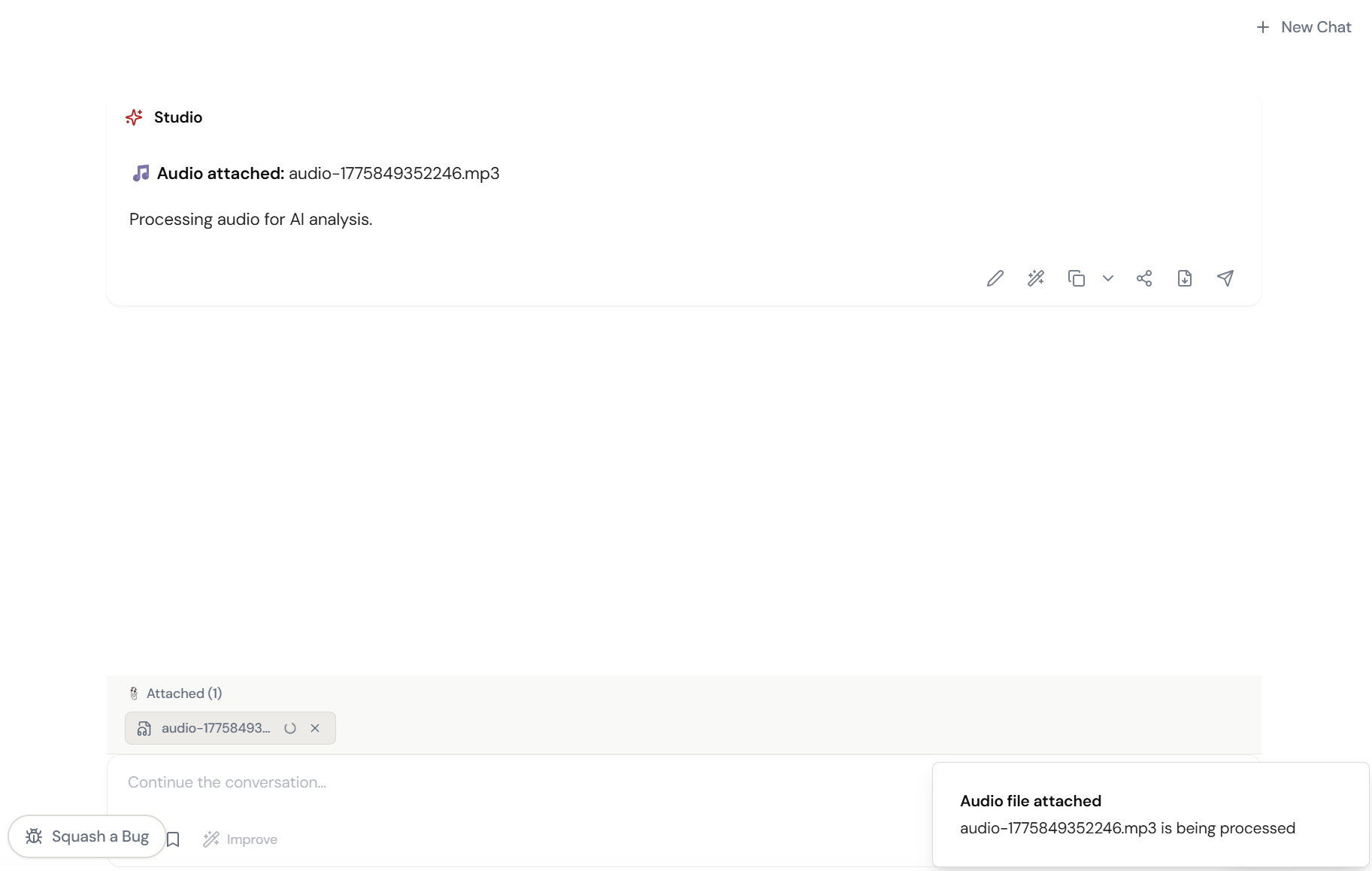
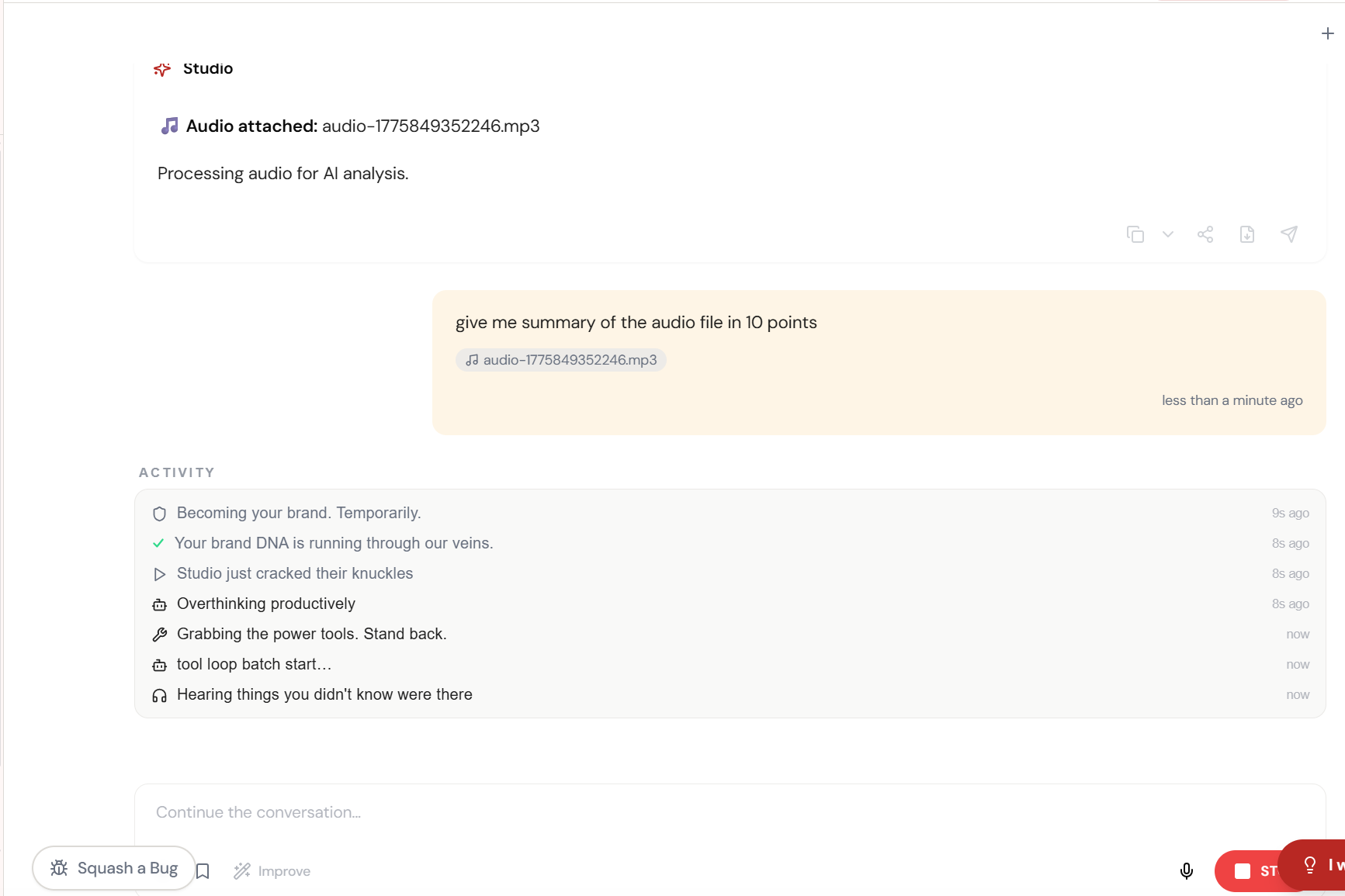
Attach the audio. Studio does the rest.
Drag any audio file into Studio \u2014 MP3, WAV, M4A. It processes the audio for AI analysis automatically. No transcription service. No third-party tool.
Almost there. Watch it work.
The AI processes your request — composing, rendering, and refining until the output matches your brief.
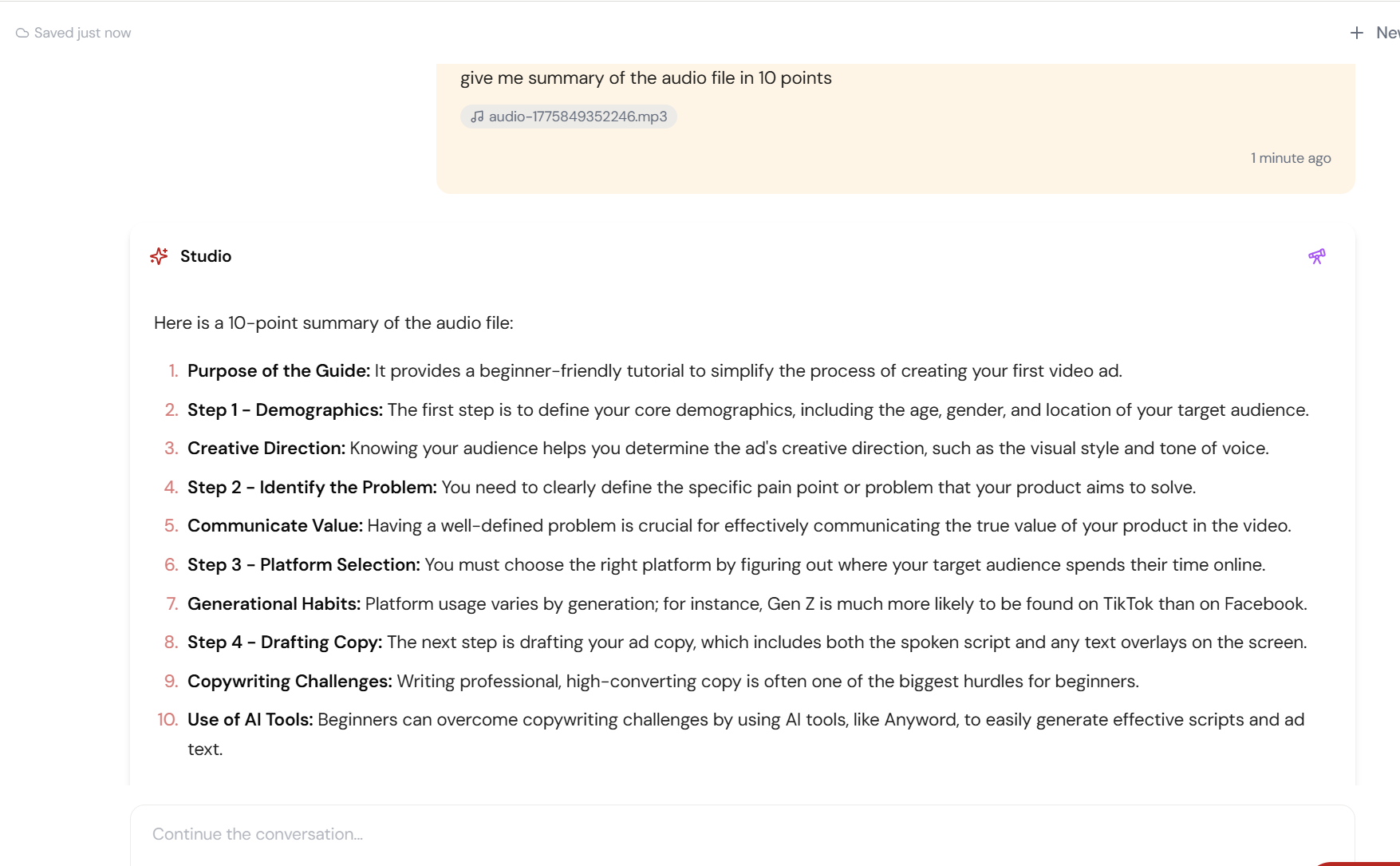
“Give me a summary in 10 points.” Done.
Ask anything about the audio \u2014 summaries, action items, key quotes, sentiment analysis. Studio understands the full recording and responds with structured, actionable output.
What Actually Changes
Manual. Repetitive. Time-consuming. Every audio upload + transcription task starts from scratch with no context, no memory, and no brand awareness.
One click. Full context. Audio Upload + Transcription handles it — with your brand, your data, your preferences baked in from the start.
Escape the Messy Middle
See how Audio Upload + Transcription transforms your workflow.