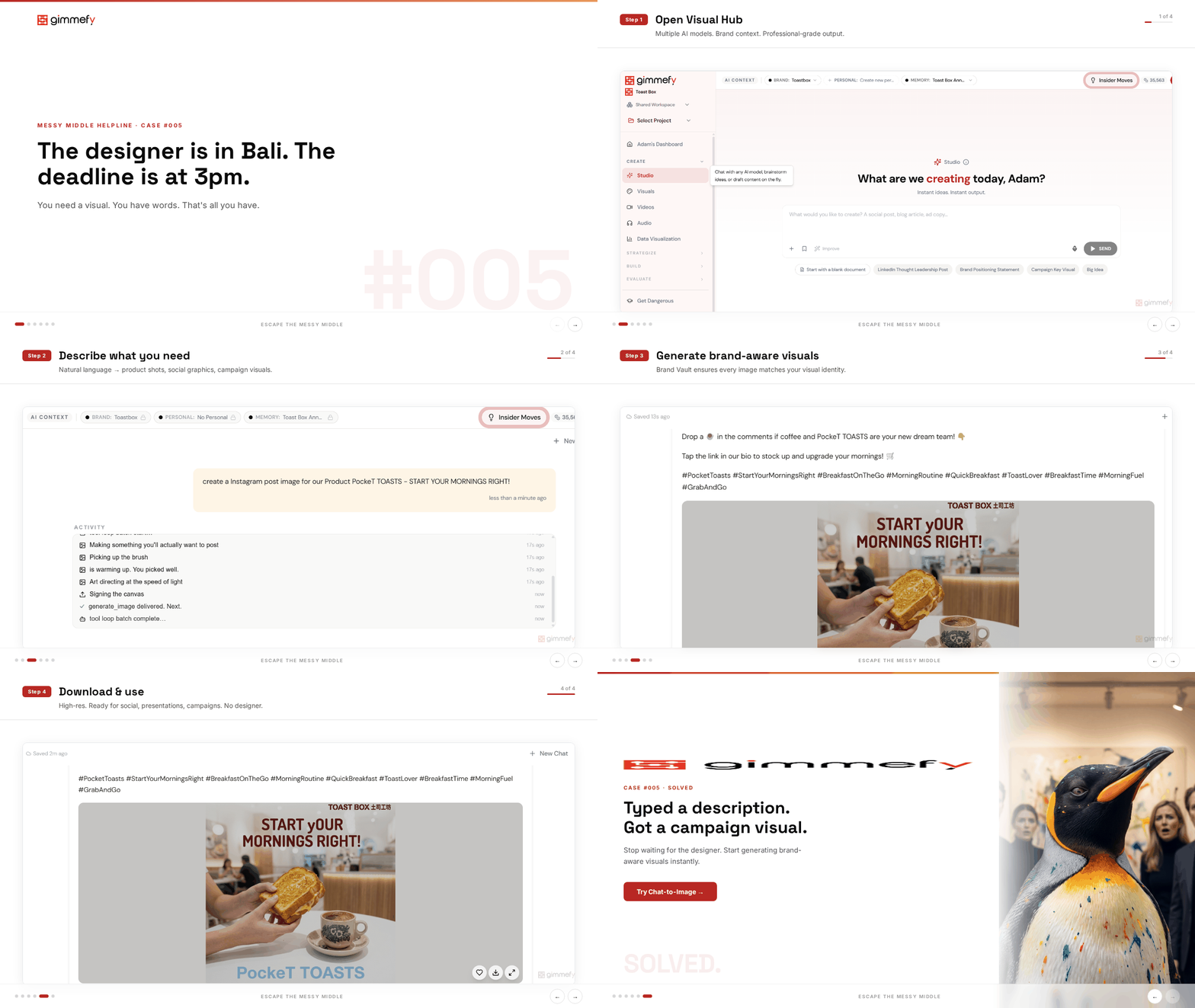
The designer is in Bali. The deadline is at 3pm.
You need a social image. Not a stock photo that screams “we Googled this.” An actual, on-brand visual that matches the campaign you’ve been building all week.
Your options: learn Canva in 2 hours, use a stock photo your competitor is also using, or push the deadline. None of these are real options.
There’s a specific kind of panic that hits when you realize the visual gap in your marketing workflow is actually a people gap. Your designer is unavailable. Your Canva skills are “I can resize things.” And the content calendar doesn’t care about PTO.
Most teams solve this by compromising. Stock photos. Placeholder graphics. “We’ll swap in the real image later” (they won’t). The content goes live looking like it was assembled by someone who had exactly twelve minutes and no design training.
Which, to be fair, it was.
The Hack: Generate Images Mid-Conversation
In gimmefy Studio, you can generate images right in the middle of a conversation. Describe what you need. The AI creates it. No separate tool, no context switching, no design skills required.
You’re writing a social media campaign in Studio? Generate the visual right there. In the same thread. With your Brand Vault active so it matches your brand’s visual identity.
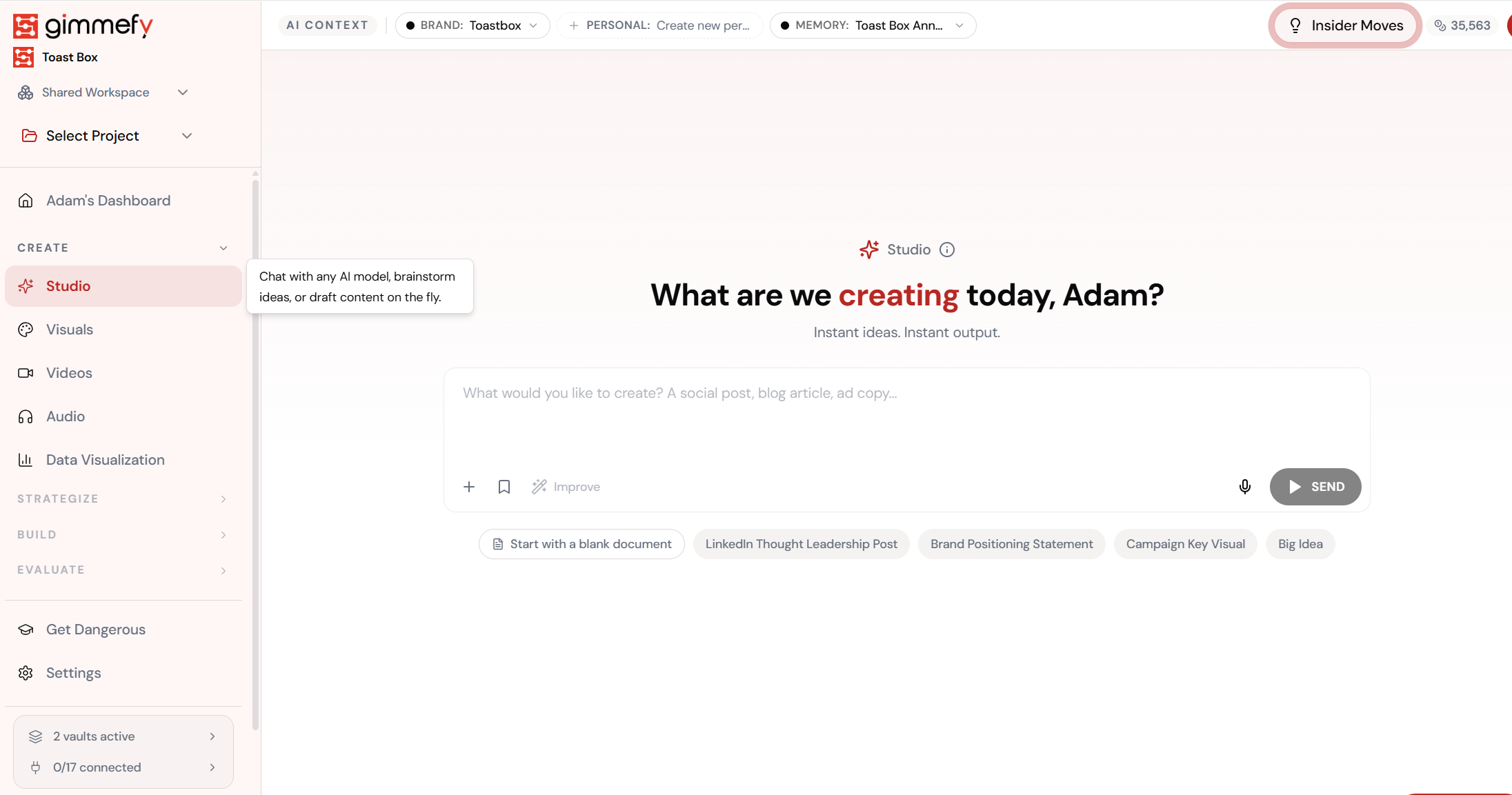
Open Visual Hub
Your visual creation workspace. Multiple AI models, brand context, and professional-grade output.
The 4-Step Walkthrough
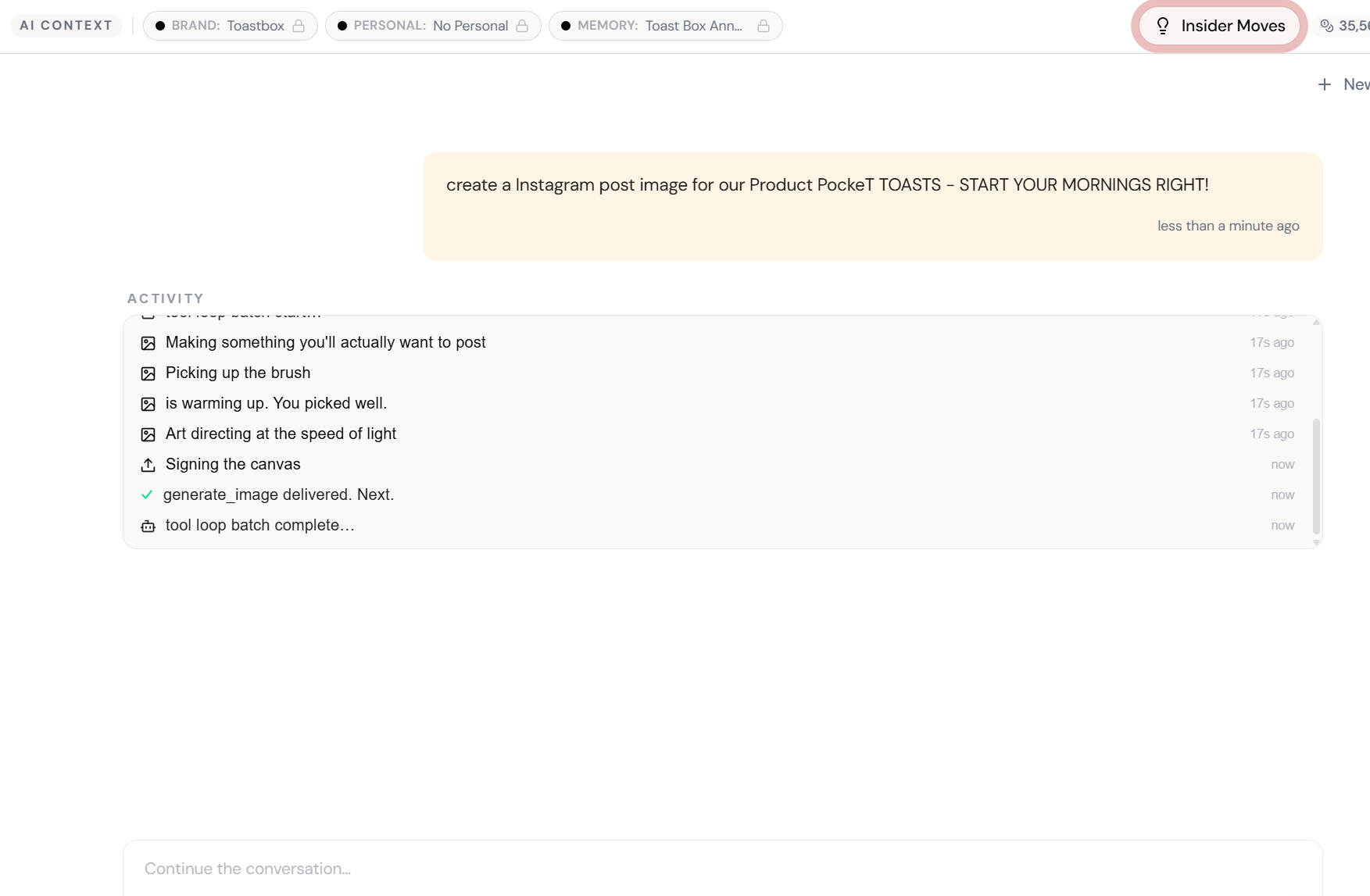
Describe What You Need
Just type it in Studio chat. ‘Create a social image for our spring campaign featuring…’ No design tools required.
AI Plans the Visual
Social captions, hashtags, and the image concept — all from one prompt. Brand Vault adds your visual identity.
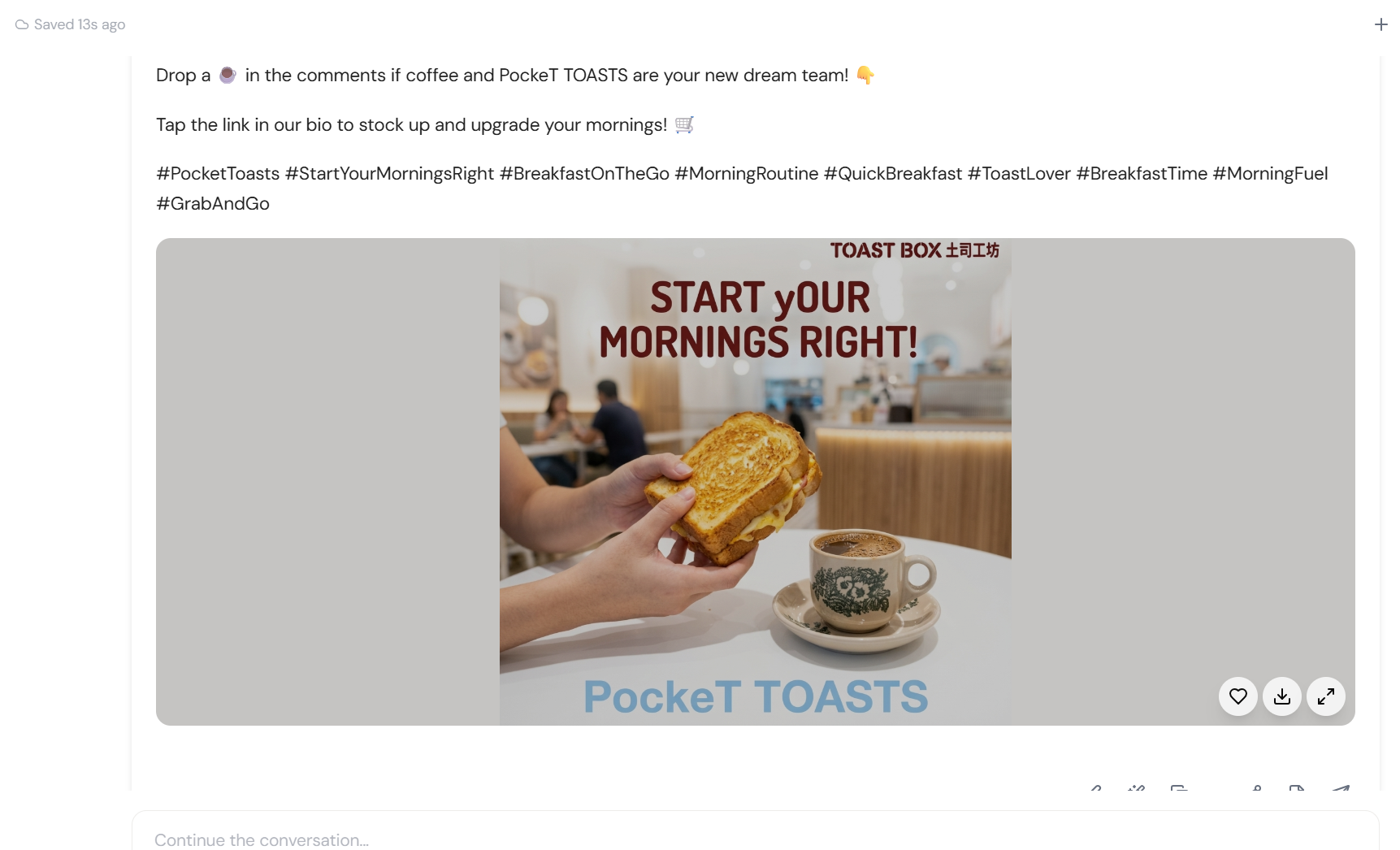
Image Generated
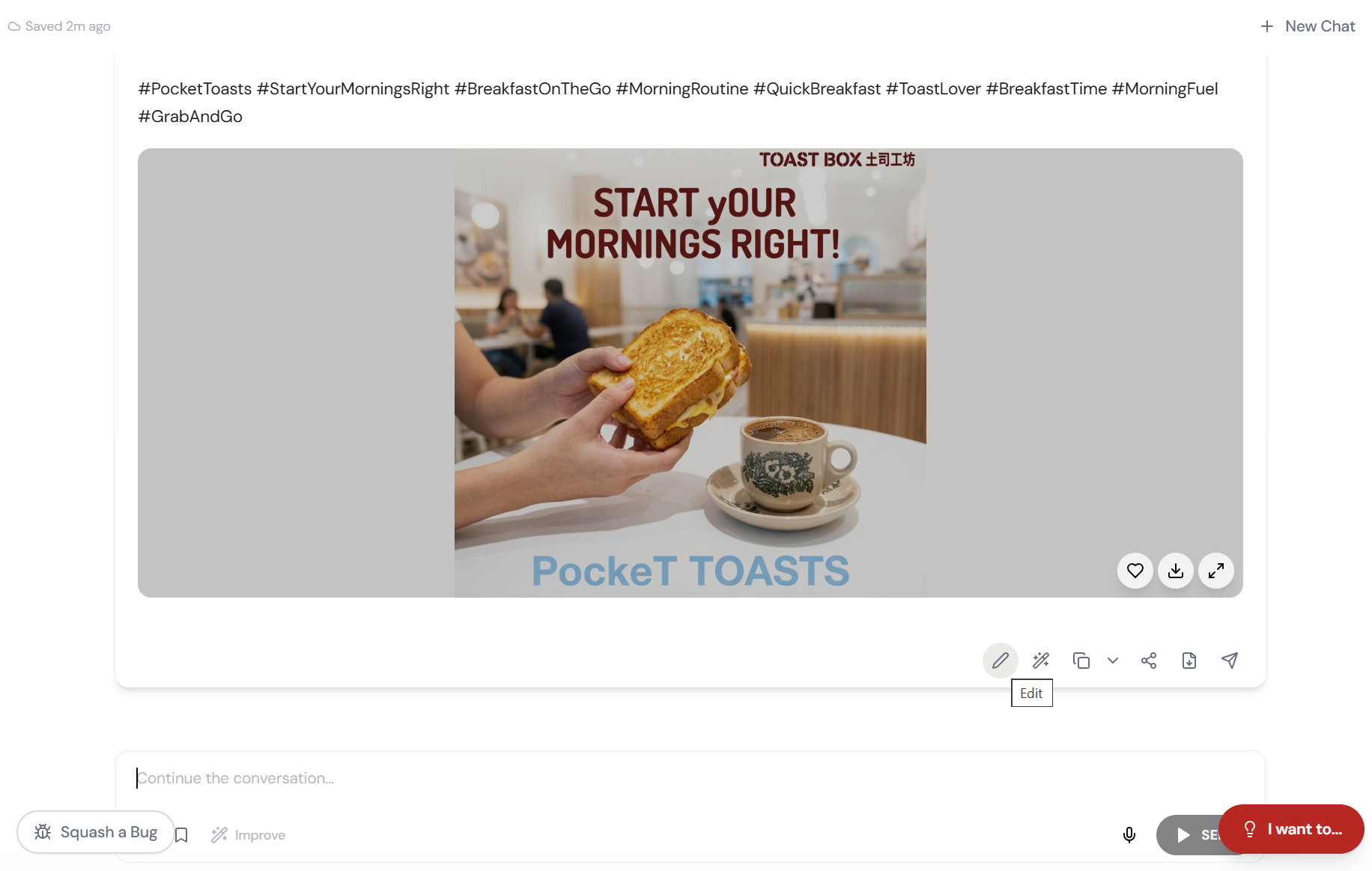
A complete social-ready visual. In the chat. Right alongside your copy and strategy.
Download and Post
Your designer is in Bali. Your deadline? Met. Download, post, move on.
What Actually Changes
Content goes live with a stock photo. Or you wait 3 days for the designer. Or you spend 2 hours fighting Canva. The visual is always the bottleneck.
Describe it in the same conversation where you wrote the copy. Image appears. Download. Post. The whole thing took less time than finding the right stock photo.
The visual bottleneck isn’t a skills problem. It’s a workflow problem. When the image generation lives inside the conversation, the bottleneck disappears.
Why This Matters More Than You Think
This isn’t about replacing designers. It’s about unblocking everyone else. First drafts, placeholder visuals, social posts, internal decks, quick concepts — the work that doesn’t need a designer but gets stuck behind one anyway.
When image generation lives inside the same conversation as your copy, your strategy, and your brand context, the workflow changes fundamentally. You stop thinking about content and visuals as separate workstreams. They become one.
And when Brand Vault is active? The AI doesn’t just generate any image. It generates your image. Your colours. Your style. Your brand.
Quick Answers
Which image models are available?
Six: SeedReam 4.5, Gemini Flash, Gemini 3 Pro, Kling V3, GPT Image 1.5, and Grok Imagine. Each has different strengths — photorealistic, illustrative, conceptual. Studio picks the best fit or you can choose.
Is this as good as a real designer?
For first drafts, social content, concepts, and quick visuals — it’s often better because it’s instant and on-brand. For polished campaign hero images, you’ll still want a designer to refine. The point is: you’re no longer blocked.
Can I edit the generated image?
Yes. Send it to Visual Hub’s Editor for cropping, text overlays, templates, and export. Or generate a new version with a refined prompt.