



Your video brief was 200 words. The output was unwatchable.
You wrote a clear brief. The AI generated something that looks like a stock footage blender had a nervous breakdown. No brand consistency. No narrative arc. Just… motion.
The Hack: The Chat-to-Video
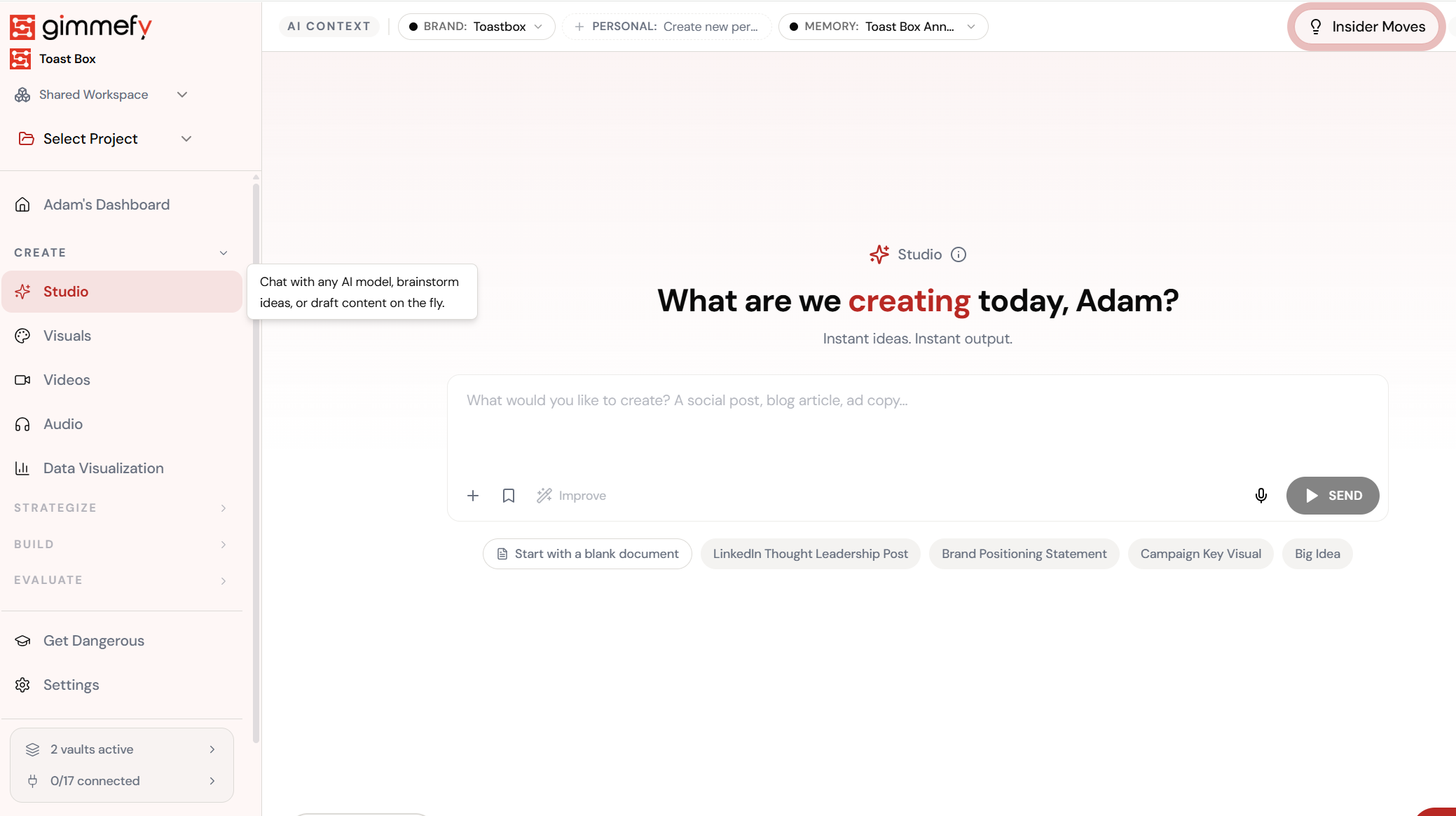
Open Video in Studio. Here’s what you see.
Navigate to Video in Studio — the interface is clean, focused, and ready for your input.
The Walkthrough
Open Video in Studio. Here’s what you see.
Navigate to Video in Studio — the interface is clean, focused, and ready for your input.
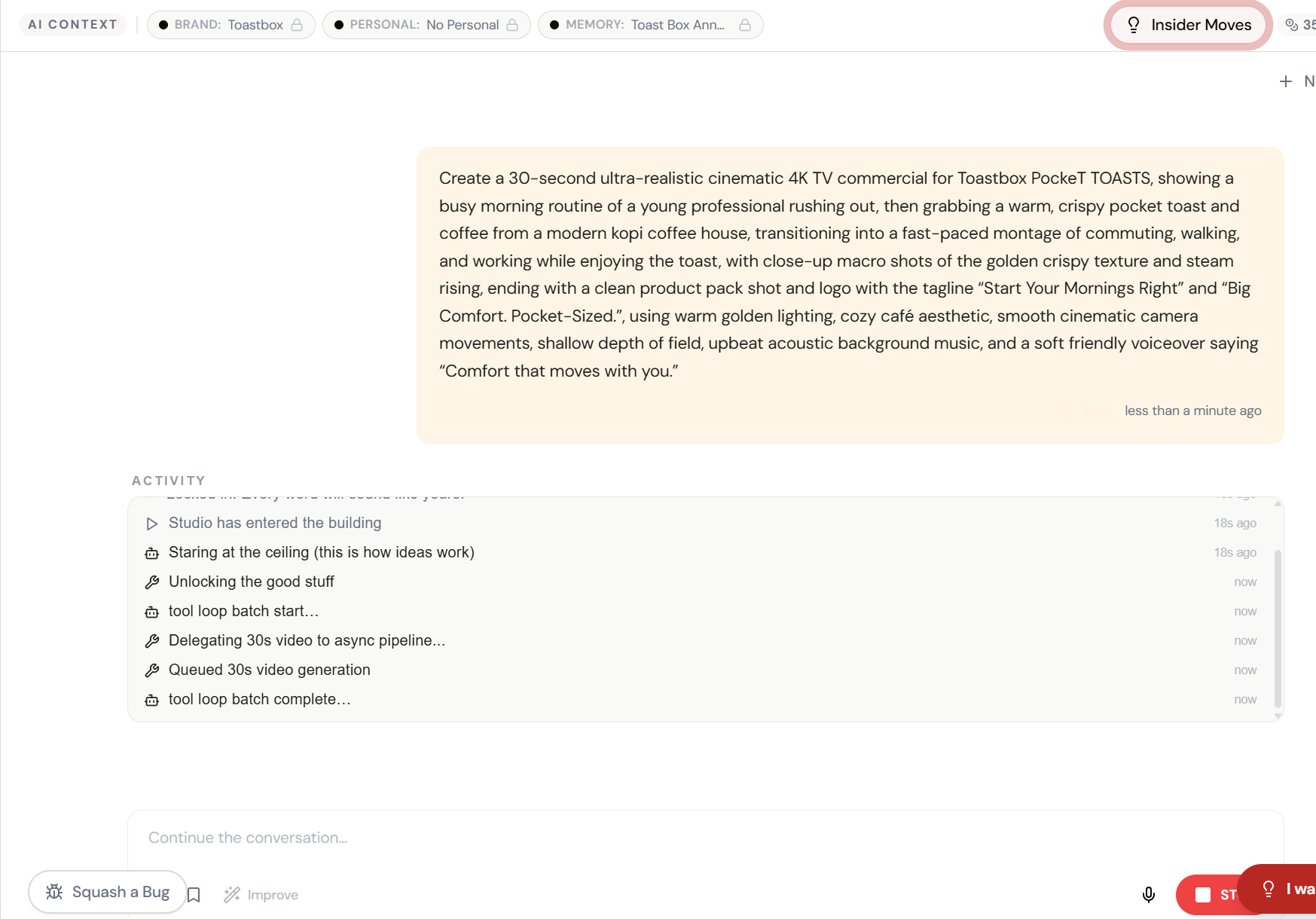
Describe the ad. Studio writes the script.
Type a brief in plain English — product, mood, scenes, tagline. Studio turns it into a full cinematic video prompt with camera movements, lighting, and voiceover direction.
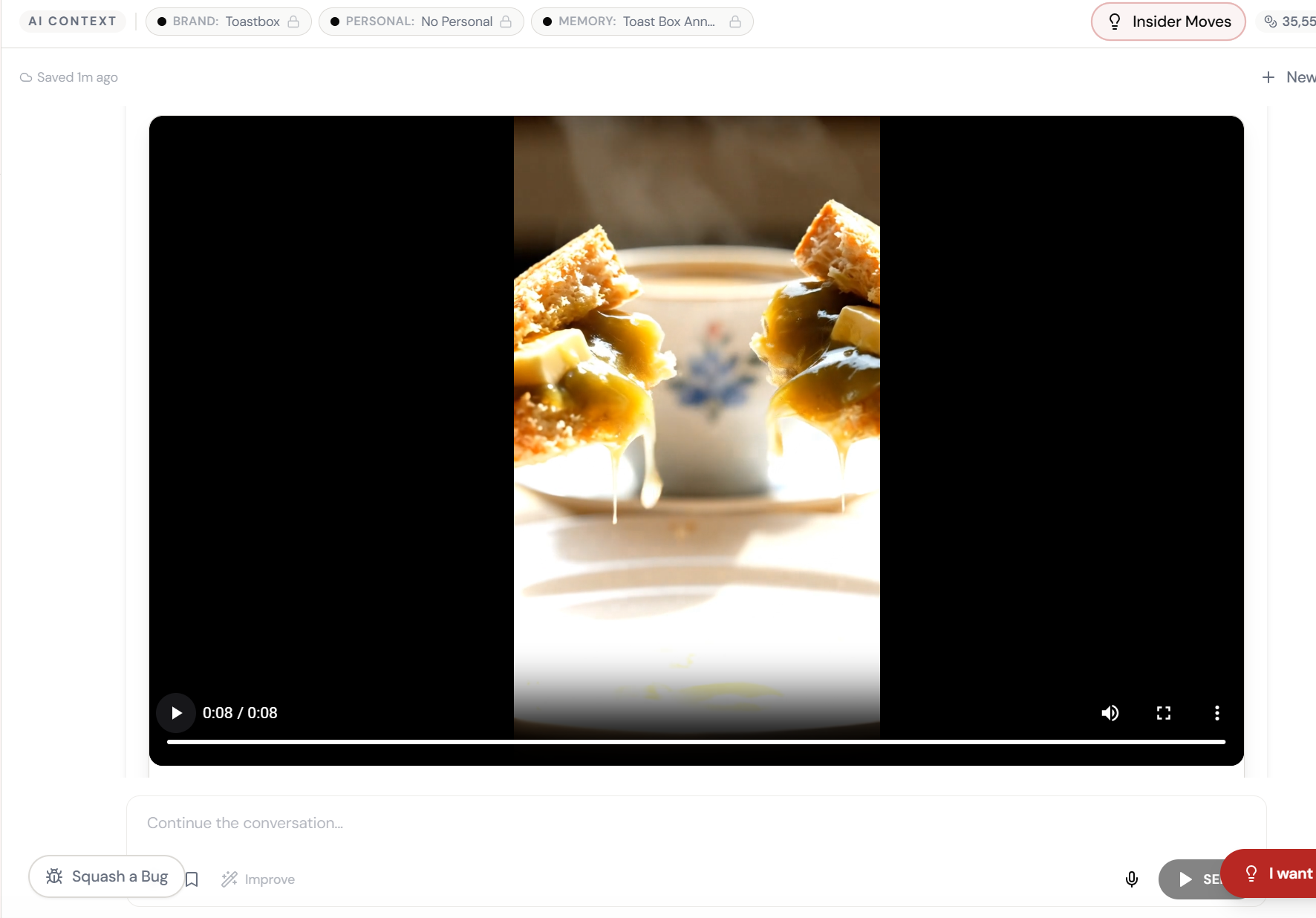
Cinematic. Generated. Ready to post.
Macro shots of golden kaya toast, steam rising, warm lighting — a broadcast-quality 30-second commercial generated from one chat message.
What Actually Changes
Manual. Repetitive. Time-consuming. Every video hub canvas task starts from scratch with no context, no memory, and no brand awareness.
One click. Full context. Video Hub Canvas handles it — with your brand, your data, your preferences baked in from the start.
Escape the Messy Middle
See how Video Hub Canvas transforms your workflow.