




Starting a video from scratch is the worst part.
You know the style you want. You’ve seen examples. But translating “something like that Nike ad but for our product” into an AI prompt that actually works? That’s where the afternoon goes.
The Hack: The Video Template
Fine-tune the details.
Adjust settings, add context, or refine your prompt. Video Recipes gives you control without complexity.
The Walkthrough
Fine-tune the details.
Adjust settings, add context, or refine your prompt. Video Recipes gives you control without complexity.
Set up your inputs.
Configure your settings, upload your assets, or describe what you need. Video Recipes handles the complexity.
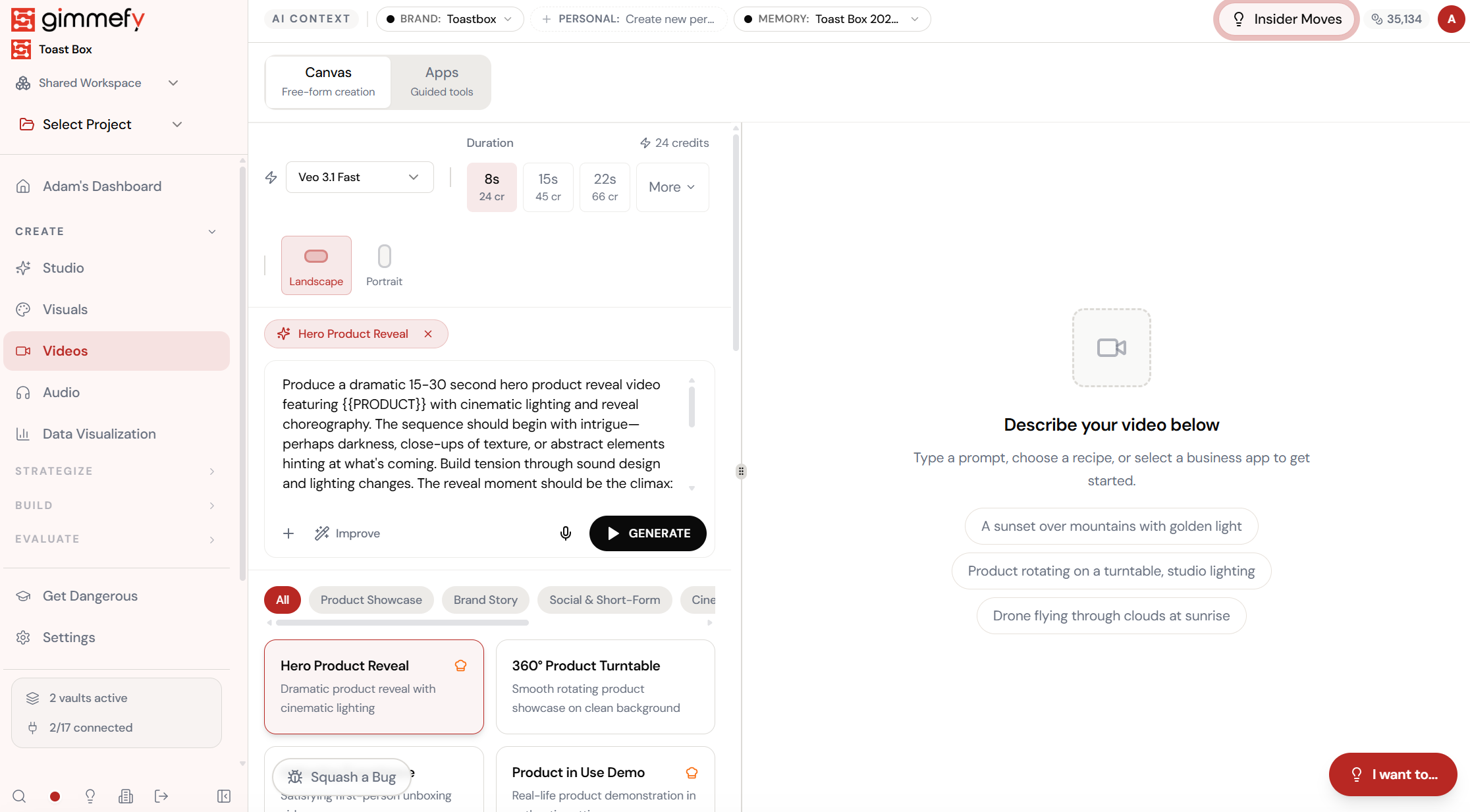
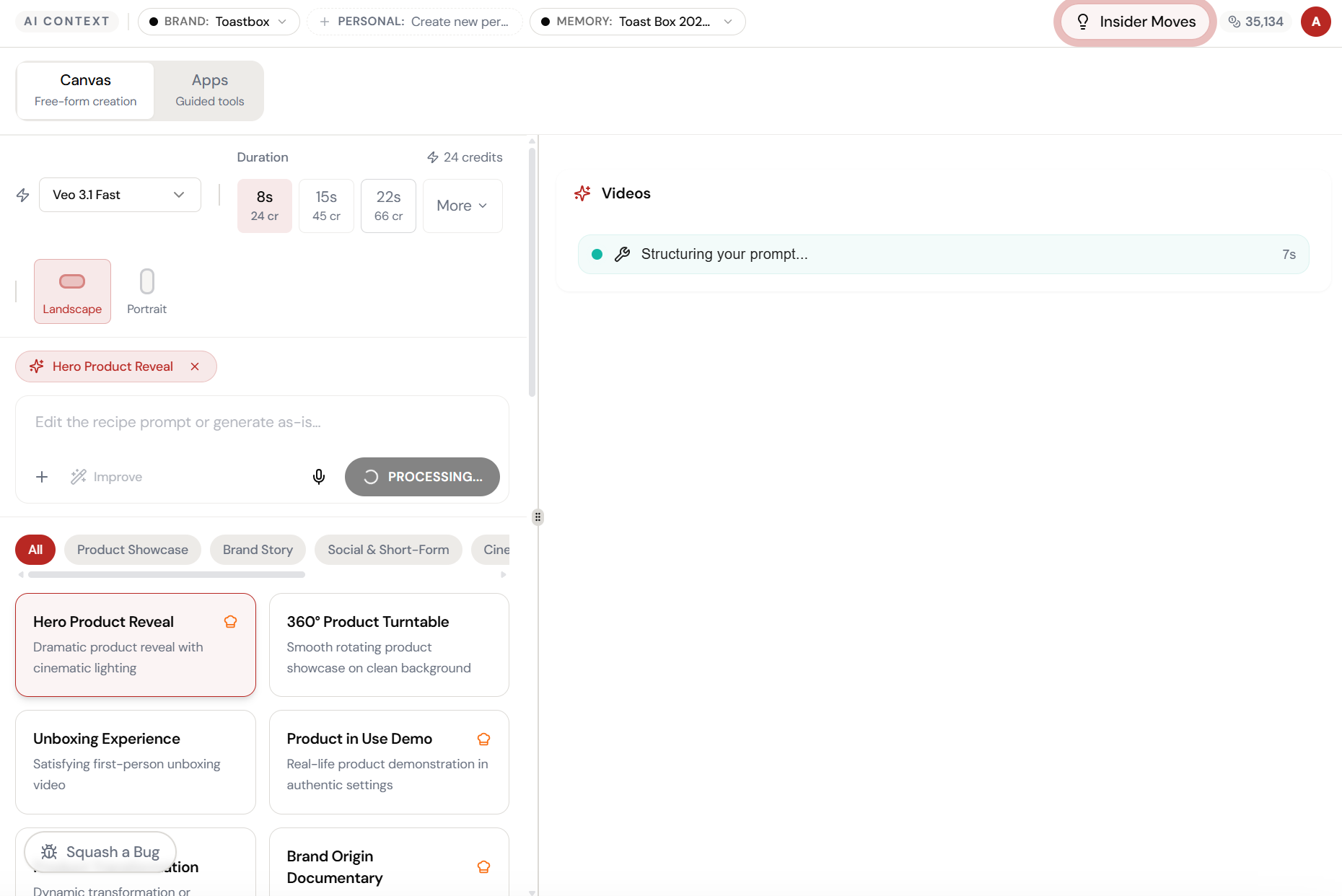
Open Video Recipes. Here’s what you see.
Navigate to Video Recipes — the interface is clean, focused, and ready for your input.
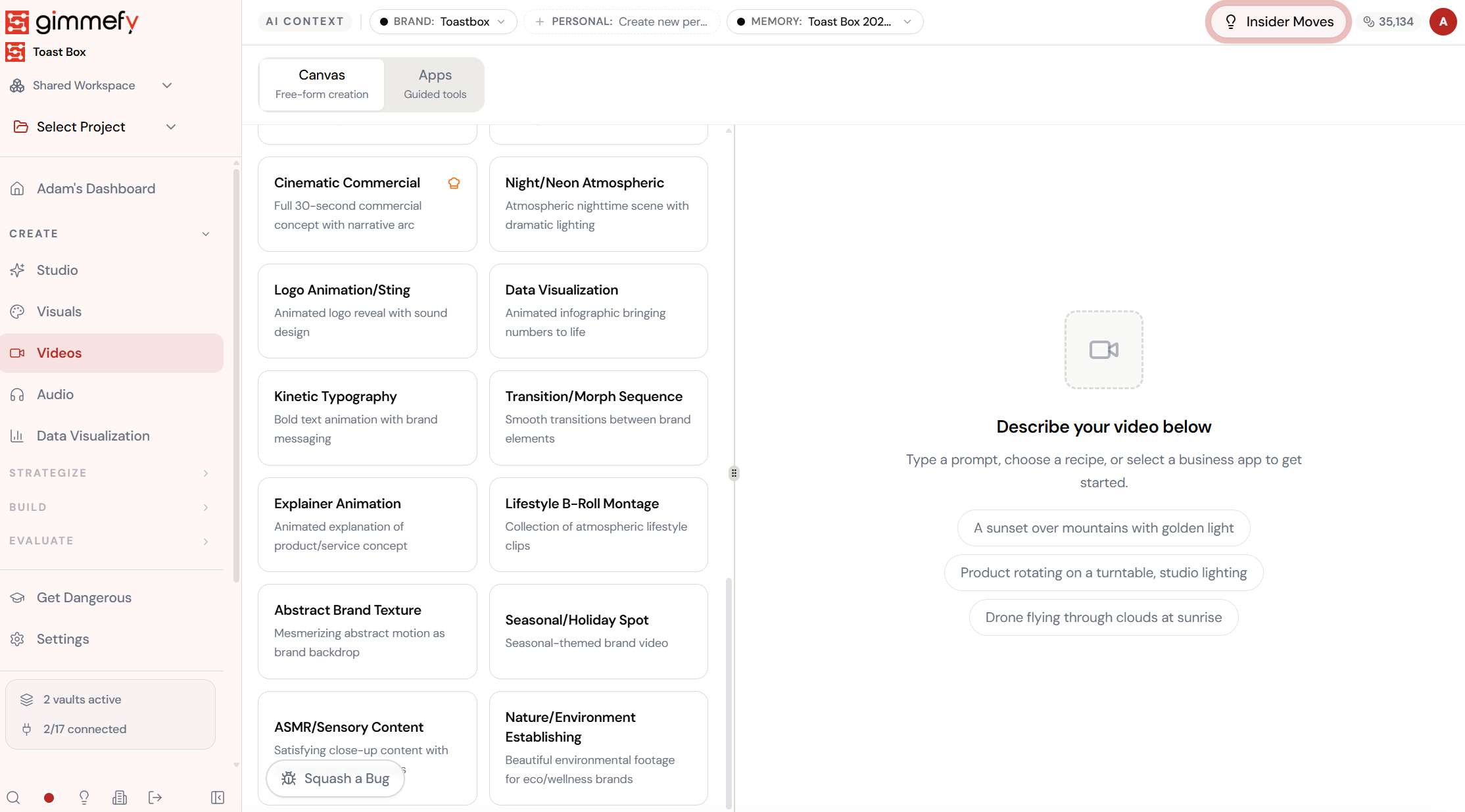
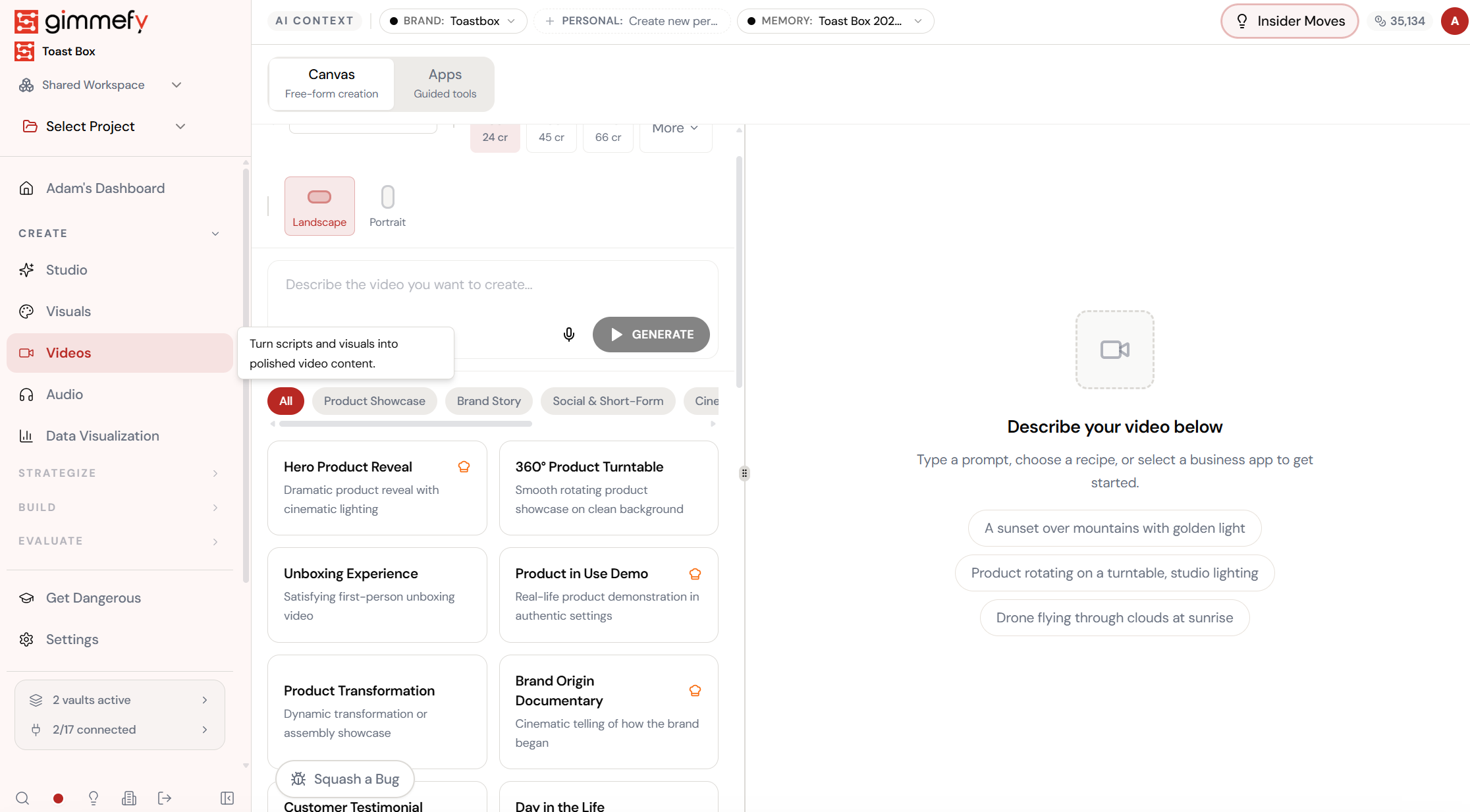
Pick a recipe. The prompt writes itself.
Browse video recipe cards — Hero Product Reveal, 360° Product Turntable, Unboxing Experience, Product in Use Demo. Click one and the entire cinematic prompt auto-fills.
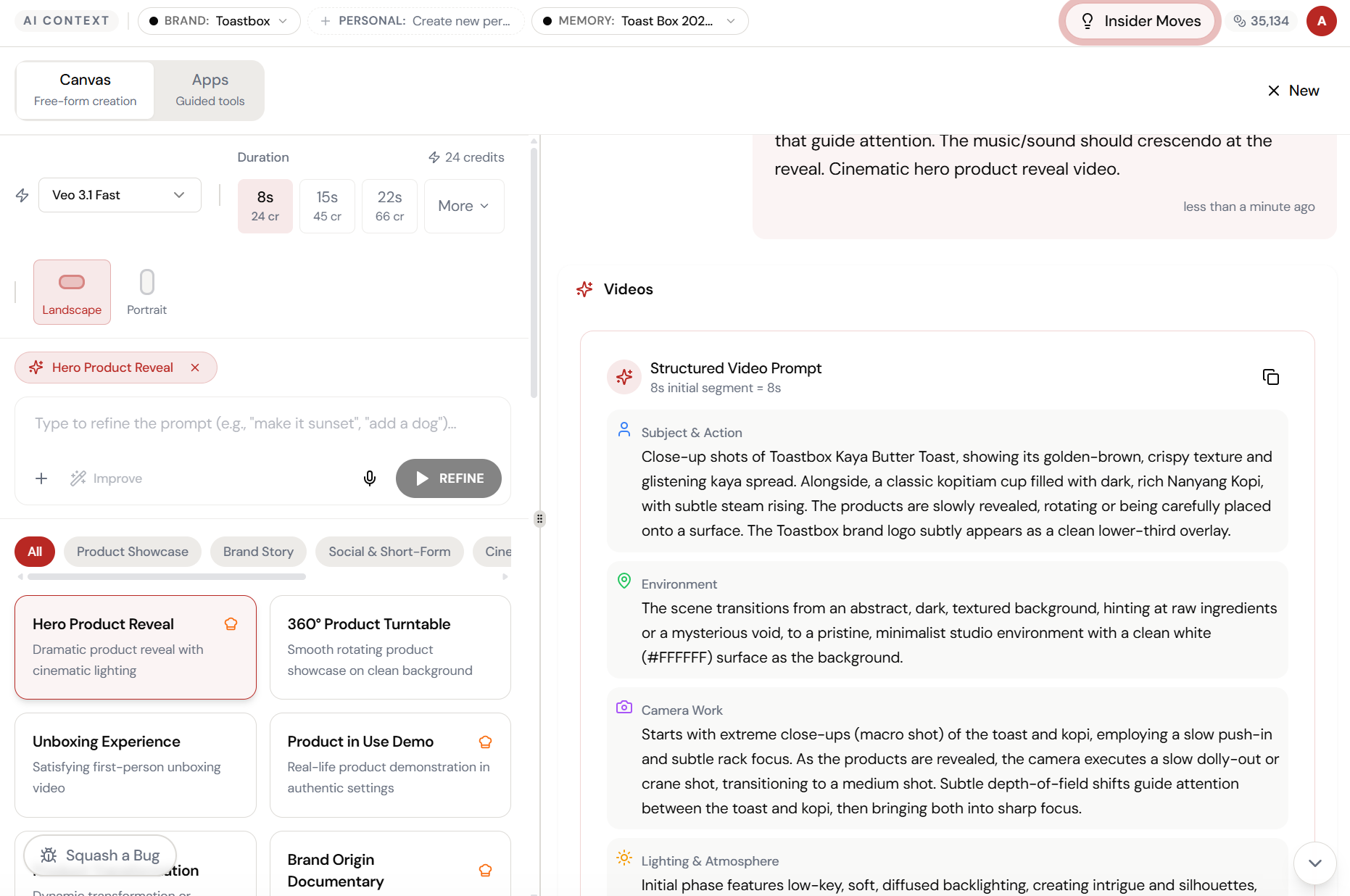
The magic happens here.
The AI interprets your input and begins creating — you can see the progress in real time.
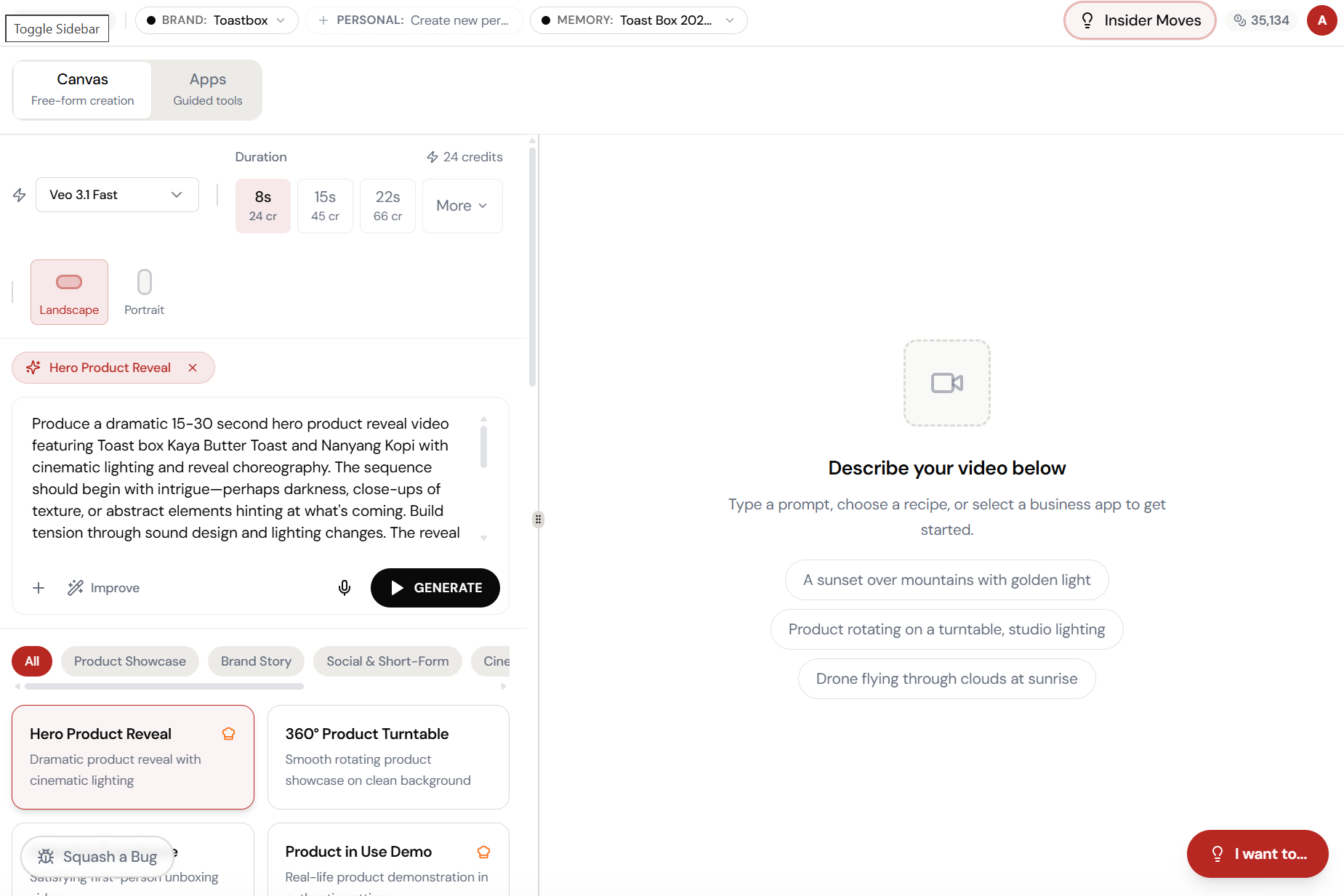
Customise if you want. Or just hit Generate.
The recipe fills in everything — dramatic lighting, reveal choreography, camera movements. Tweak it or trust it. Either way, you’re generating in seconds.
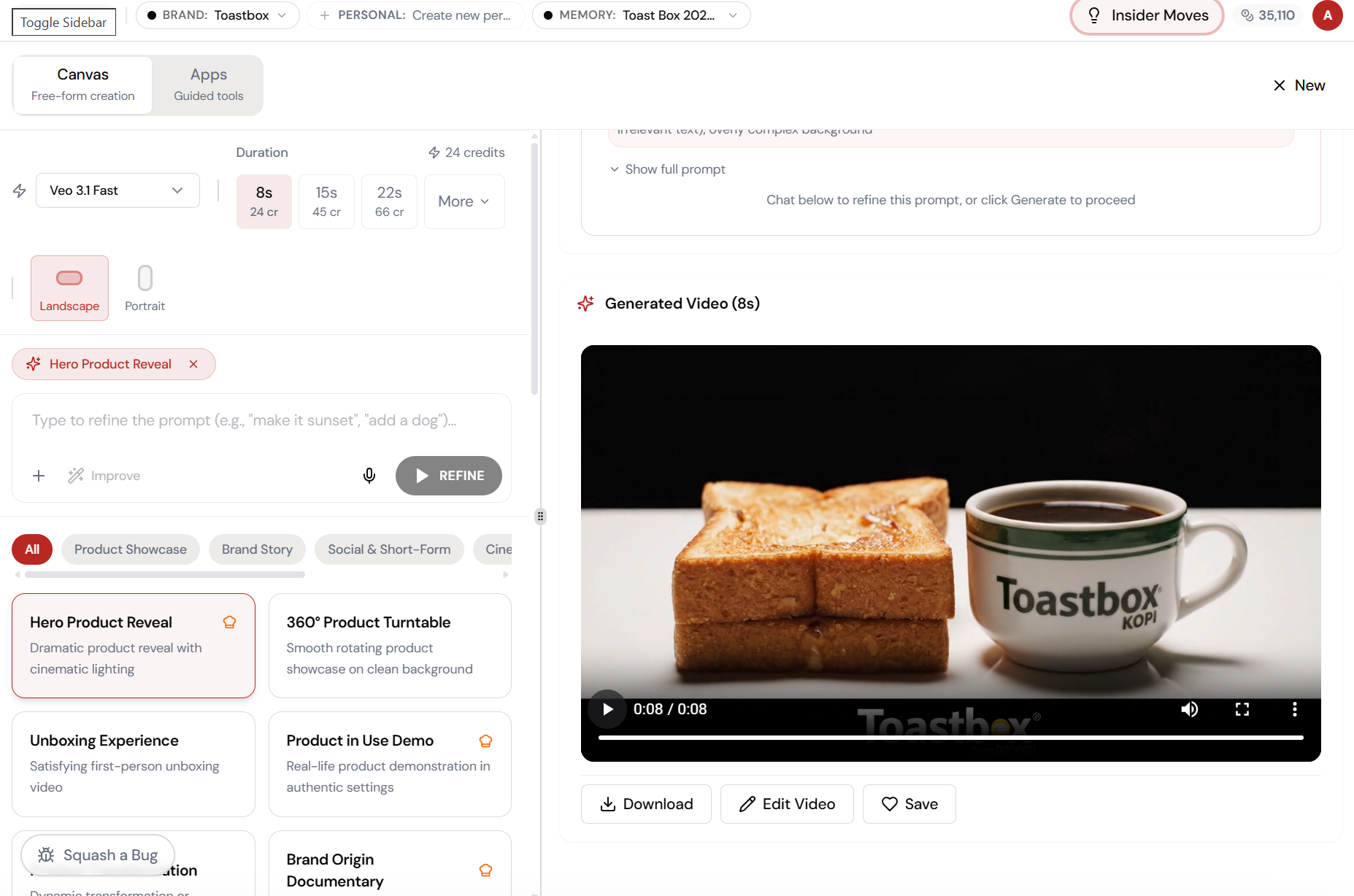
The result. Ready to use.
Your output is complete — polished, on-brand, and ready to download, share, or refine further.
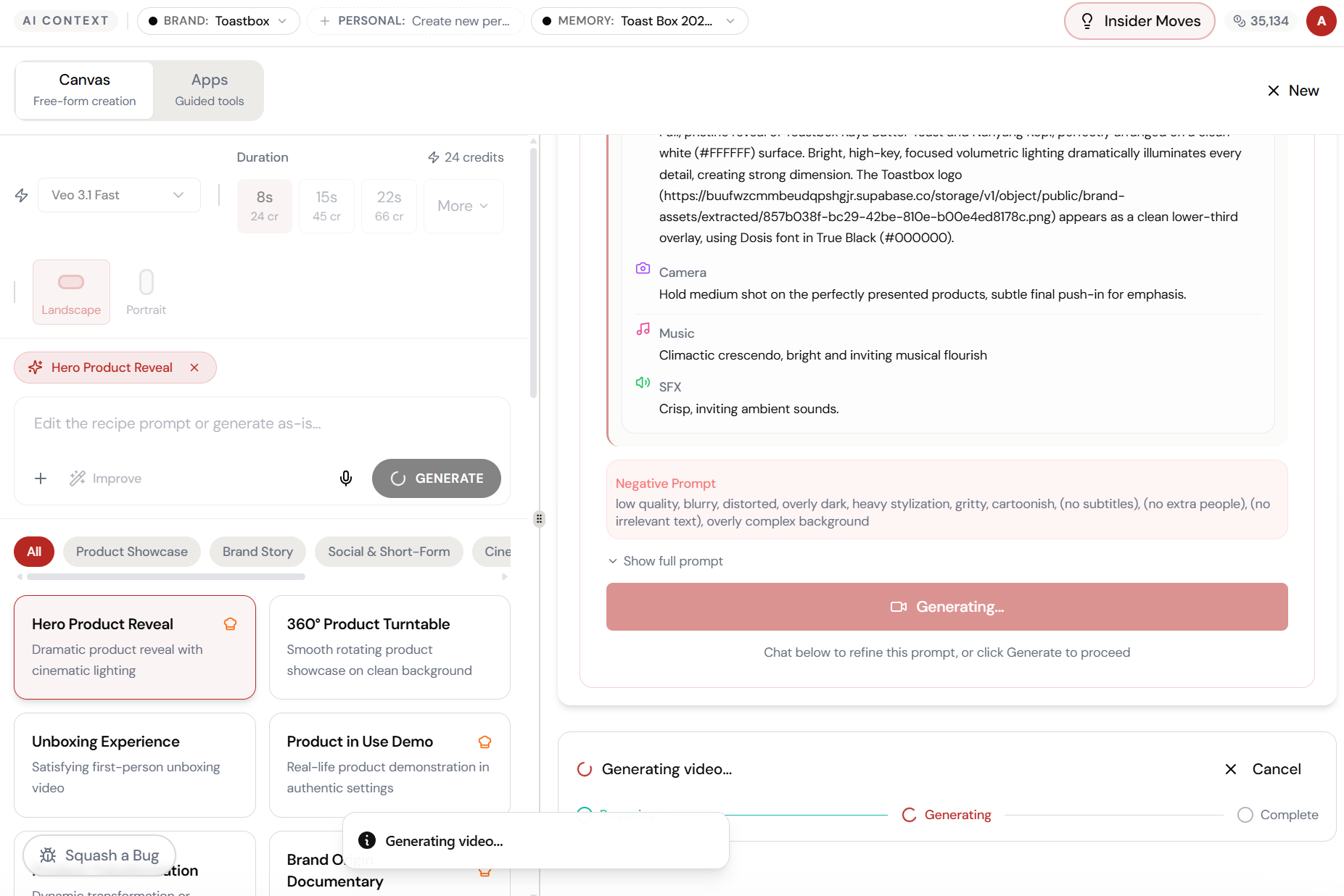
Almost there. Watch it work.
The AI processes your request — composing, rendering, and refining until the output matches your brief.
What Actually Changes
Manual. Repetitive. Time-consuming. Every video recipes task starts from scratch with no context, no memory, and no brand awareness.
One click. Full context. Video Recipes handles it — with your brand, your data, your preferences baked in from the start.