




The product demo needs to look real. The product does not exist yet.
The prototype is in development. The investor meeting is next week. You need a demo video that shows the product in action — but the product is still wireframes and promises.
The Hack: The Prototype Demo
Fine-tune the details.
Adjust settings, add context, or refine your prompt. Product Demo Animator gives you control without complexity.
The Walkthrough
Fine-tune the details.
Adjust settings, add context, or refine your prompt. Product Demo Animator gives you control without complexity.
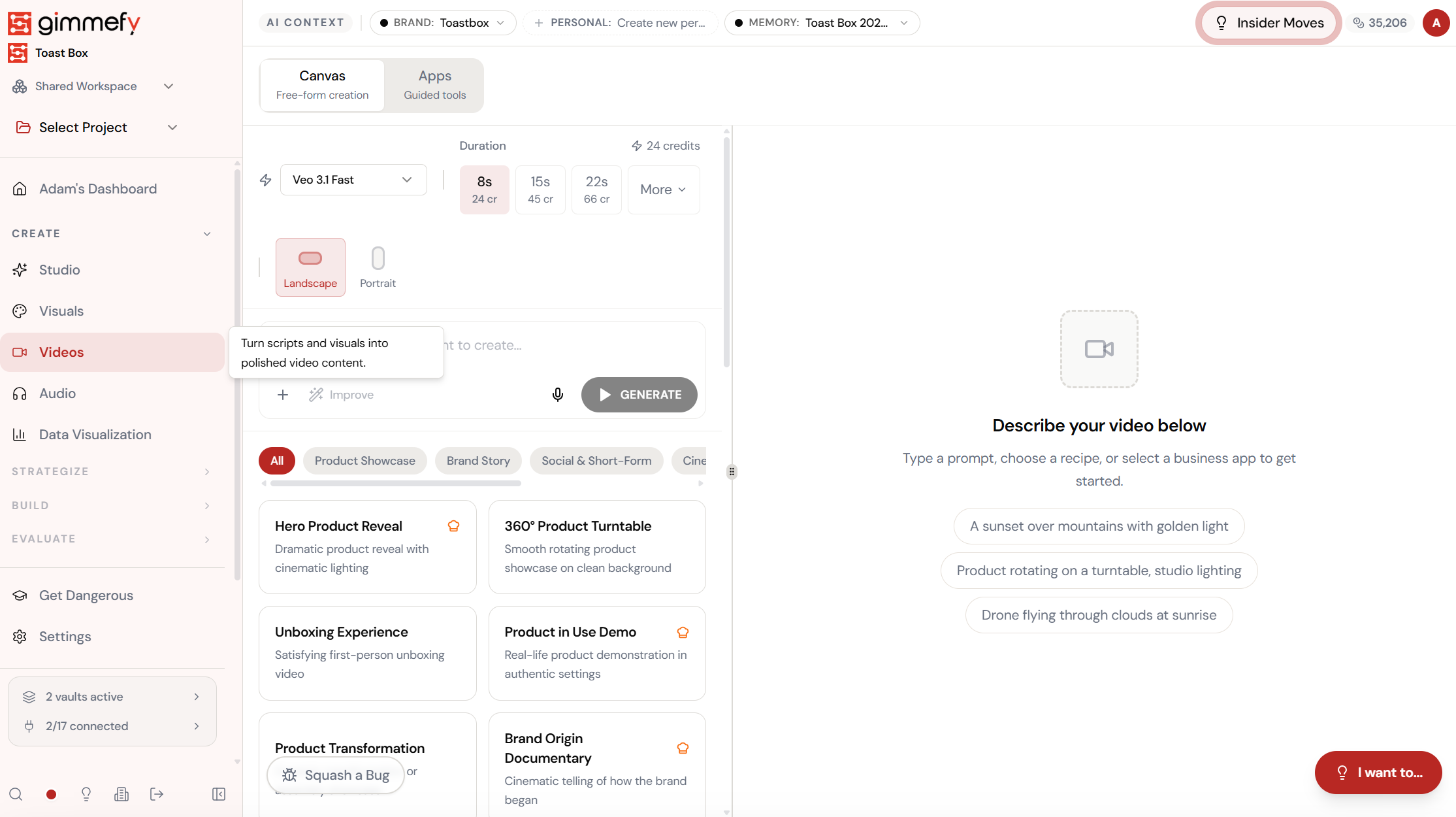
Set up your inputs.
Configure your settings, upload your assets, or describe what you need. Product Demo Animator handles the complexity.
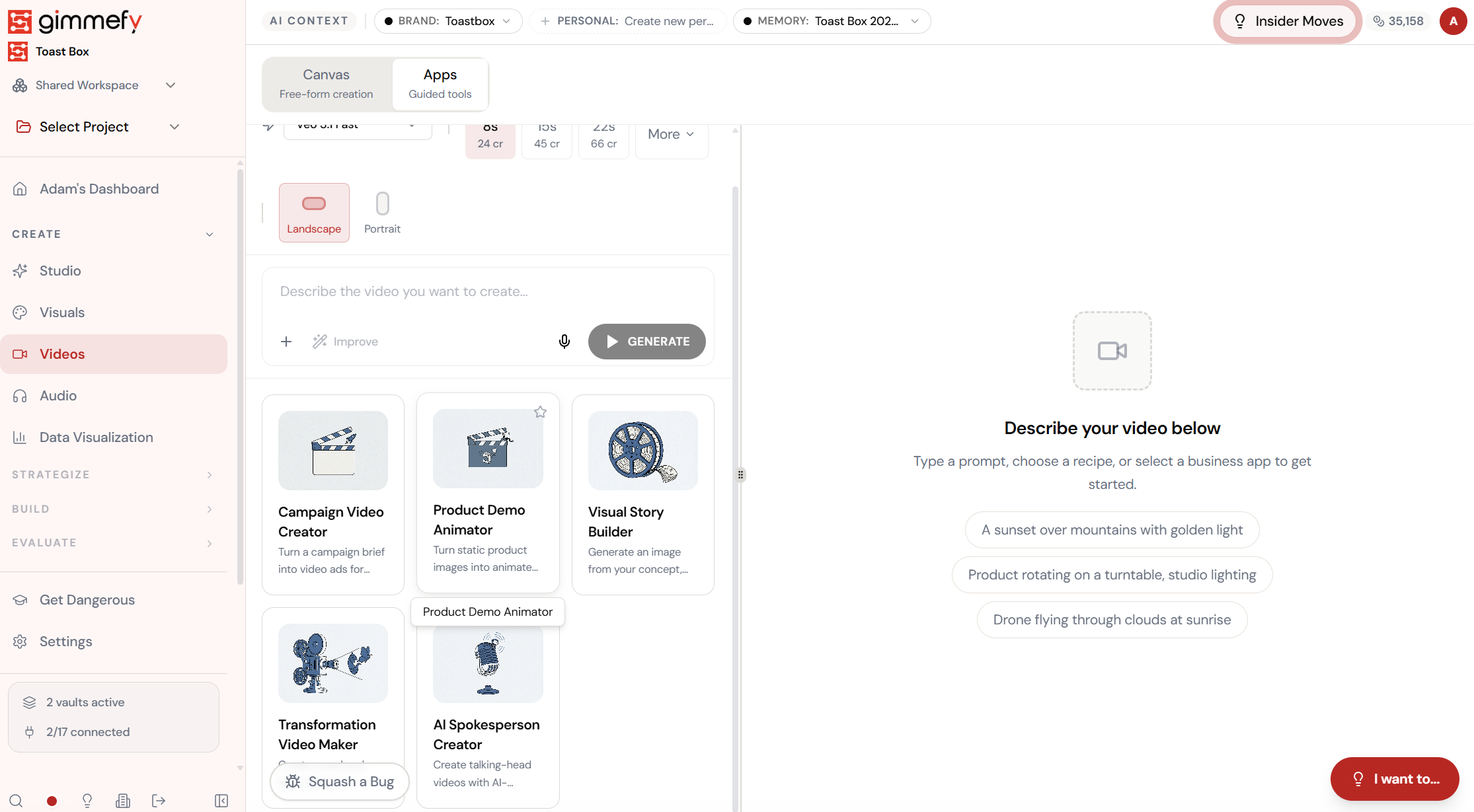
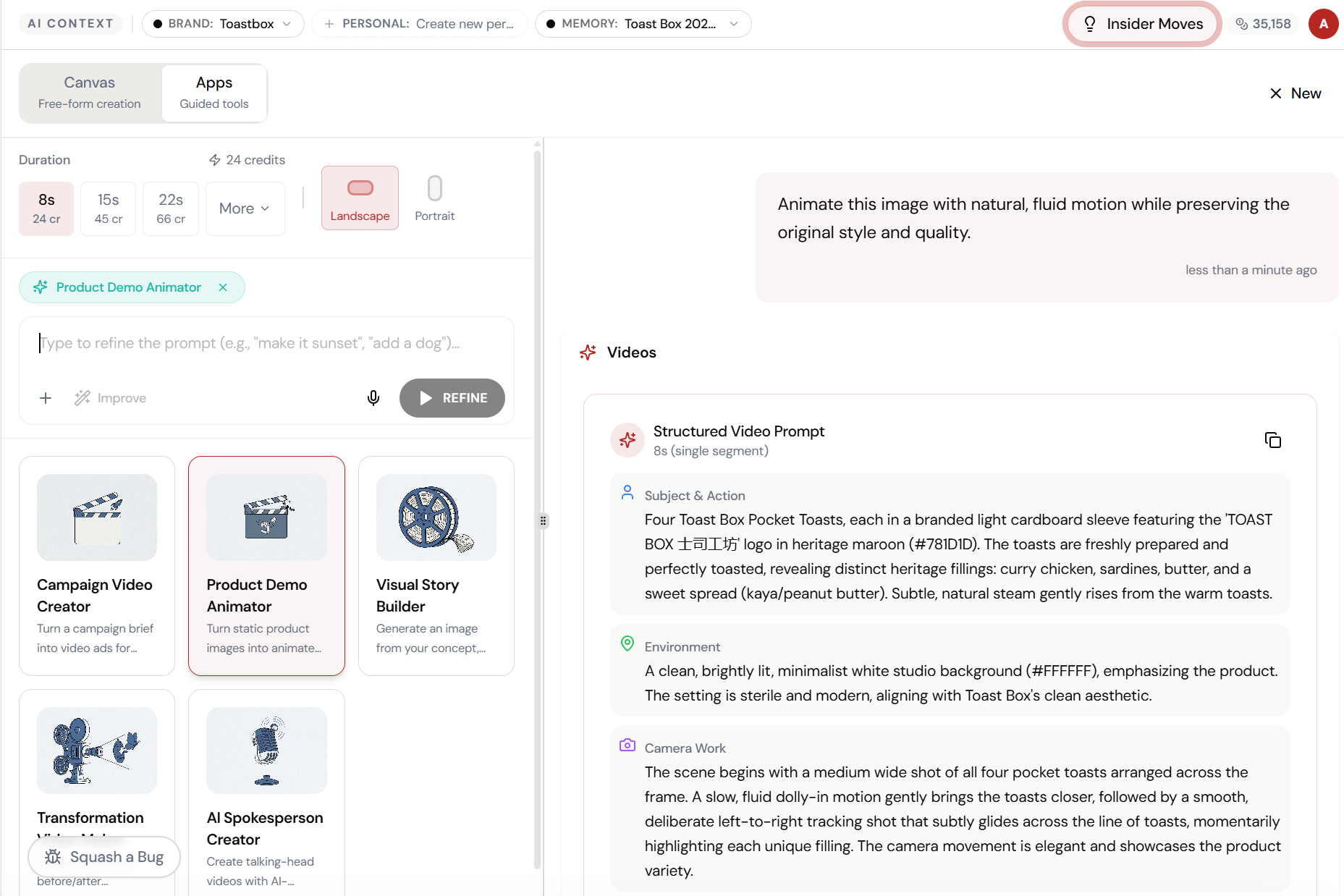
Open Product Demo Animator. Here’s what you see.
Navigate to Product Demo Animator — the interface is clean, focused, and ready for your input.
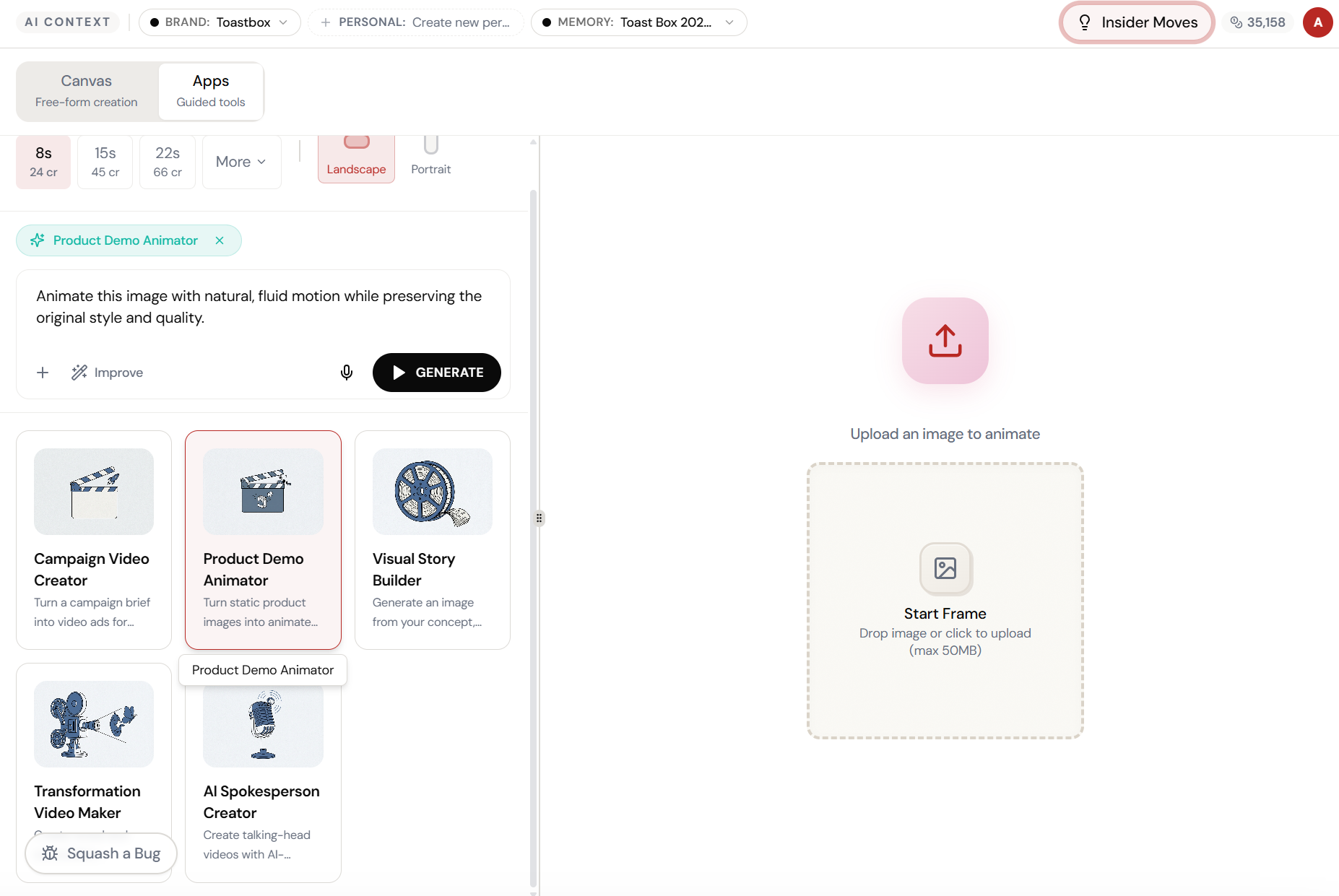
Select Product Demo Animator. Describe the demo.
Pick Product Demo Animator from Apps and describe what the product does — the AI creates an animated demo video showing the product in action.
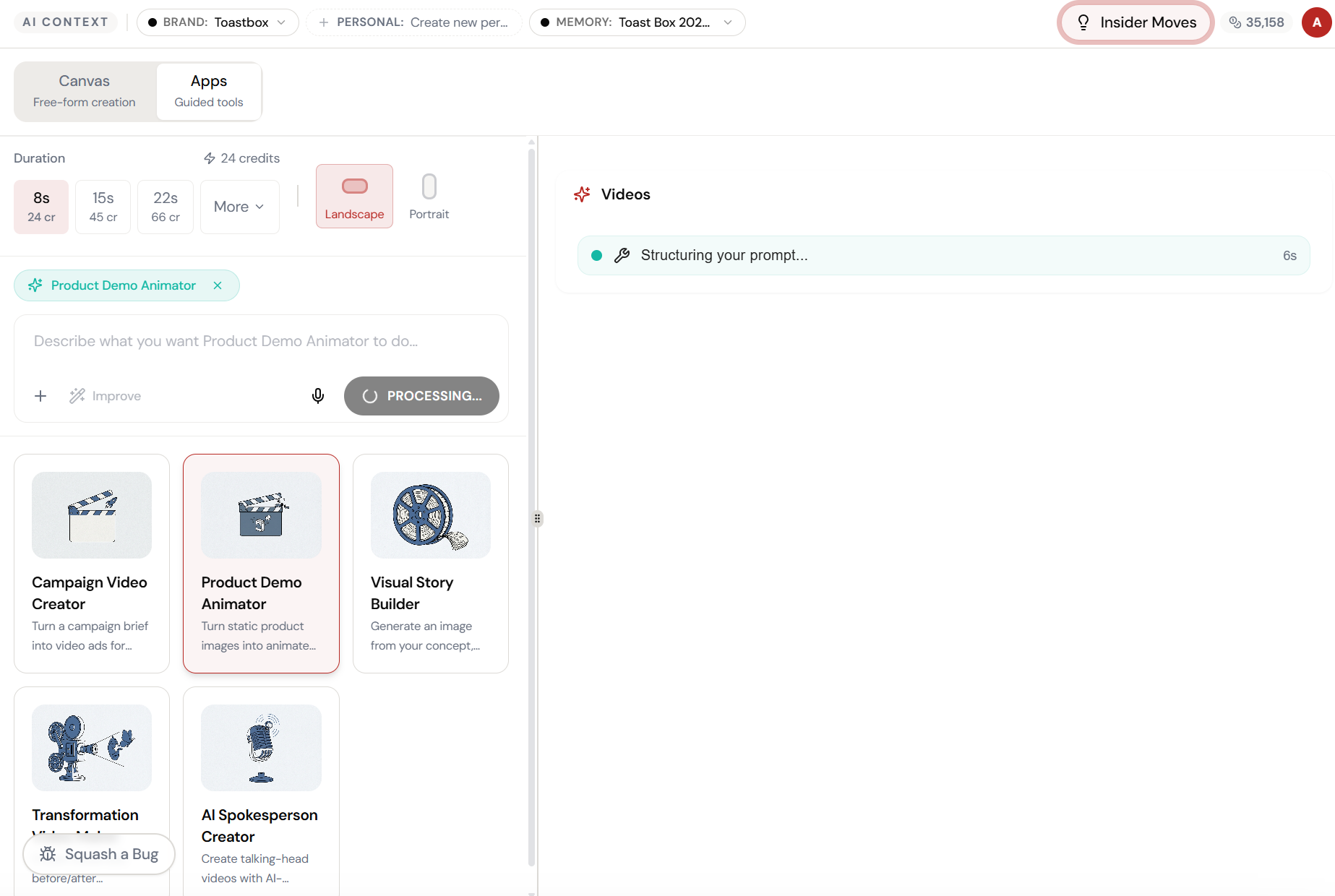
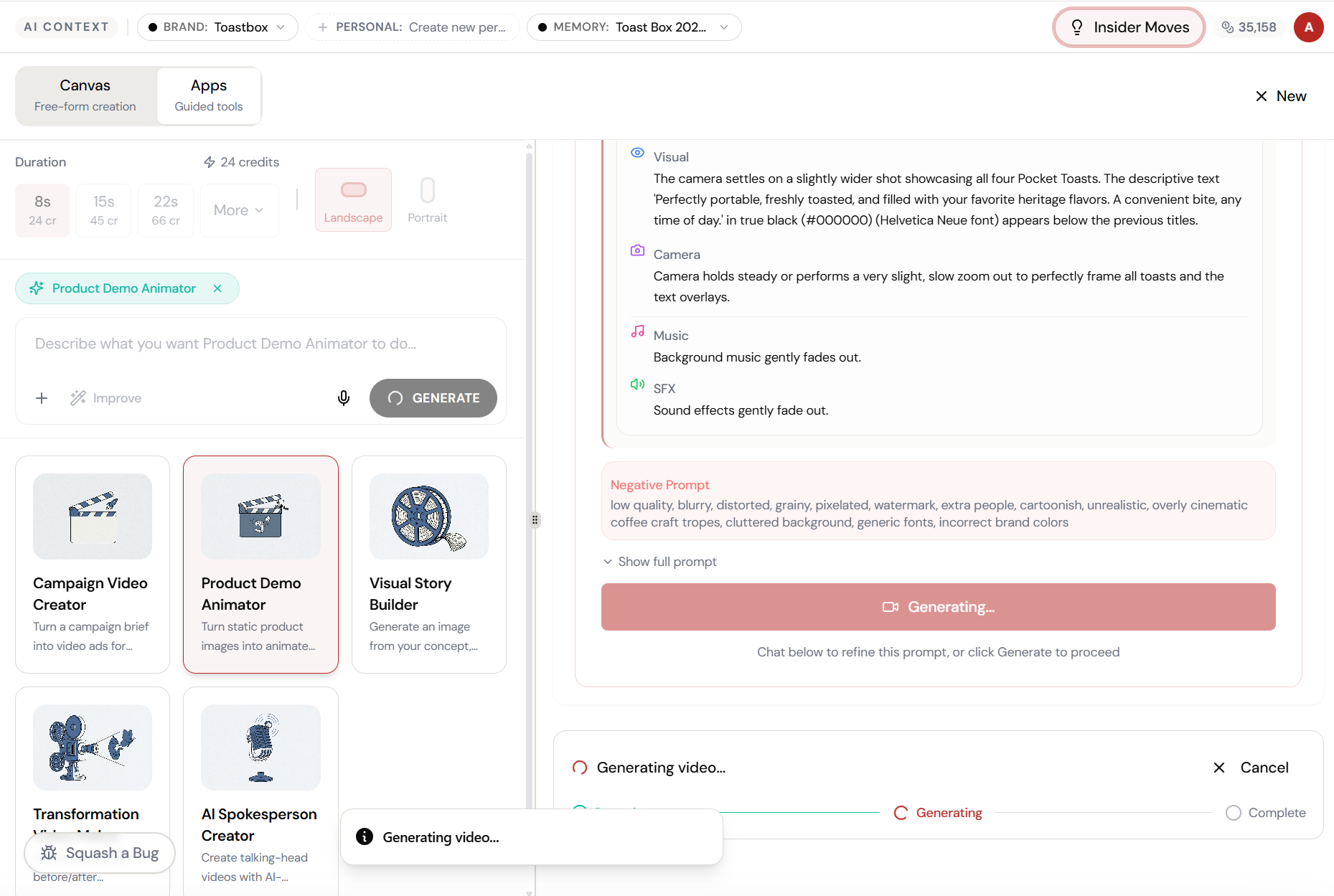
The magic happens here.
The AI interprets your input and begins creating — you can see the progress in real time.
Product demo. Before the product.
The AI generates an animated product demonstration — showing features, interactions, and use cases in a polished video format.
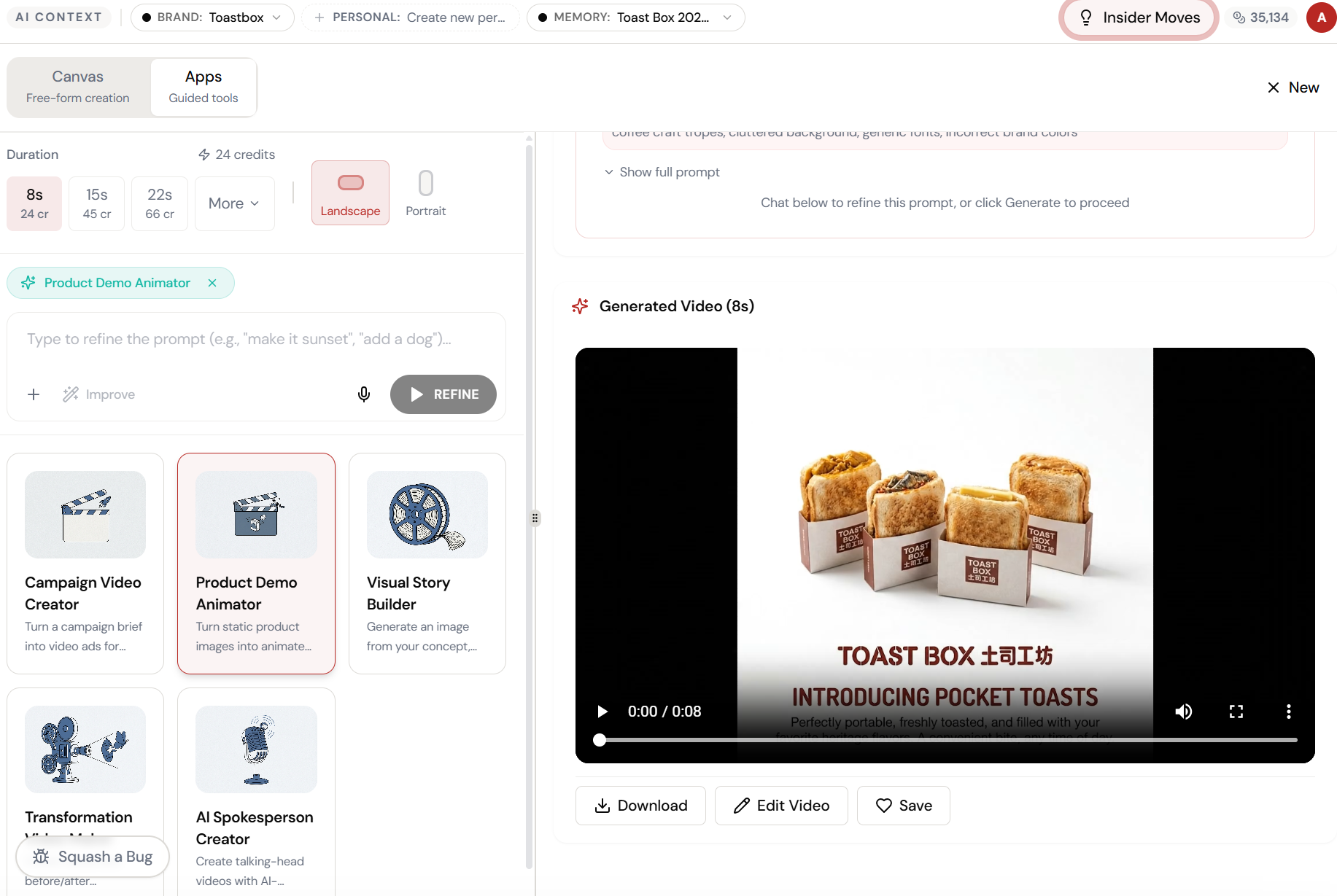
The result. Ready to use.
Your output is complete — polished, on-brand, and ready to download, share, or refine further.
What Actually Changes
Manual. Repetitive. Time-consuming. Every product demo animator task starts from scratch with no context, no memory, and no brand awareness.
One click. Full context. Product Demo Animator handles it — with your brand, your data, your preferences baked in from the start.
Escape the Messy Middle
See how Product Demo Animator transforms your workflow.