




You need a visual story. Not a slideshow — a story.
The narrative is compelling. The data supports it. But presenting it as bullet points kills the emotion. You need visuals that carry the story — not decorate it.
The Hack: The Visual Story
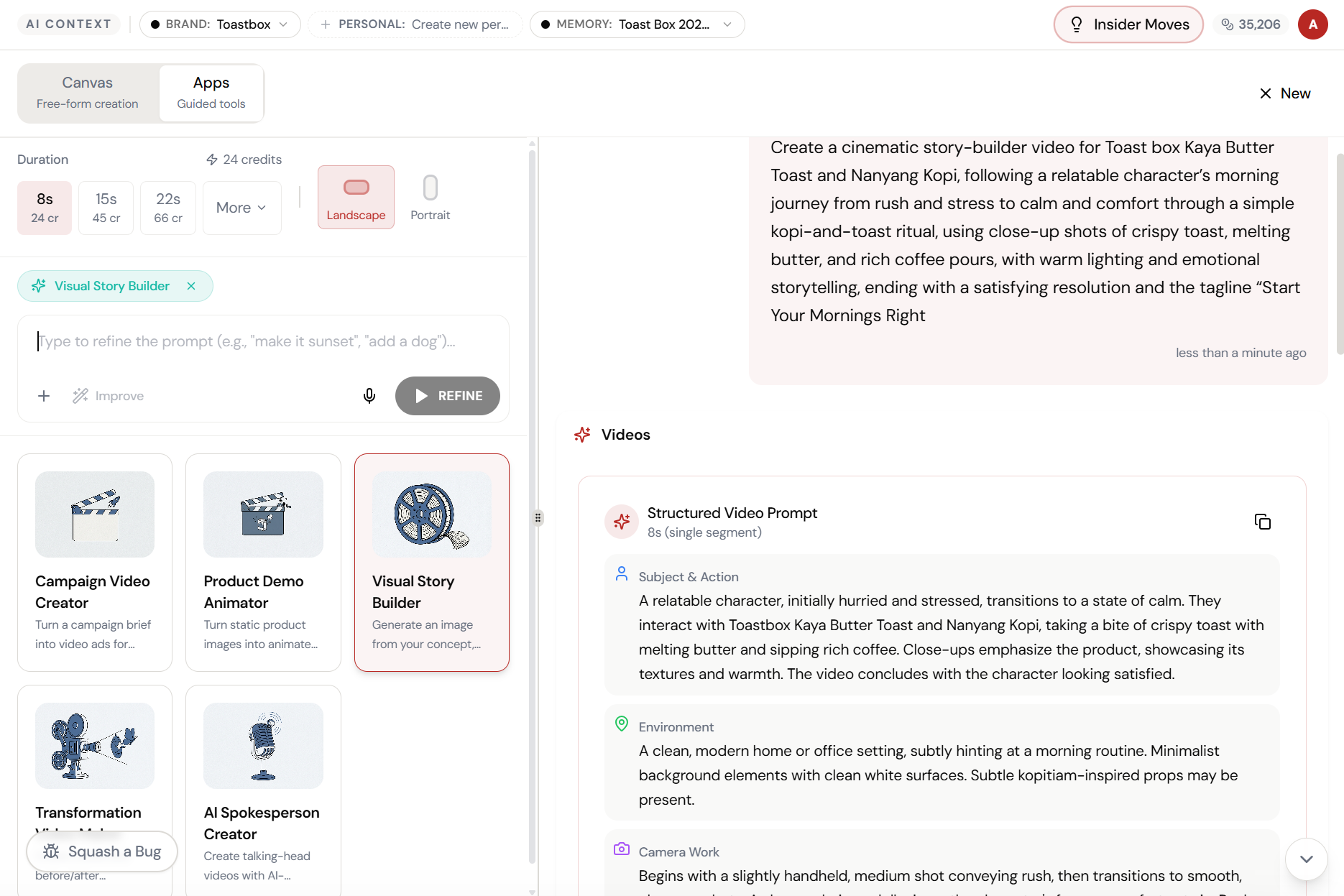
Fine-tune the details.
Adjust settings, add context, or refine your prompt. Visual Story Builder gives you control without complexity.
The Walkthrough
Fine-tune the details.
Adjust settings, add context, or refine your prompt. Visual Story Builder gives you control without complexity.
Set up your inputs.
Configure your settings, upload your assets, or describe what you need. Visual Story Builder handles the complexity.
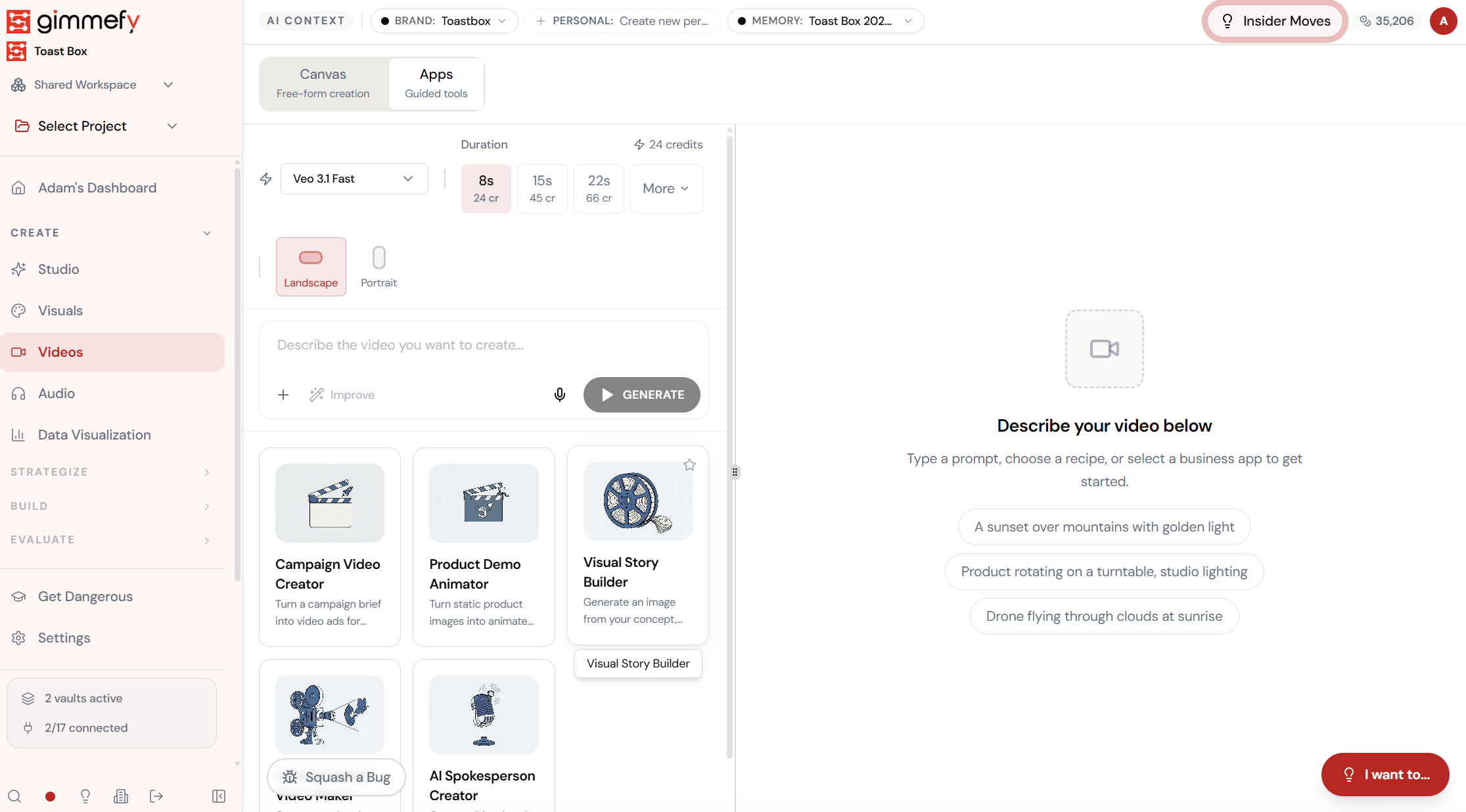
Open Visual Story Builder. Here’s what you see.
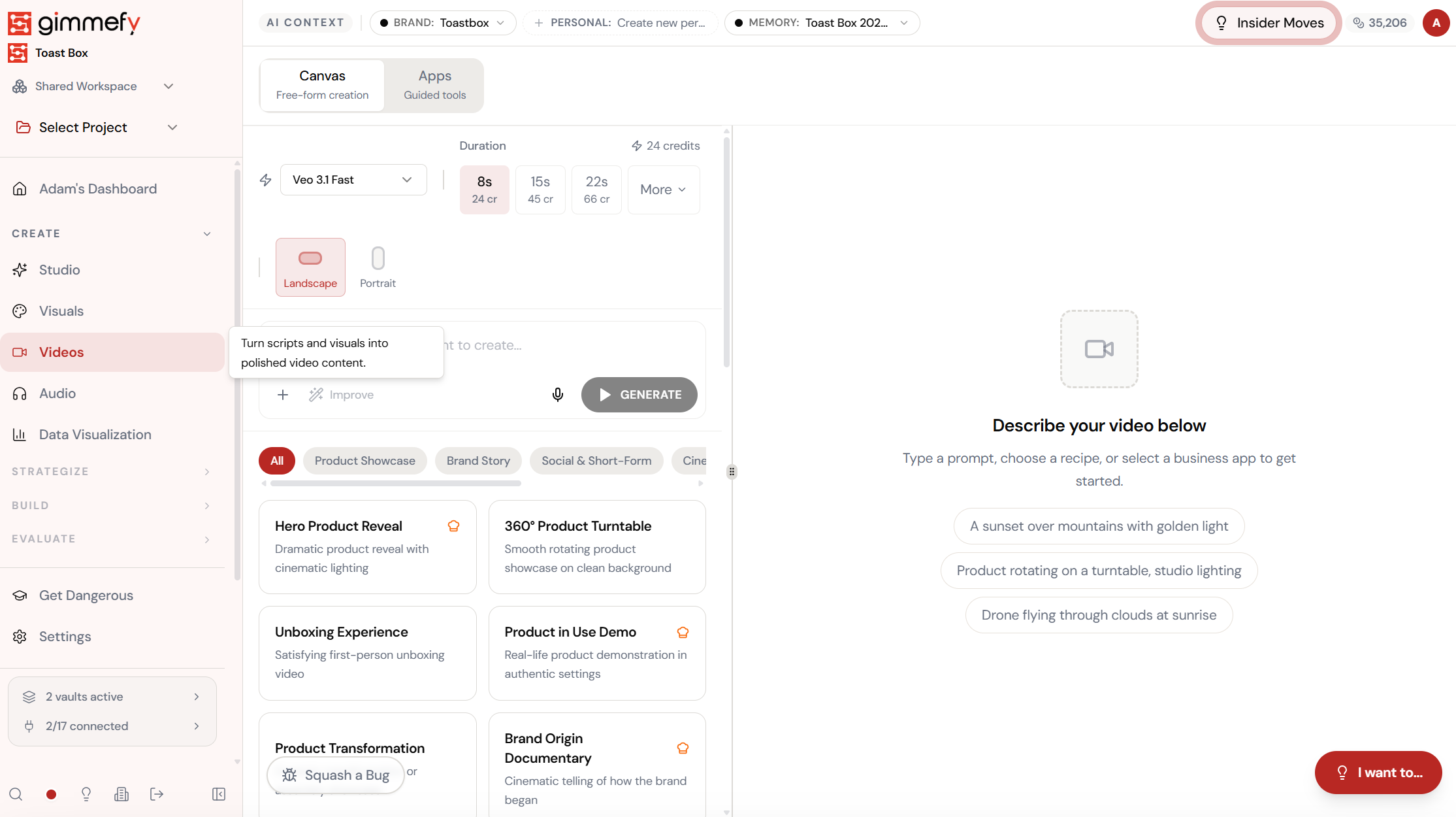
Navigate to Visual Story Builder — the interface is clean, focused, and ready for your input.
Select Visual Story Builder. Tell your story.
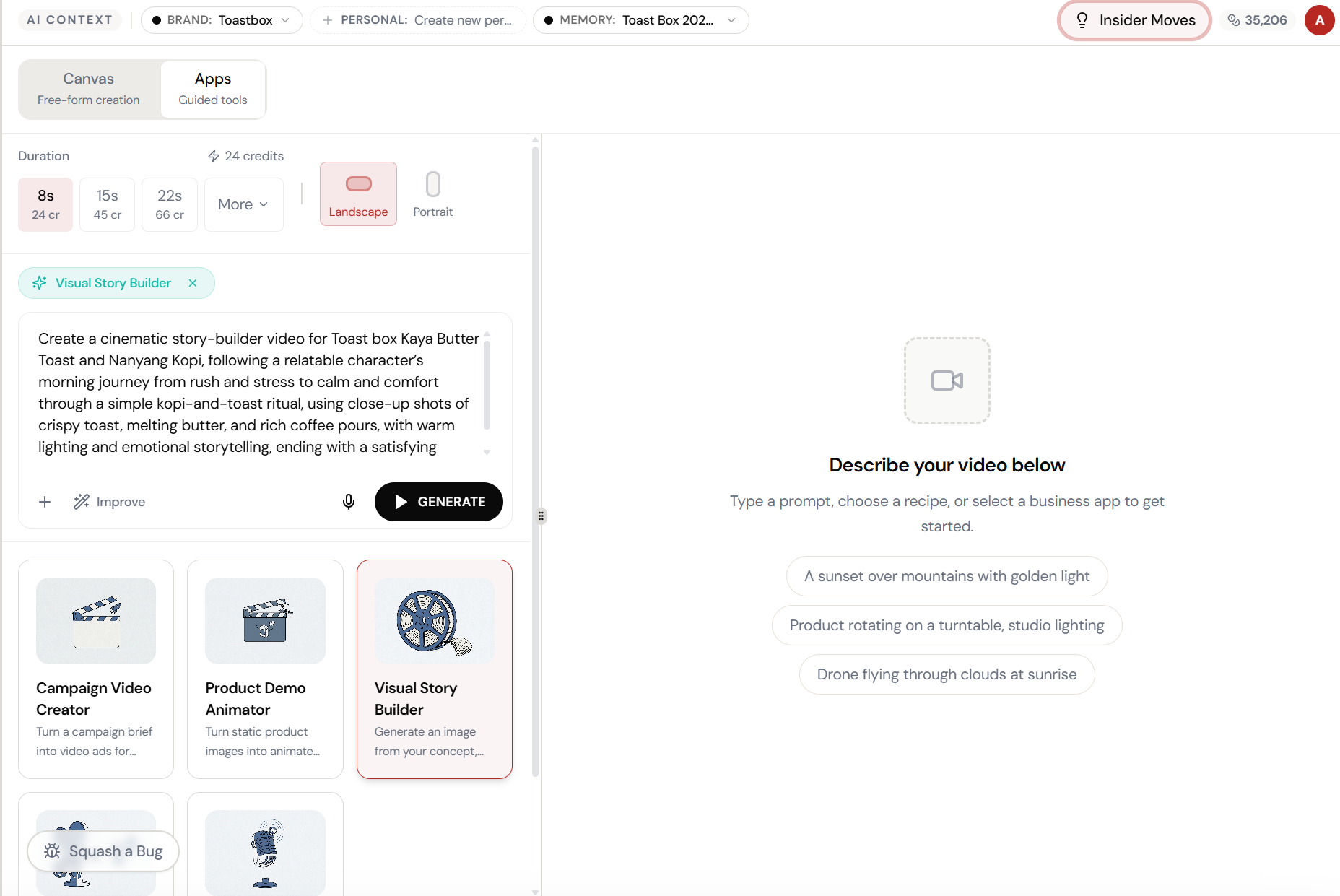
Pick Visual Story Builder from the Apps tab and describe your brand narrative — origin, values, journey. The AI structures it into a visual story with scenes and transitions.
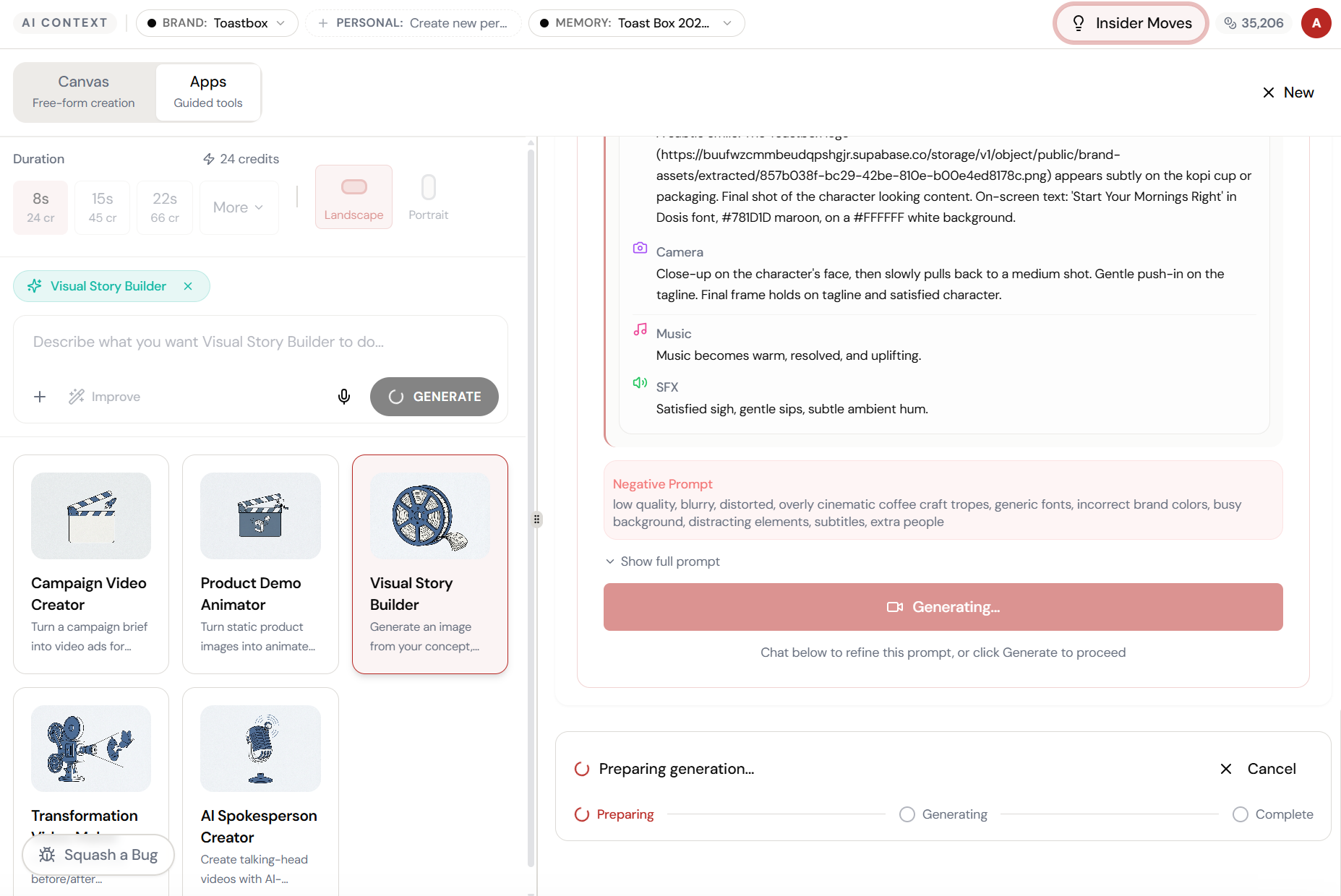
The magic happens here.
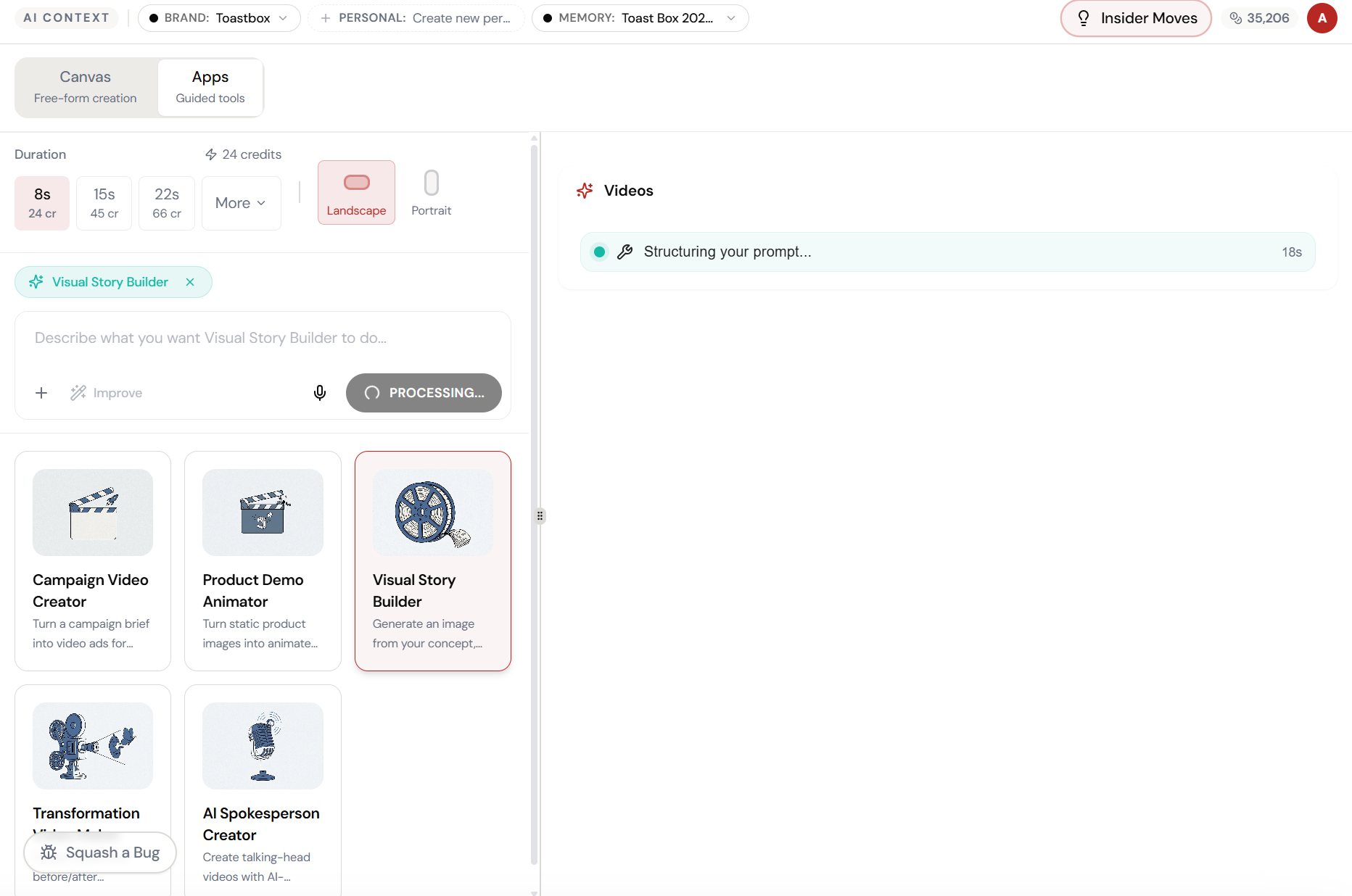
The AI interprets your input and begins creating — you can see the progress in real time.
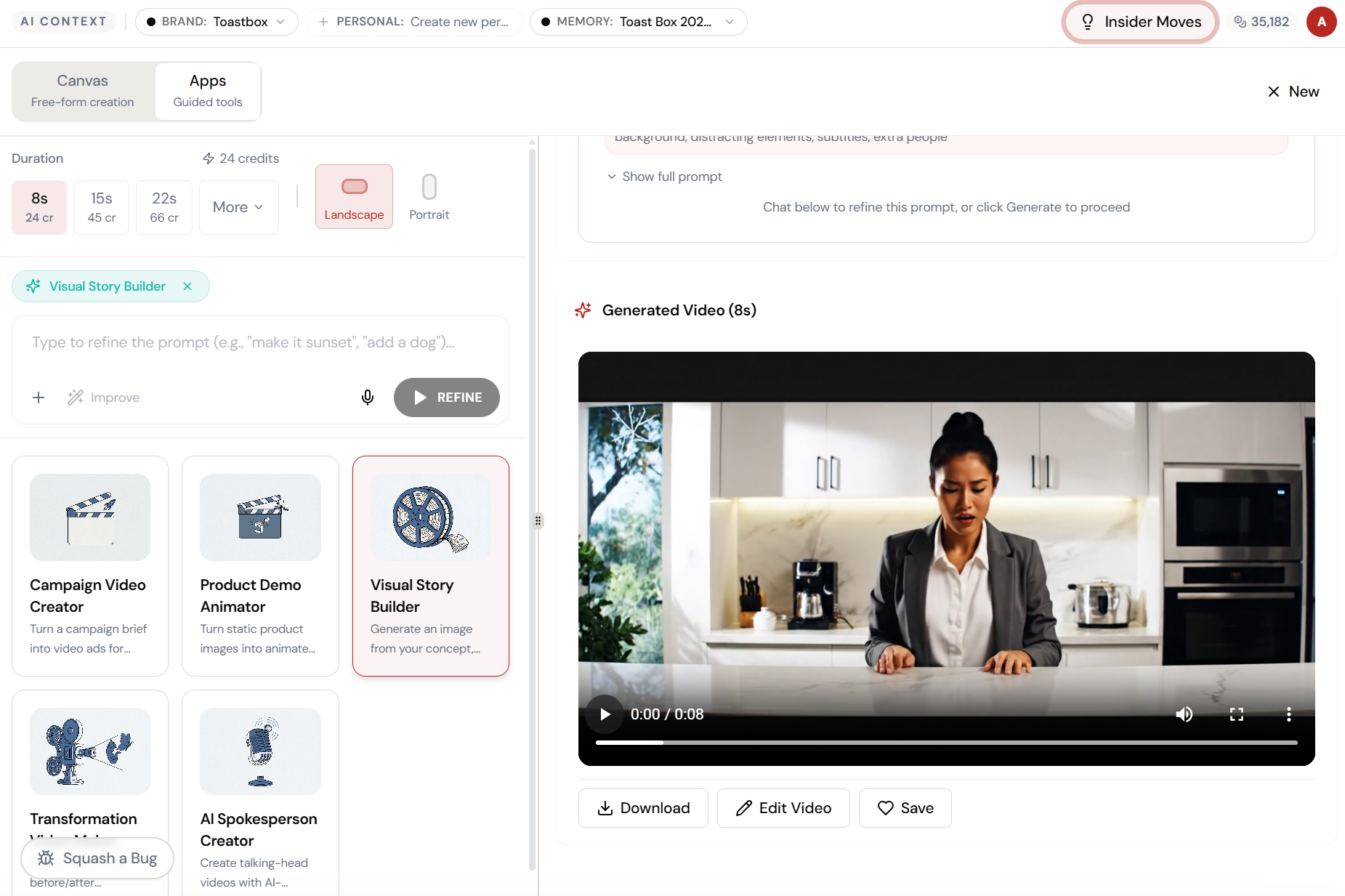
Your origin story. Cinematic.
The AI generates a brand story video with emotional pacing, atmospheric visuals, and narrative flow — ready for your website, social channels, or investor deck.
The result. Ready to use.
Your output is complete — polished, on-brand, and ready to download, share, or refine further.
What Actually Changes
Manual. Repetitive. Time-consuming. Every visual story builder task starts from scratch with no context, no memory, and no brand awareness.
One click. Full context. Visual Story Builder handles it — with your brand, your data, your preferences baked in from the start.
Escape the Messy Middle
See how Visual Story Builder transforms your workflow.