



Your spokesperson costs more per hour than your entire AI budget.
Professional talent. Studio time. Teleprompter. Multiple takes. Post-production. For a 30-second product video that needs updating every quarter. The budget spreadsheet is crying.
The Hack: The AI Spokesperson
Set up your inputs.
Configure your settings, upload your assets, or describe what you need. AI Spokesperson Creator handles the complexity.
The Walkthrough
Set up your inputs.
Configure your settings, upload your assets, or describe what you need. AI Spokesperson Creator handles the complexity.
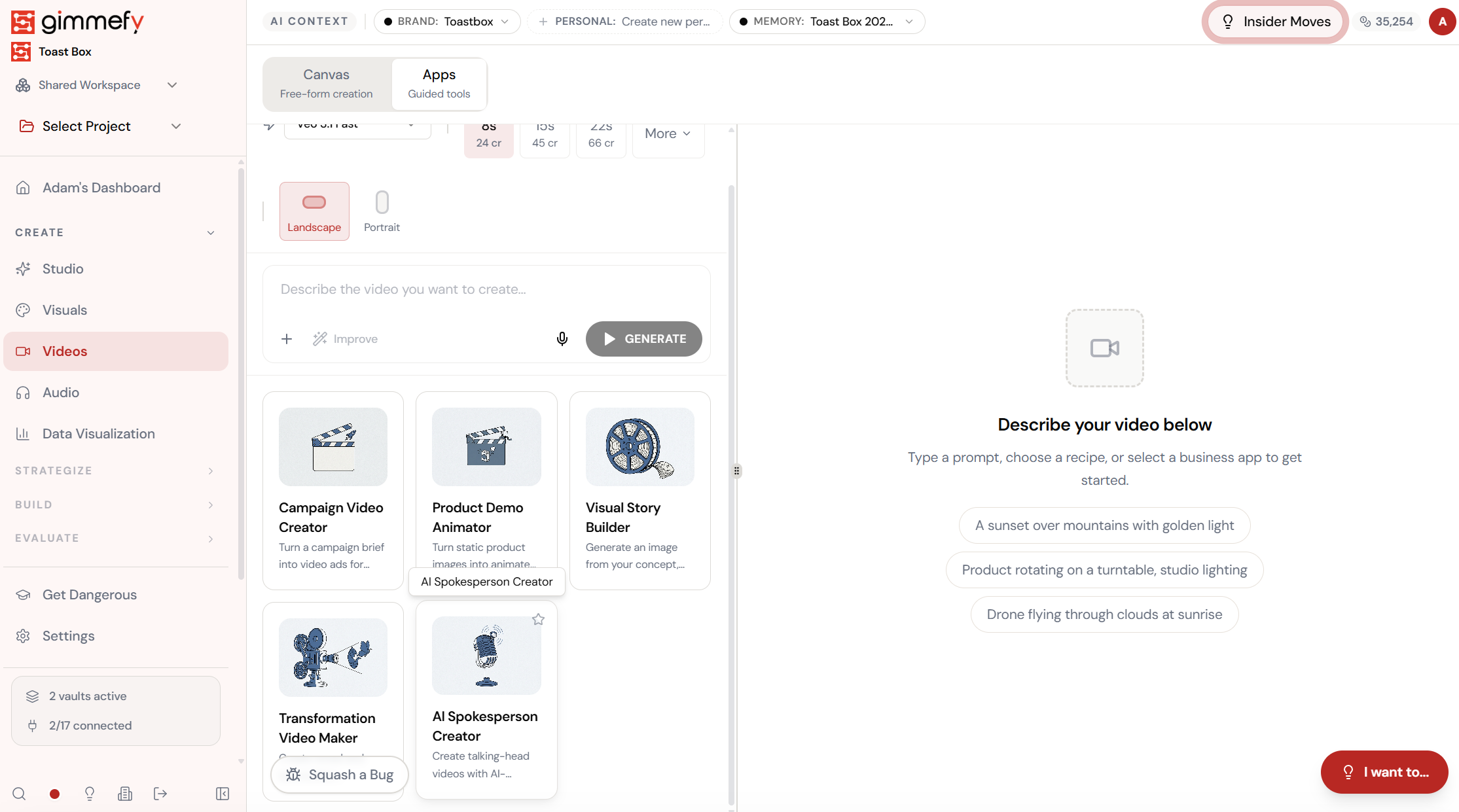
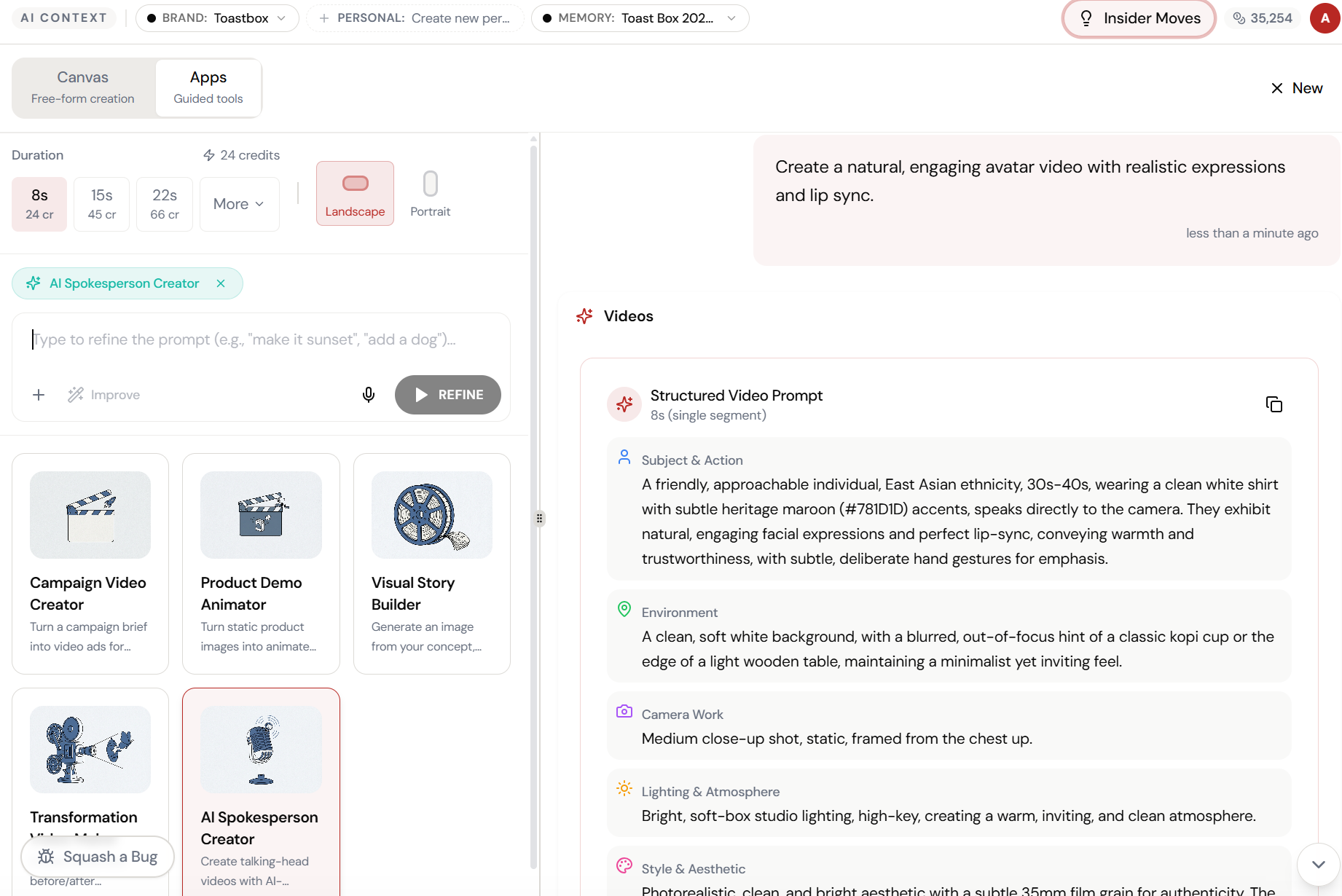
Open AI Spokesperson Creator. Here’s what you see.
Navigate to AI Spokesperson Creator — the interface is clean, focused, and ready for your input.
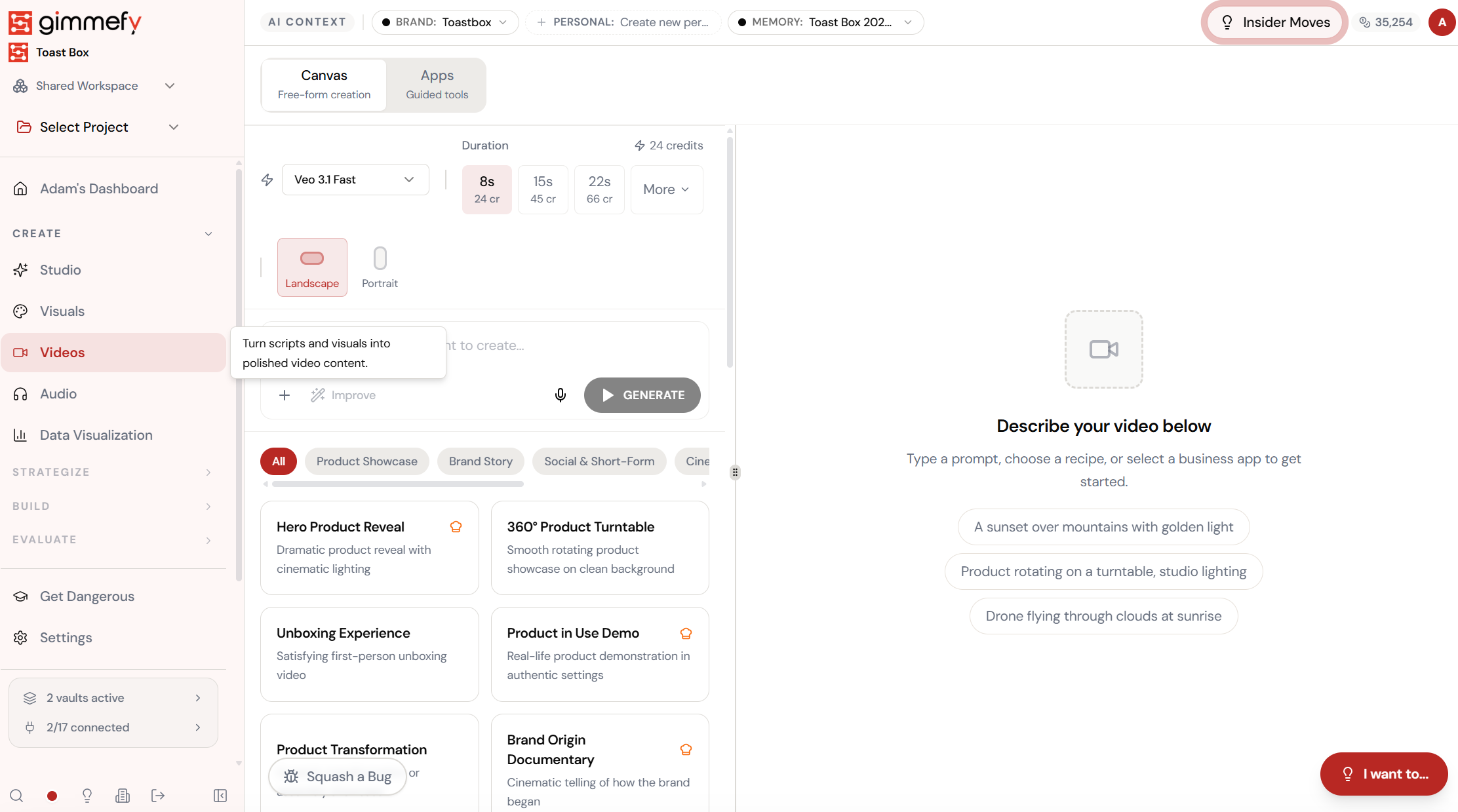
Open Apps. Select AI Spokesperson Creator.
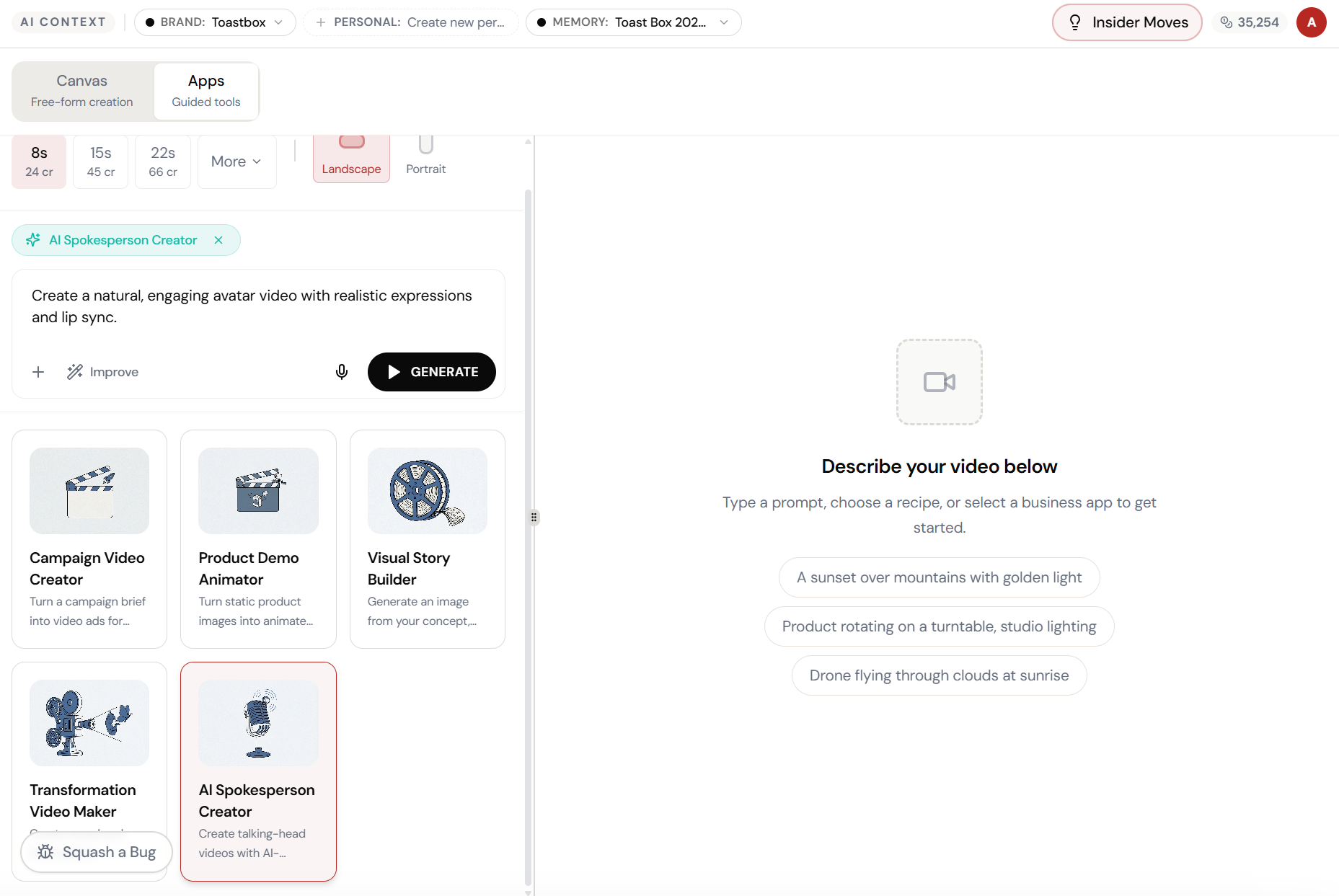
Switch to the Apps tab and pick AI Spokesperson Creator. Type your script — the AI generates a realistic avatar with natural expressions and lip-sync.
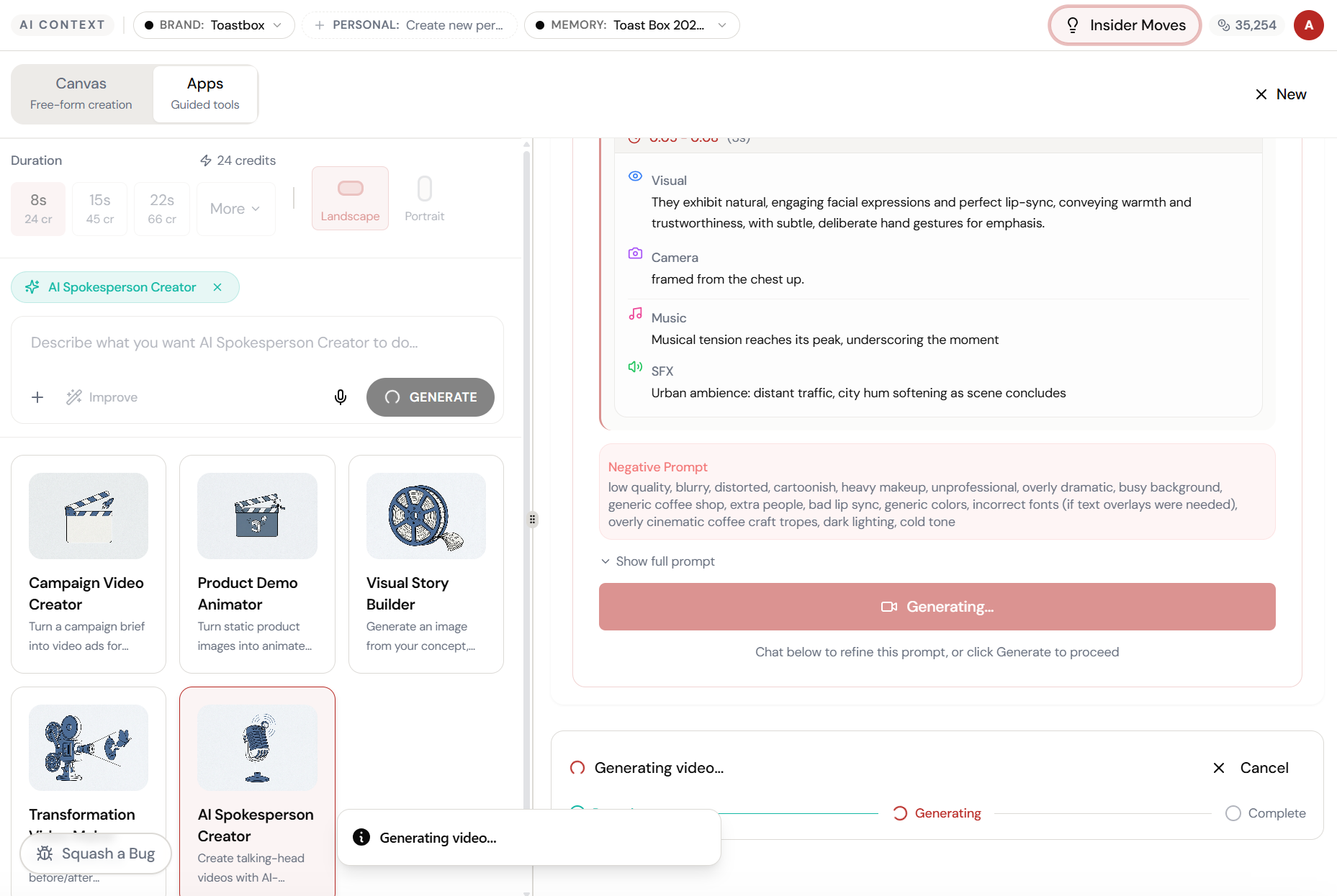
Adjust and refine.
Every parameter is designed to be intuitive. Adjust what matters, skip what doesn’t.
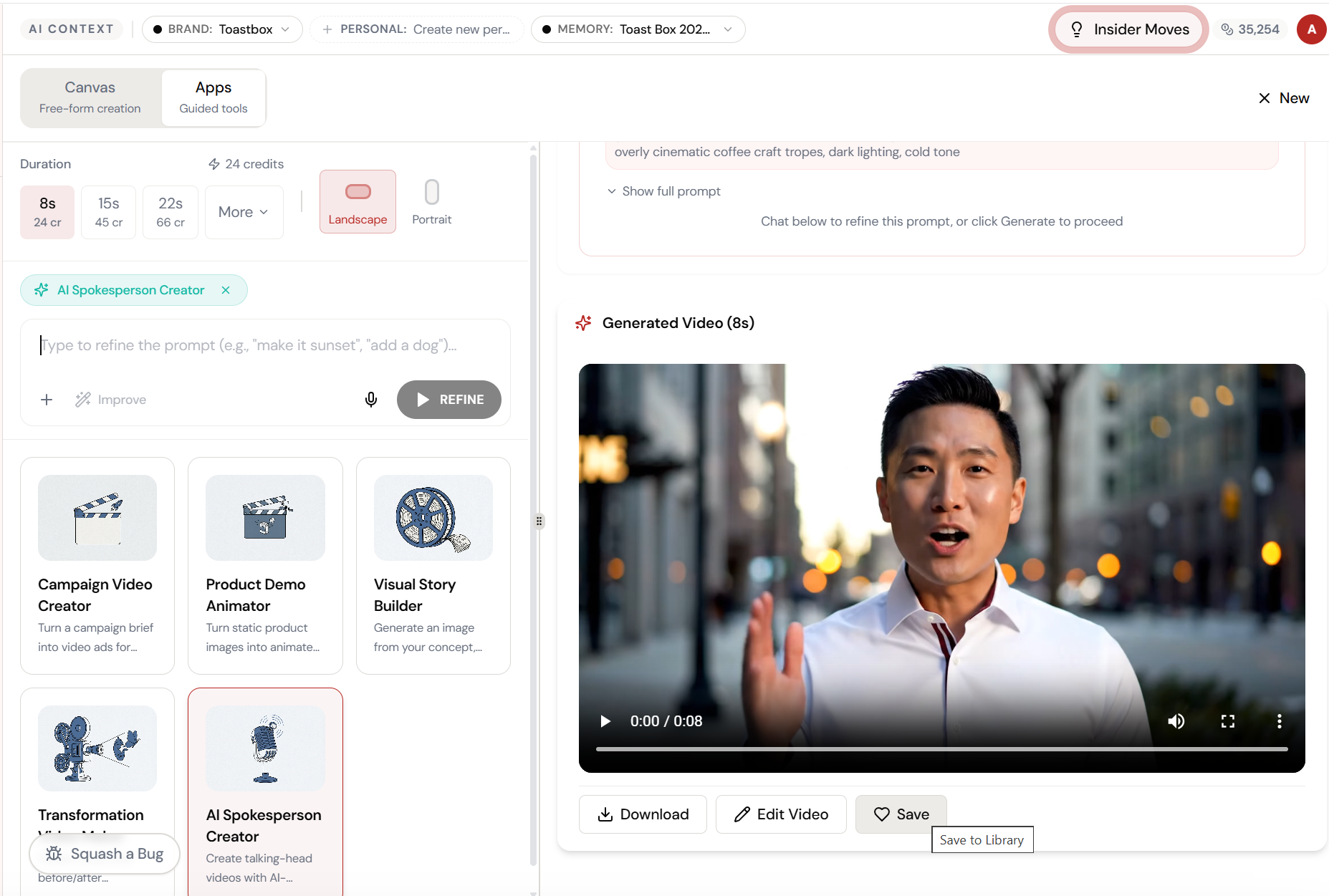
Script in. Avatar out. Lip-sync perfect.
The AI generates a full video with realistic expressions, chest-up framing, ambient sound effects, and music — all from your text script.
The result. Ready to use.
Your output is complete — polished, on-brand, and ready to download, share, or refine further.
What Actually Changes
Manual. Repetitive. Time-consuming. Every ai spokesperson creator task starts from scratch with no context, no memory, and no brand awareness.
One click. Full context. AI Spokesperson Creator handles it — with your brand, your data, your preferences baked in from the start.
Escape the Messy Middle
See how AI Spokesperson Creator transforms your workflow.