




The video is perfect. It is also 3 seconds too short.
The AI generated exactly what you wanted. Except it’s 4 seconds and you need 7. Regenerating risks losing what works. Editing AI video is like editing a dream — the moment you touch it, it changes.
The Hack: The Perfect Length
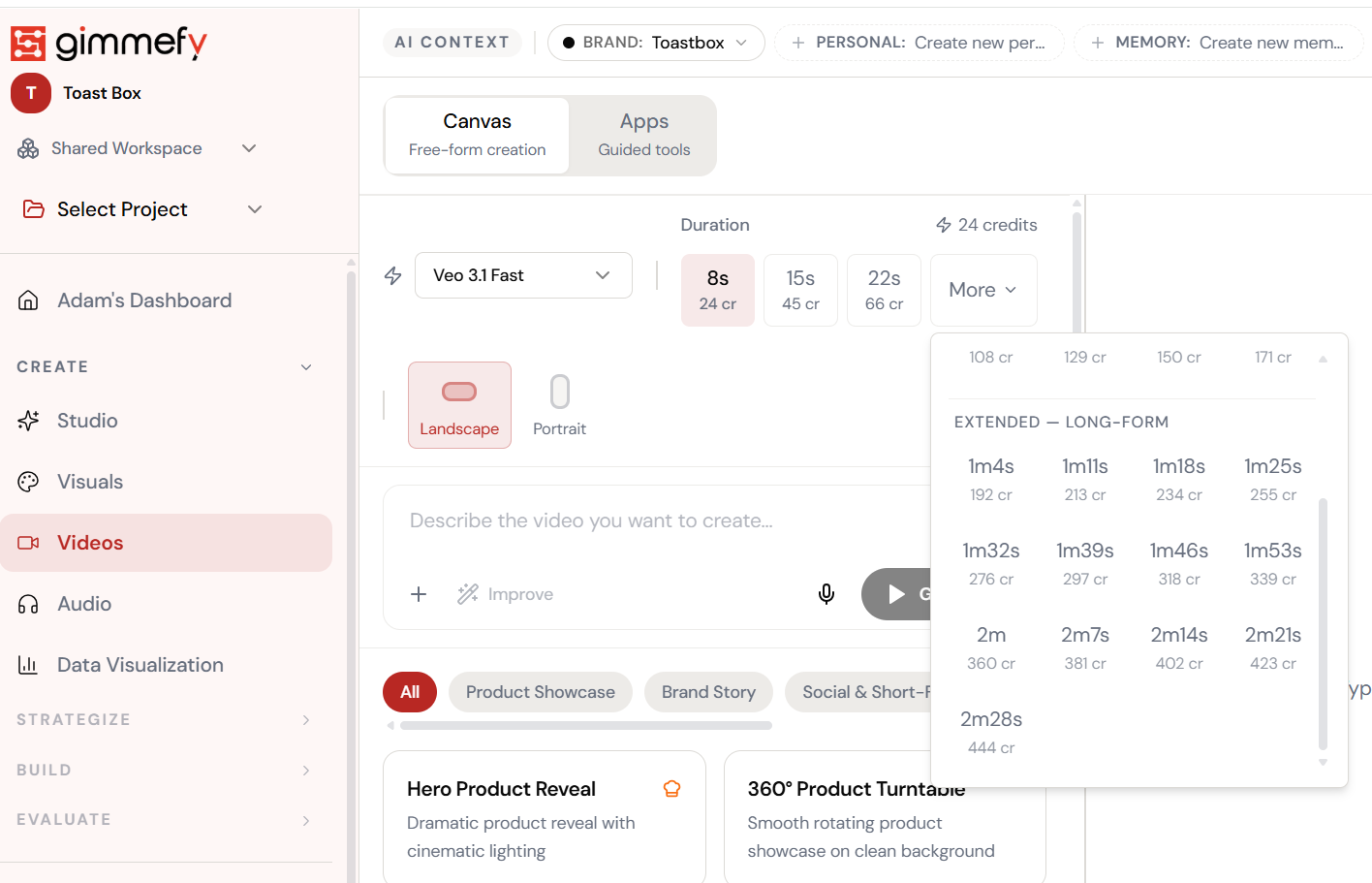
Open Video Extension. Here’s what you see.
Navigate to Video Extension — the interface is clean, focused, and ready for your input.
The Walkthrough
Open Video Extension. Here’s what you see.
Navigate to Video Extension — the interface is clean, focused, and ready for your input.
Set the duration. Extension handles the rest.
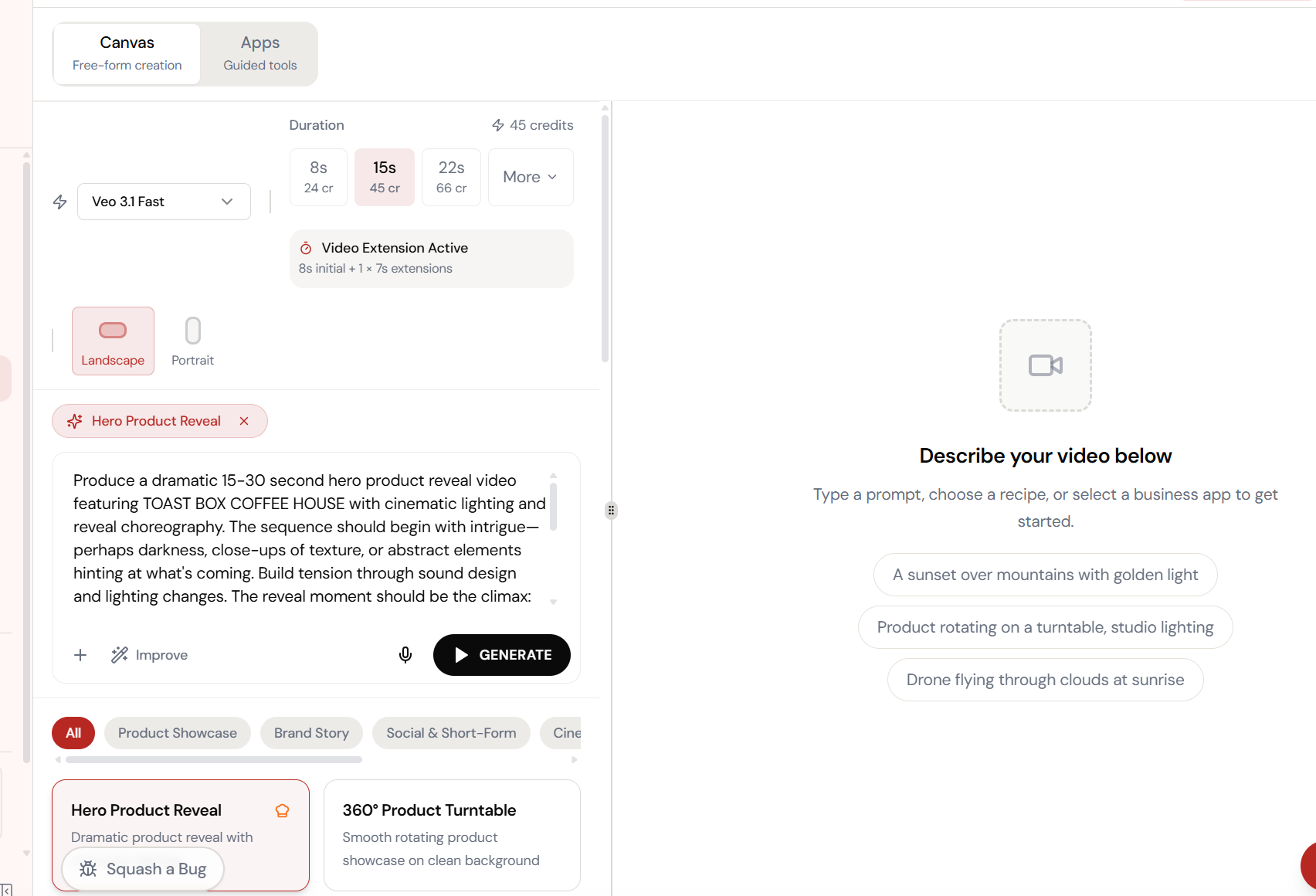
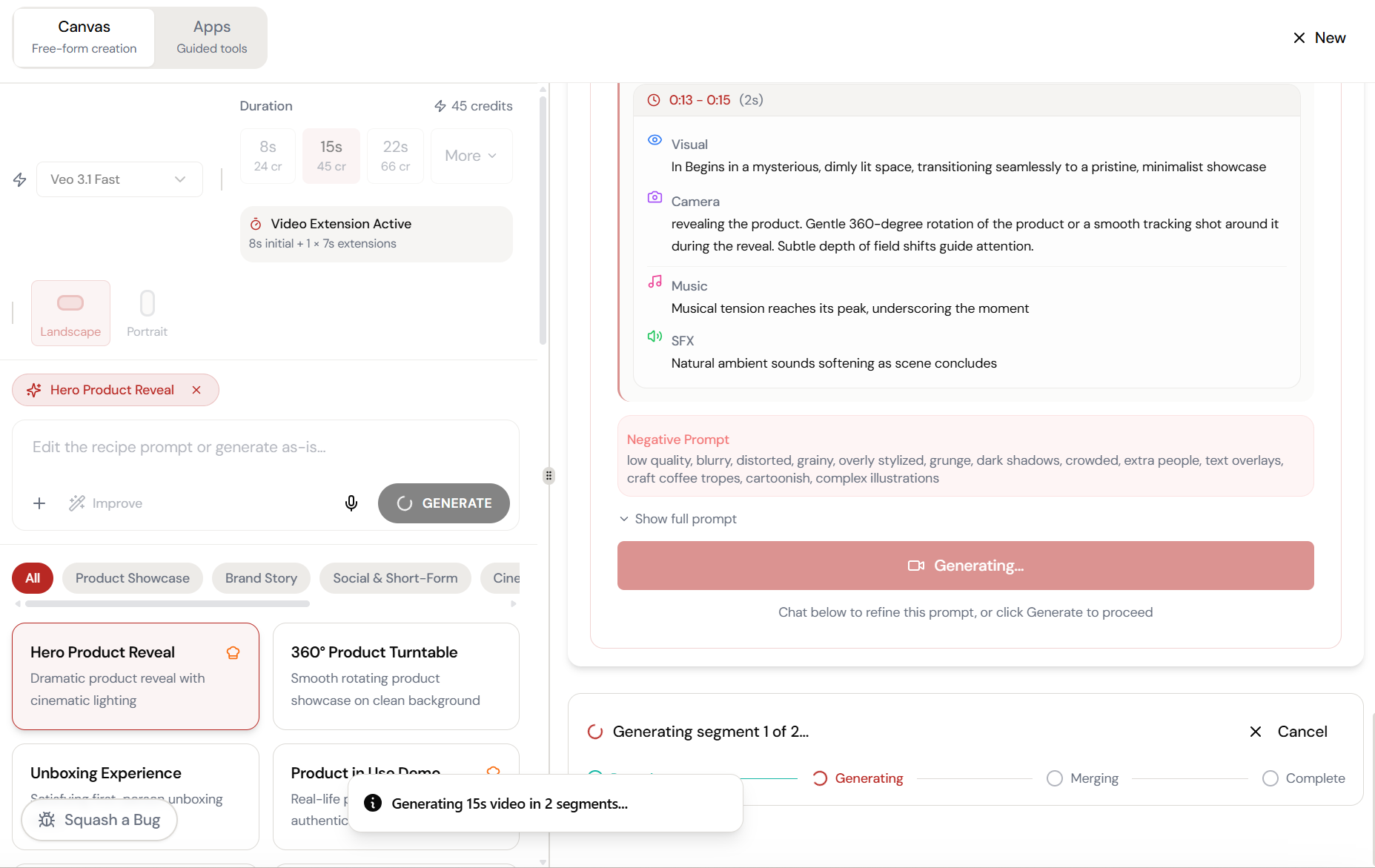
Select 15 seconds and Video Extension activates automatically — 8s initial generation plus 7s extension, seamlessly stitched together.
Adjust and refine.
Every parameter is designed to be intuitive. Adjust what matters, skip what doesn’t.
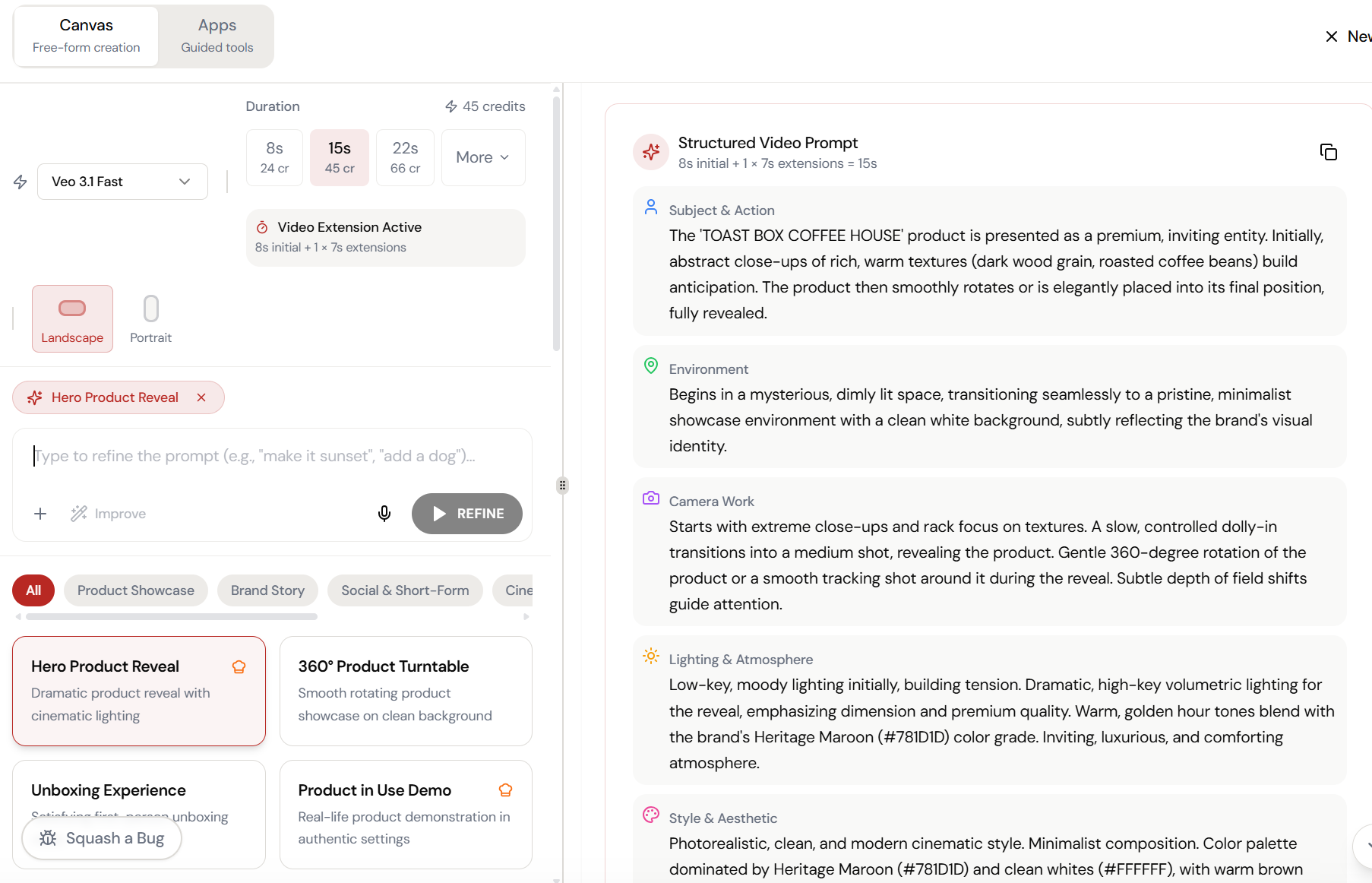
Fine-tune the details.
Adjust settings, add context, or refine your prompt. Video Extension gives you control without complexity.
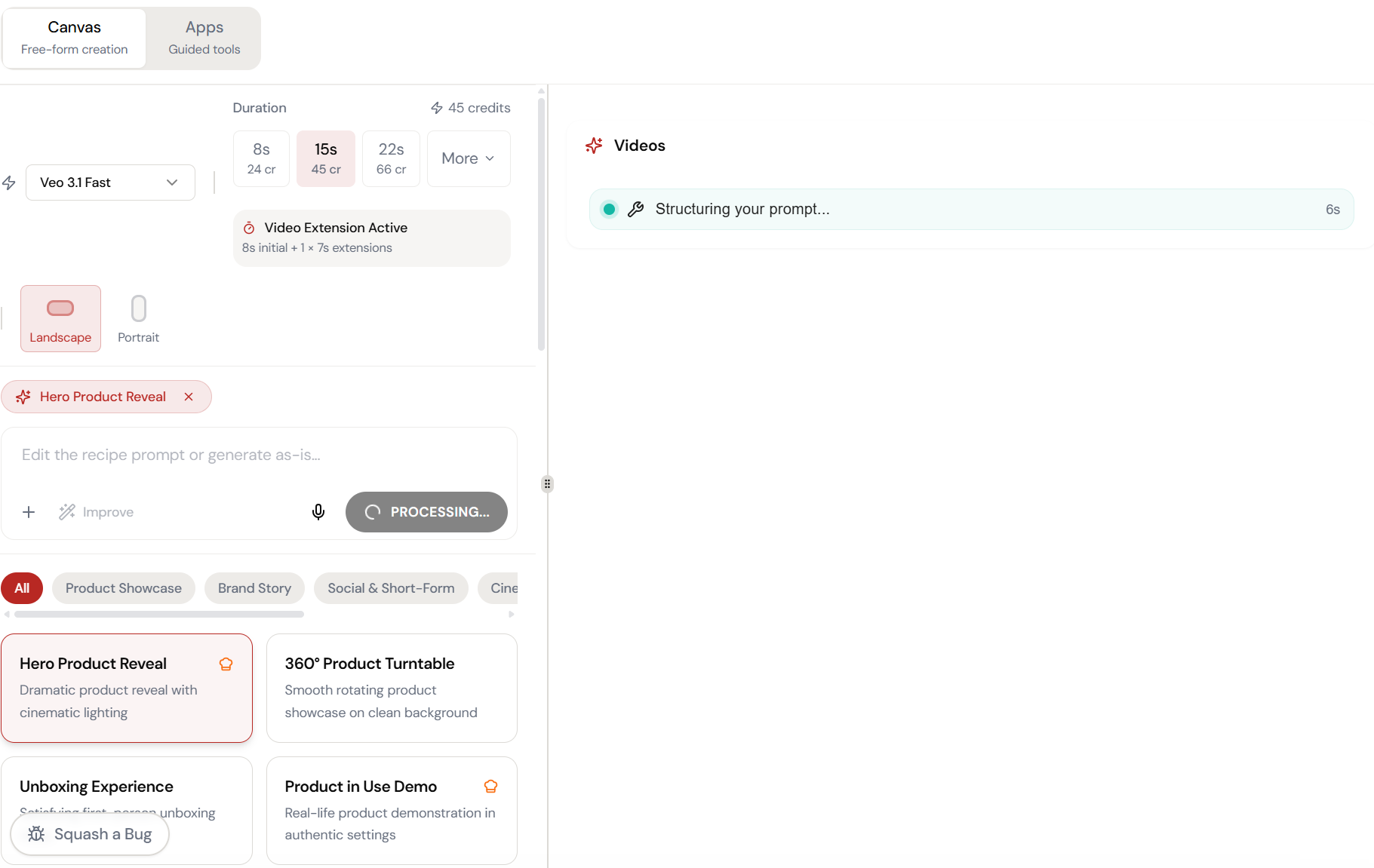
Two segments. One continuous video.
The pipeline generates the first 8 seconds, then extends with a matching 7-second segment. Generating → Merging → Complete. No visible cuts.
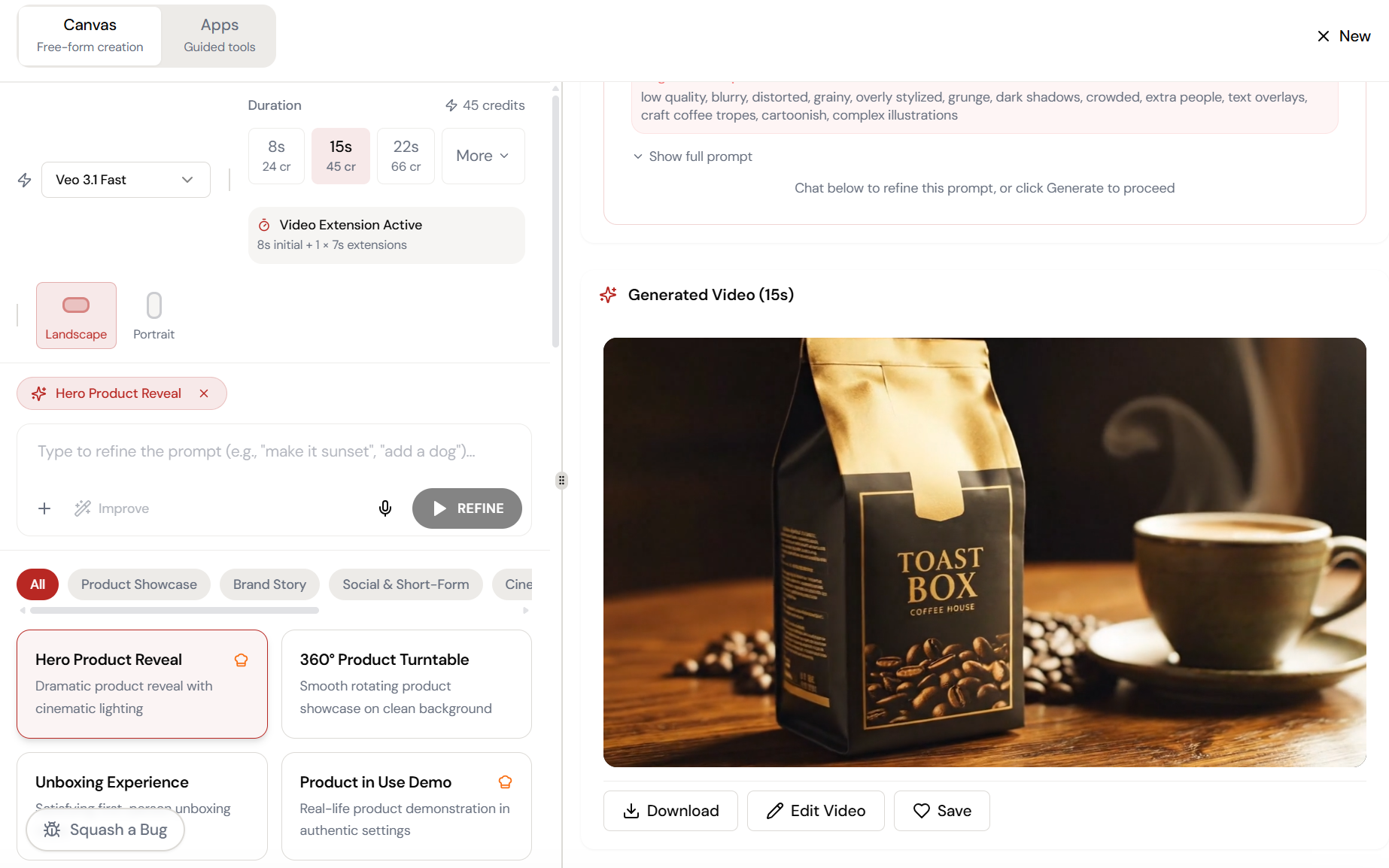
The result. Ready to use.
Your output is complete — polished, on-brand, and ready to download, share, or refine further.
What Actually Changes
Manual. Repetitive. Time-consuming. Every video extension task starts from scratch with no context, no memory, and no brand awareness.
One click. Full context. Video Extension handles it — with your brand, your data, your preferences baked in from the start.