




You have a creative vision. The AI has different plans.
You described the exact shot: camera angle, lighting, mood, movement. The AI generated something completely different. Not bad — just not what you asked for. You need director-level control, not creative roulette.
The Hack: The Creative Vision
Set up your inputs.
Configure your settings, upload your assets, or describe what you need. Sora 2 Director Mode handles the complexity.
The Walkthrough
Set up your inputs.
Configure your settings, upload your assets, or describe what you need. Sora 2 Director Mode handles the complexity.
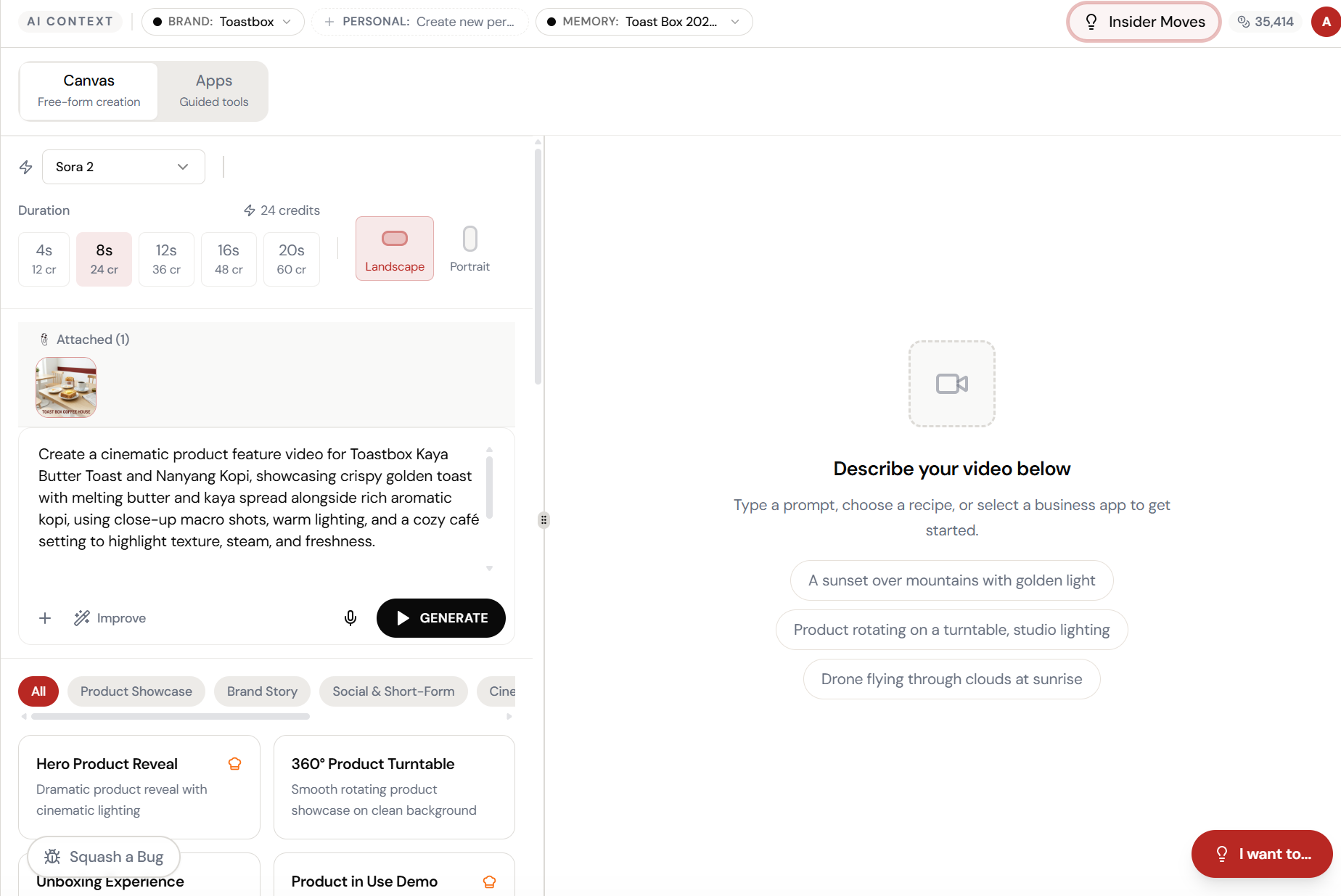
Open Sora 2 Director Mode. Here’s what you see.
Navigate to Sora 2 Director Mode — the interface is clean, focused, and ready for your input.
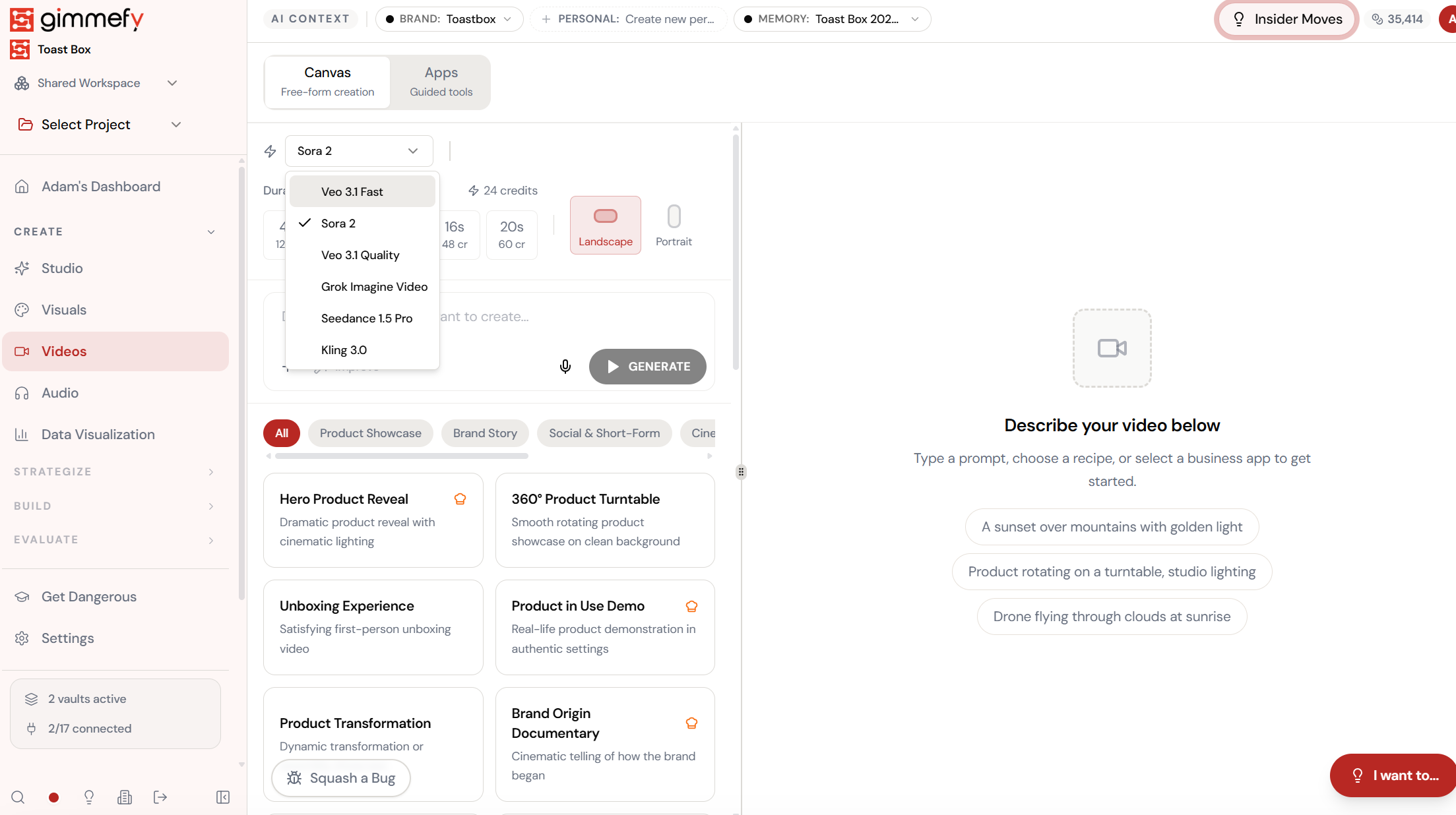
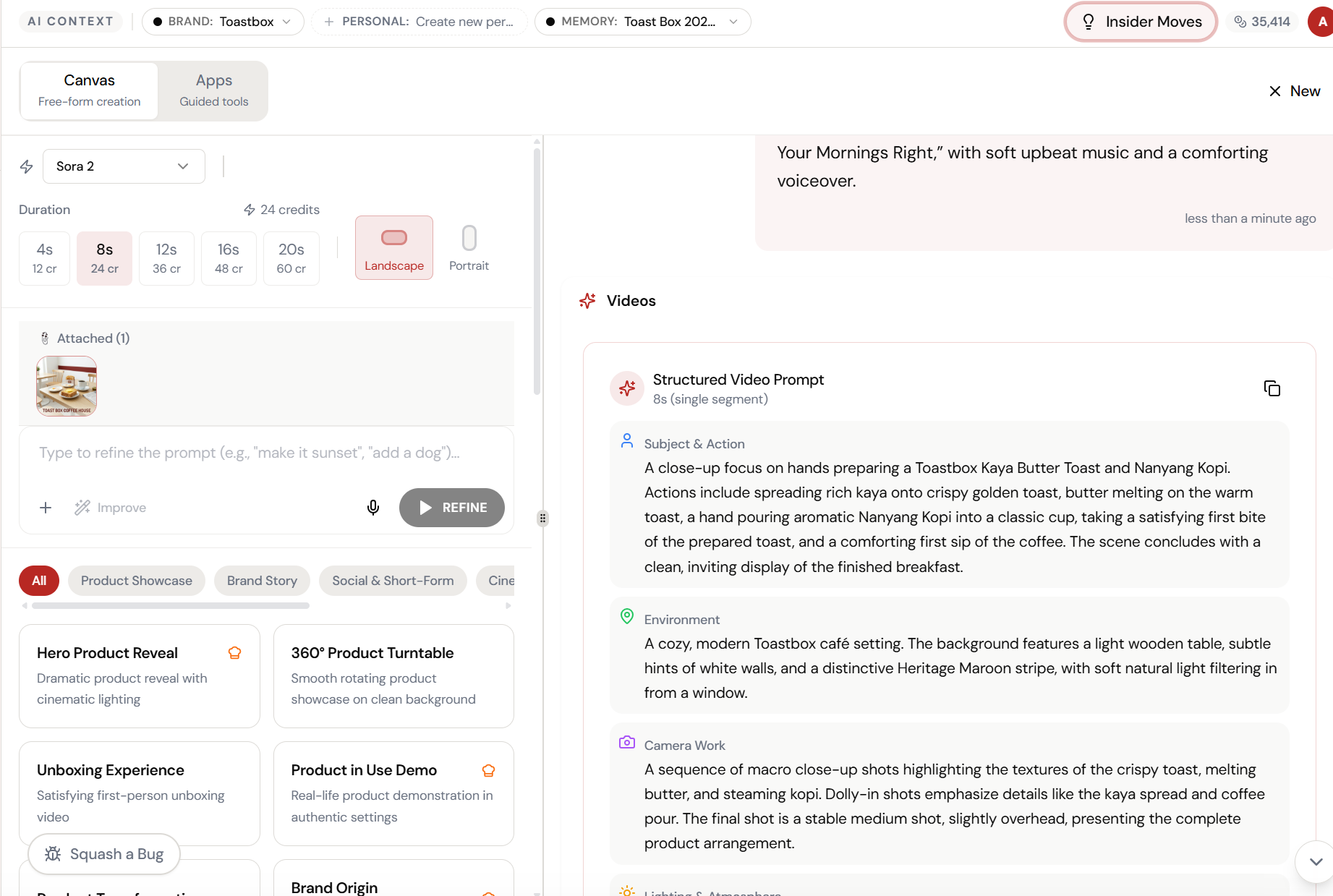
Select Sora 2. Direct your scene.
Switch the model to Sora 2, attach your reference image, and describe the scene — subject, environment, camera work. The AI becomes your director of photography.
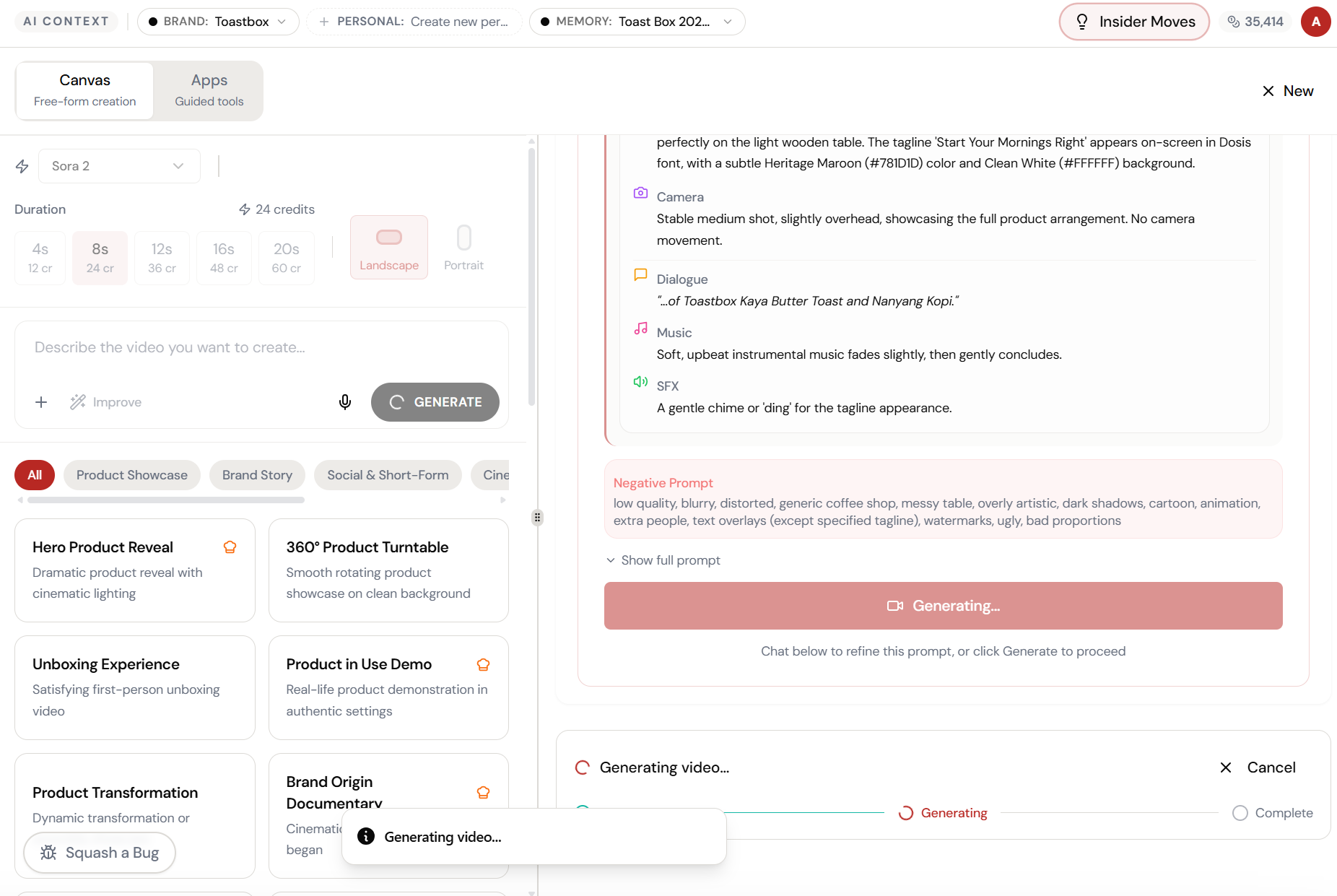
Almost there. Watch it work.
The AI processes your request — composing, rendering, and refining until the output matches your brief.
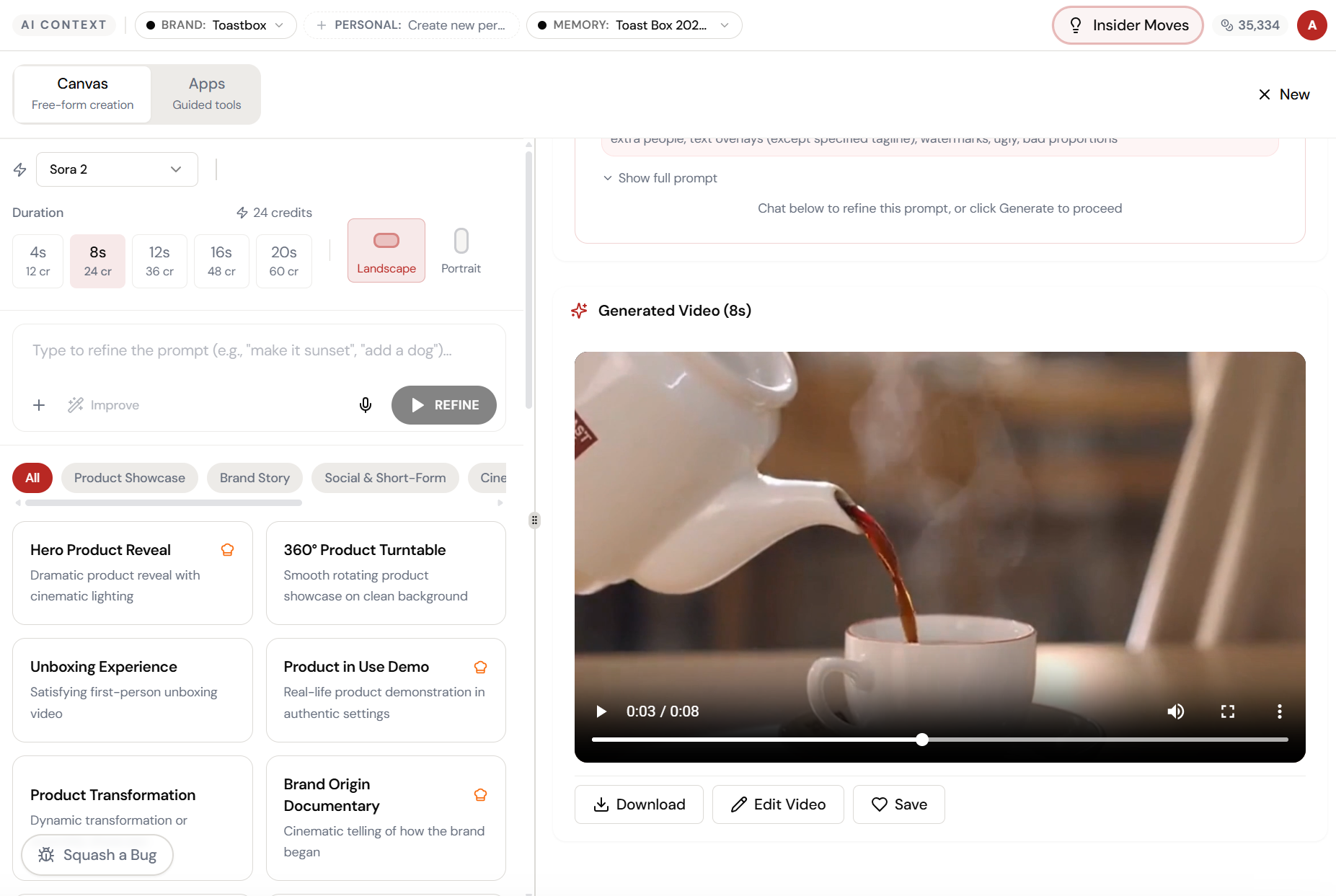
Your vision. Rendered in 8 seconds.
Sora 2 generates a cinematic video — smooth camera movements, natural lighting, atmospheric depth. Download it, edit it, or save it to your library.
What Actually Changes
Manual. Repetitive. Time-consuming. Every sora 2 director mode task starts from scratch with no context, no memory, and no brand awareness.
One click. Full context. Sora 2 Director Mode handles it — with your brand, your data, your preferences baked in from the start.
Escape the Messy Middle
See how Sora 2 Director Mode transforms your workflow.