




The video brief is simple. The production timeline isn’t.
“A 15-second product video.” Simple brief. But: scripting, storyboarding, shooting, editing, colour grading, sound design. Three weeks minimum. The campaign launches in three days.
The Hack: The Before-Breakfast Video
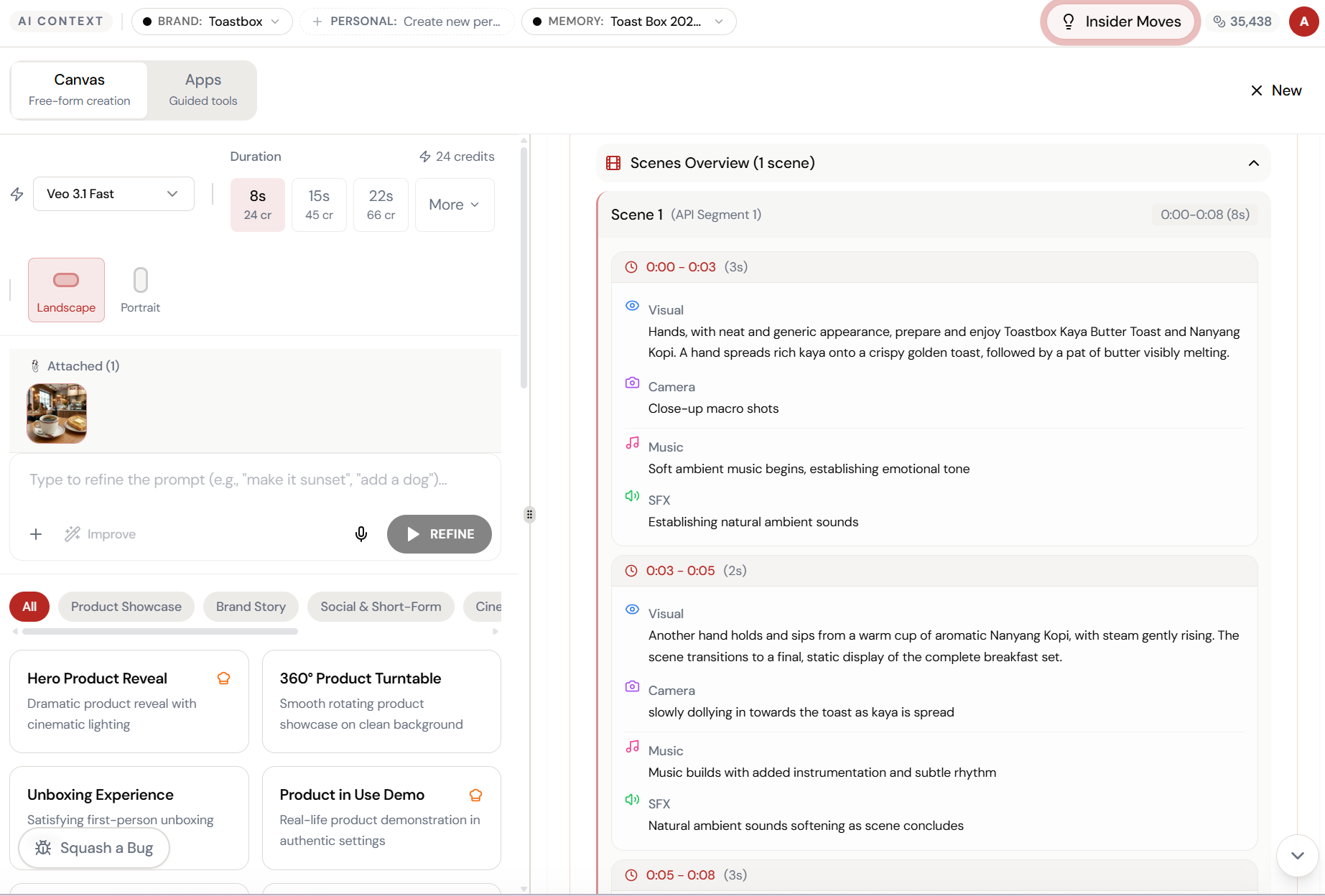
Fine-tune the details.
Adjust settings, add context, or refine your prompt. Canvas Quick Video gives you control without complexity.
The Walkthrough
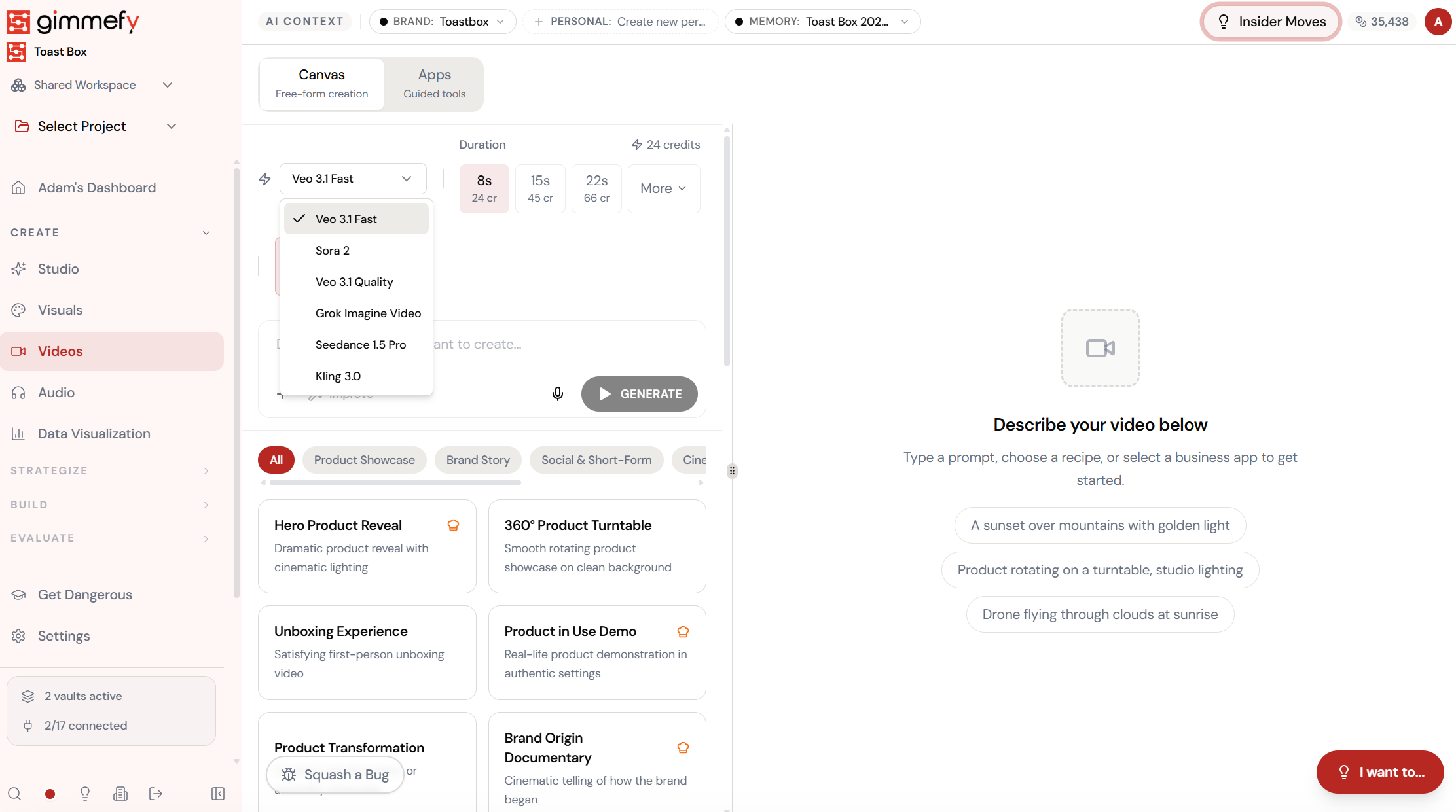
Fine-tune the details.
Adjust settings, add context, or refine your prompt. Canvas Quick Video gives you control without complexity.
Set up your inputs.
Configure your settings, upload your assets, or describe what you need. Canvas Quick Video handles the complexity.
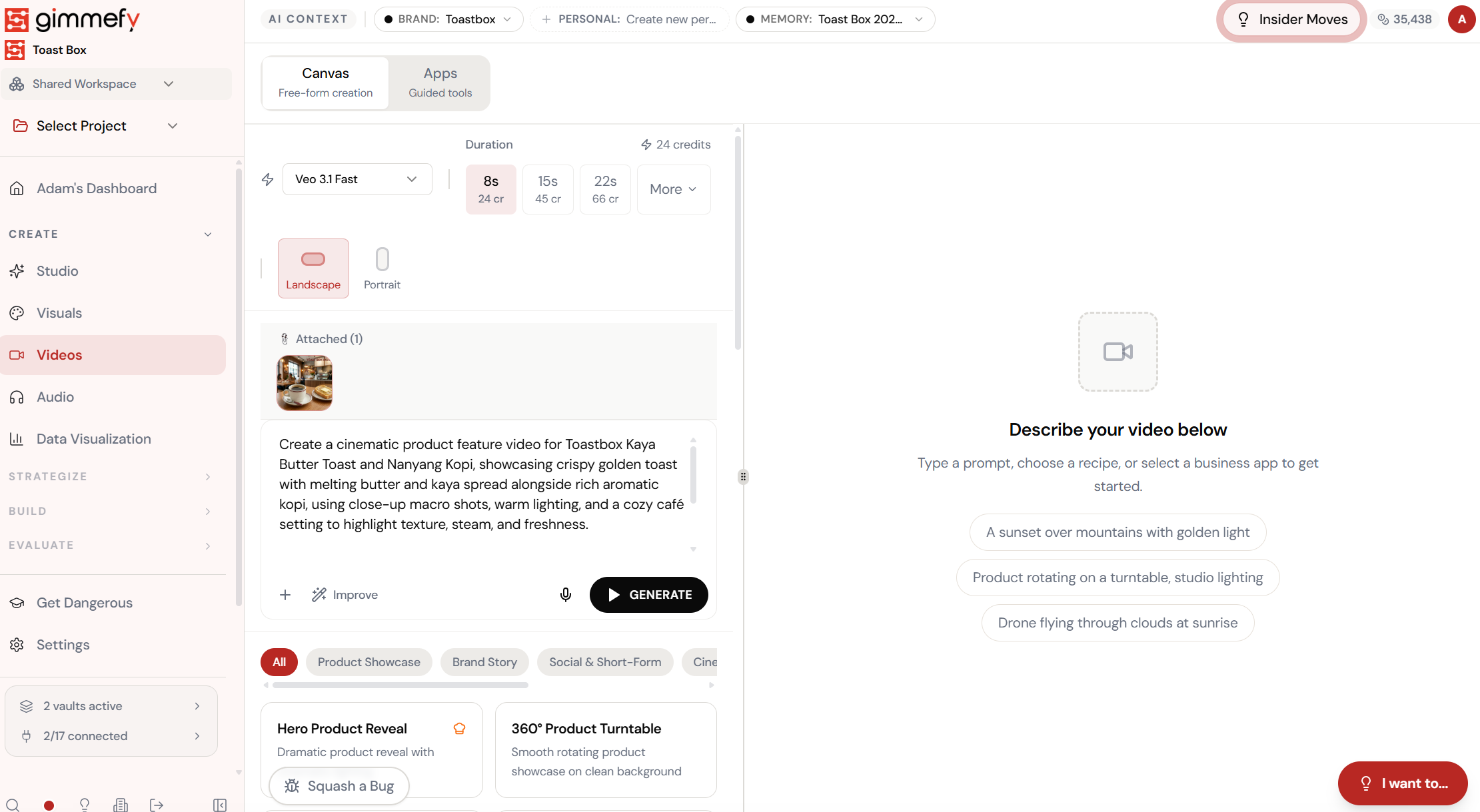
Open Canvas Quick Video. Here’s what you see.
Navigate to Canvas Quick Video — the interface is clean, focused, and ready for your input.
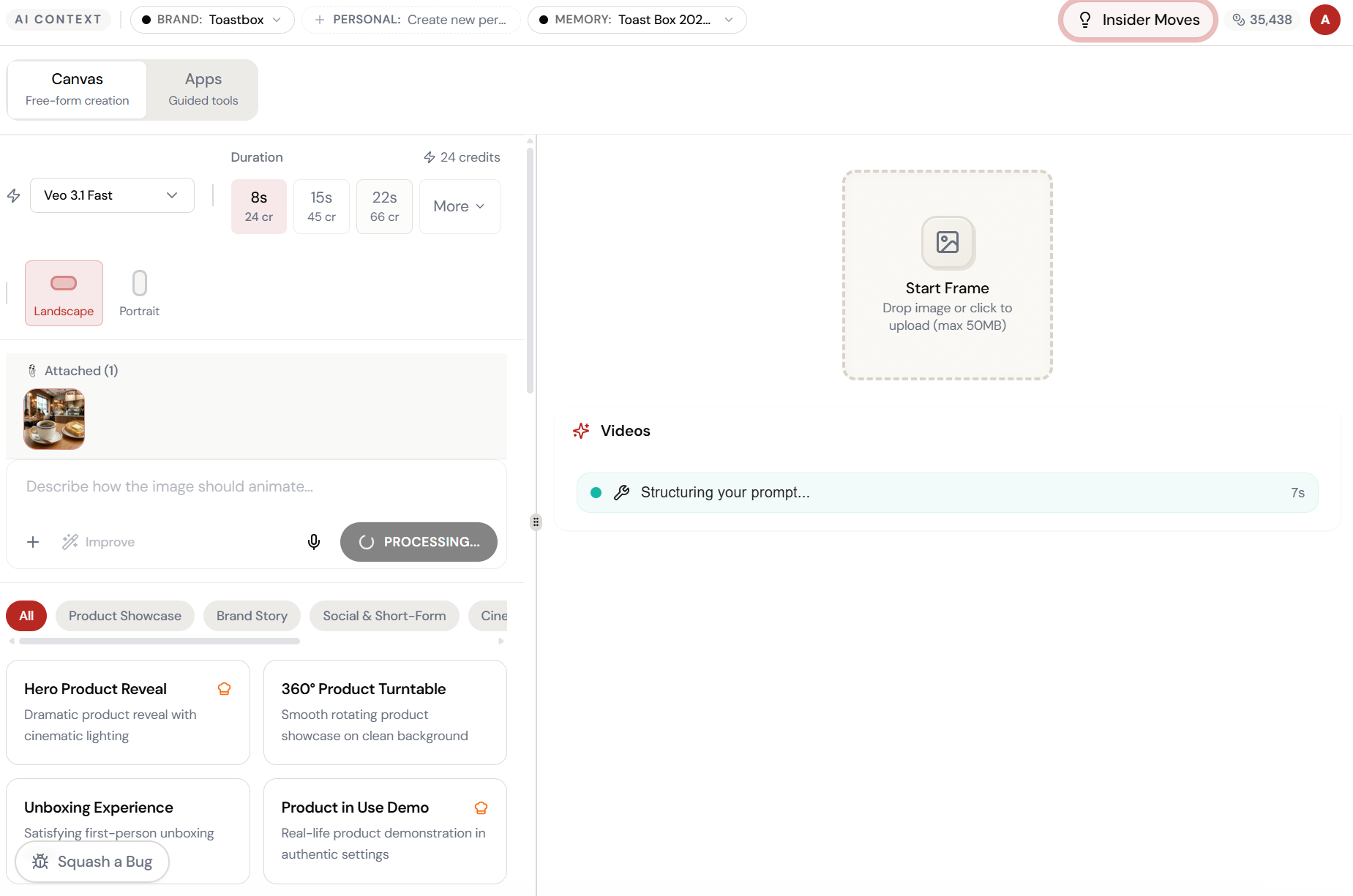
Attach a photo. Describe the motion.
Open Video Hub Canvas, attach your product image, and describe how it should animate — camera movement, lighting, mood. The AI structures your prompt automatically.
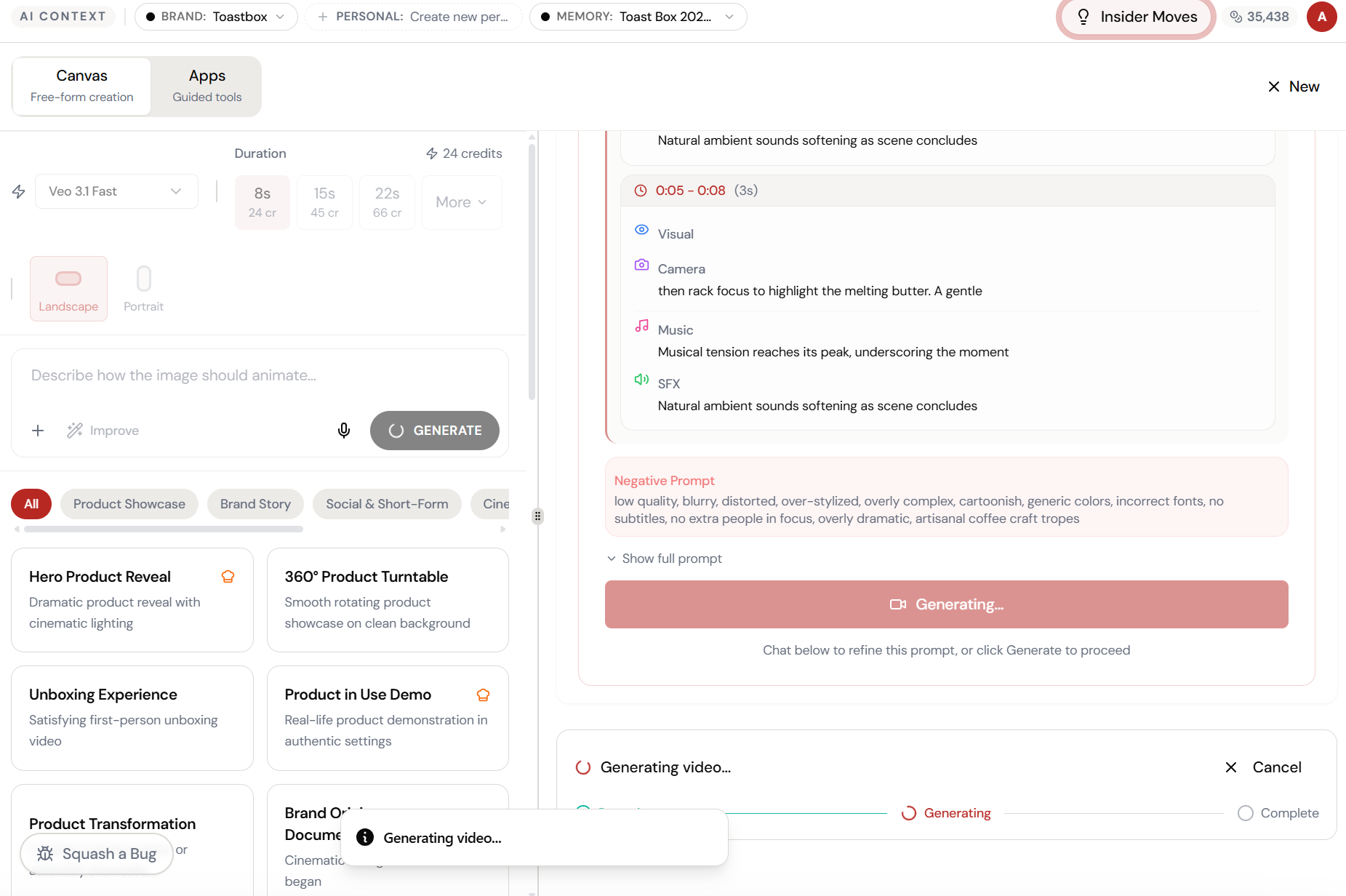
The magic happens here.
The AI interprets your input and begins creating — you can see the progress in real time.
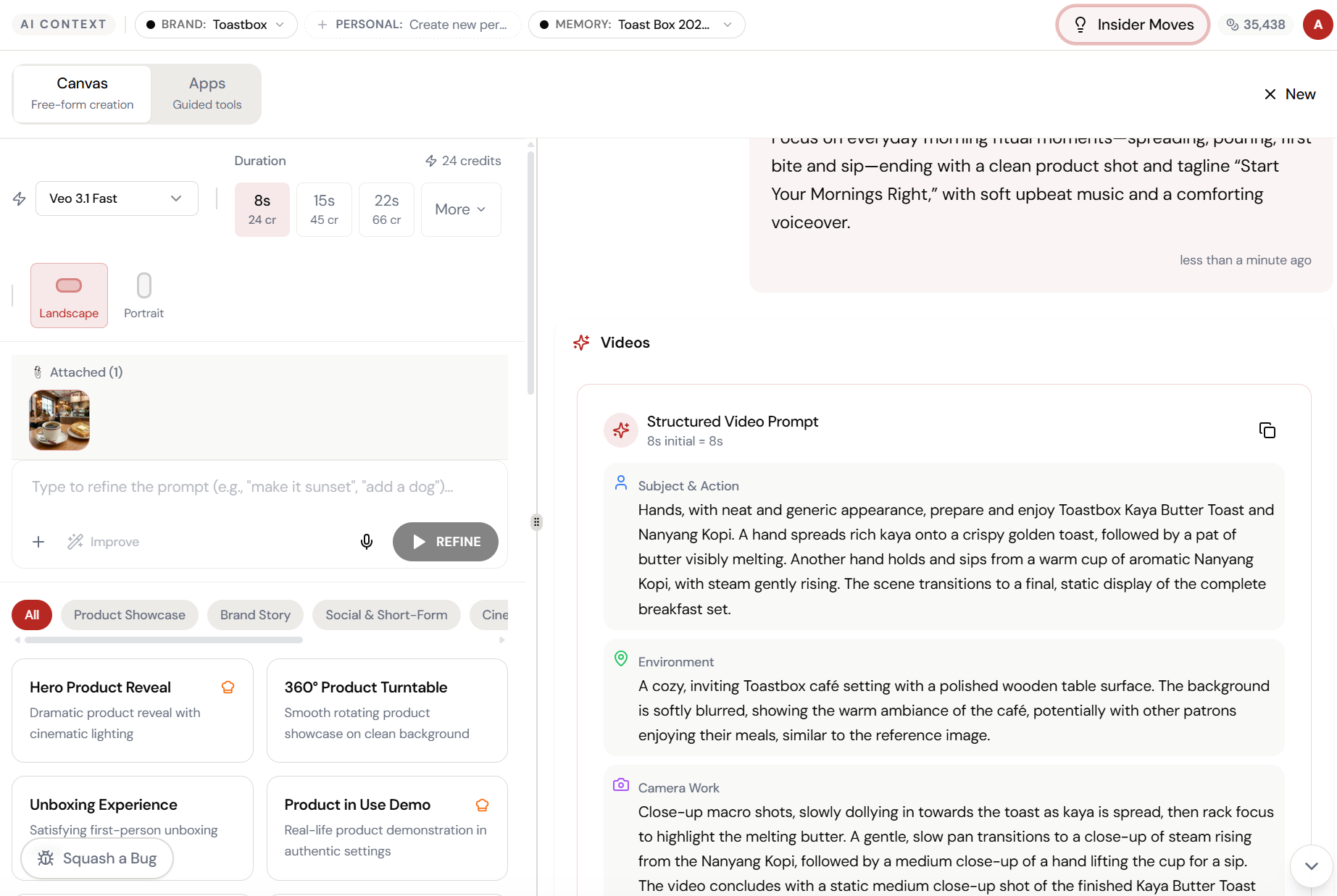
Generating. Negative prompts included.
The AI adds negative prompts automatically — no blurry, no distorted, no cartoonish. Your video generates with guardrails built in.
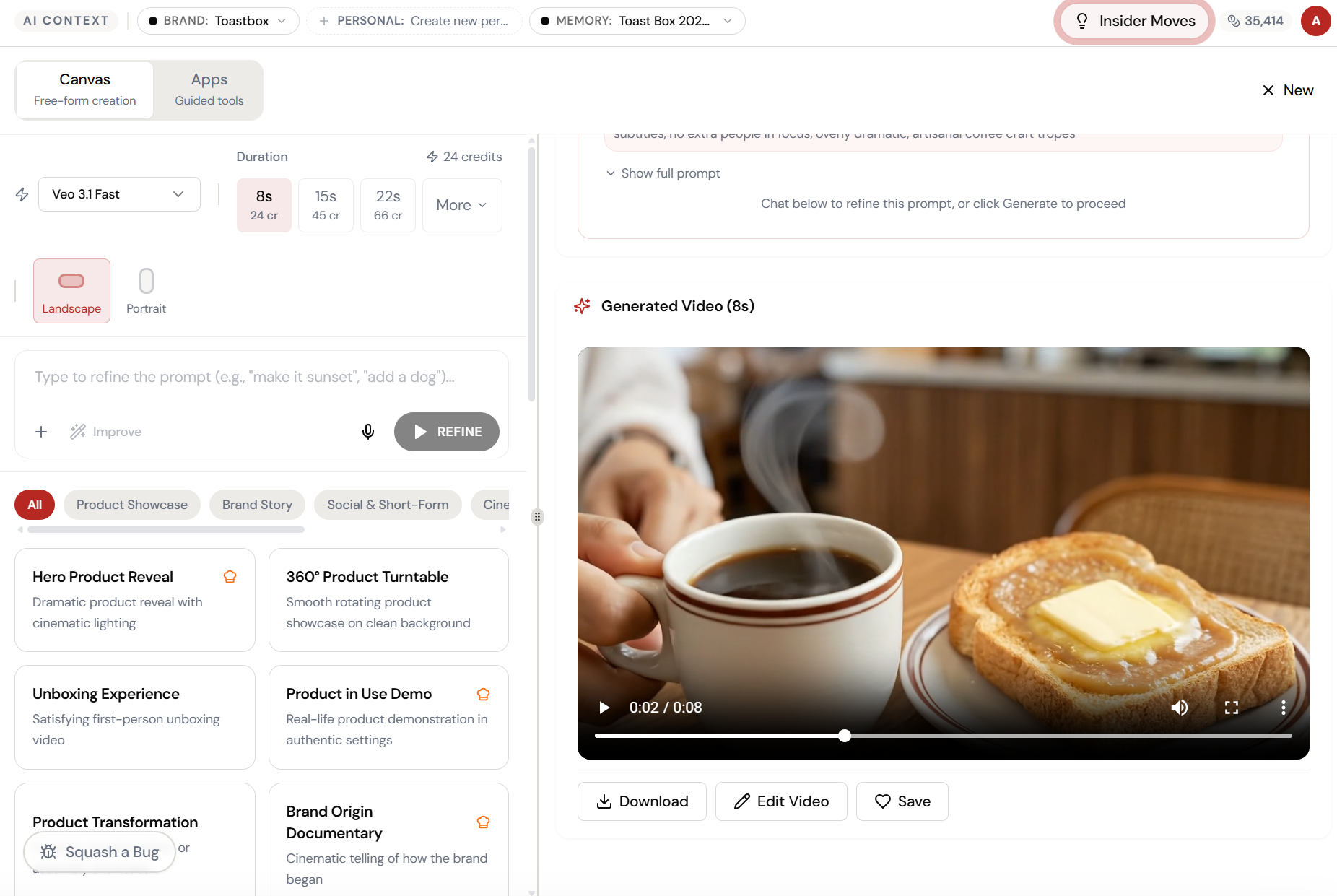
Product video. Before breakfast.
An 8-second cinematic product clip — ready to download, edit, or save. From static photo to motion content in under two minutes.
What Actually Changes
Manual. Repetitive. Time-consuming. Every canvas quick video task starts from scratch with no context, no memory, and no brand awareness.
One click. Full context. Canvas Quick Video handles it — with your brand, your data, your preferences baked in from the start.
Escape the Messy Middle
See how Canvas Quick Video transforms your workflow.