




You picked one video model. Five others might be better.
Sora makes cinematic footage. Kling handles motion well. Veo does realistic scenes. You’re using one because you tried it first. The others might produce exactly what you need — but testing each one takes hours.
The Hack: The Video Model Showdown
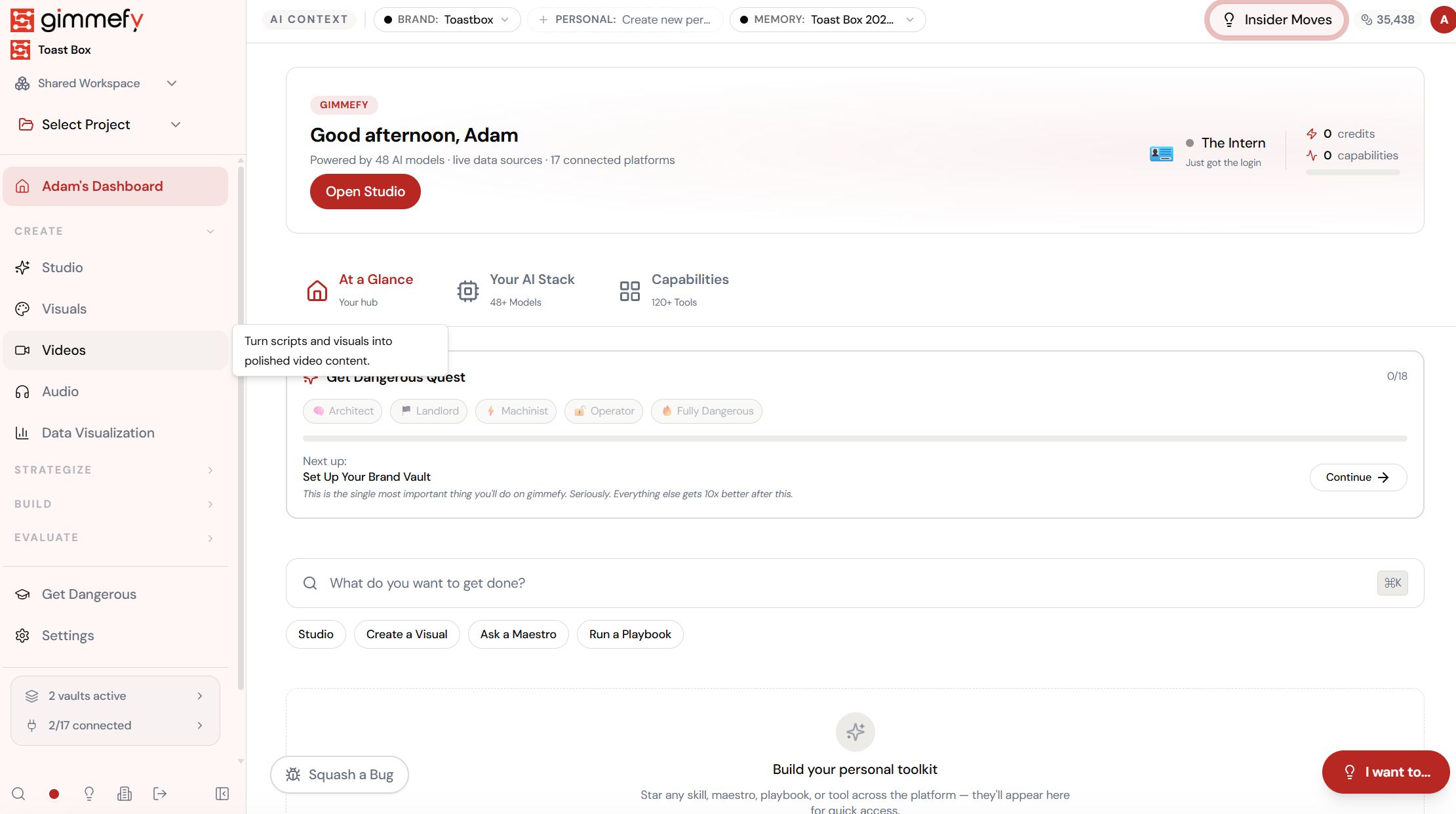
Open Model Selector. Here’s what you see.
Navigate to Model Selector — the interface is clean, focused, and ready for your input.
The Walkthrough
Open Model Selector. Here’s what you see.
Navigate to Model Selector — the interface is clean, focused, and ready for your input.
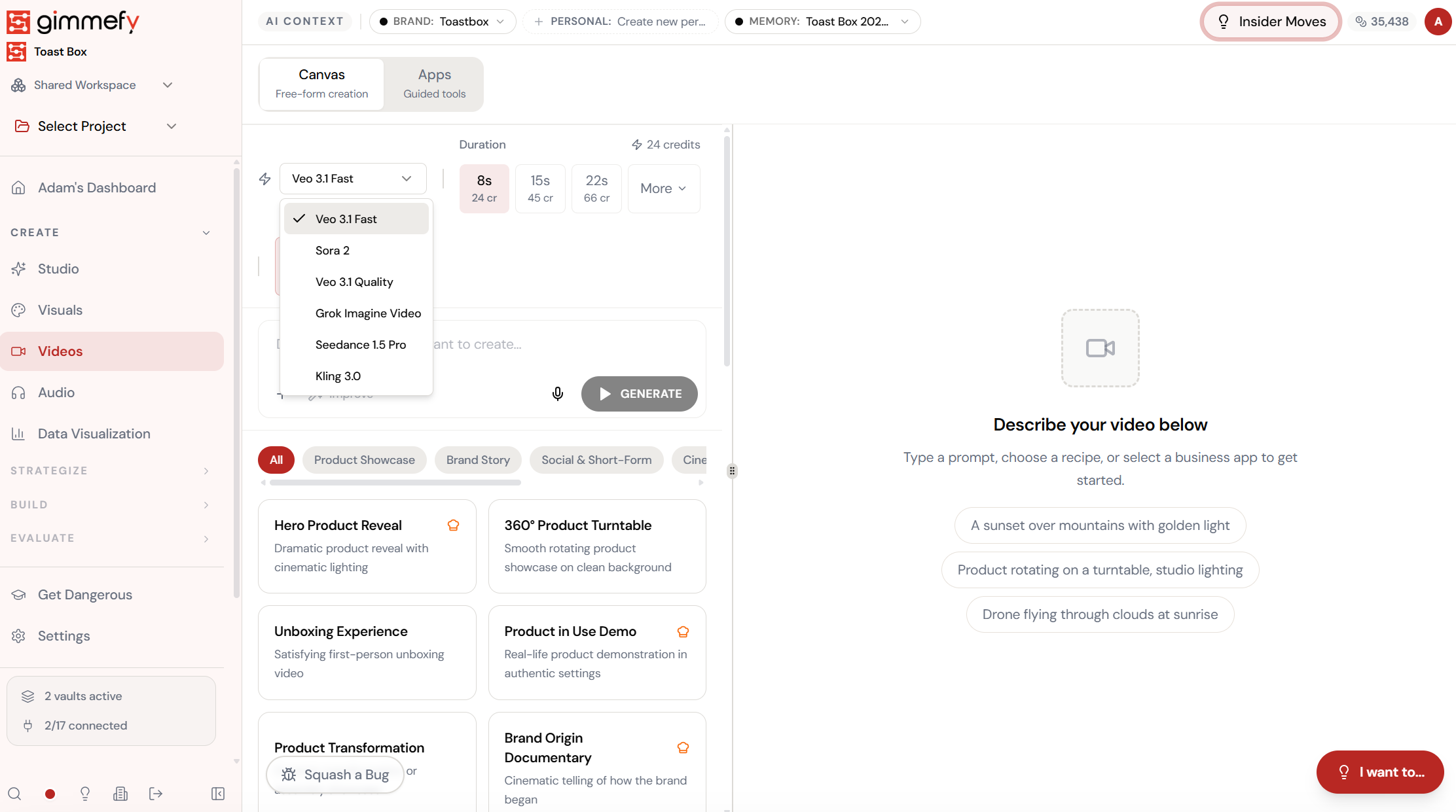
Open Video Hub. Pick your first contender.
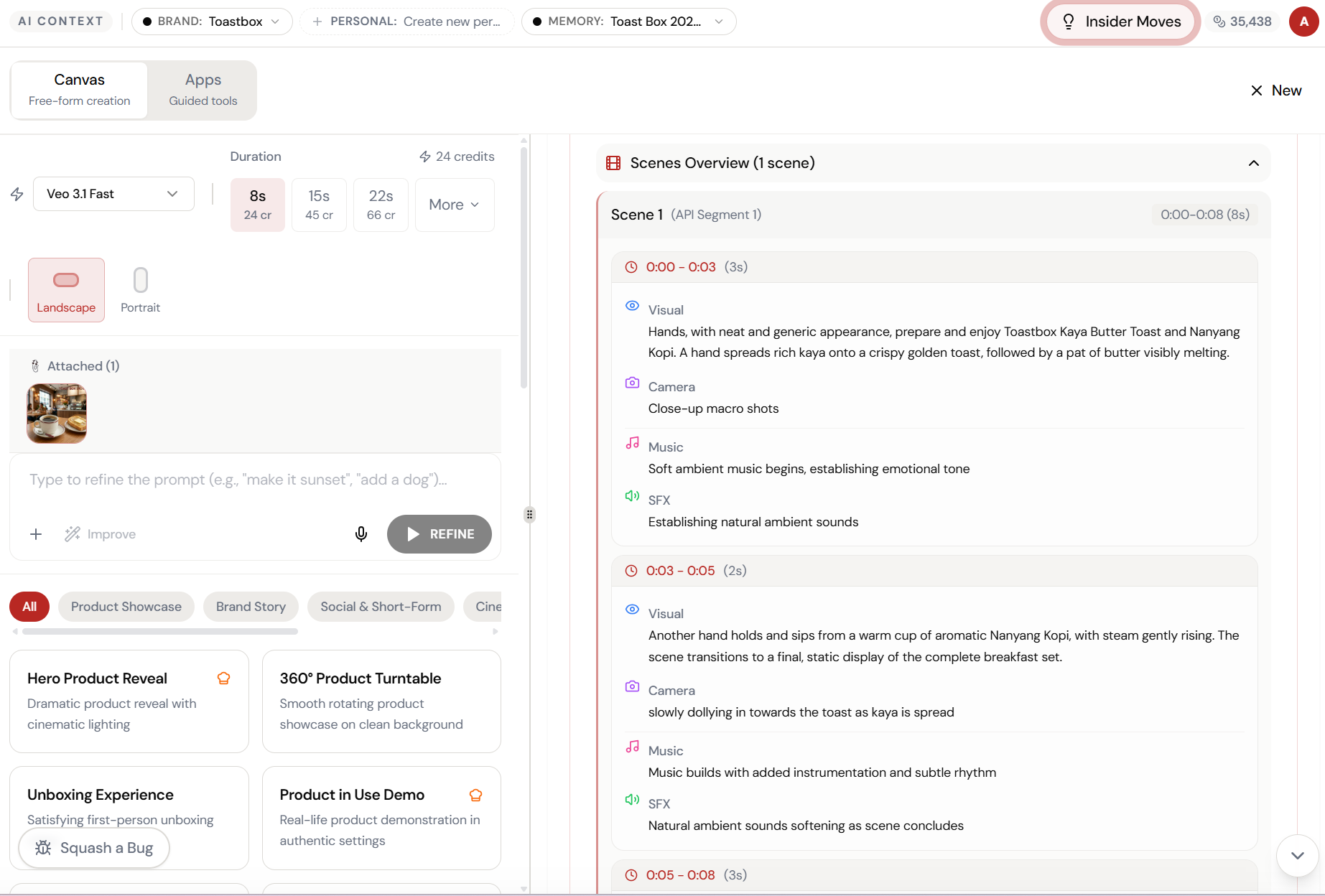
Navigate to Videos in the sidebar. The Canvas gives you a model dropdown with six options: Veo 3.1 Fast, Sora 2, Veo 3.1 Quality, Grok Imagine Video, Seedance 1.5 Pro, and Kling 3.0.
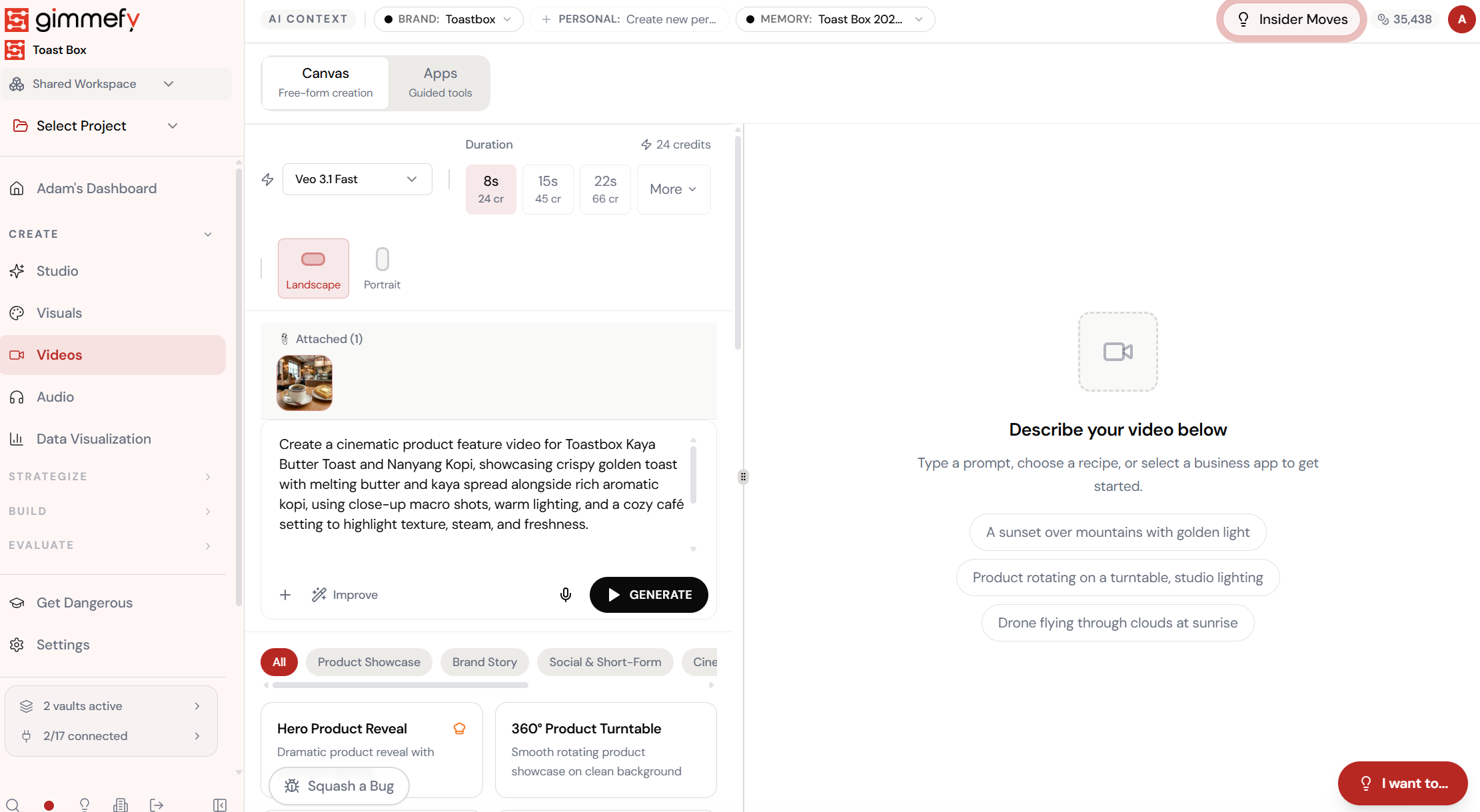
Same prompt. Veo 3.1 Fast. Go.
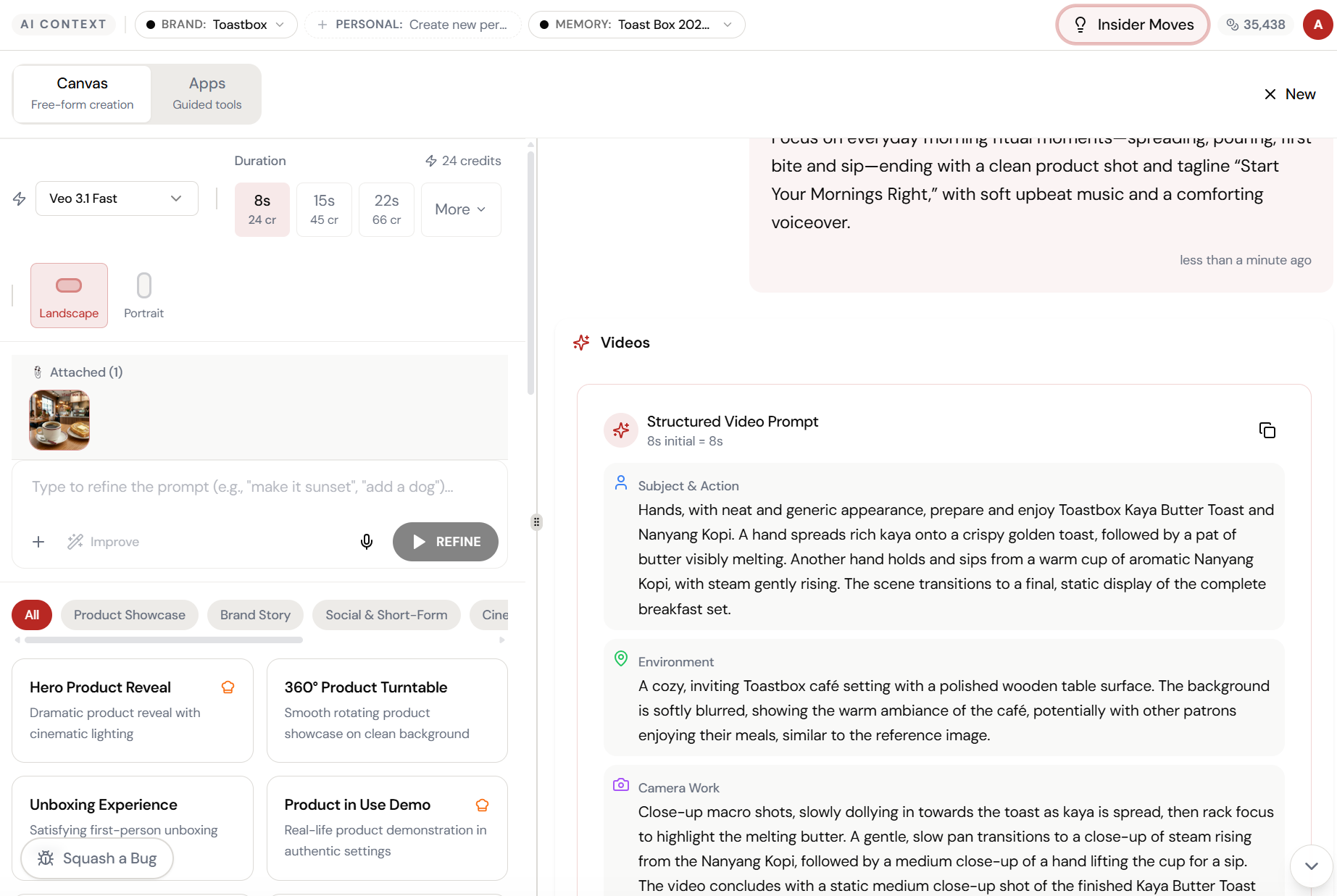
Write your video brief, attach a product image, hit Generate. The AI structures your prompt into Visual, Camera, Music, and SFX — then generates an 8-second cinematic clip.
Customise to your needs.
Tweak the output, change the style, or try a different approach. It’s all one click away.
Watch the transformation.
From raw input to refined output — Model Selector handles the heavy lifting.
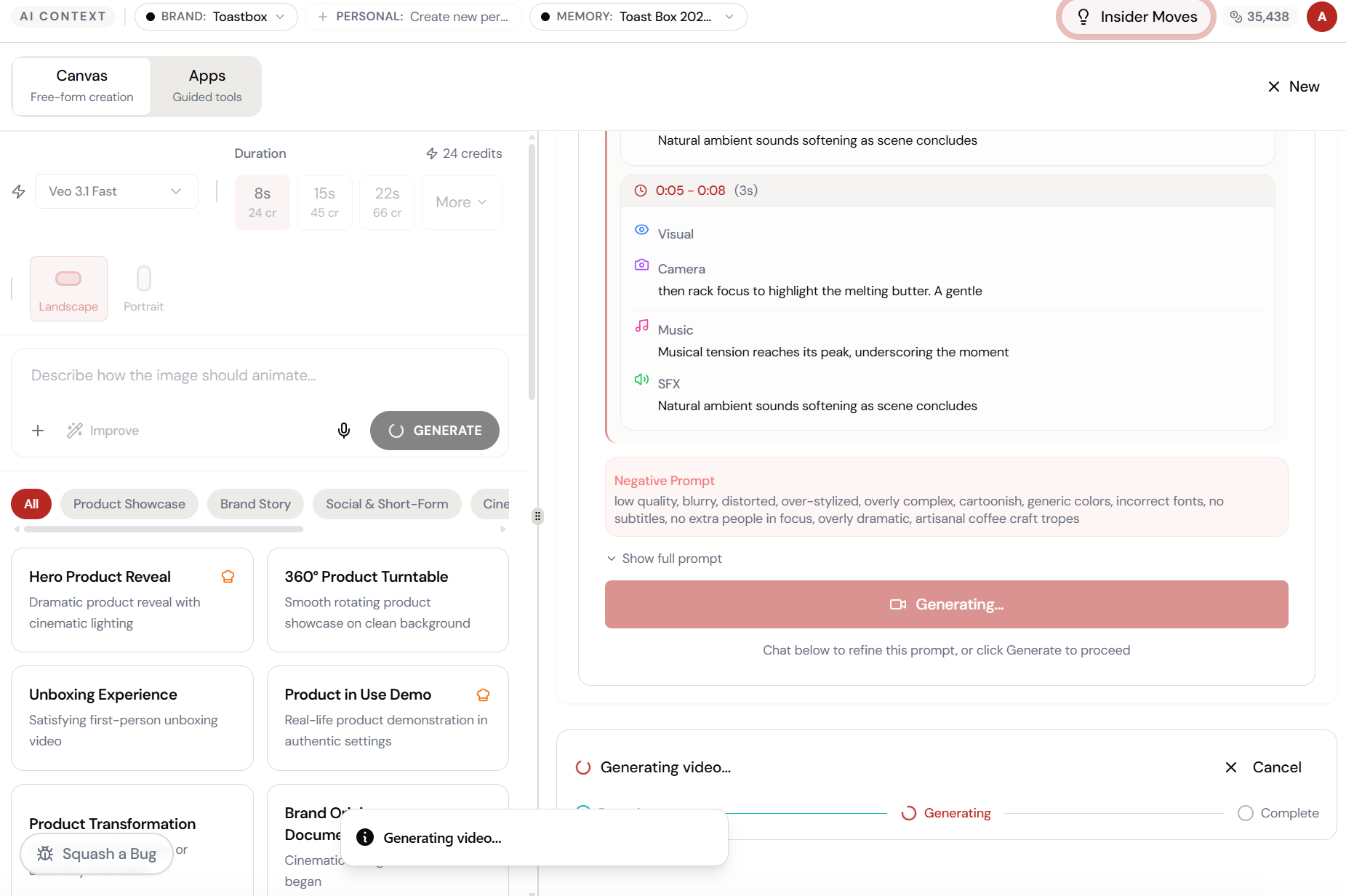
The magic happens here.
The AI interprets your input and begins creating — you can see the progress in real time.
What Actually Changes
Manual. Repetitive. Time-consuming. Every model selector task starts from scratch with no context, no memory, and no brand awareness.
One click. Full context. Model Selector handles it — with your brand, your data, your preferences baked in from the start.