



Starting from a blank canvas is the worst part.
You know what you want. You just can’t start. The blank canvas stares back. Every choice feels permanent. What if the layout is wrong? What if the colours clash? What if you waste an hour on the wrong direction?
The Hack: The Template Jumpstart
Fine-tune the details.
Adjust settings, add context, or refine your prompt. Editor Templates gives you control without complexity.
The Walkthrough
Fine-tune the details.
Adjust settings, add context, or refine your prompt. Editor Templates gives you control without complexity.
Set up your inputs.
Configure your settings, upload your assets, or describe what you need. Editor Templates handles the complexity.
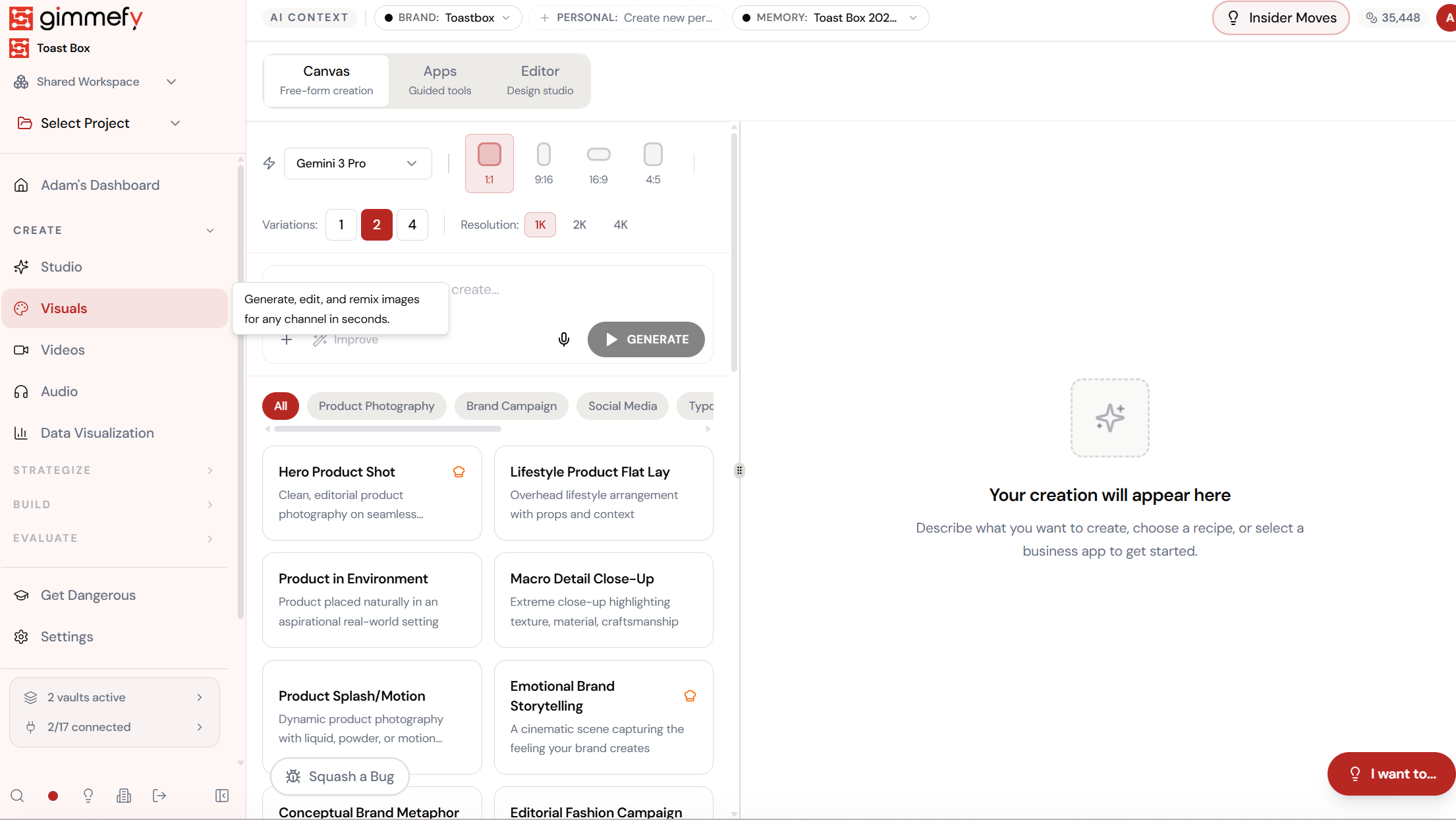
Open Editor Templates. Here’s what you see.
Navigate to Editor Templates — the interface is clean, focused, and ready for your input.
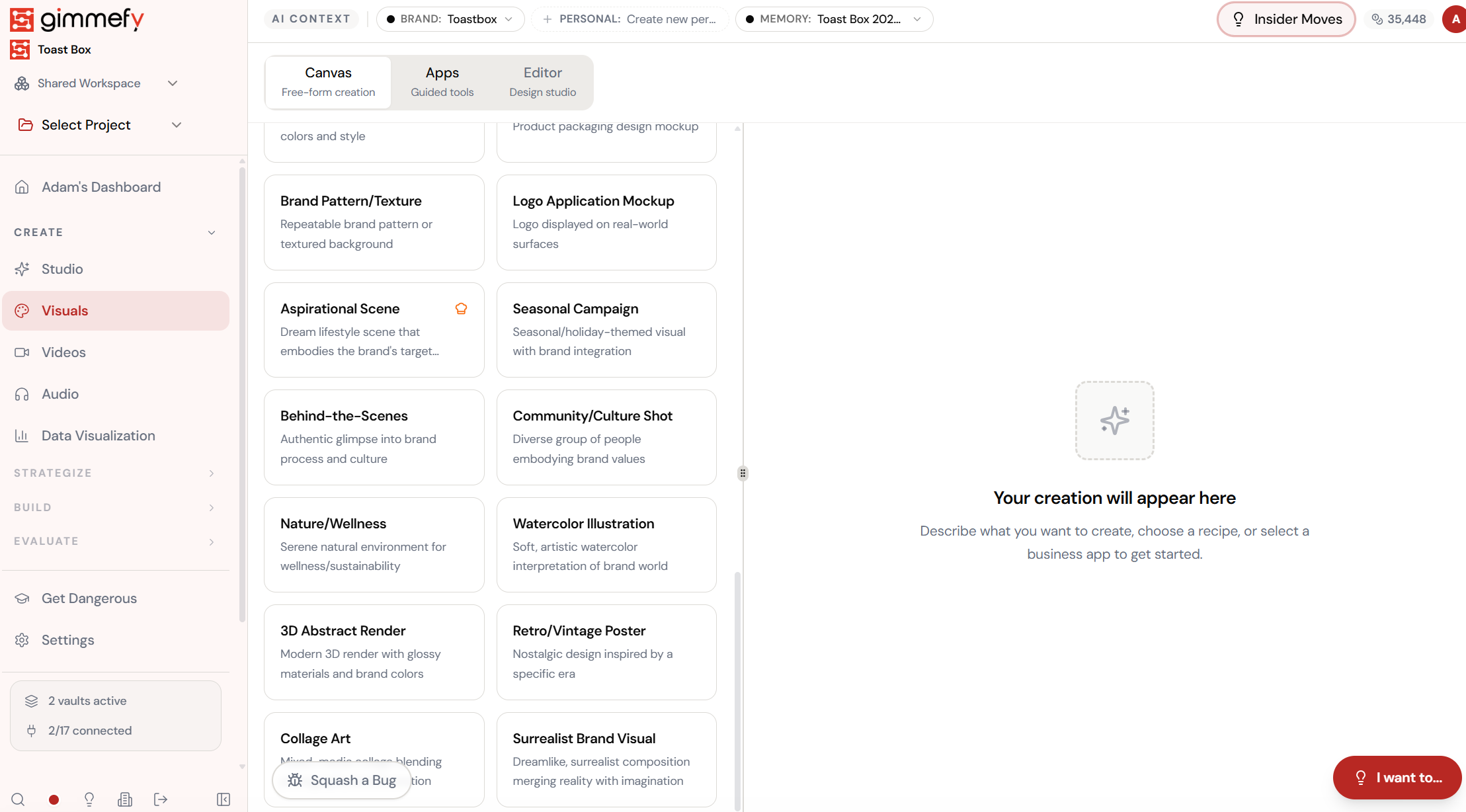
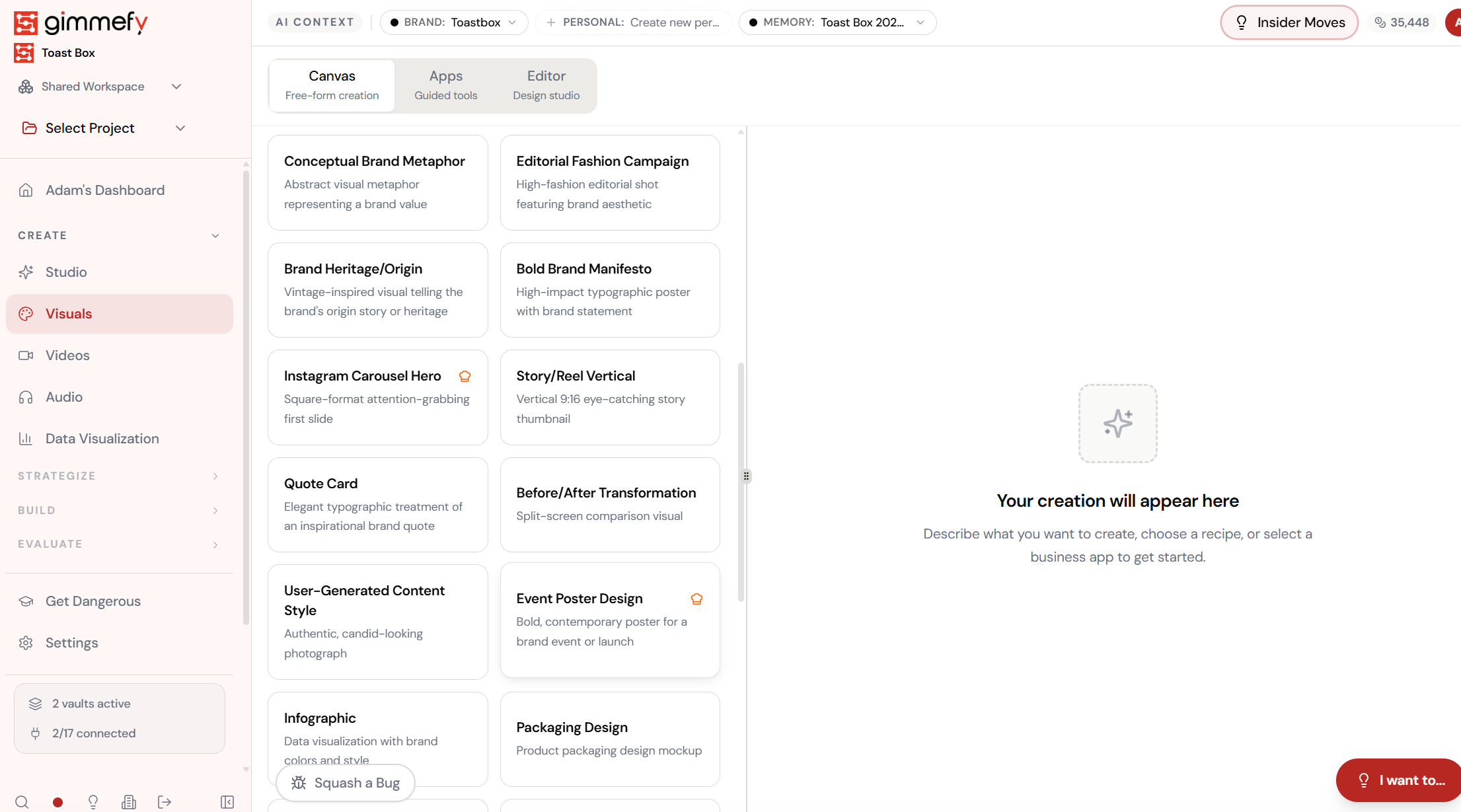
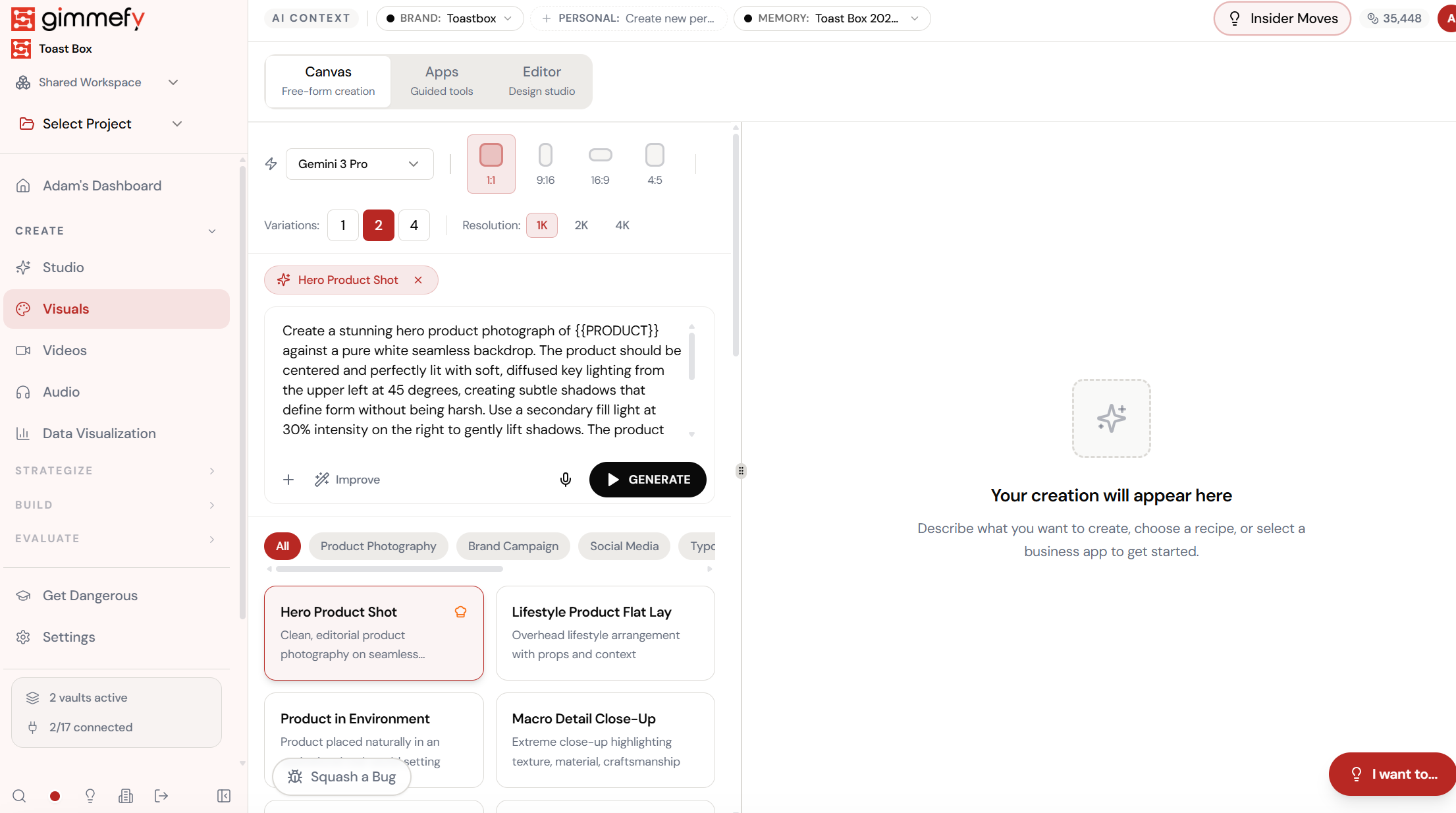
Pick a recipe. The prompt writes itself.
Visual Recipes are pre-built prompt templates for every visual need \u2014 Hero Product Shot, Lifestyle Flat Lay, Brand Campaign, Social Media, Typography. Click one and the prompt fills in with professional photography direction.
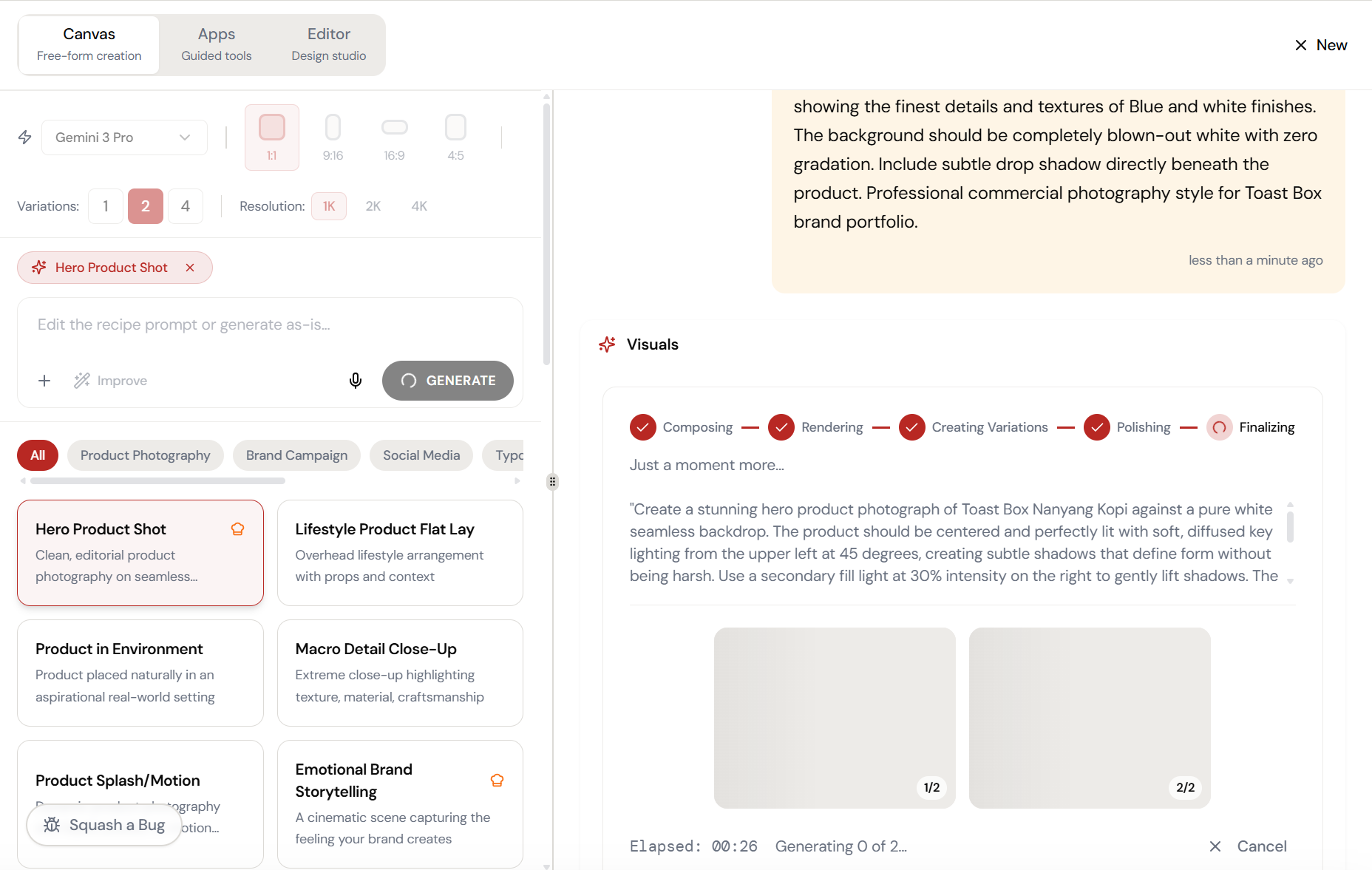
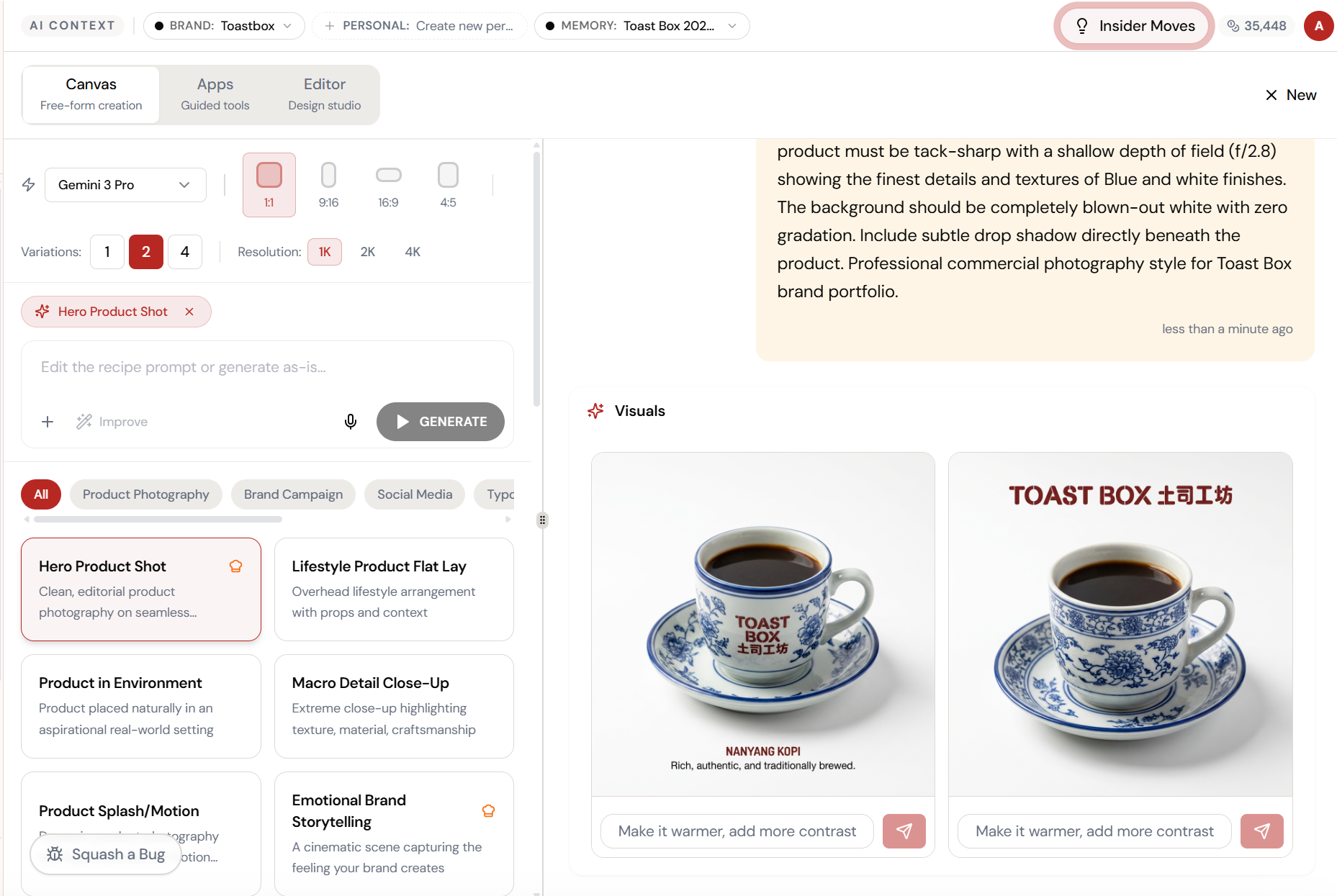
Almost there. Watch it work.
The AI processes your request — composing, rendering, and refining until the output matches your brief.
“Soft, diffused key lighting from the upper left at 45 degrees.”
That’s not you writing. That’s the Hero Product Shot recipe. It knows about lighting angles, fill shadows, seamless backdrops, and product centering. You just click Generate.
What Actually Changes
Manual. Repetitive. Time-consuming. Every visual recipes task starts from scratch with no context, no memory, and no brand awareness.
One click. Full context. Visual Recipes handles it — with your brand, your data, your preferences baked in from the start.