




You need a quick edit. Not a design degree.
Add text. Adjust the crop. Change the background colour. Simple tasks that somehow require opening a professional design tool, watching a tutorial, and losing 45 minutes of your life.
The Hack: The Built-In Editor
Fine-tune the details.
Adjust settings, add context, or refine your prompt. Integrated Editor gives you control without complexity.
The Walkthrough
Fine-tune the details.
Adjust settings, add context, or refine your prompt. Integrated Editor gives you control without complexity.
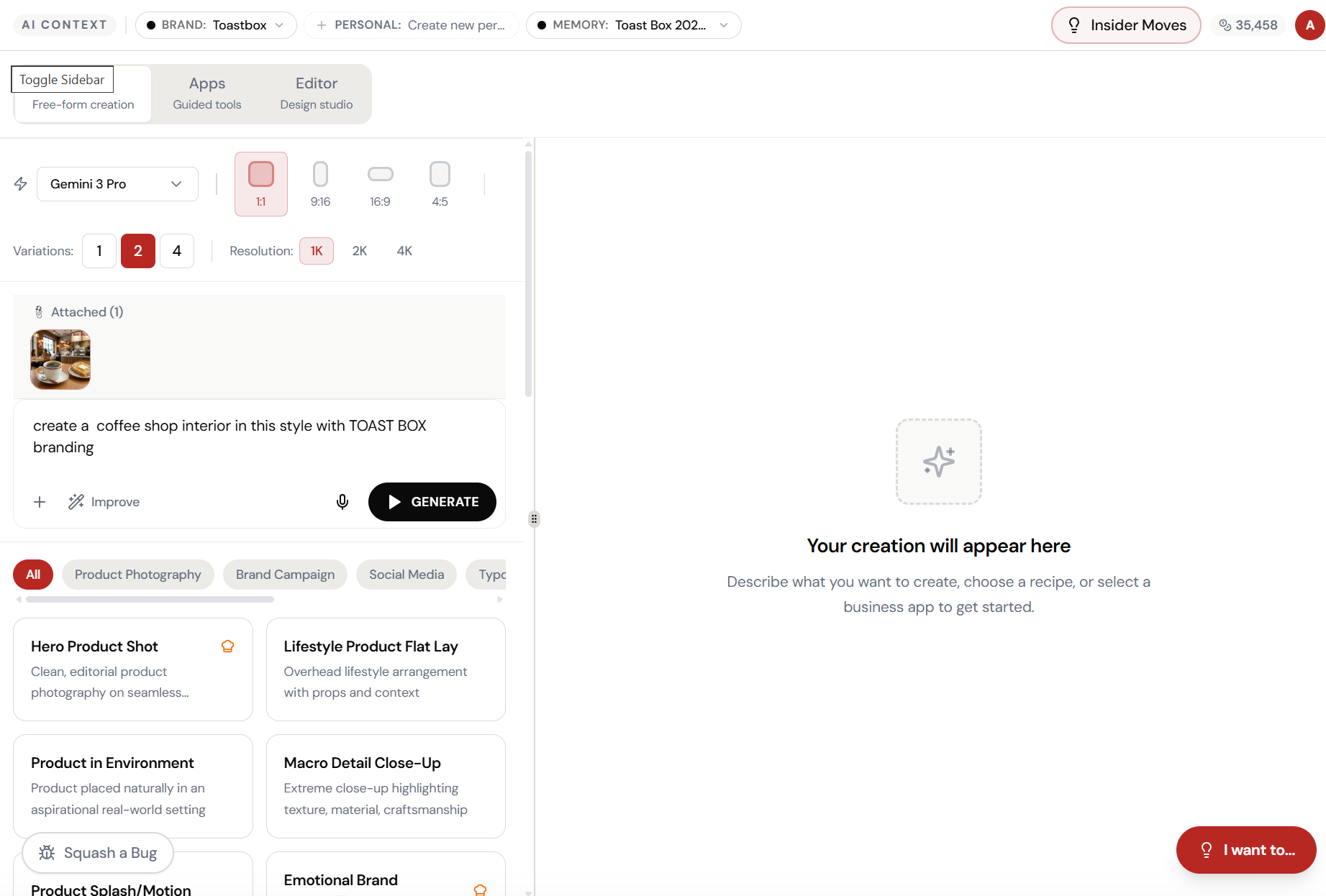
Set up your inputs.
Configure your settings, upload your assets, or describe what you need. Integrated Editor handles the complexity.
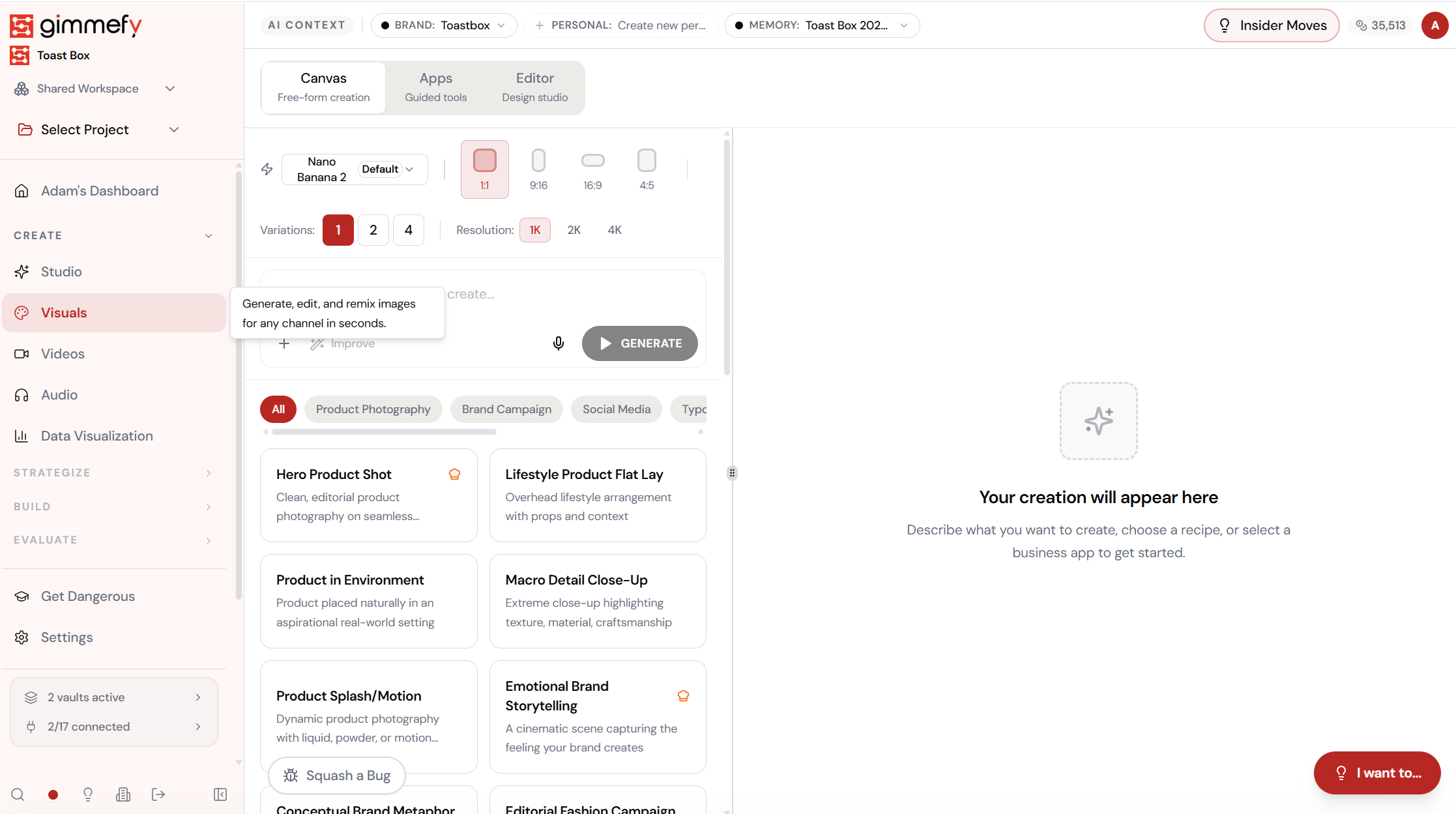
Open Integrated Editor. Here’s what you see.
Navigate to Integrated Editor — the interface is clean, focused, and ready for your input.
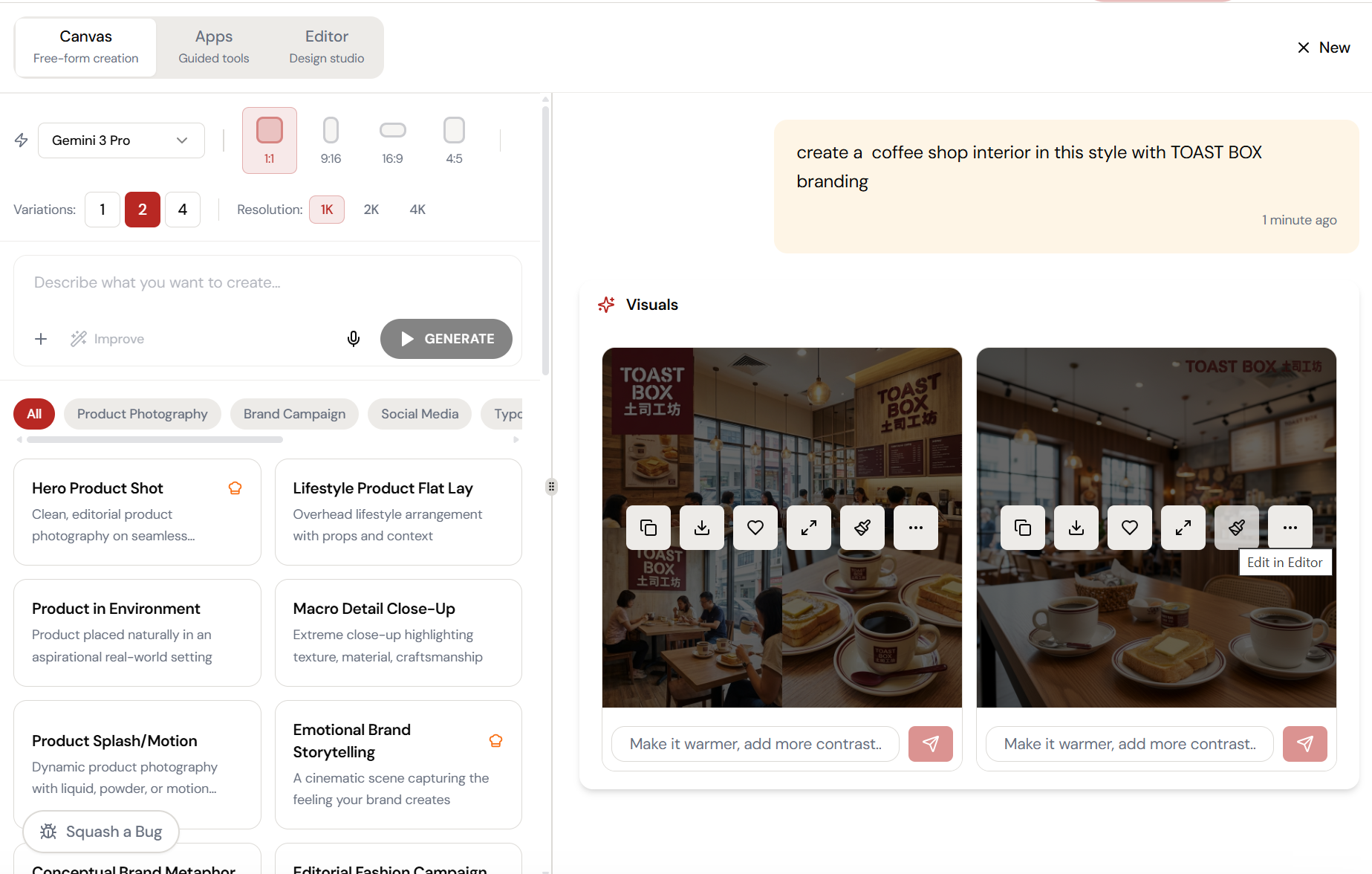
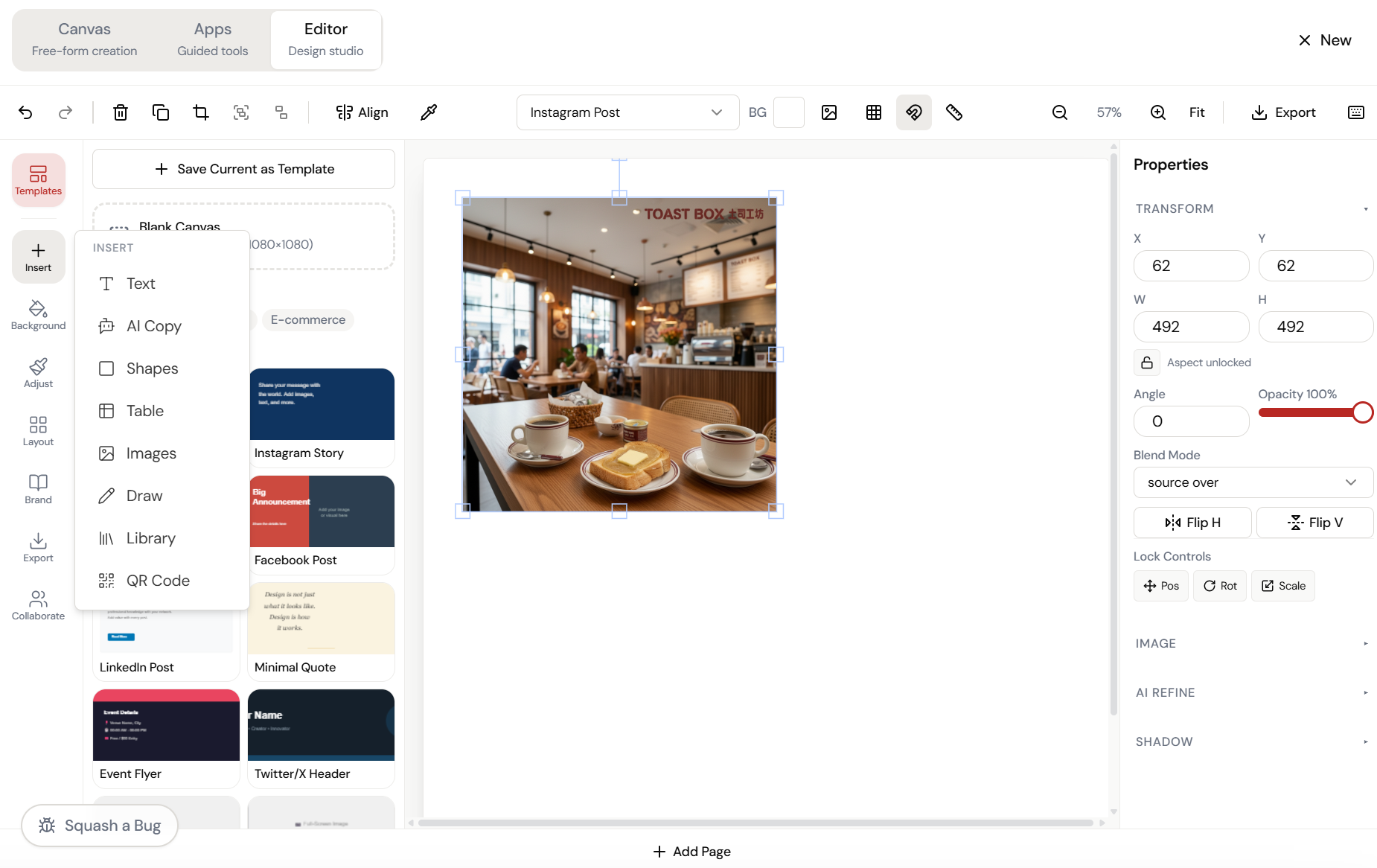
Generate. Then click “Edit in Editor.” That’s it.
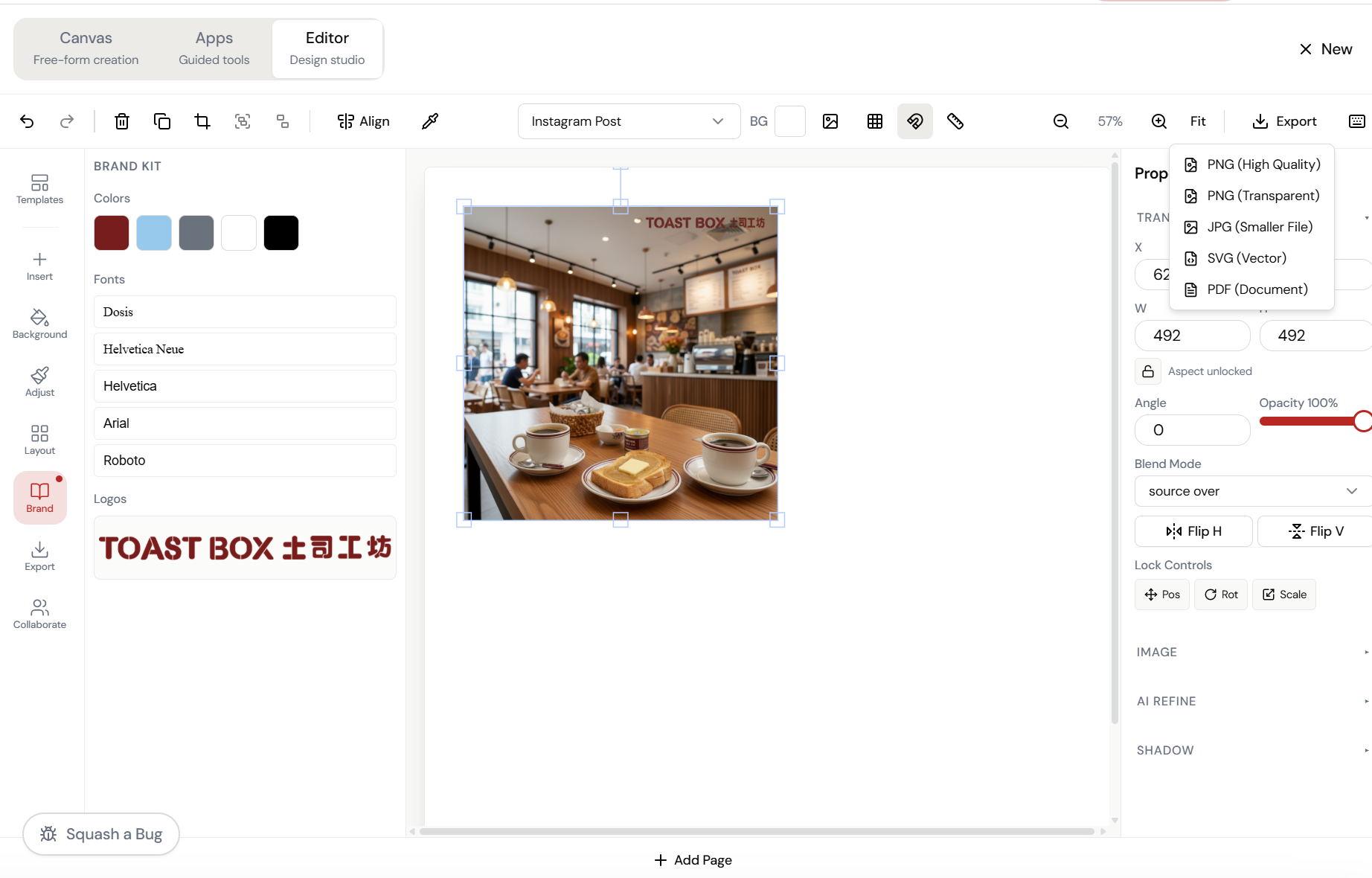
Every generated image has an “Edit in Editor” button. One click opens it in a full design editor \u2014 with your Brand Kit colours, fonts, and logos already loaded.
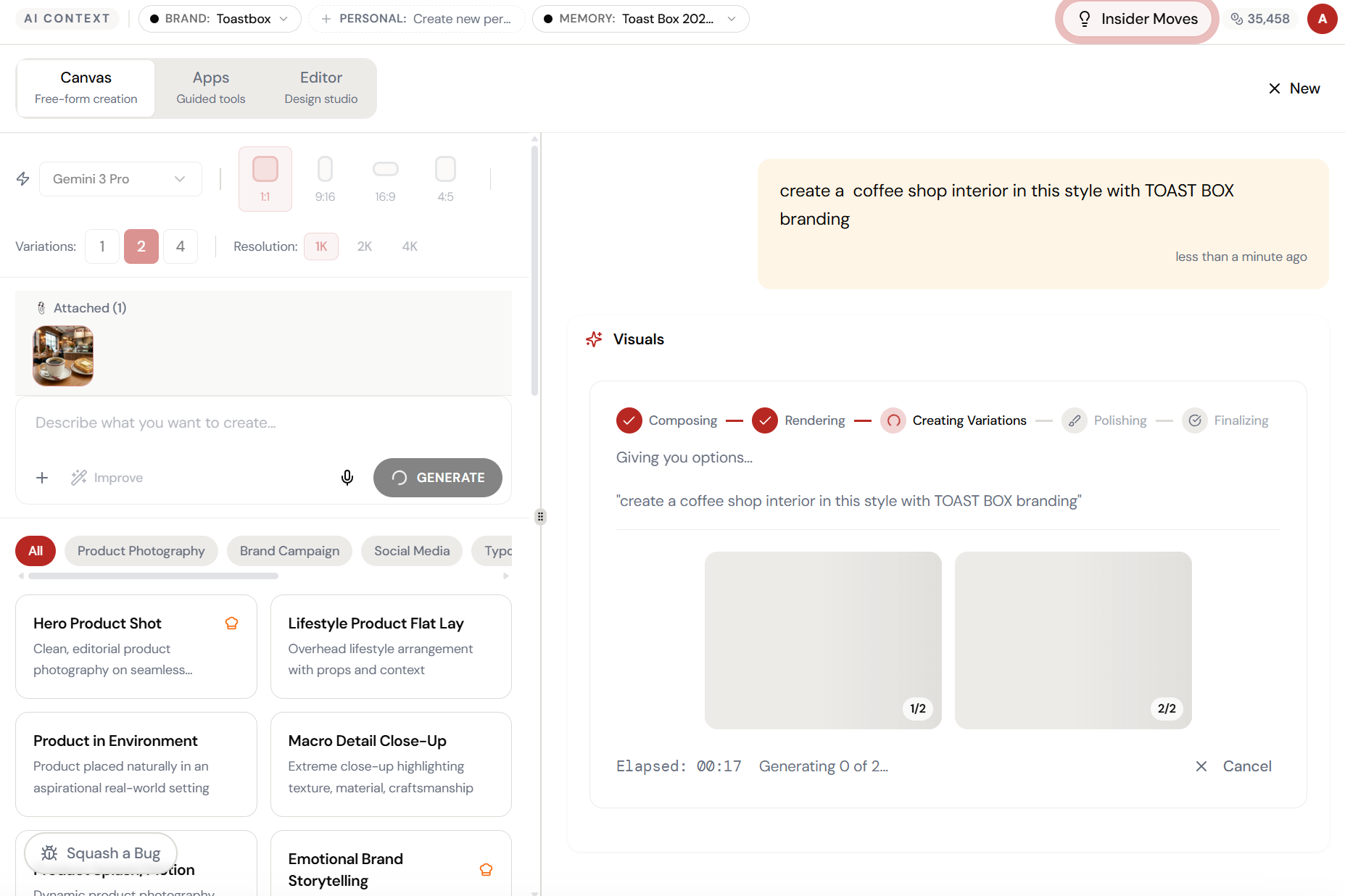
Almost there. Watch it work.
The AI processes your request — composing, rendering, and refining until the output matches your brief.
Full editor. Brand Kit loaded. Export to anything.
Resize, crop, add text, adjust colours, apply effects \u2014 all with your brand colours, fonts, and logos in the sidebar. Export as PNG, JPG, SVG, or PDF.
What Actually Changes
Manual. Repetitive. Time-consuming. Every design editor task starts from scratch with no context, no memory, and no brand awareness.
One click. Full context. Design Editor handles it — with your brand, your data, your preferences baked in from the start.