




The product image exists. The product copy does not.
You have 47 product photos. Each one needs a title, description, and three selling points. Writing them manually means staring at a shoe for 10 minutes trying to sound enthusiastic about arch support.
The Hack: The Visual Commerce
Fine-tune the details.
Adjust settings, add context, or refine your prompt. Visual Commerce Creator gives you control without complexity.



The Walkthrough
Fine-tune the details.
Adjust settings, add context, or refine your prompt. Visual Commerce Creator gives you control without complexity.
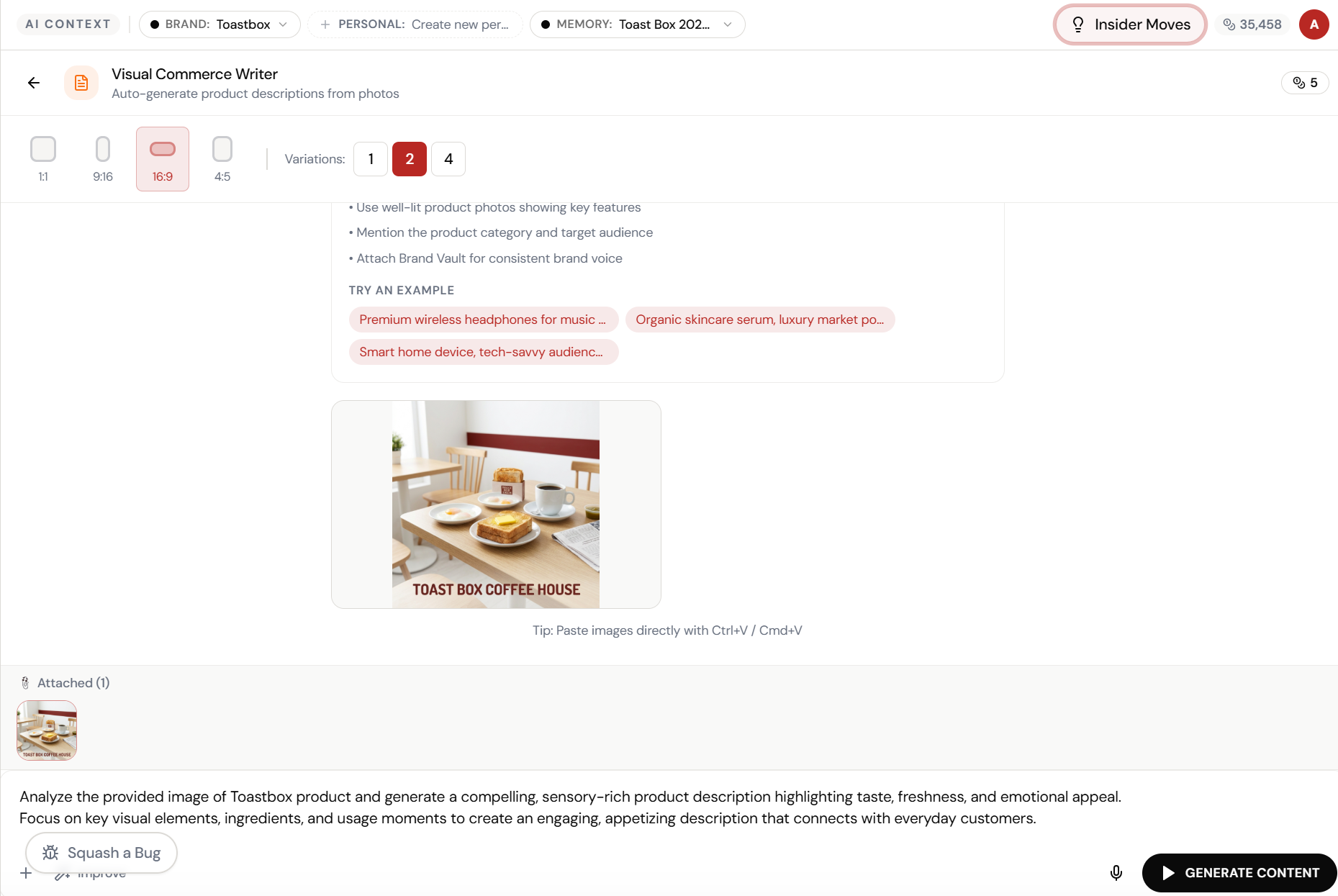
Set up your inputs.
Configure your settings, upload your assets, or describe what you need. Visual Commerce Creator handles the complexity.
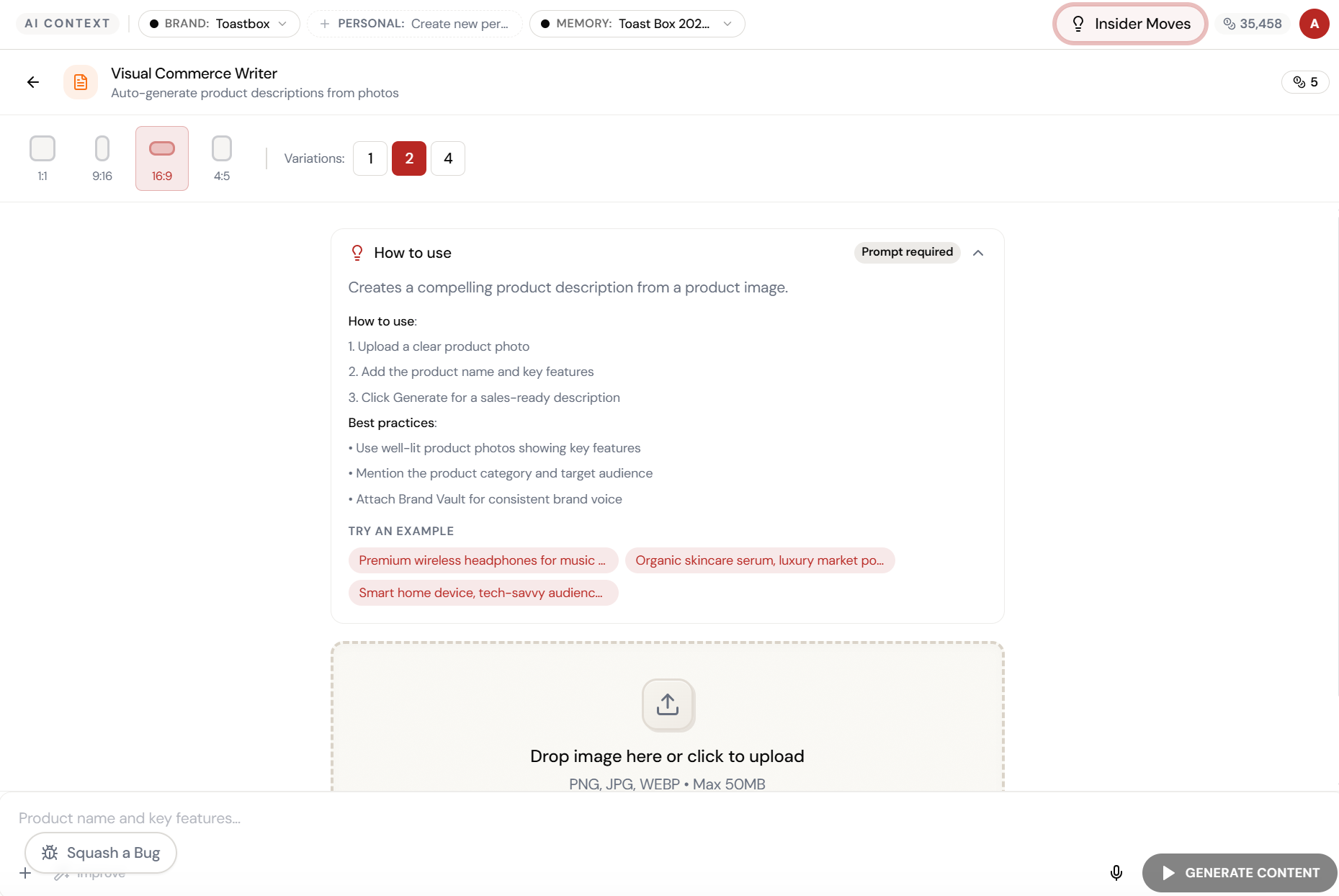
Open Visual Commerce Creator. Here’s what you see.
Navigate to Visual Commerce Creator — the interface is clean, focused, and ready for your input.
Upload the photo. Get the description.
Visual Commerce Writer analyses your product image and generates compelling, sensory-rich descriptions. Brand Vault connected for consistent voice. Memory Vault for product context.
Sensory-rich. On-brand. Ready to publish.
Two description variations \u2014 highlighting taste, freshness, ingredients, and emotional appeal. Written in your brand voice with product-specific details from the image analysis.
What Actually Changes
Manual. Repetitive. Time-consuming. Every visual commerce writer task starts from scratch with no context, no memory, and no brand awareness.
One click. Full context. Visual Commerce Writer handles it — with your brand, your data, your preferences baked in from the start.
Escape the Messy Middle
See how Visual Commerce Writer transforms your workflow.