




One image. Seven platforms. Seven different aspect ratios.
Instagram wants square. Stories want vertical. LinkedIn wants landscape. Twitter wants… something else. You have one image. You need seven versions. Each one needs to look intentional, not cropped.
The Hack: The Format Chameleon
Fine-tune the details.
Adjust settings, add context, or refine your prompt. Format Adapter gives you control without complexity.
The Walkthrough
Fine-tune the details.
Adjust settings, add context, or refine your prompt. Format Adapter gives you control without complexity.
Set up your inputs.
Configure your settings, upload your assets, or describe what you need. Format Adapter handles the complexity.
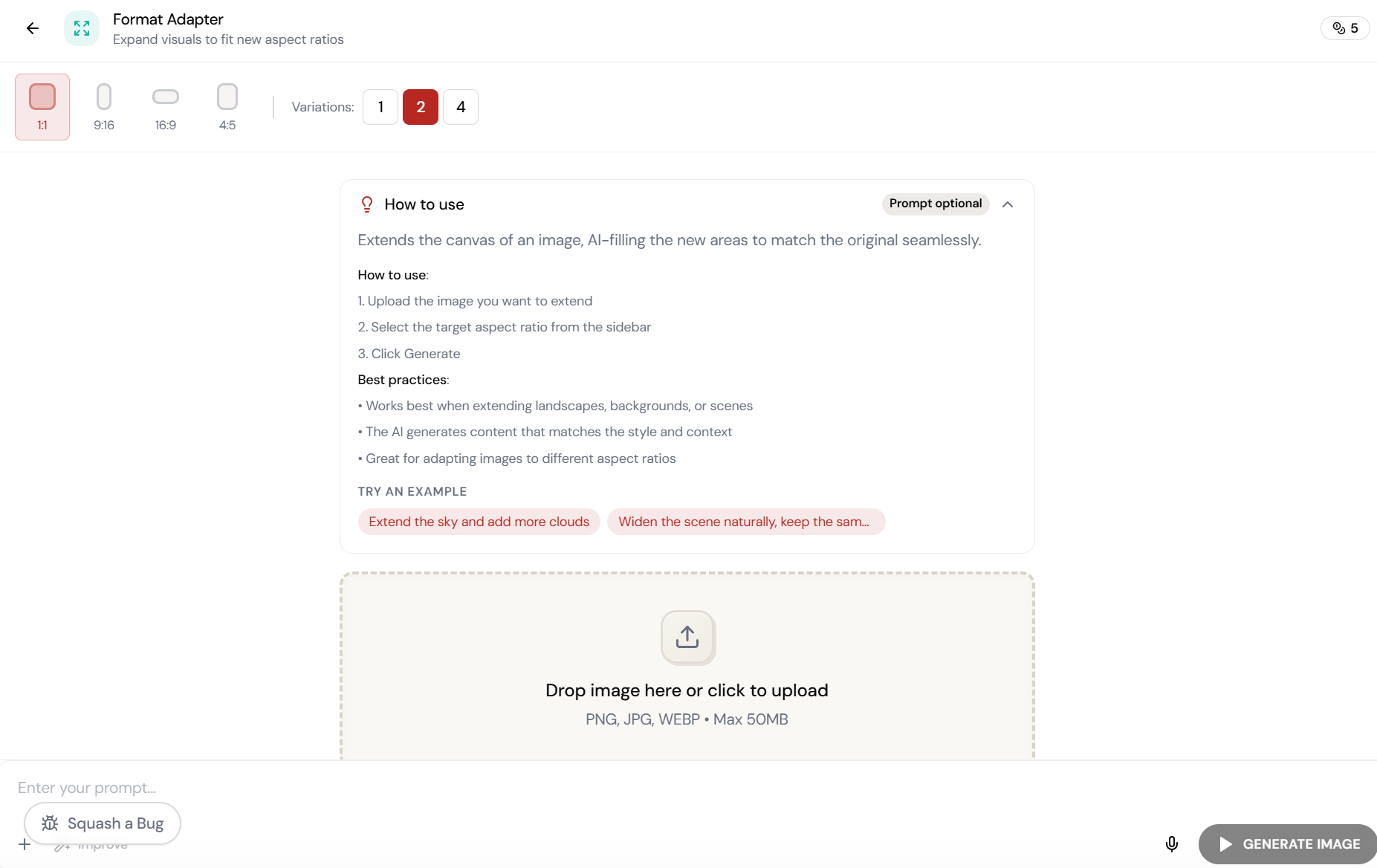
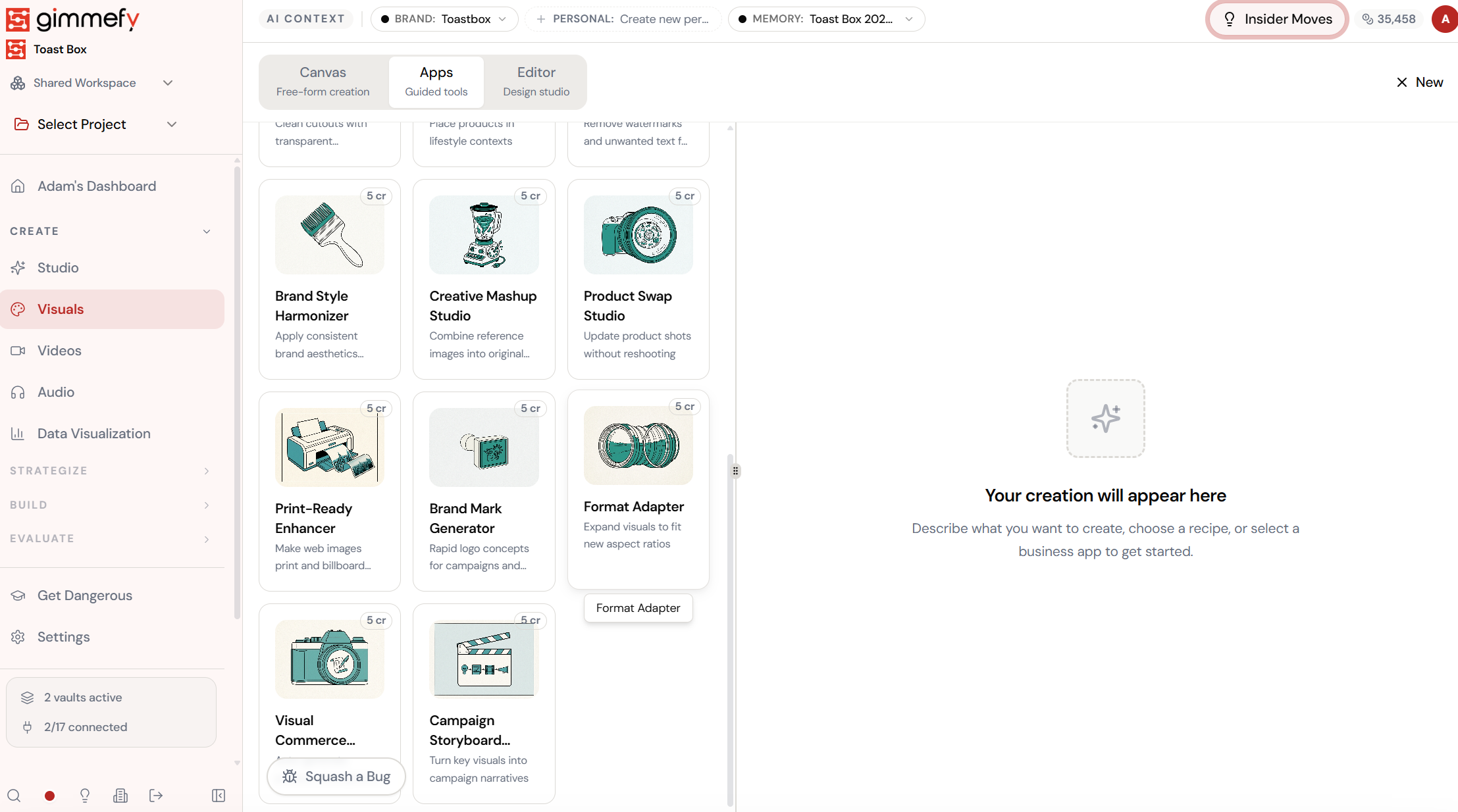
Open Format Adapter. Here’s what you see.
Navigate to Format Adapter — the interface is clean, focused, and ready for your input.
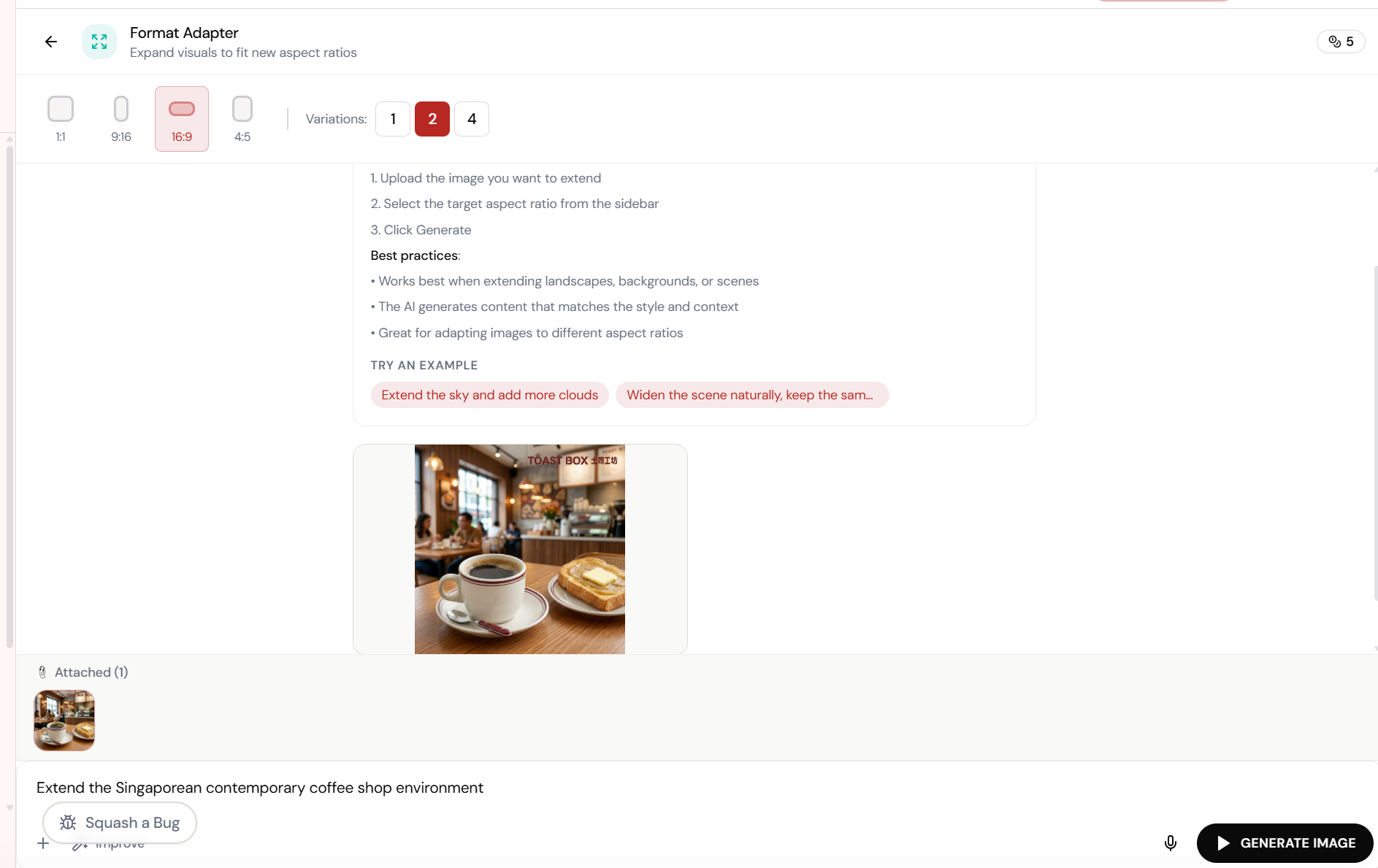
Upload the image. Pick the ratio. Extend.
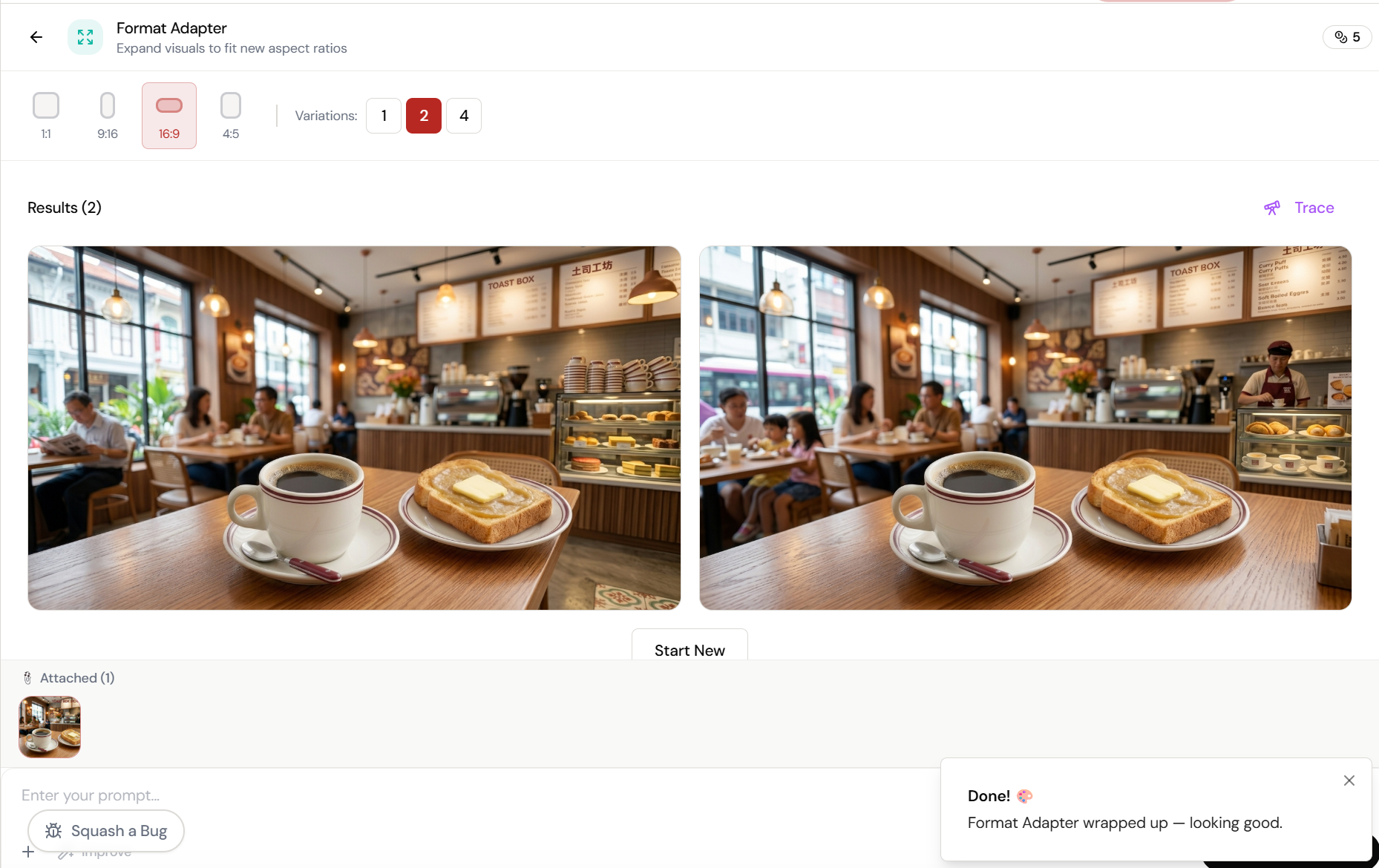
Format Adapter expands your image to fit any aspect ratio by generating matching content around the edges. Select 16:9, describe the extension, and the AI fills in the scene.
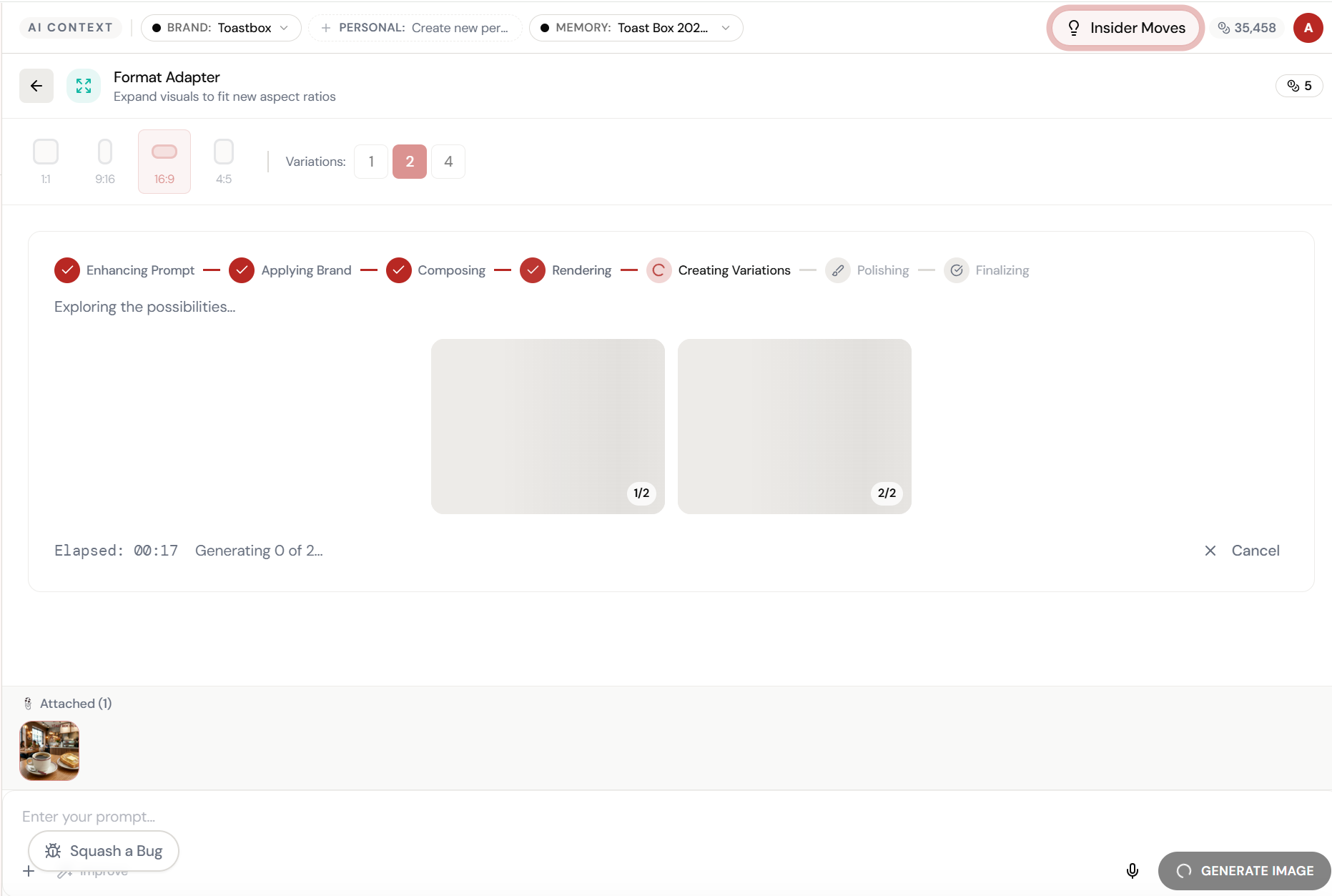
Almost there. Watch it work.
The AI processes your request — composing, rendering, and refining until the output matches your brief.
Same image. New ratio. AI-extended edges.
The scene is seamlessly extended to 16:9 \u2014 matching style, lighting, and context. No cropping, no stretching, no manual editing.
What Actually Changes
Manual. Repetitive. Time-consuming. Every format adapter task starts from scratch with no context, no memory, and no brand awareness.
One click. Full context. Format Adapter handles it — with your brand, your data, your preferences baked in from the start.