




Five campaign assets. Five different visual languages.
The social post looks nothing like the email header. The blog image clashes with the landing page hero. Same campaign, same brand, zero visual consistency. Your brand guidelines exist. Nobody’s reading them.
The Hack: The Brand Harmony
Set up your inputs.
Configure your settings, upload your assets, or describe what you need. Brand Style Harmonizer handles the complexity.
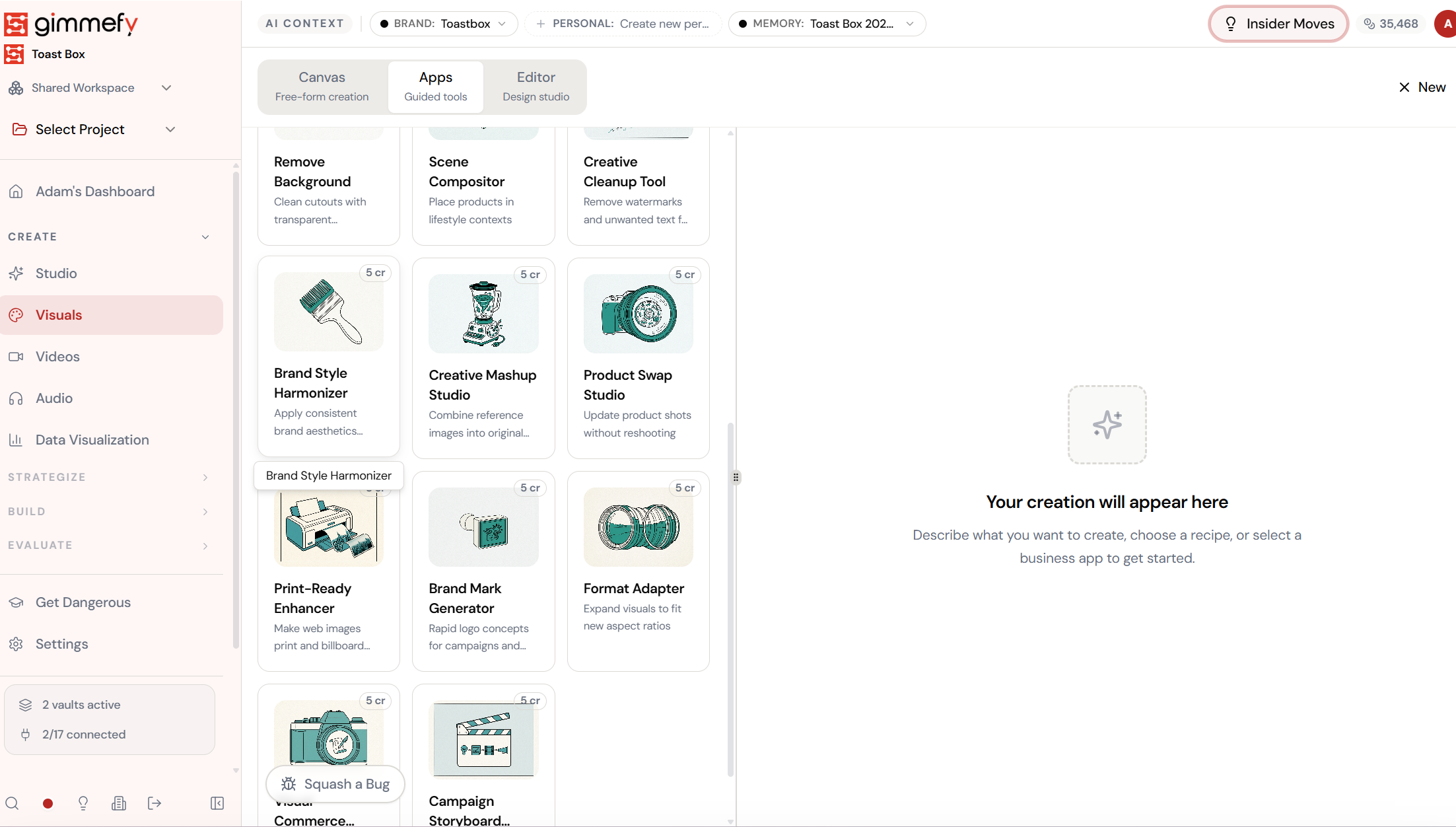
The Walkthrough
Set up your inputs.
Configure your settings, upload your assets, or describe what you need. Brand Style Harmonizer handles the complexity.
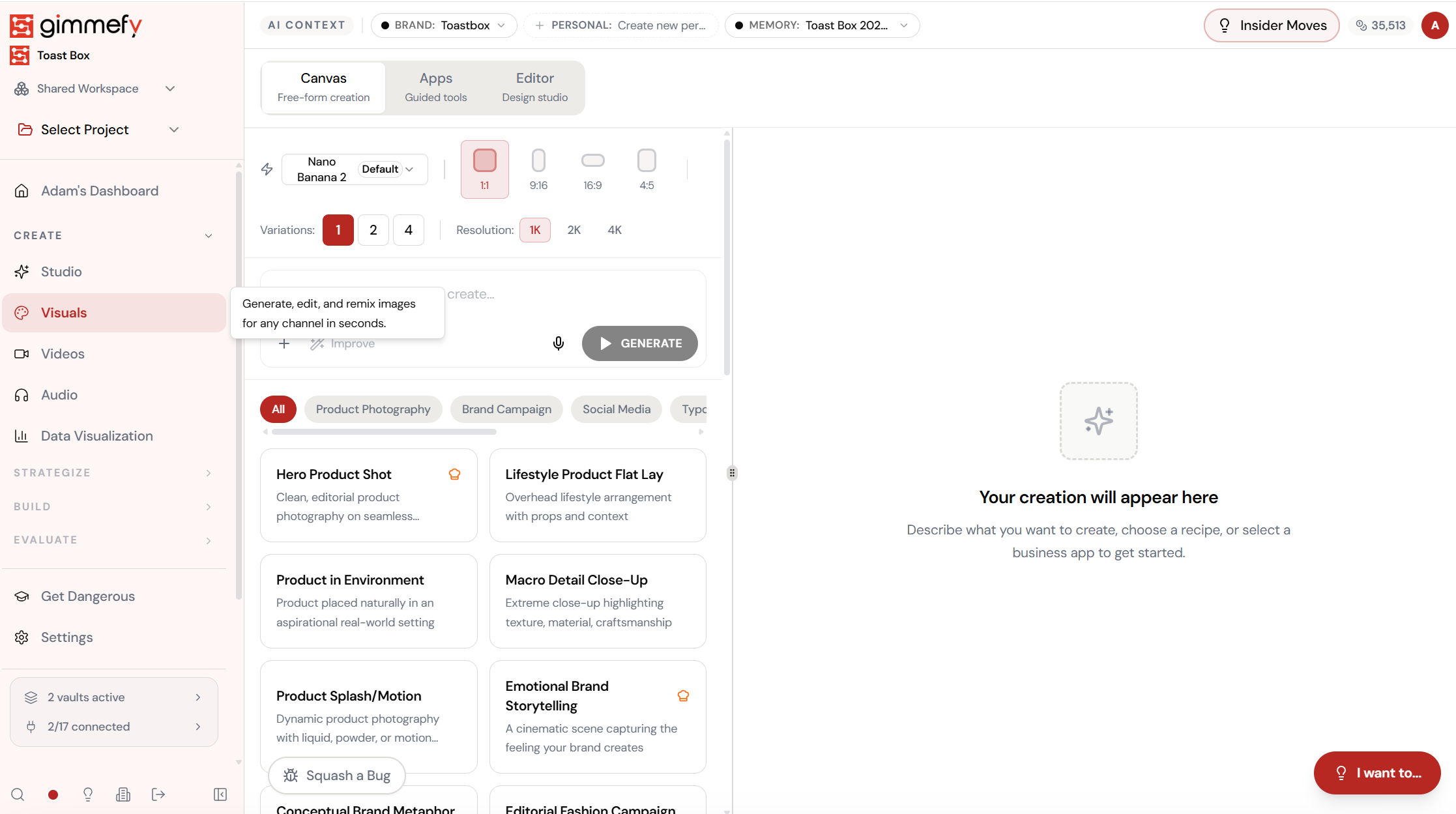
Open Brand Style Harmonizer. Here’s what you see.
Navigate to Brand Style Harmonizer — the interface is clean, focused, and ready for your input.
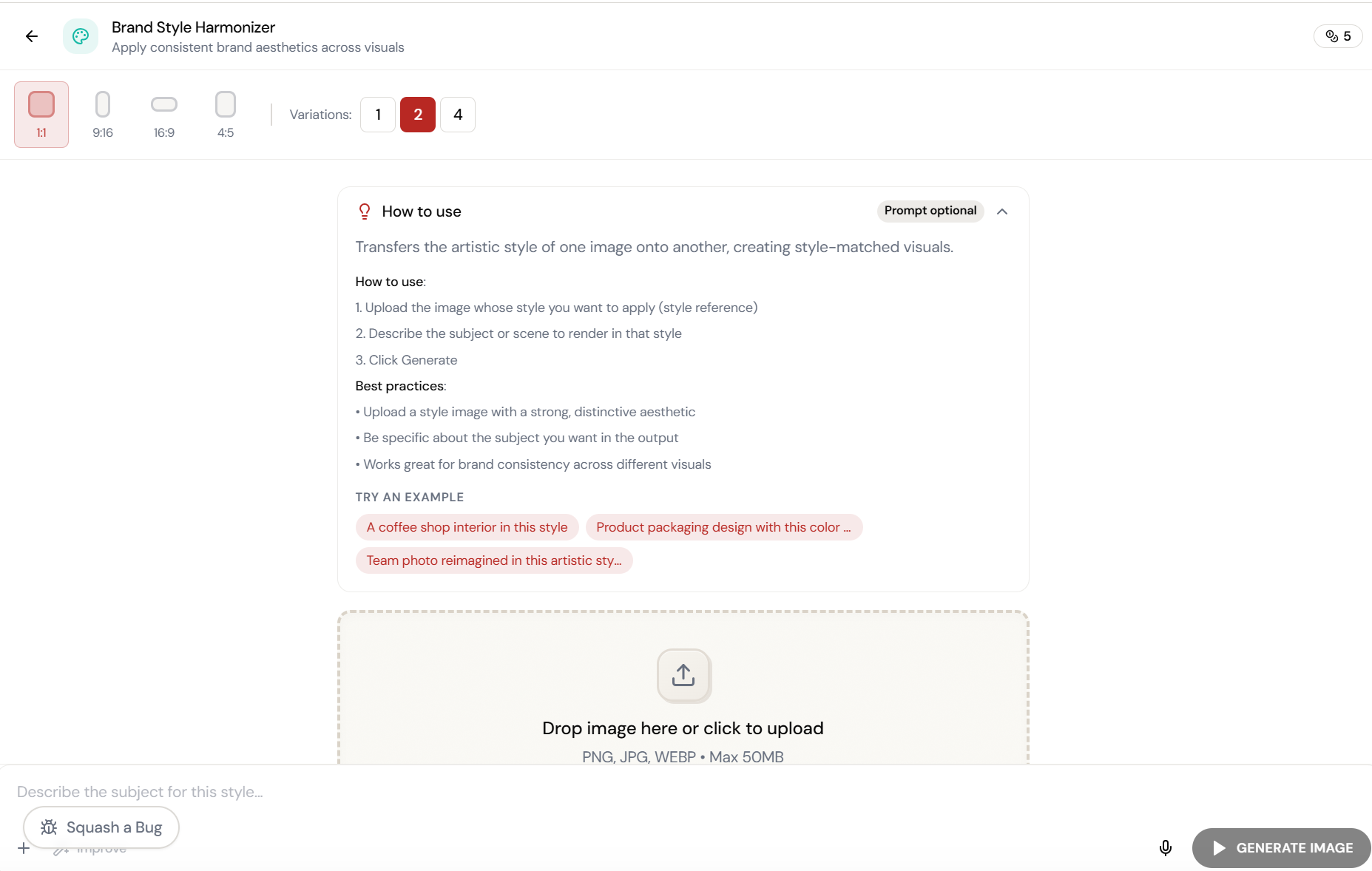
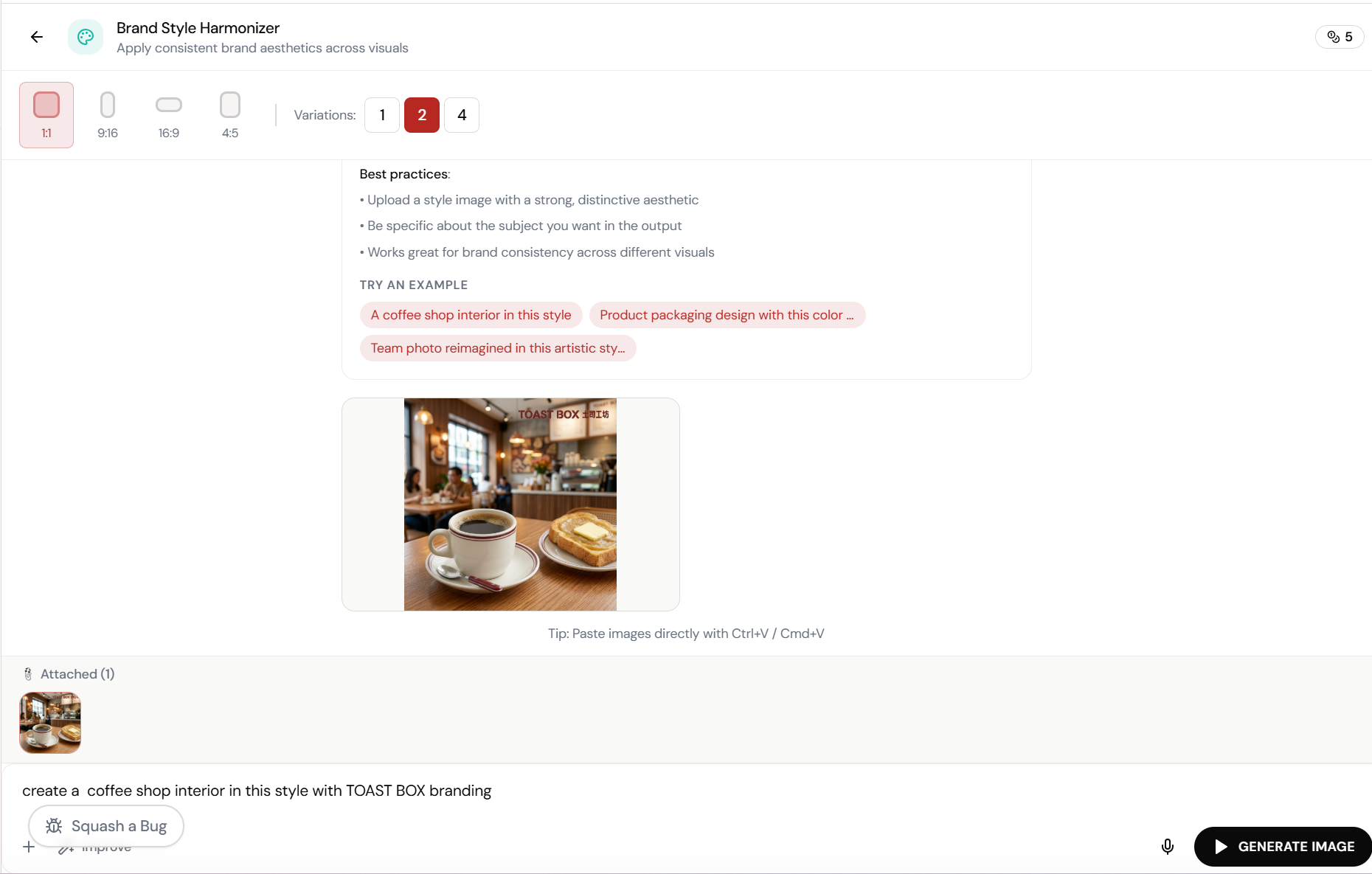
Upload a style reference. Describe the subject.
Brand Style Harmonizer transfers the artistic style of one image onto another. Upload your brand’s signature look, describe what to render in that style, and generate.
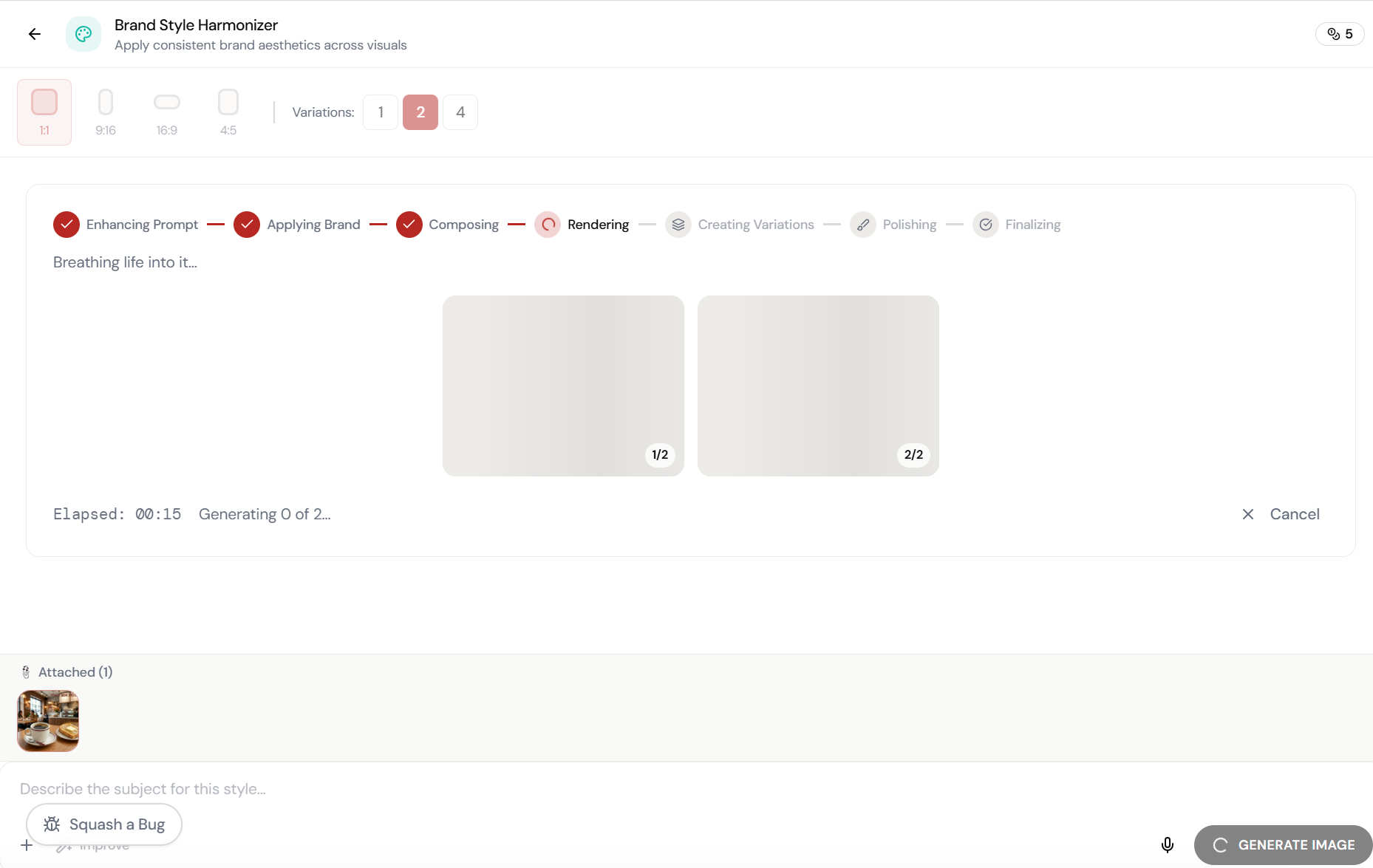
Almost there. Watch it work.
The AI processes your request — composing, rendering, and refining until the output matches your brief.
Adjust and refine.
Every parameter is designed to be intuitive. Adjust what matters, skip what doesn’t.
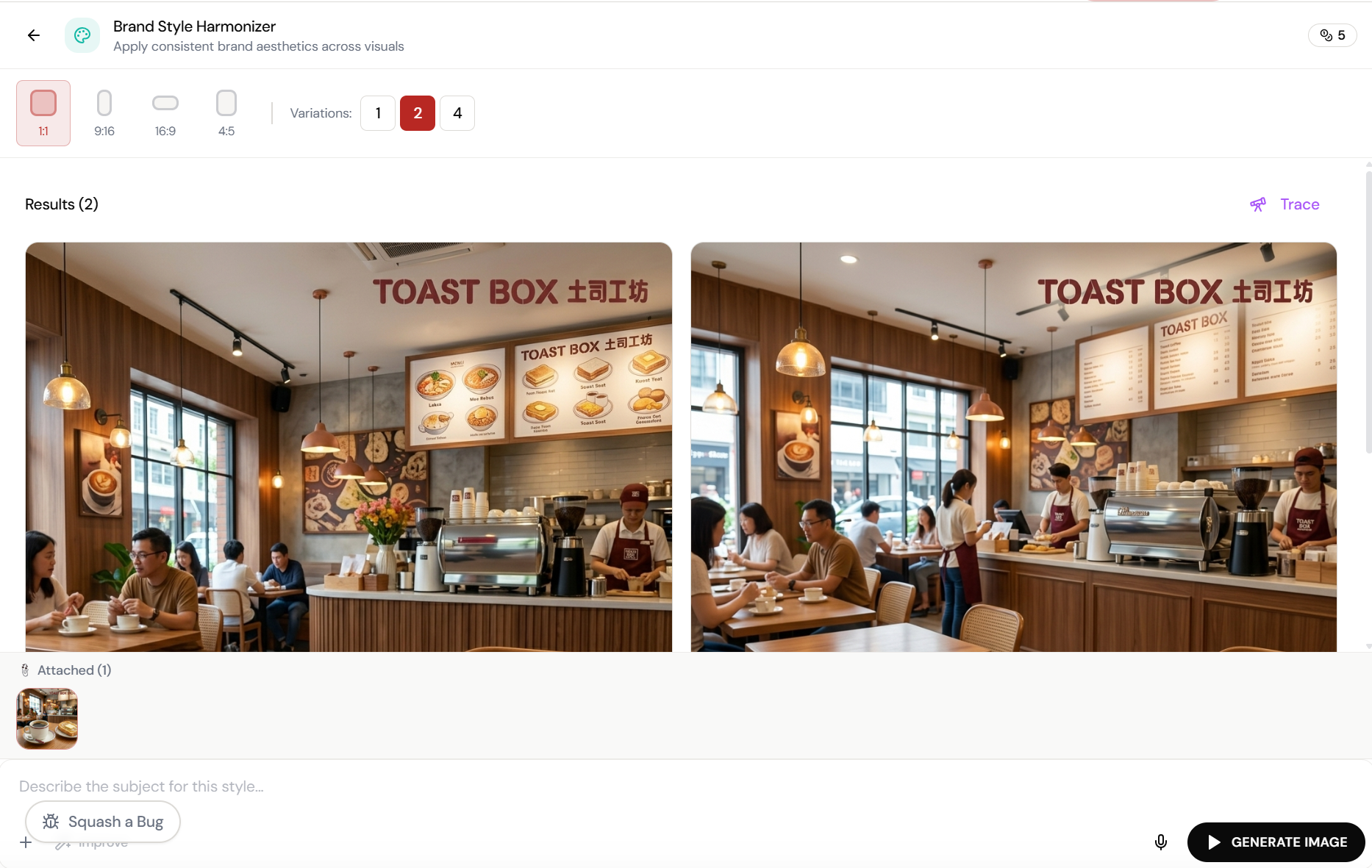
Every image. Same brand DNA.
Two Toast Box caf\u00e9 interiors generated in the exact same warm, maroon-branded aesthetic. Consistent lighting, signage, and atmosphere across both variations.
What Actually Changes
Manual. Repetitive. Time-consuming. Every brand style harmonizer task starts from scratch with no context, no memory, and no brand awareness.
One click. Full context. Brand Style Harmonizer handles it — with your brand, your data, your preferences baked in from the start.
Escape the Messy Middle
See how Brand Style Harmonizer transforms your workflow.