




You love two styles. You cannot pick one. What if you did not have to?
The minimalist version is clean but cold. The bold version has energy but feels chaotic. You’ve been going back and forth for three days. What you actually want is somewhere in between — but nobody can visualise that.
The Hack: The Style Blender
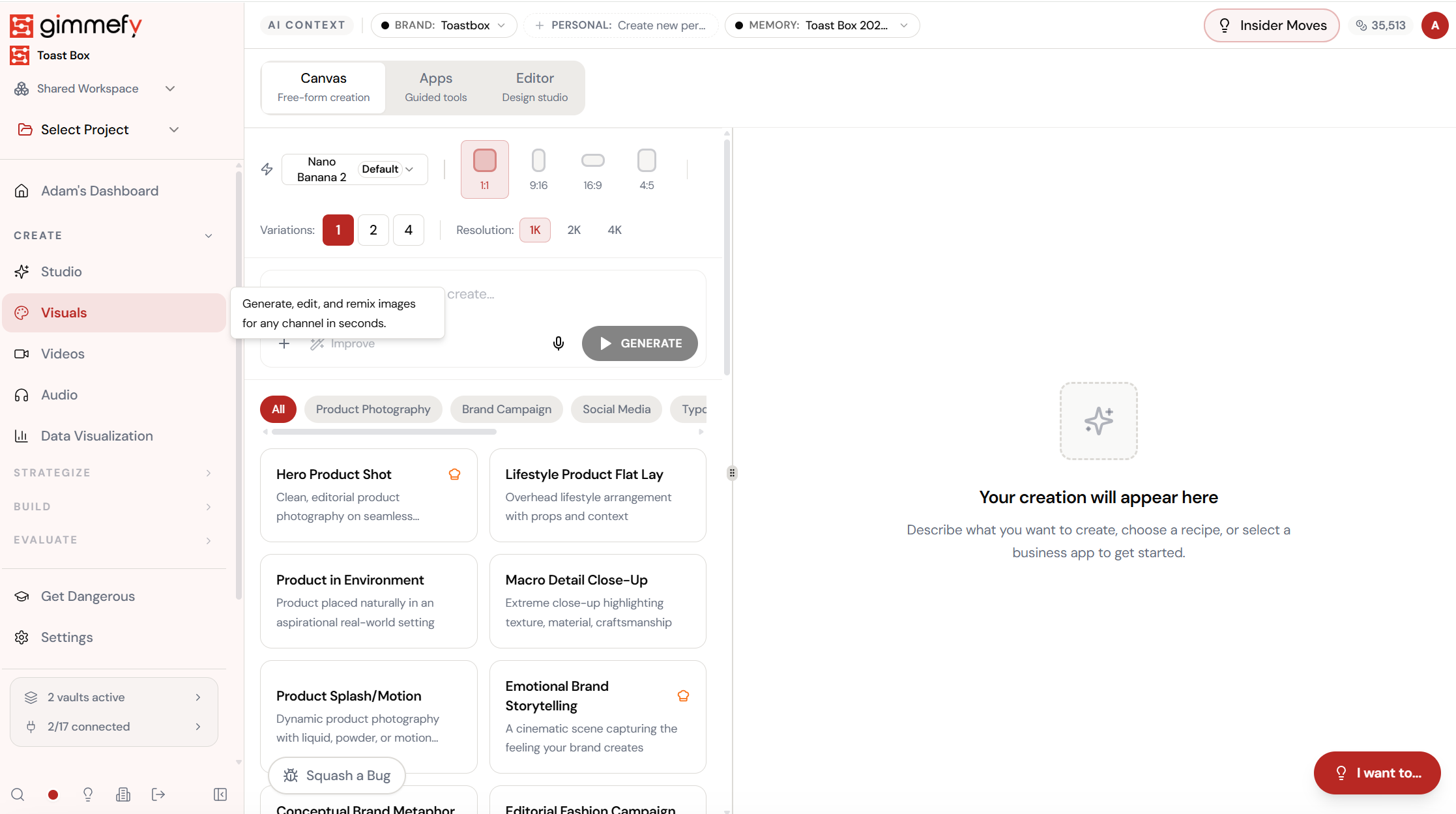
Fine-tune the details.
Adjust settings, add context, or refine your prompt. Creative Mashup Studio gives you control without complexity.
The Walkthrough
Fine-tune the details.
Adjust settings, add context, or refine your prompt. Creative Mashup Studio gives you control without complexity.
Set up your inputs.
Configure your settings, upload your assets, or describe what you need. Creative Mashup Studio handles the complexity.
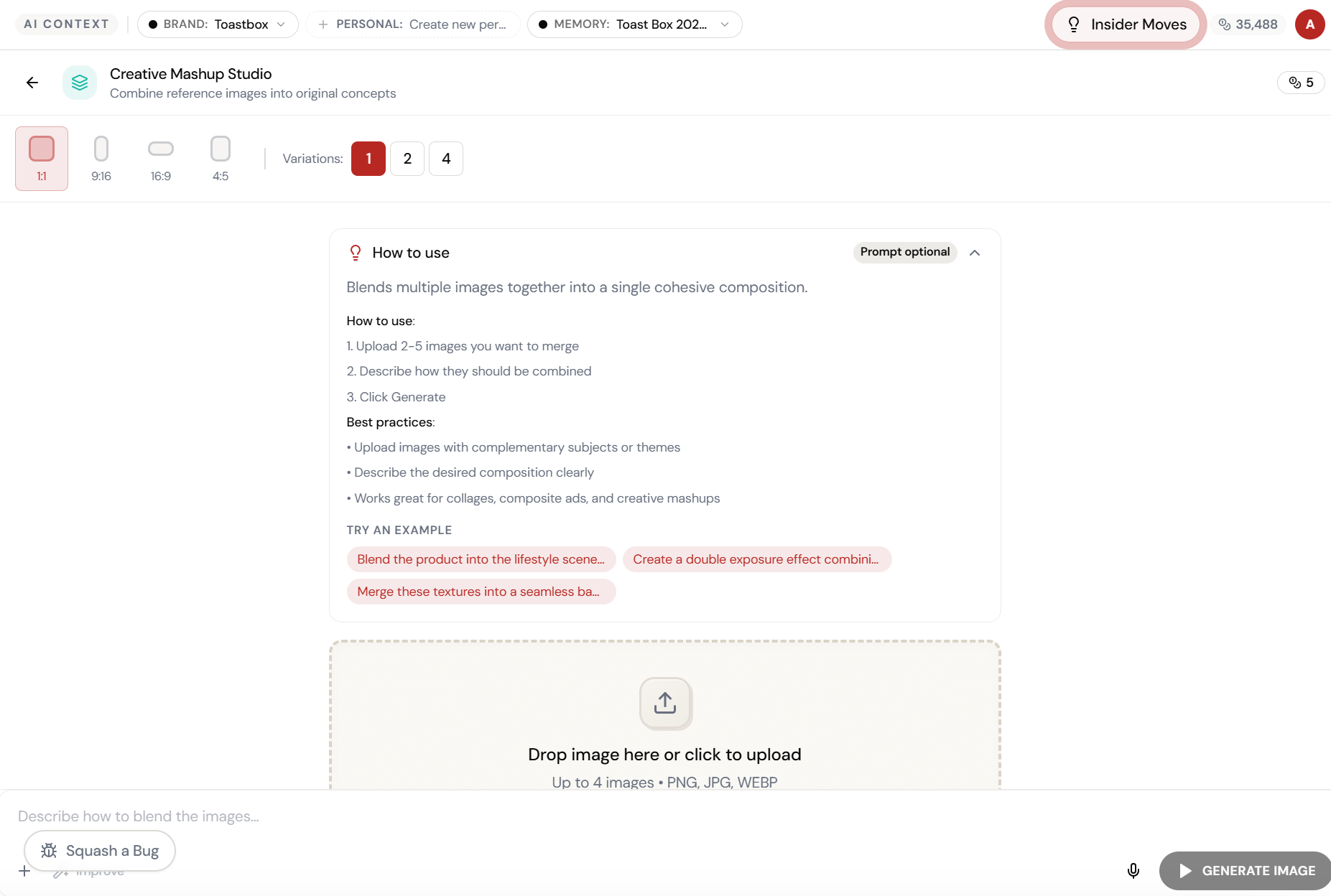
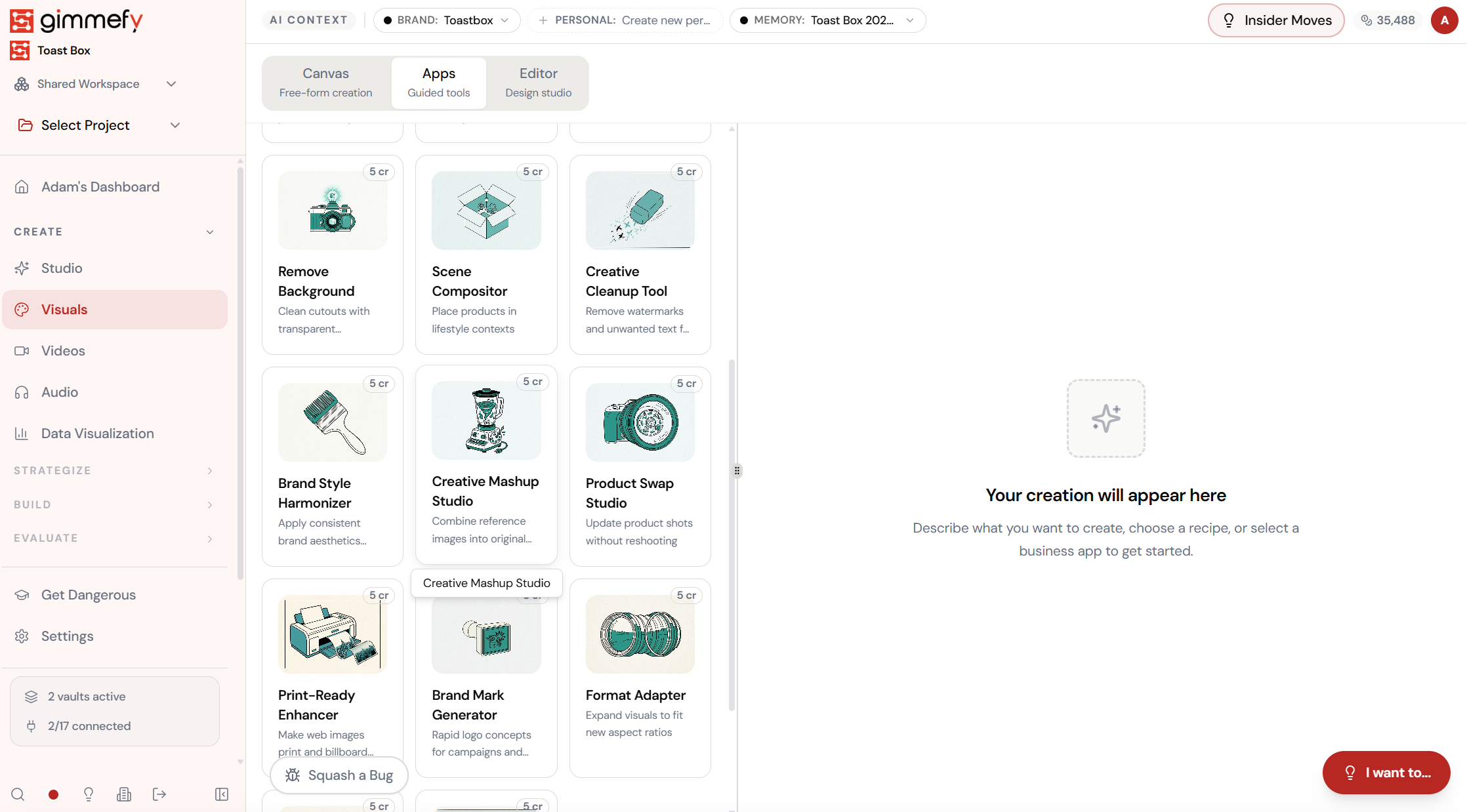
Open Creative Mashup Studio. Here’s what you see.
Navigate to Creative Mashup Studio — the interface is clean, focused, and ready for your input.
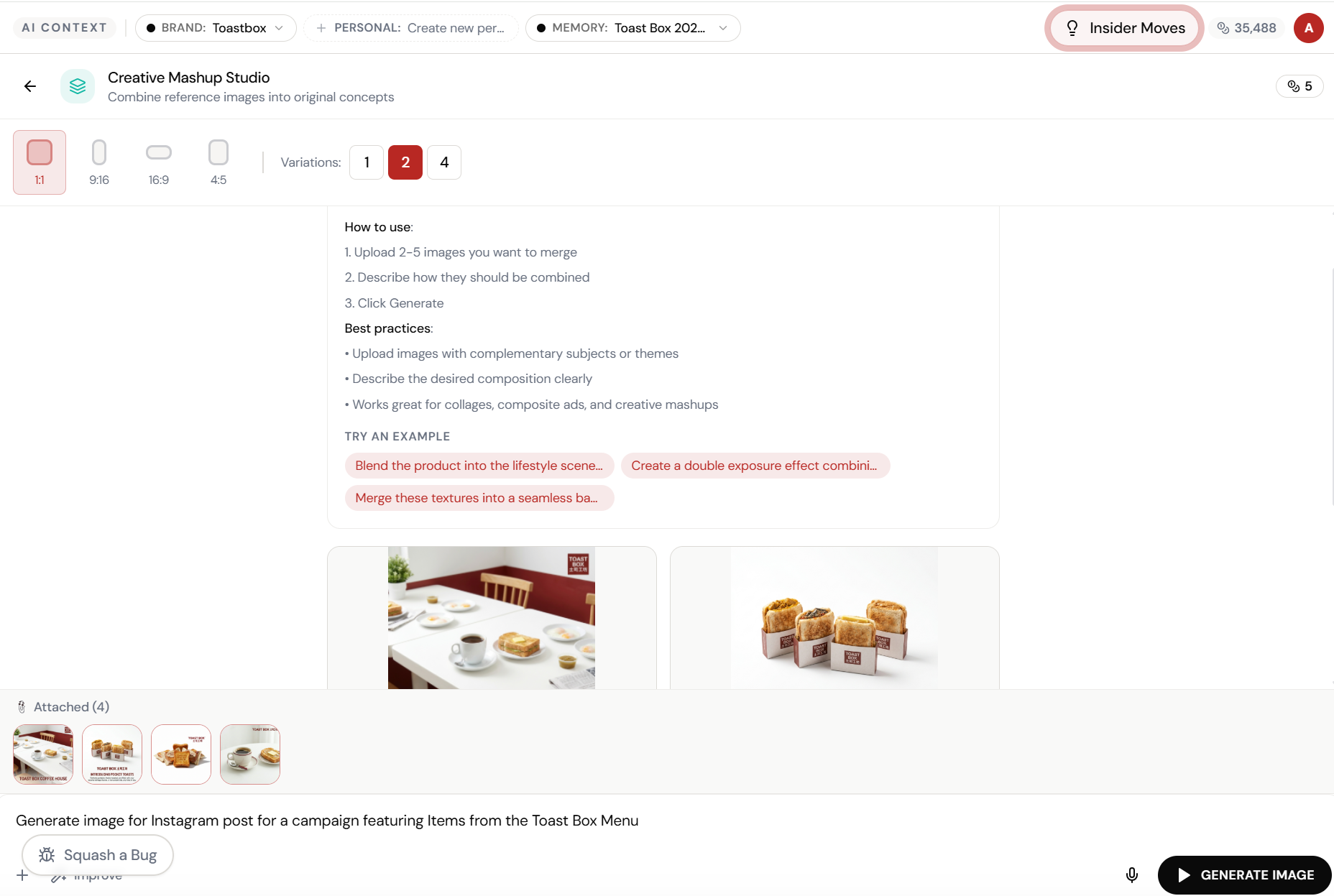
Upload your references. Describe the blend.
Creative Mashup Studio takes 2-5 reference images and combines them into original concepts. Upload your product shots, describe the composition, and hit Generate.
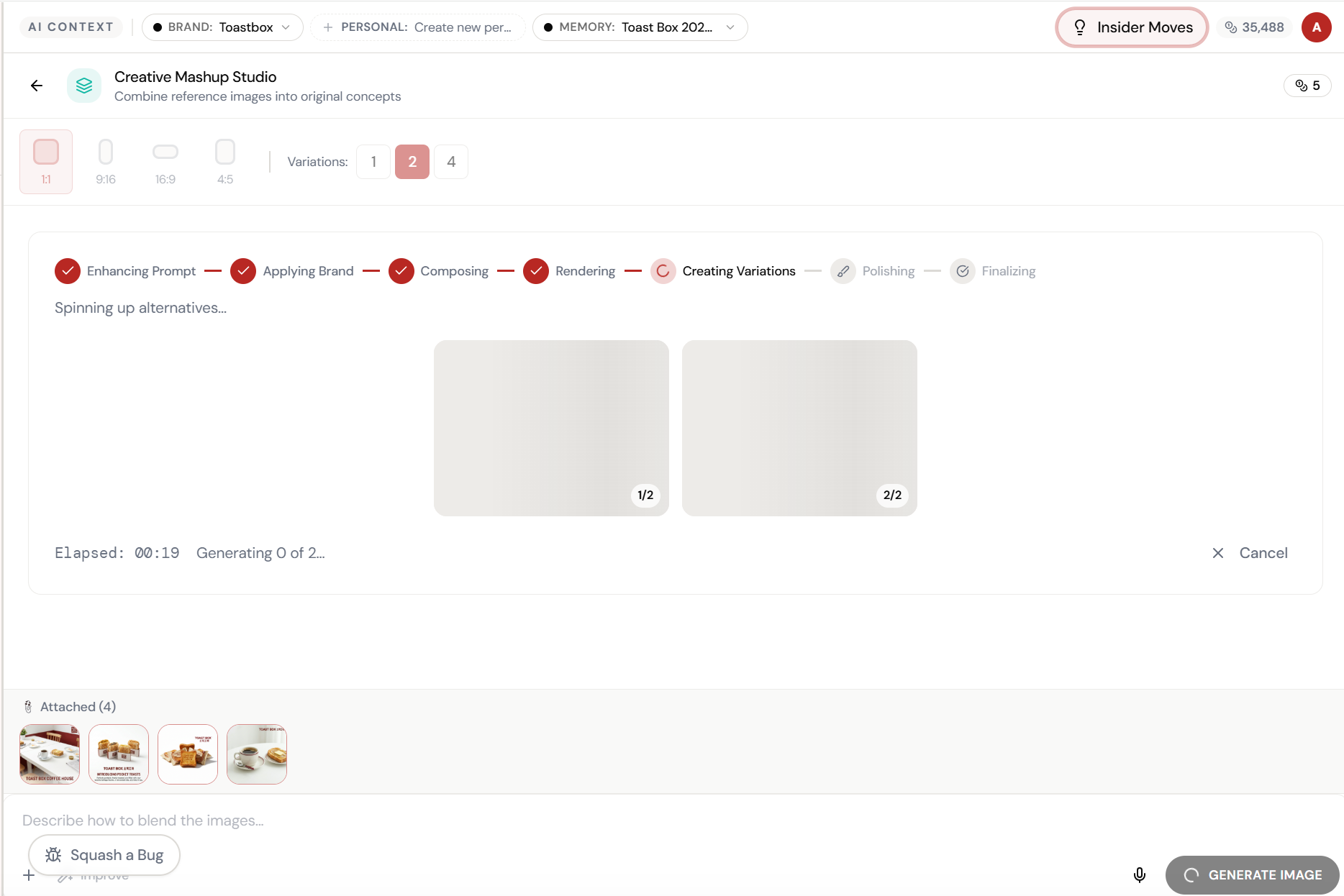
Almost there. Watch it work.
The AI processes your request — composing, rendering, and refining until the output matches your brief.
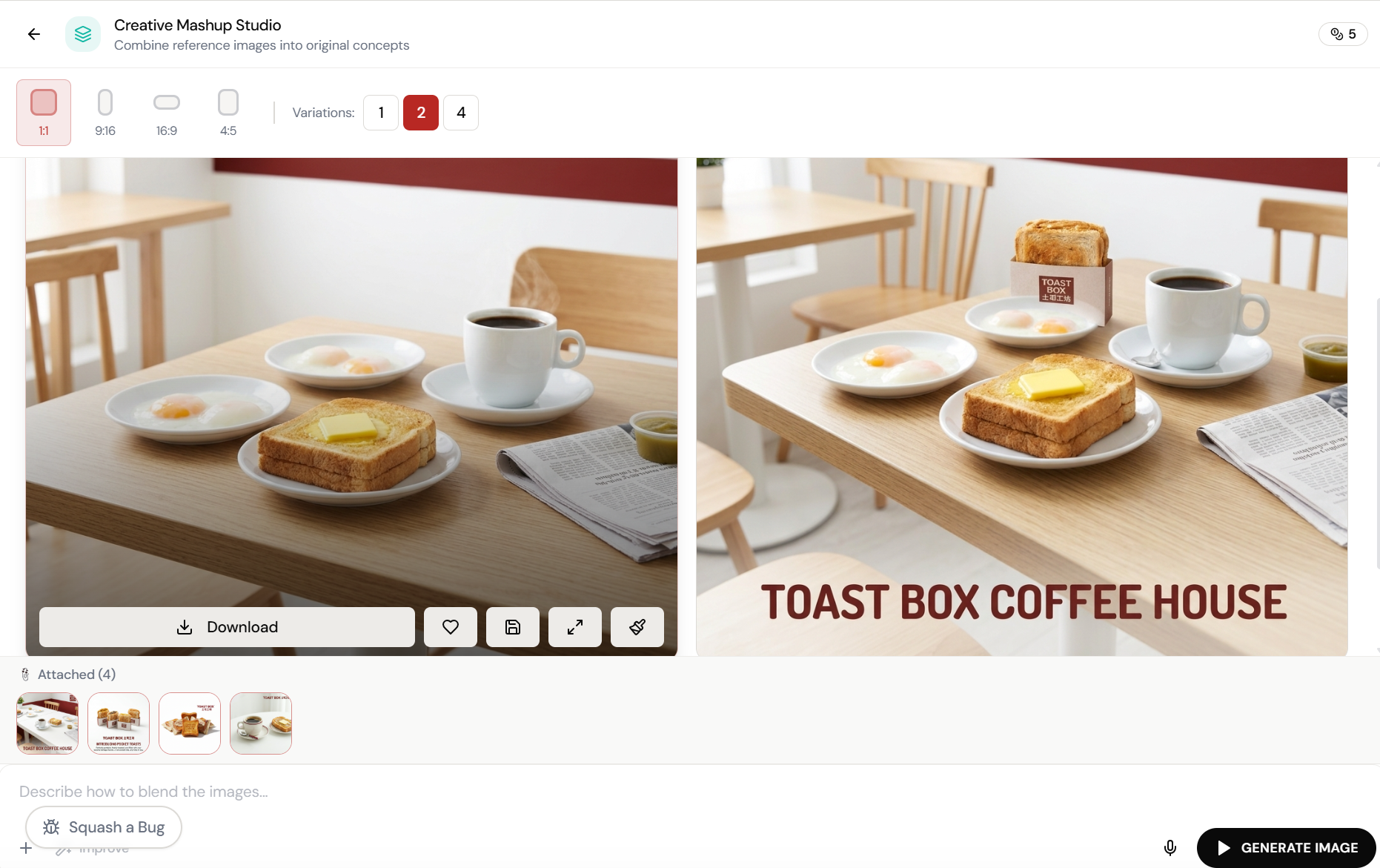
Two variations. Both campaign-ready.
Beautiful lifestyle composites blending all reference images into cohesive caf\u00e9 scenes with “TOAST BOX COFFEE HOUSE” branding. Download, favourite, or send to the Editor.
What Actually Changes
Manual. Repetitive. Time-consuming. Every creative mashup studio task starts from scratch with no context, no memory, and no brand awareness.
One click. Full context. Creative Mashup Studio handles it — with your brand, your data, your preferences baked in from the start.
Escape the Messy Middle
See how Creative Mashup Studio transforms your workflow.