




One image. Fifty-three sizes. Three hours of your designer life.
The campaign visual is approved. Now it needs to be: Instagram square, Instagram story, Facebook cover, LinkedIn banner, Twitter header, email header, blog featured image… Your designer is resizing manually. Again.
The Hack: The One-Click Resize
Adjust and refine.
Every parameter is designed to be intuitive. Adjust what matters, skip what doesn’t.
The Walkthrough
Adjust and refine.
Every parameter is designed to be intuitive. Adjust what matters, skip what doesn’t.
Fine-tune the details.
Adjust settings, add context, or refine your prompt. Campaign Asset Scaler gives you control without complexity.
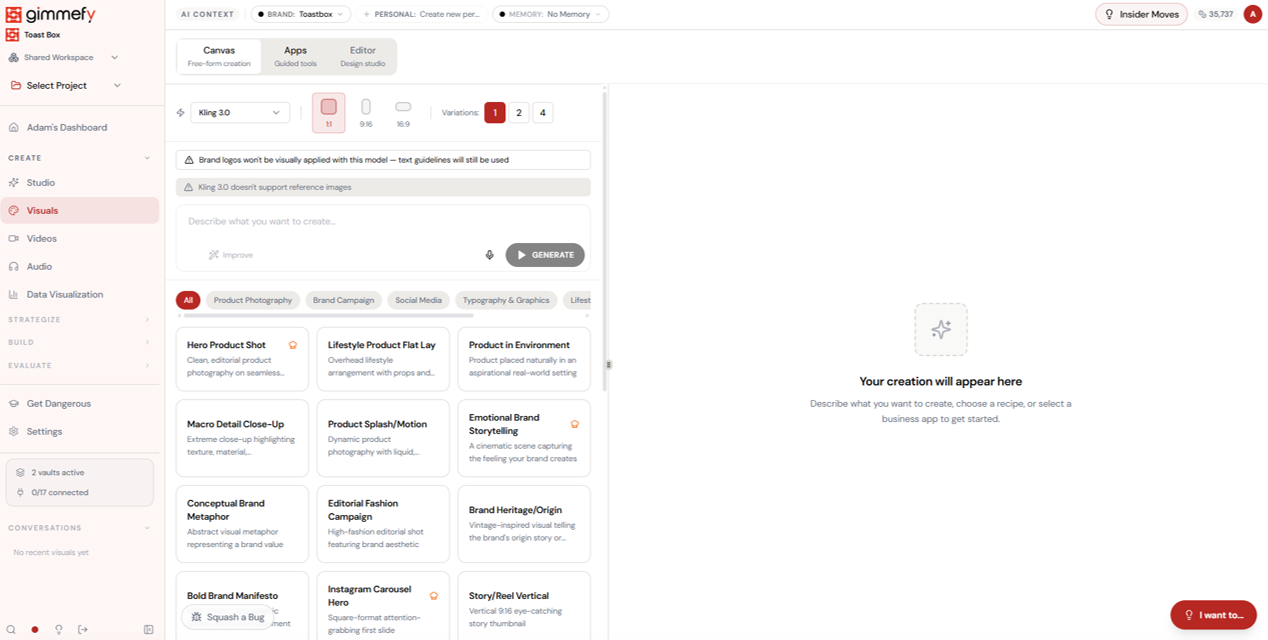
Set up your inputs.
Configure your settings, upload your assets, or describe what you need. Campaign Asset Scaler handles the complexity.
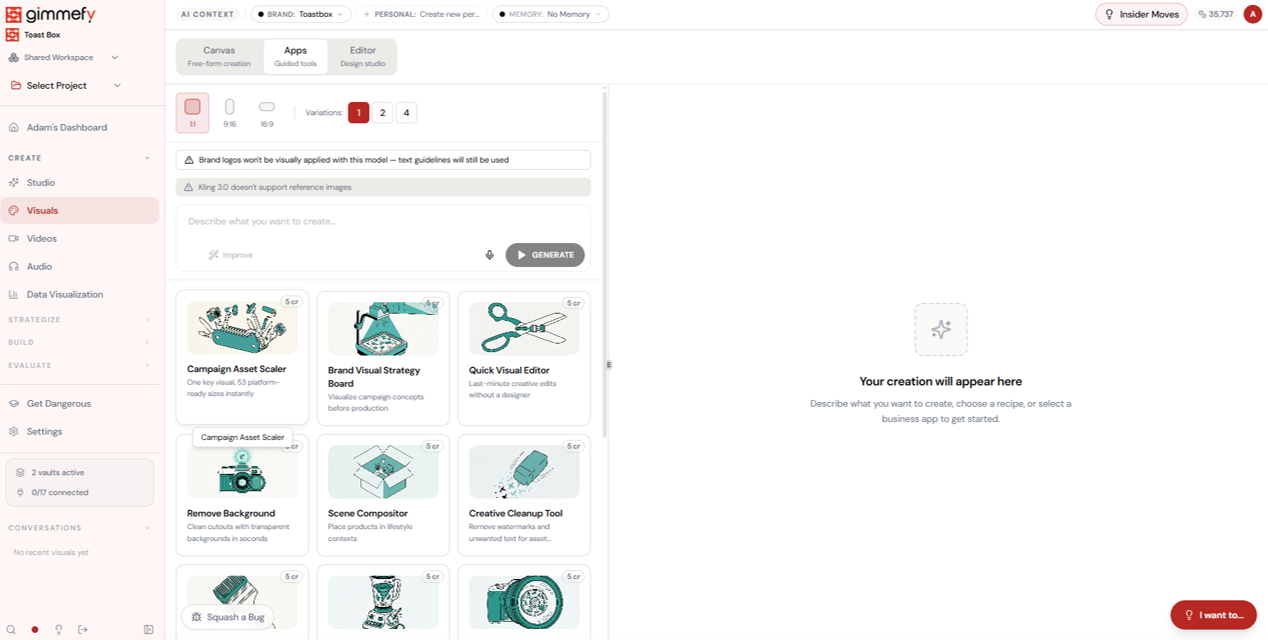
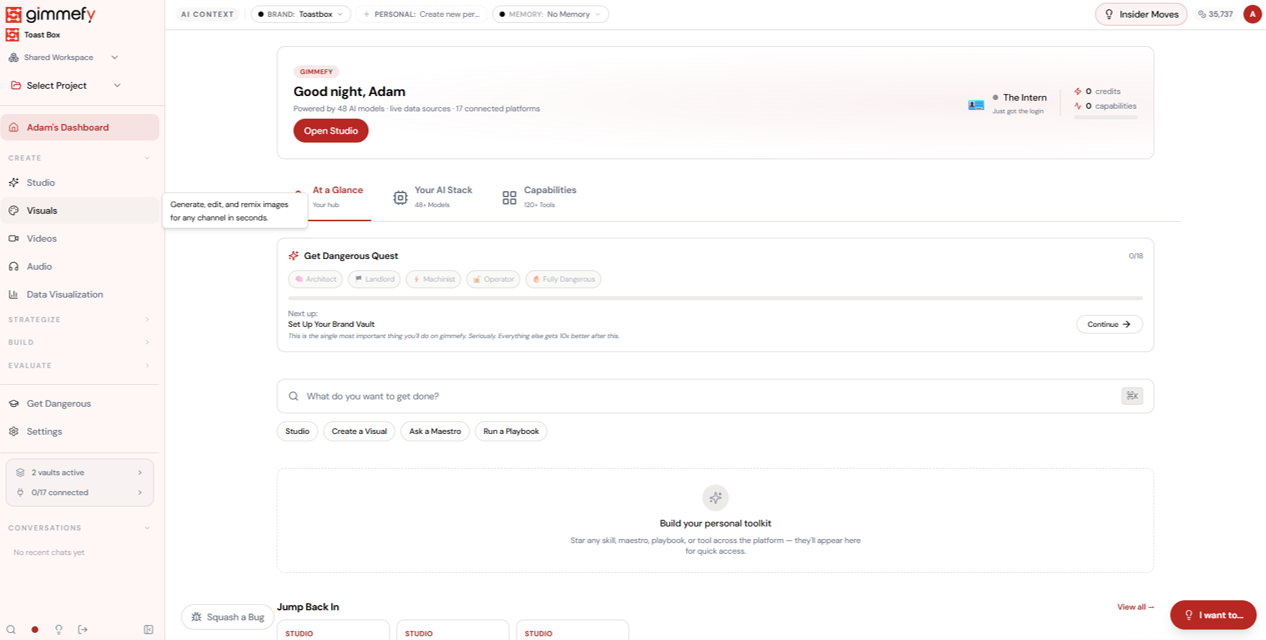
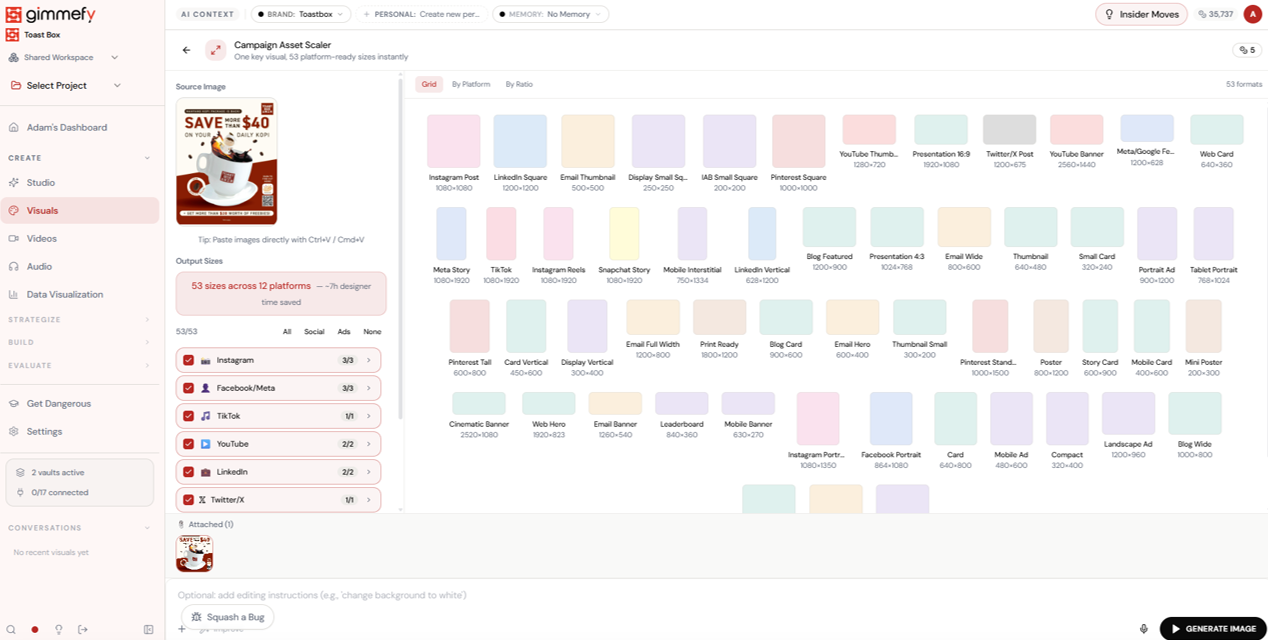
Open Campaign Asset Scaler. Here’s what you see.
Navigate to Campaign Asset Scaler — the interface is clean, focused, and ready for your input.
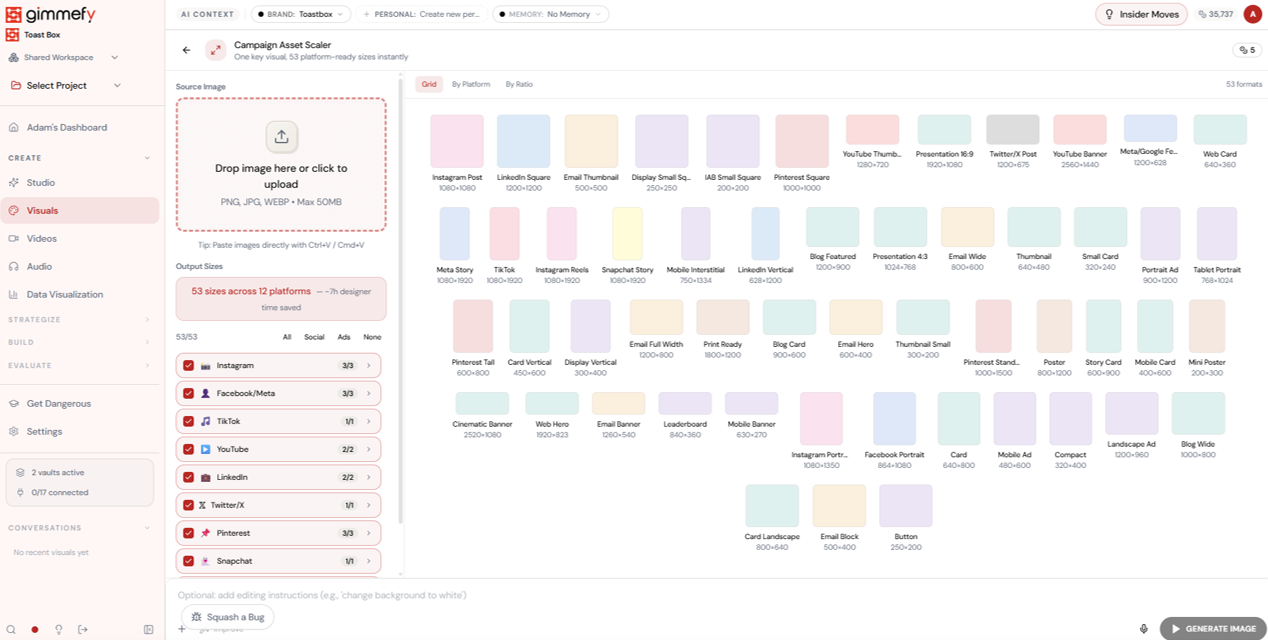
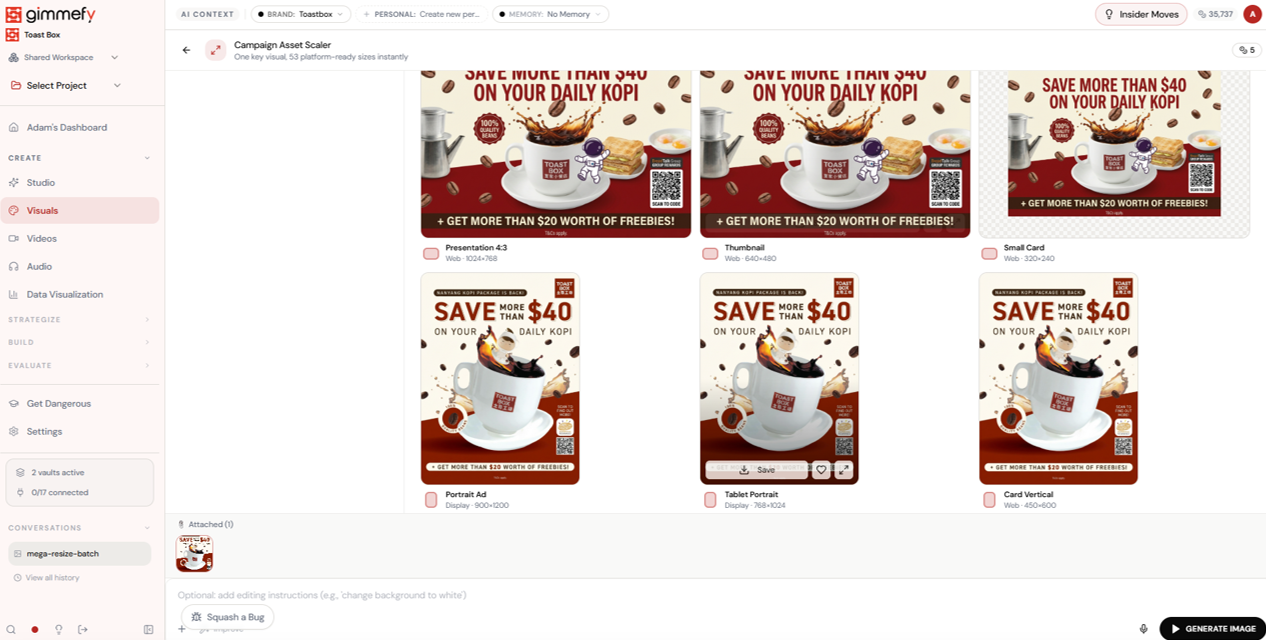
Upload one image. Select 53 sizes. Click generate.
Campaign Asset Scaler shows every platform size in a grid \u2014 Instagram, Facebook, TikTok, YouTube, LinkedIn, Twitter, email, display ads, print. Select all. Or filter by platform.
Almost there. Watch it work.
The AI processes your request — composing, rendering, and refining until the output matches your brief.
What Actually Changes
Manual. Repetitive. Time-consuming. Every campaign asset scaler task starts from scratch with no context, no memory, and no brand awareness.
One click. Full context. Campaign Asset Scaler handles it — with your brand, your data, your preferences baked in from the start.
Escape the Messy Middle
See how Campaign Asset Scaler transforms your workflow.