




You picked one AI model six months ago. Forty-seven others exist.
GPT-4 was the best when you started. Then Claude got better at long-form. Then Gemini got better at analysis. You’re locked into one model because switching means rebuilding every prompt from scratch.
The Hack: The Model Taste Test
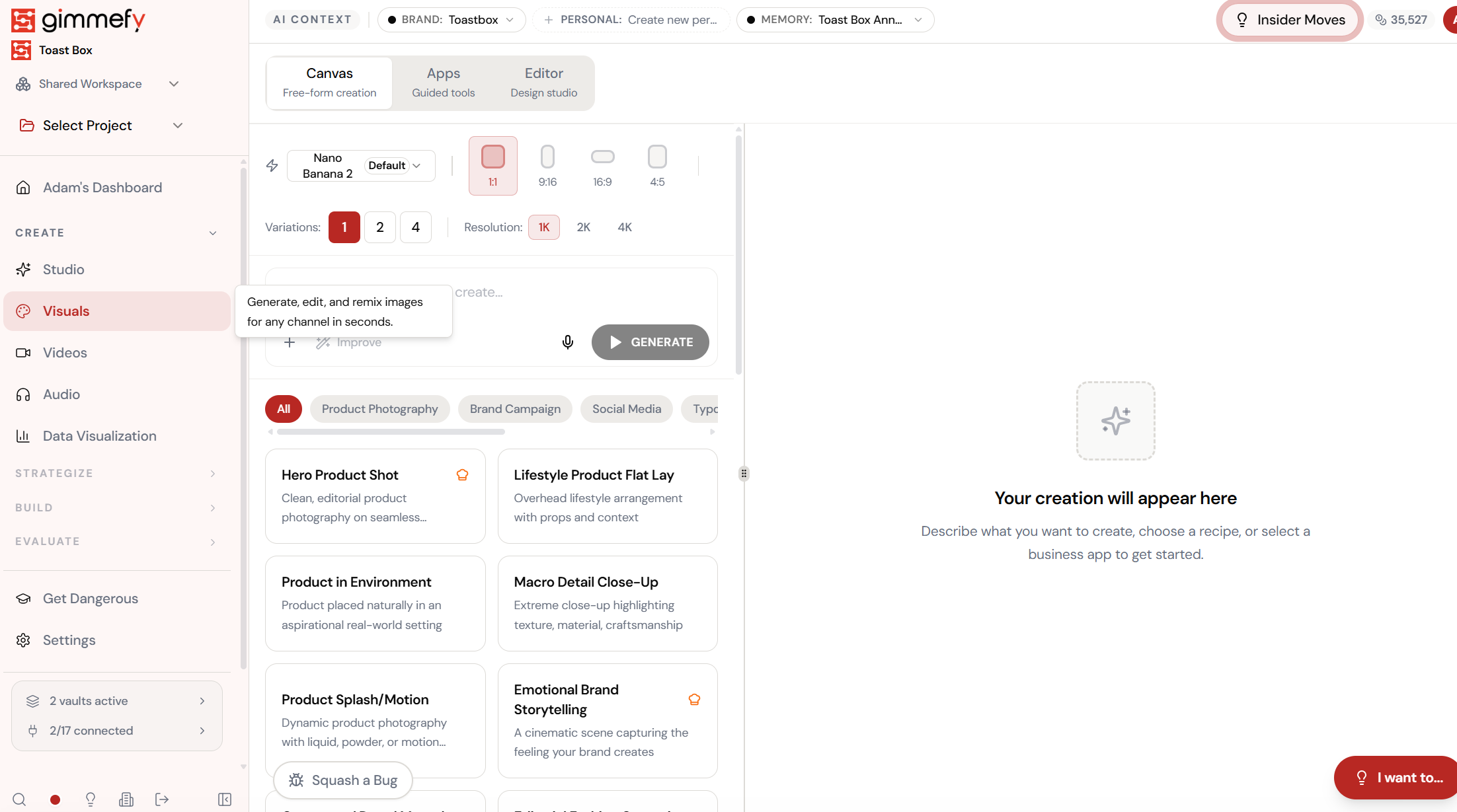
Open Model Selector. Here’s what you see.
Navigate to Model Selector — the interface is clean, focused, and ready for your input.
The Walkthrough
Open Model Selector. Here’s what you see.
Navigate to Model Selector — the interface is clean, focused, and ready for your input.
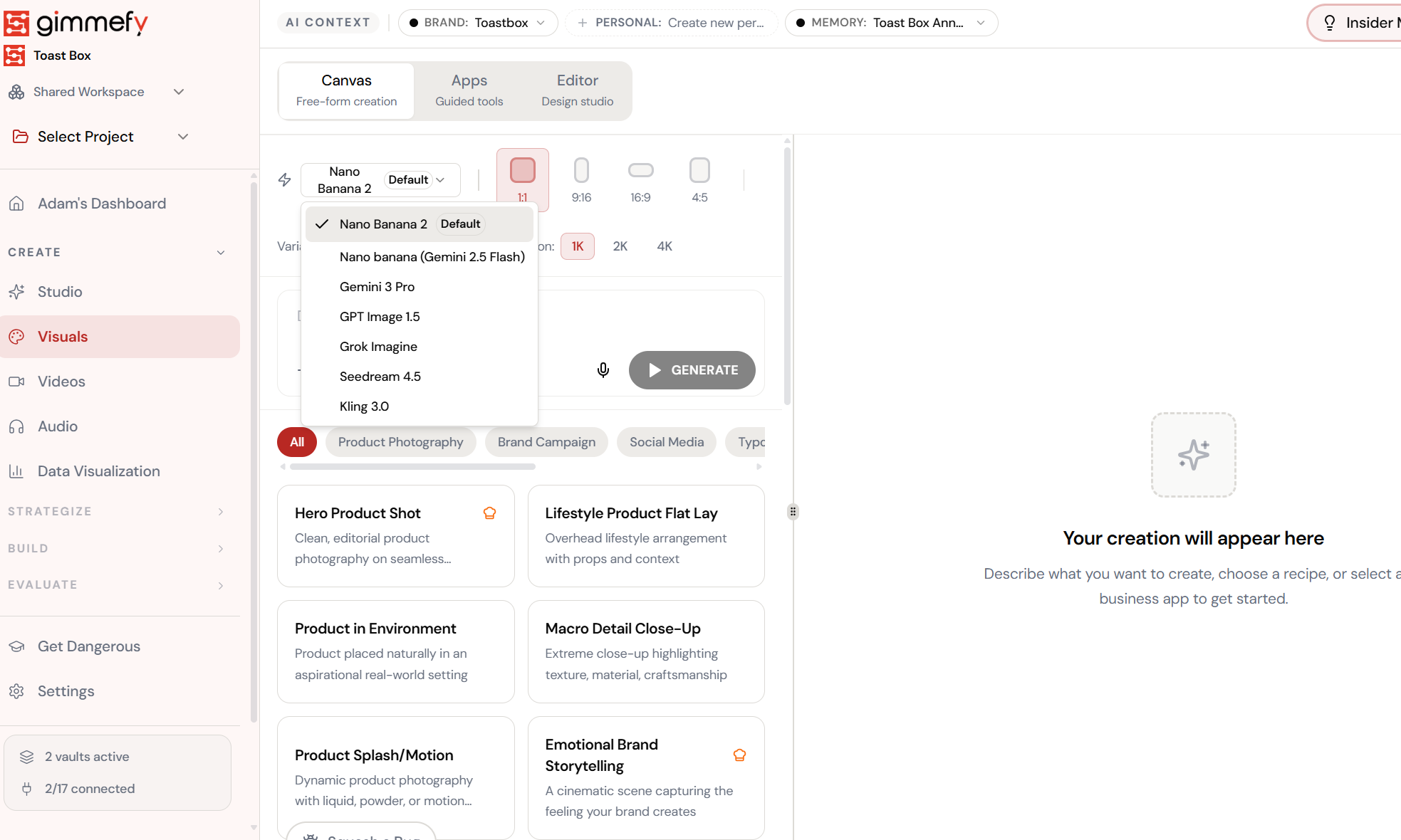
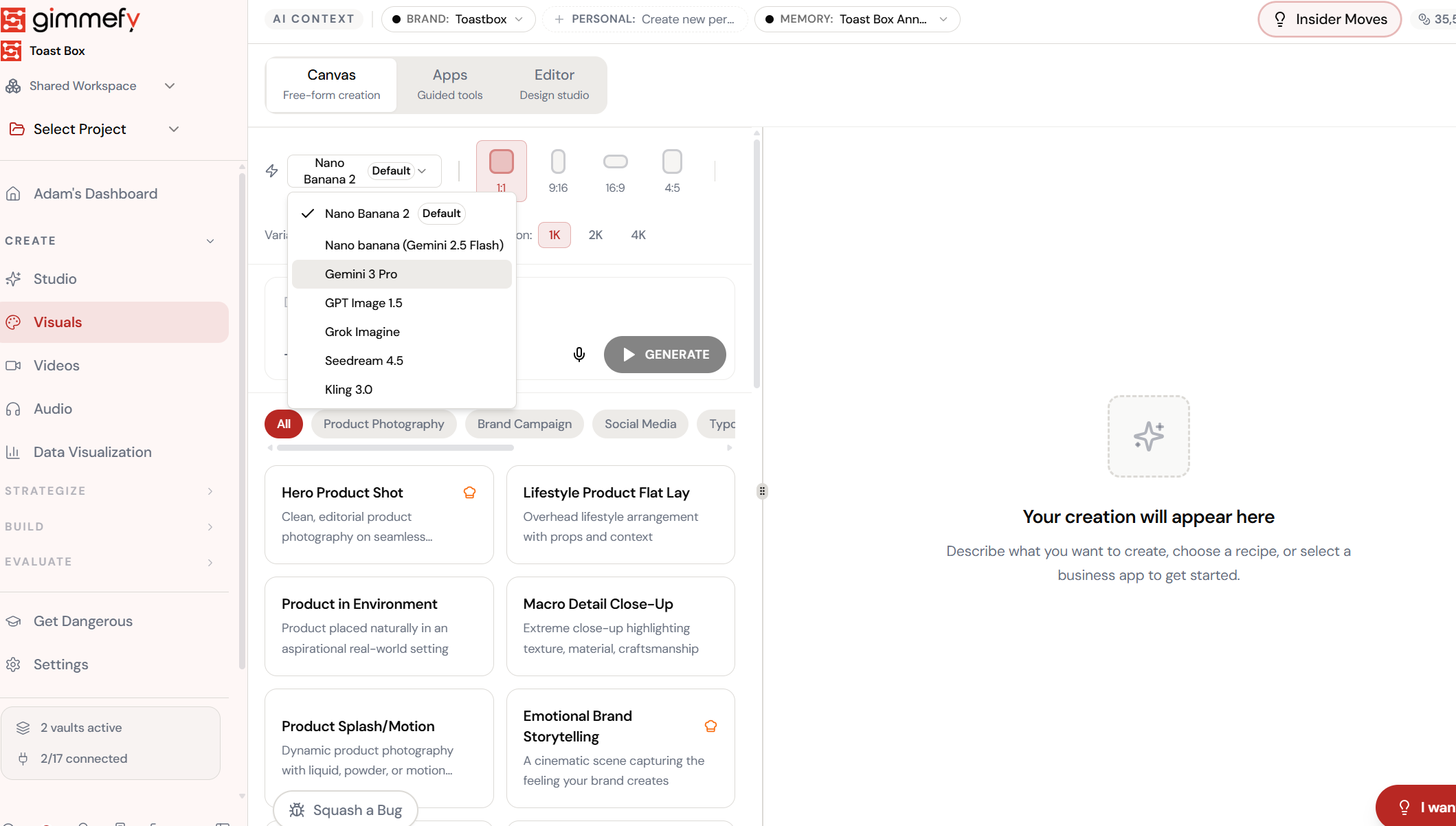
7 models. One dropdown. Same prompt.
Nano Banana 2, Gemini 2.5 Flash, Gemini 3 Pro, GPT Image 1.5, Grok Imagine, Seedream 4.5, Kling 3.0 \u2014 all available from a single model selector. No extra subscriptions.
Fine-tune the details.
Adjust settings, add context, or refine your prompt. Model Selector gives you control without complexity.
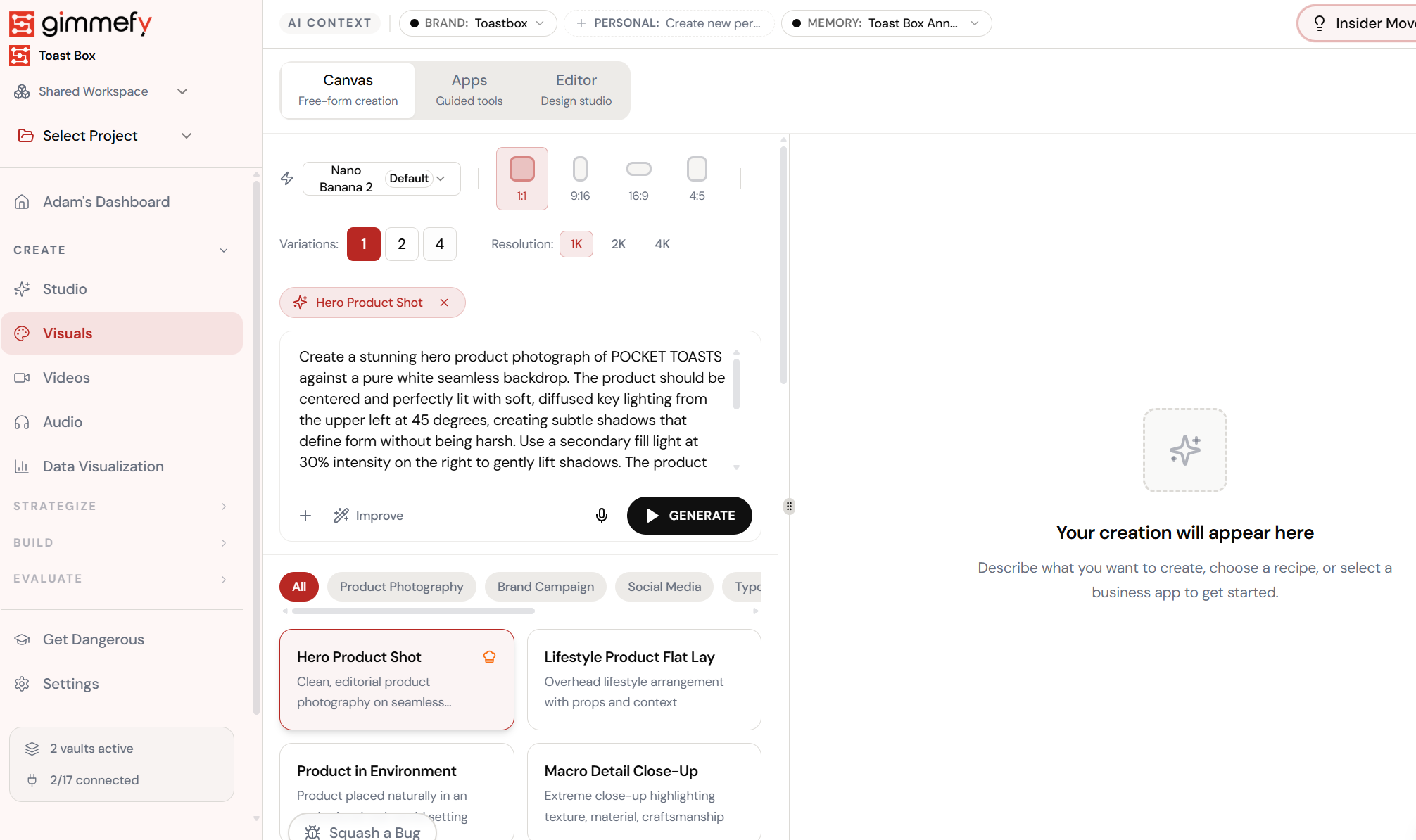
Pick a recipe. Pick a model. Generate.
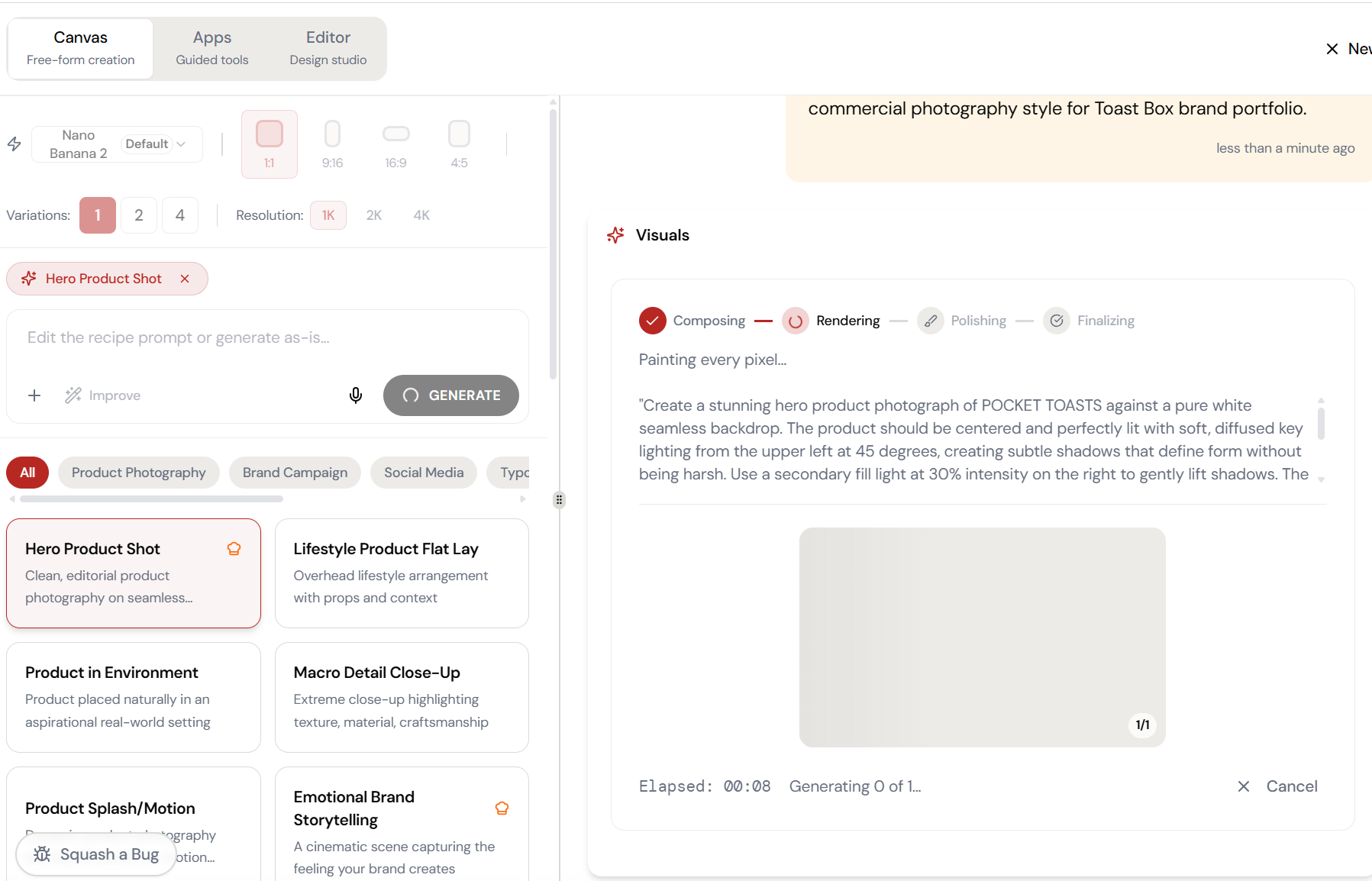
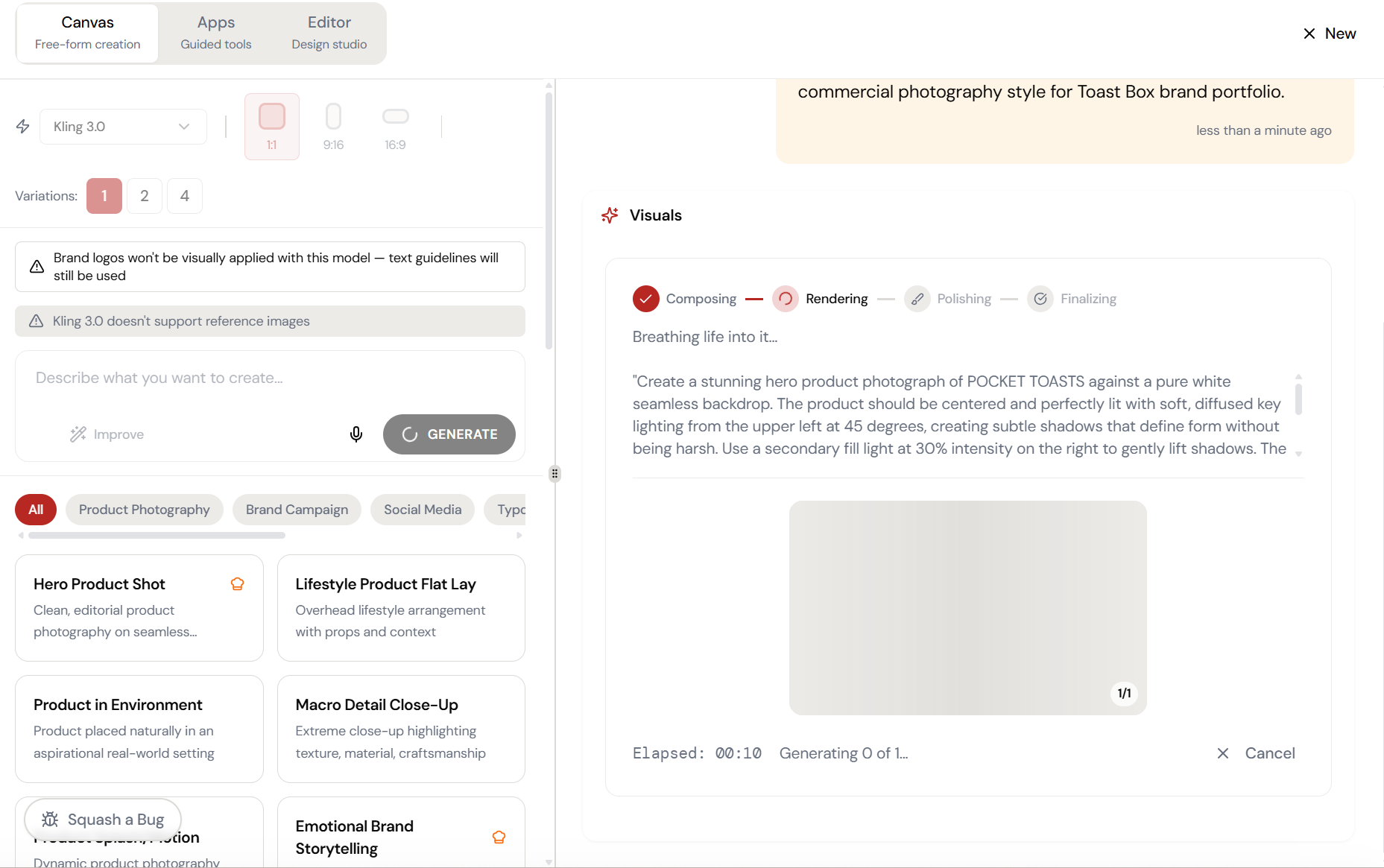
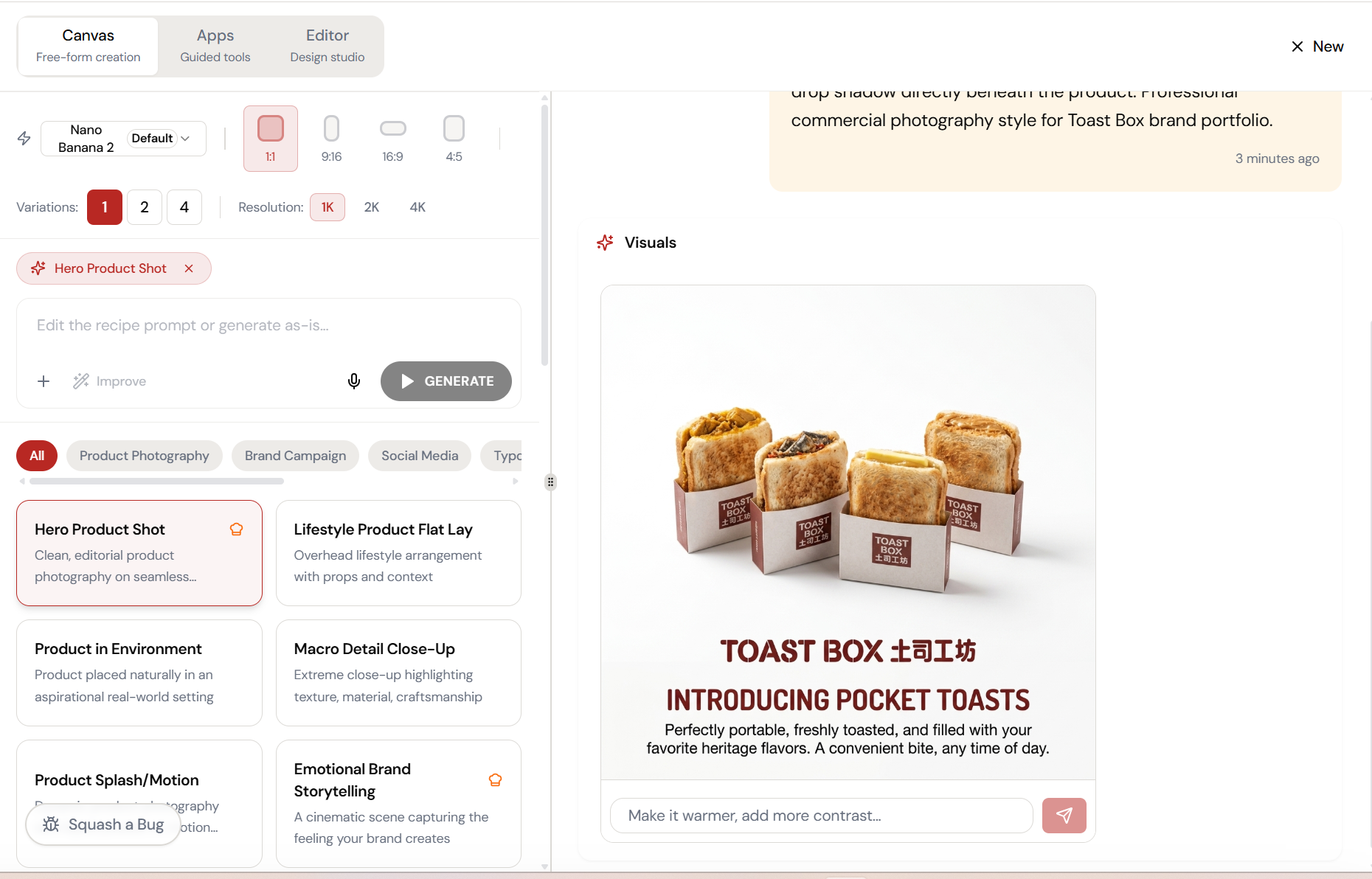
Select Hero Product Shot from the recipe library. The AI composes a detailed prompt, then renders it \u2014 Composing, Rendering, Polishing, Finalizing. Watch it paint every pixel.
Almost there. Watch it work.
The AI processes your request — composing, rendering, and refining until the output matches your brief.
Watch the transformation.
From raw input to refined output — Model Selector handles the heavy lifting.
The magic happens here.
The AI interprets your input and begins creating — you can see the progress in real time.
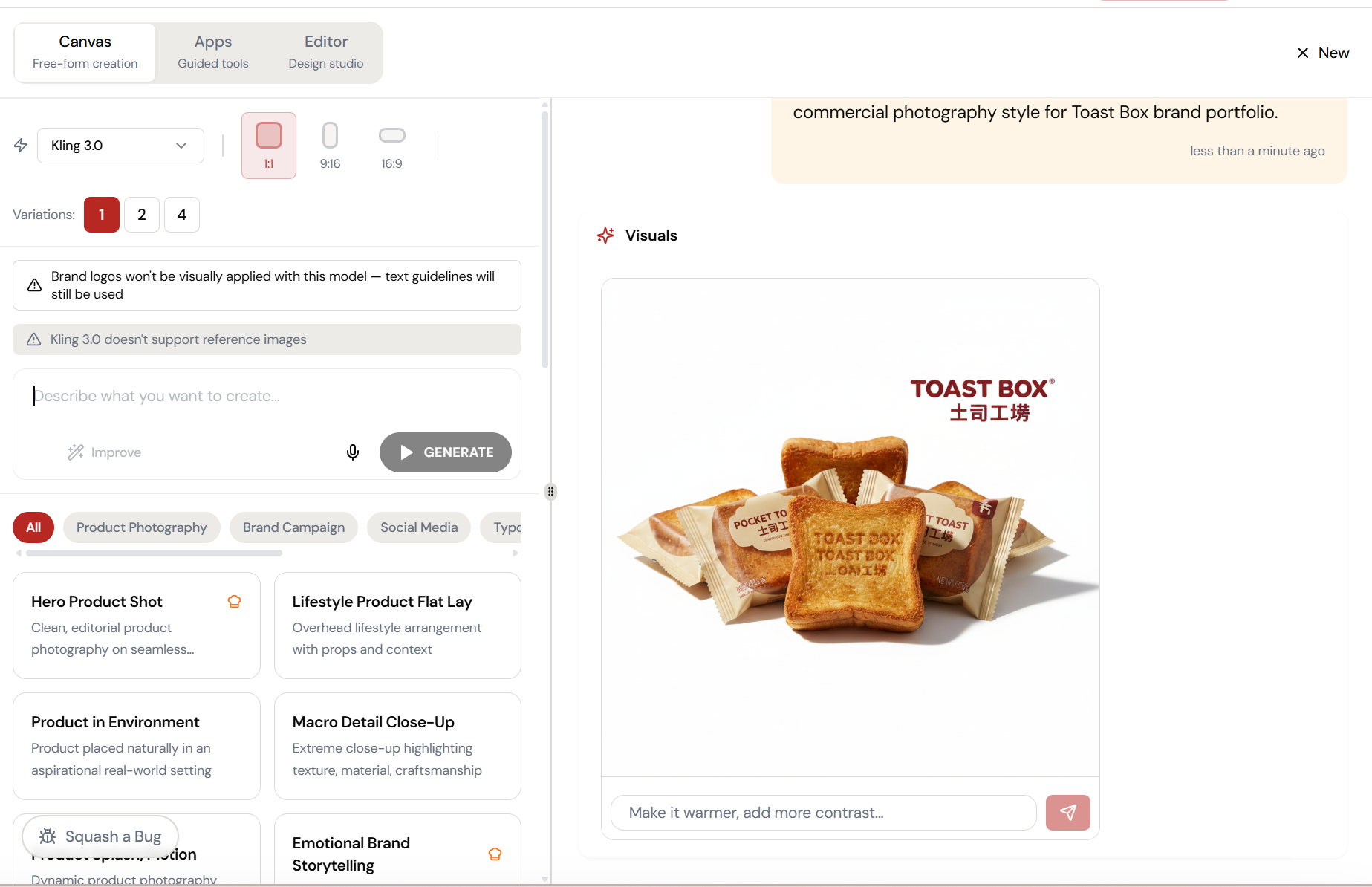
Don’t like it? Switch models. Same prompt.
Swap to Kling 3.0 and regenerate. Different aesthetic, different strengths \u2014 same prompt. Find the model that matches your brand’s visual identity.
What Actually Changes
Manual. Repetitive. Time-consuming. Every model selector task starts from scratch with no context, no memory, and no brand awareness.
One click. Full context. Model Selector handles it — with your brand, your data, your preferences baked in from the start.