




You need the content from that URL. Not a summary — the actual content.
A competitor’s pricing page. A research article. A product changelog. You need the AI to read it, understand it, and use it as context. Instead, you’re copy-pasting paragraphs into a chat window like it’s 2019.
The Hack: The URL Scrape
Set up your inputs.
Configure your settings, upload your assets, or describe what you need. URL Context handles the complexity.
The Walkthrough
Set up your inputs.
Configure your settings, upload your assets, or describe what you need. URL Context handles the complexity.
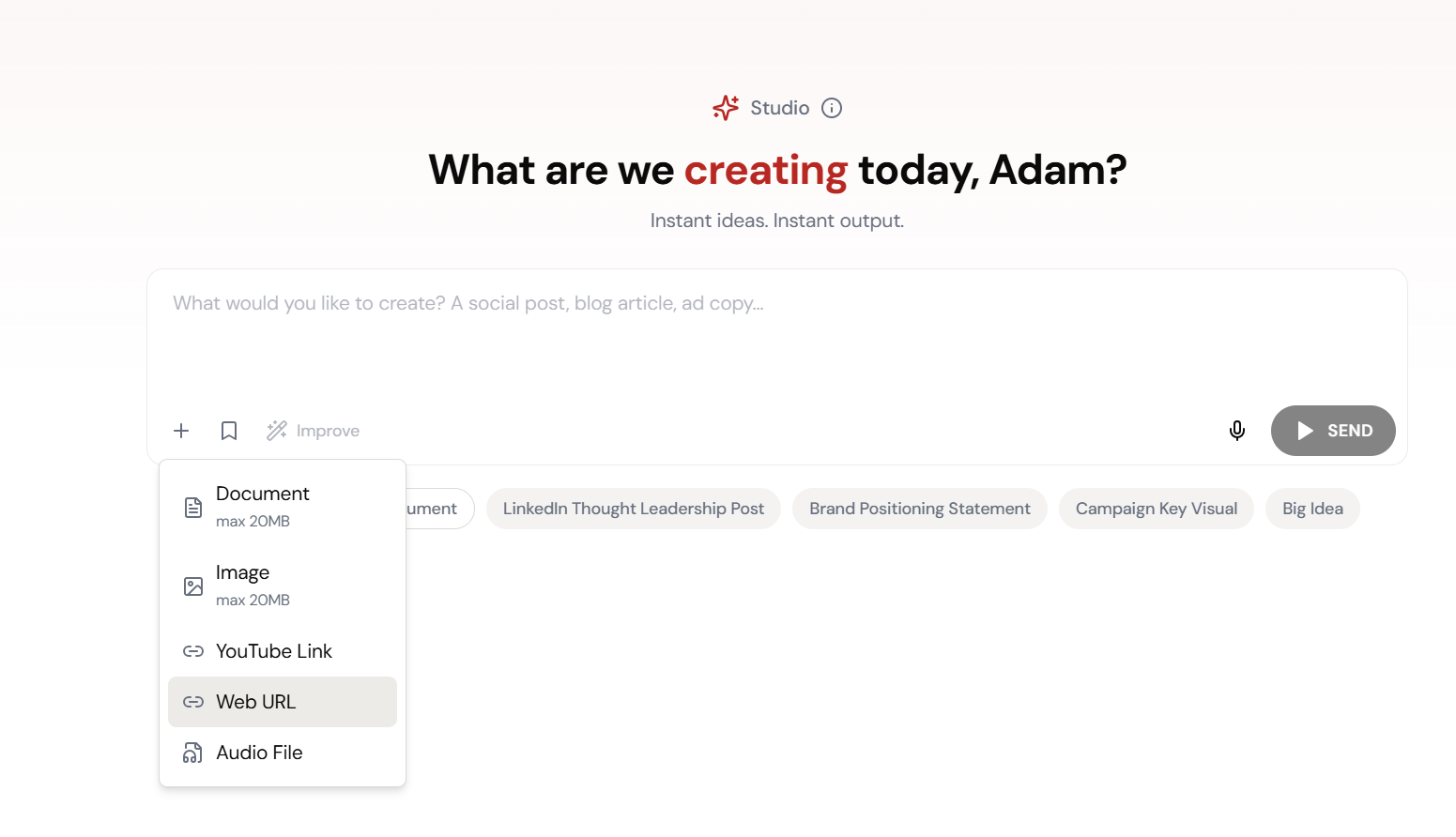
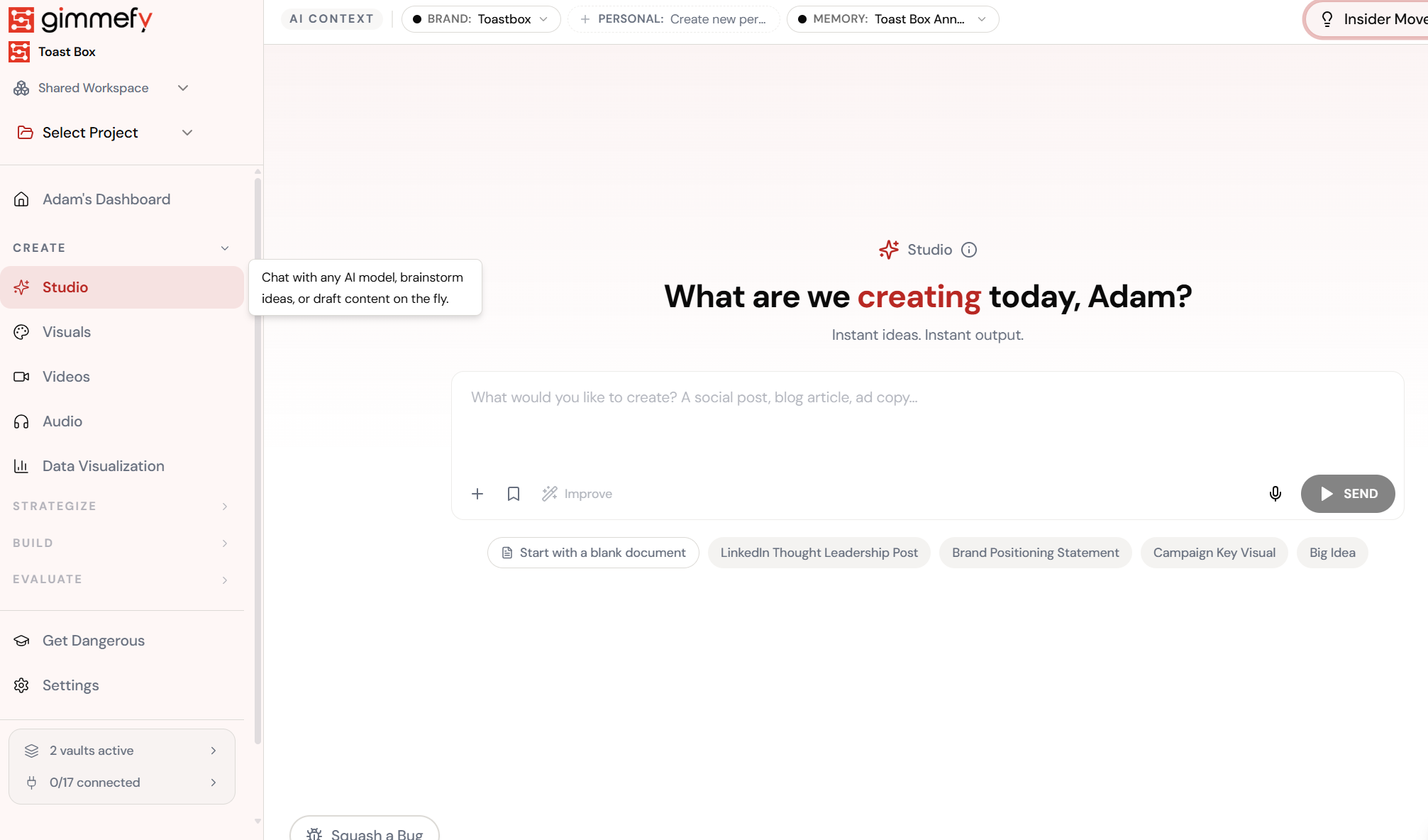
Open URL Context. Here’s what you see.
Navigate to URL Context — the interface is clean, focused, and ready for your input.
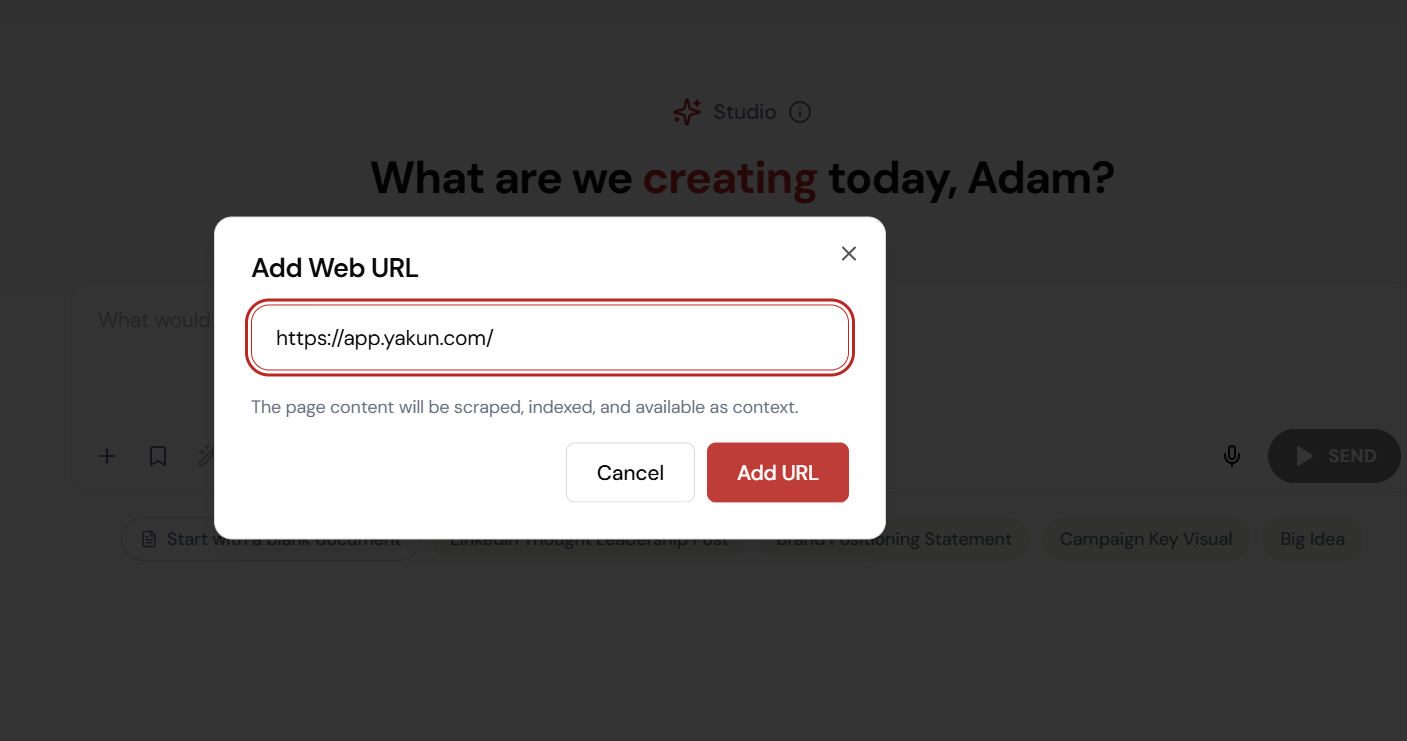
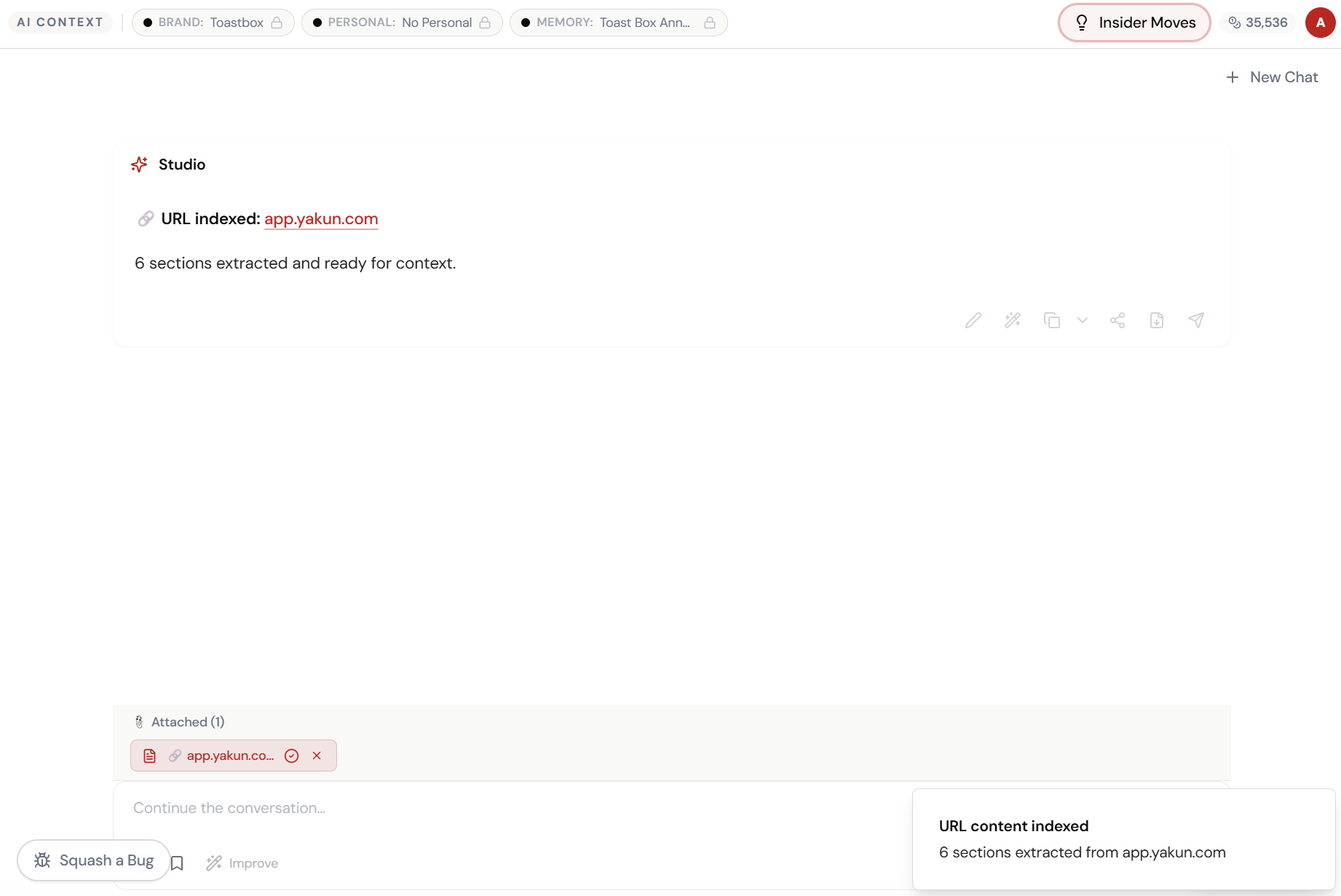
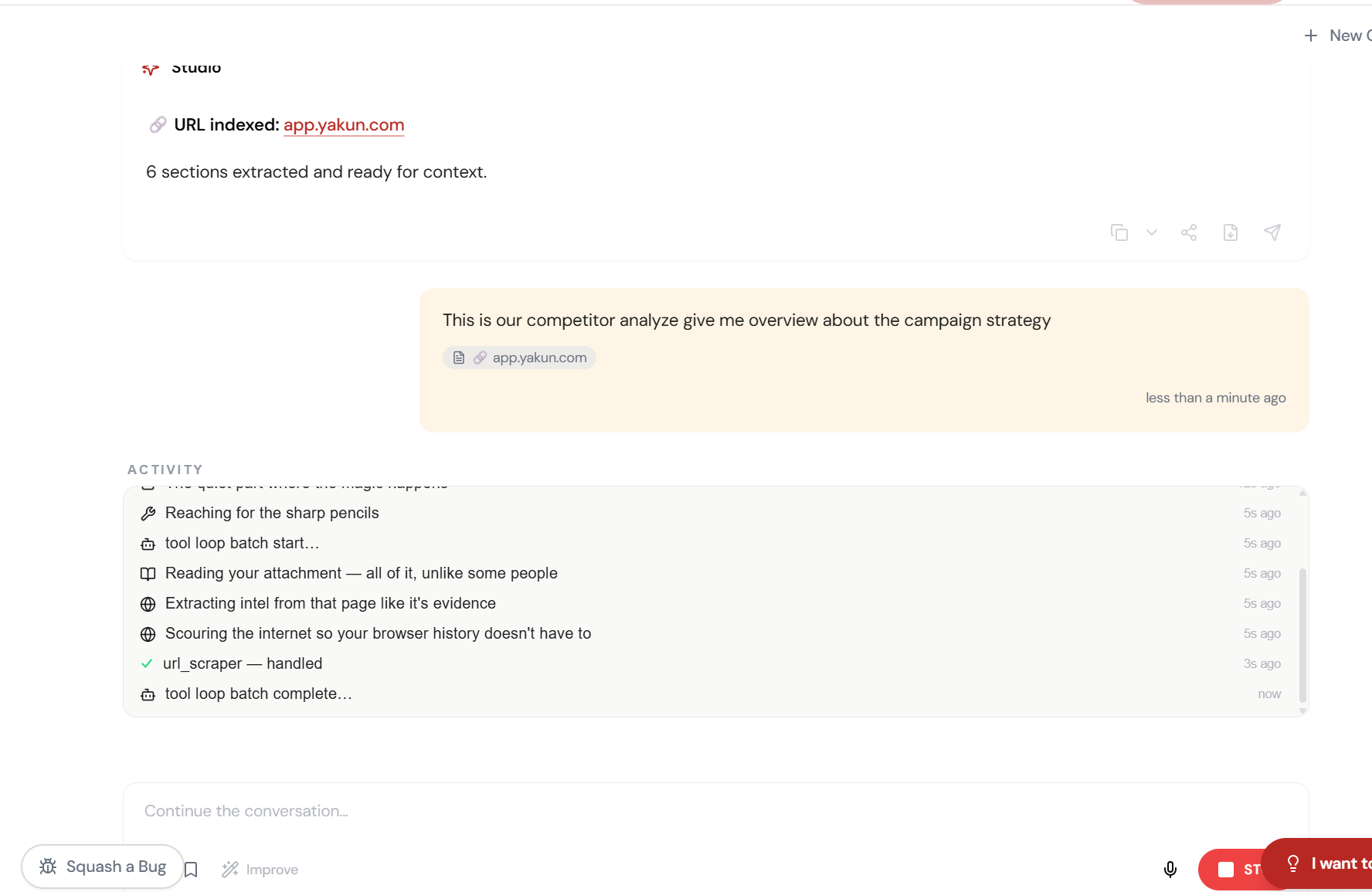
Paste the URL. The AI reads the page.
Click +, select Web URL, paste any competitor link. Studio scrapes, indexes, and makes the entire page available as context for your conversation.
Adjust and refine.
Every parameter is designed to be intuitive. Adjust what matters, skip what doesn’t.
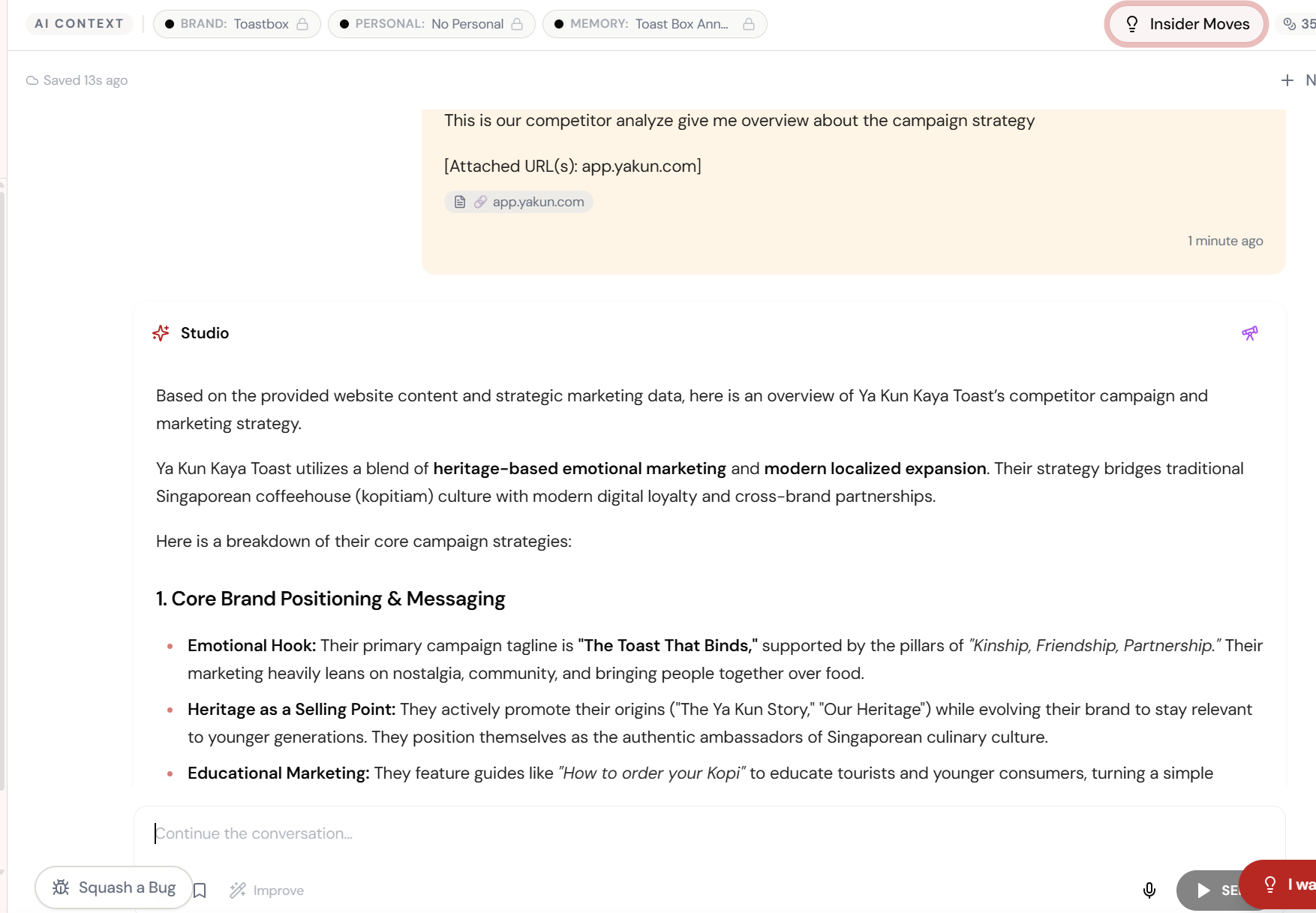
“Analyse their campaign strategy.” One prompt.
Attach the competitor URL and ask for a strategic breakdown. Studio reads the entire site and delivers a full competitive analysis.
Heritage marketing. Emotional hooks. Loyalty plays. All decoded.
Brand positioning, campaign taglines, heritage storytelling, educational marketing — a full competitor strategy breakdown from one URL.
What Actually Changes
Manual. Repetitive. Time-consuming. Every url context task starts from scratch with no context, no memory, and no brand awareness.
One click. Full context. URL Context handles it — with your brand, your data, your preferences baked in from the start.