




The recording exists. Nobody is going to watch 47 minutes.
A webinar. A product demo. A competitor’s keynote. The insights are in there somewhere — buried in 47 minutes of footage that nobody has time to watch. You need the key moments, not the full runtime.
The Hack: The Video Summary
Set up your inputs.
Configure your settings, upload your assets, or describe what you need. YouTube Analysis handles the complexity.
The Walkthrough
Set up your inputs.
Configure your settings, upload your assets, or describe what you need. YouTube Analysis handles the complexity.
Open YouTube Analysis. Here’s what you see.
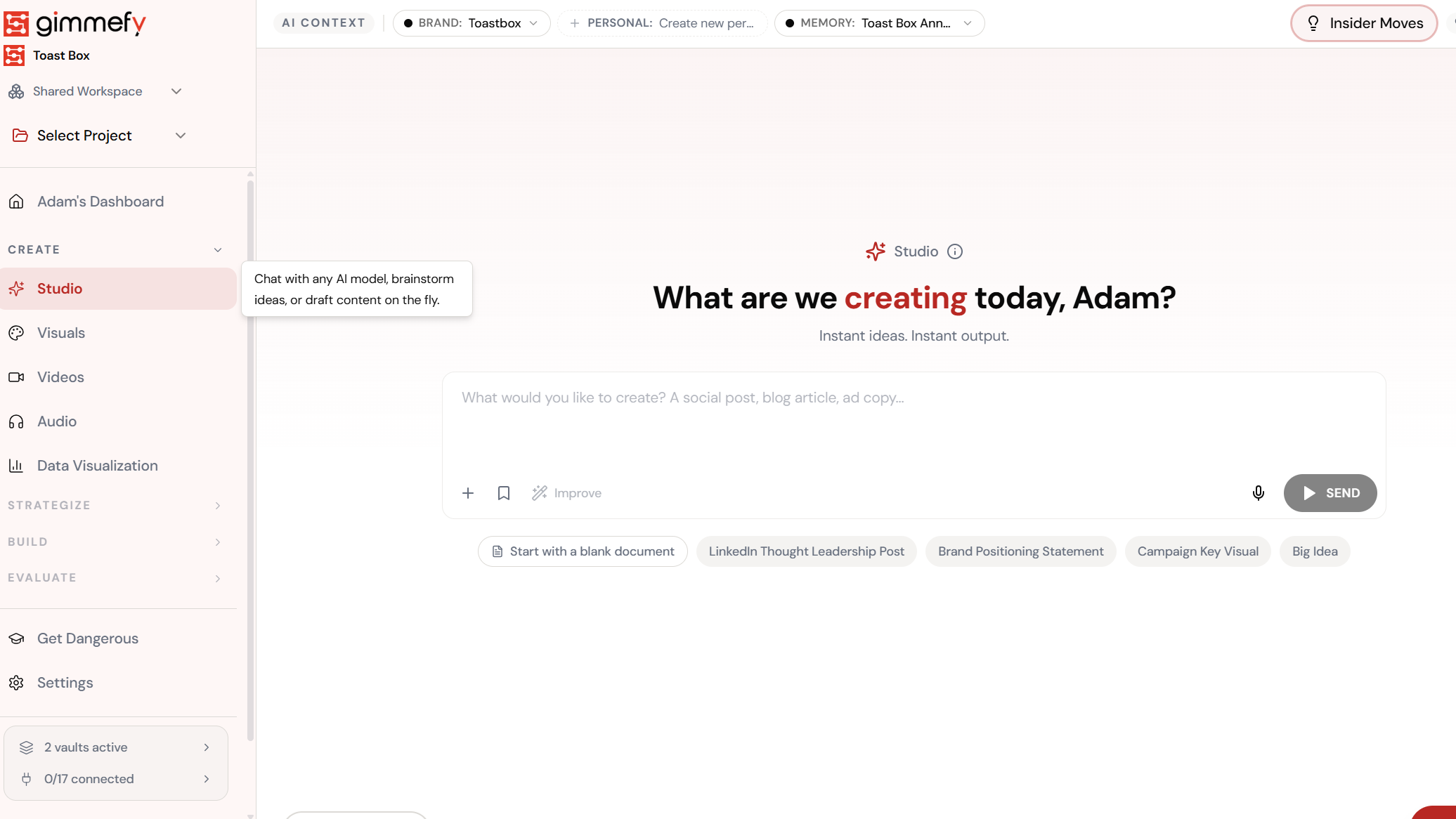
Navigate to YouTube Analysis — the interface is clean, focused, and ready for your input.
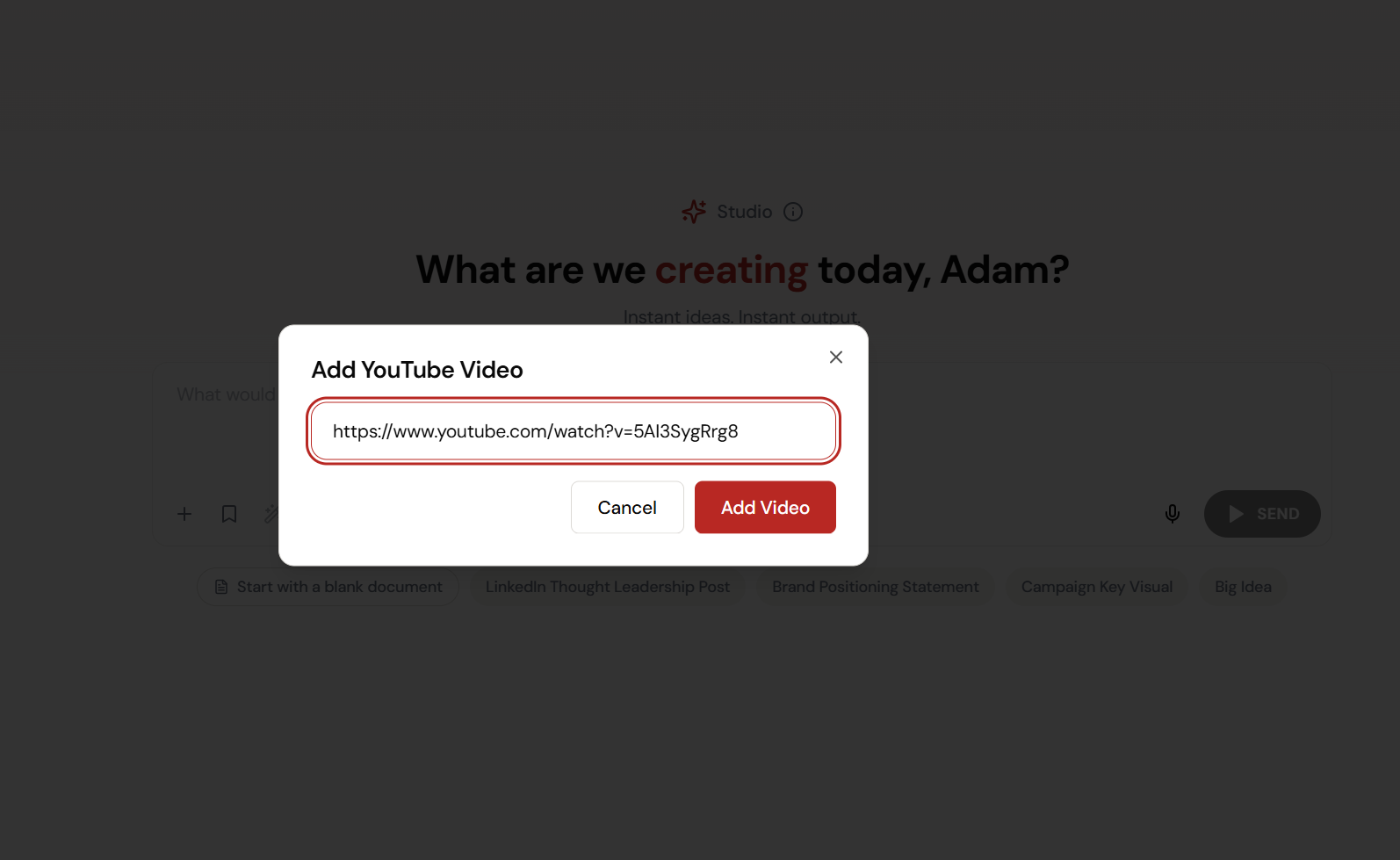
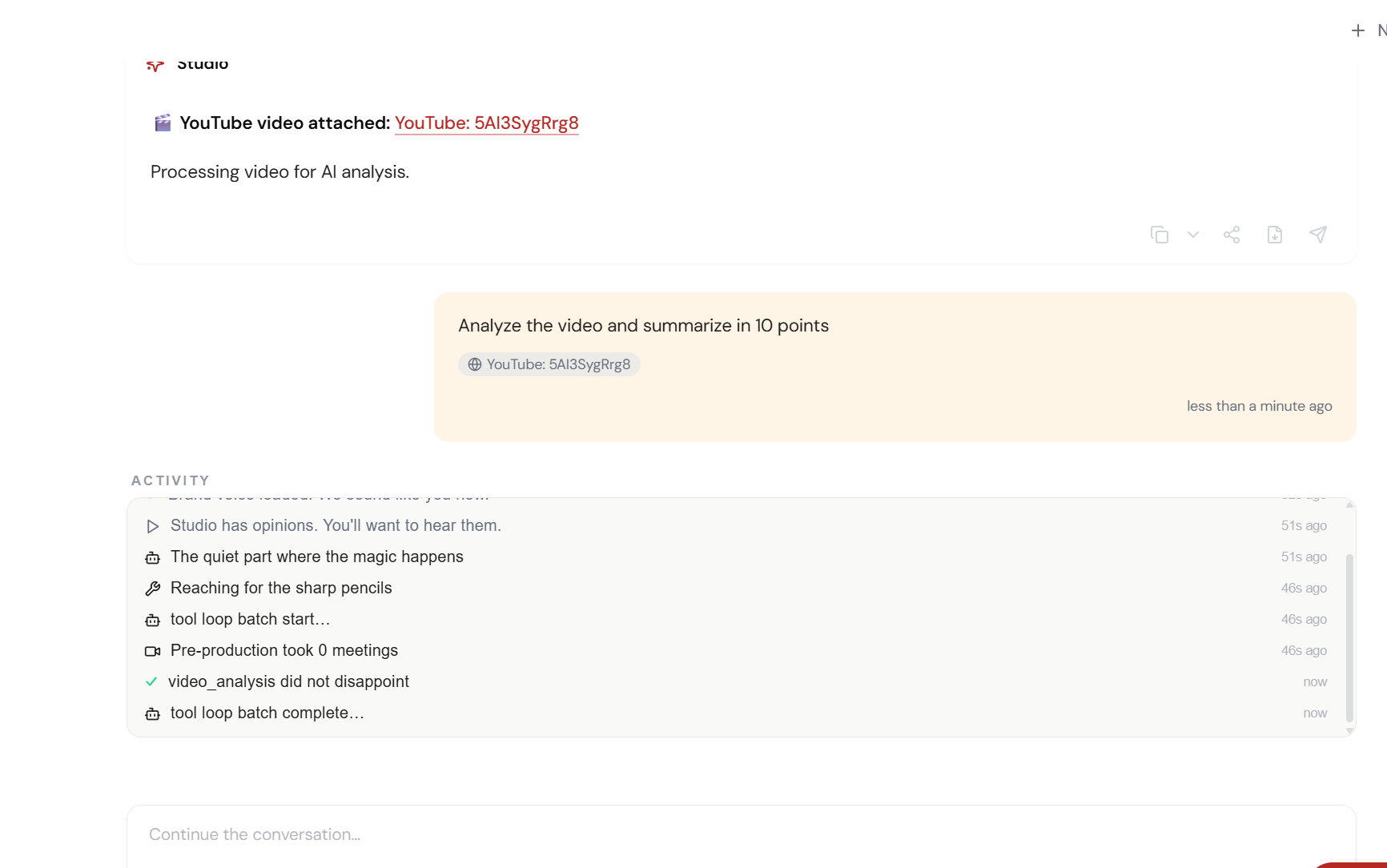
Paste a YouTube link. That’s it.
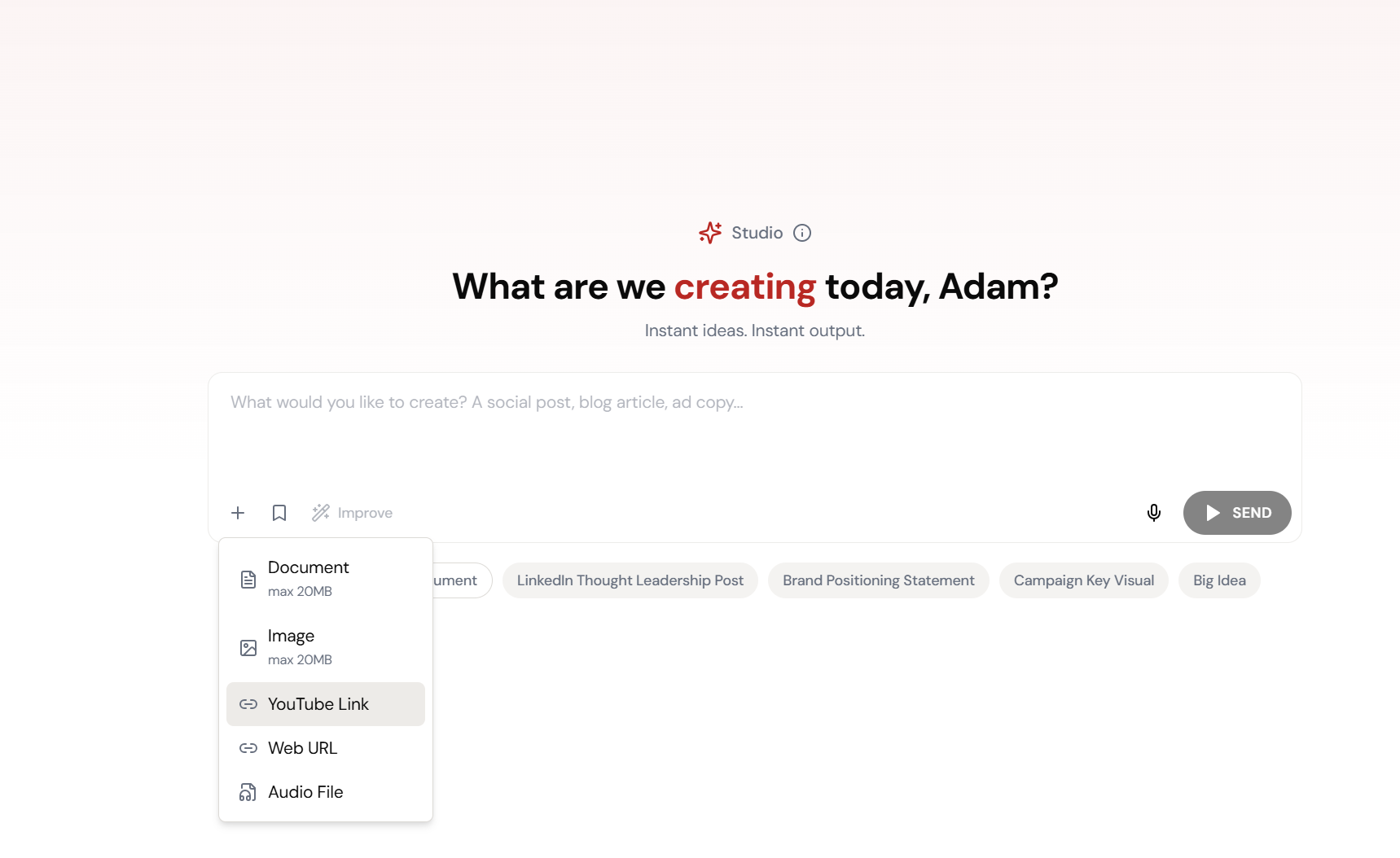
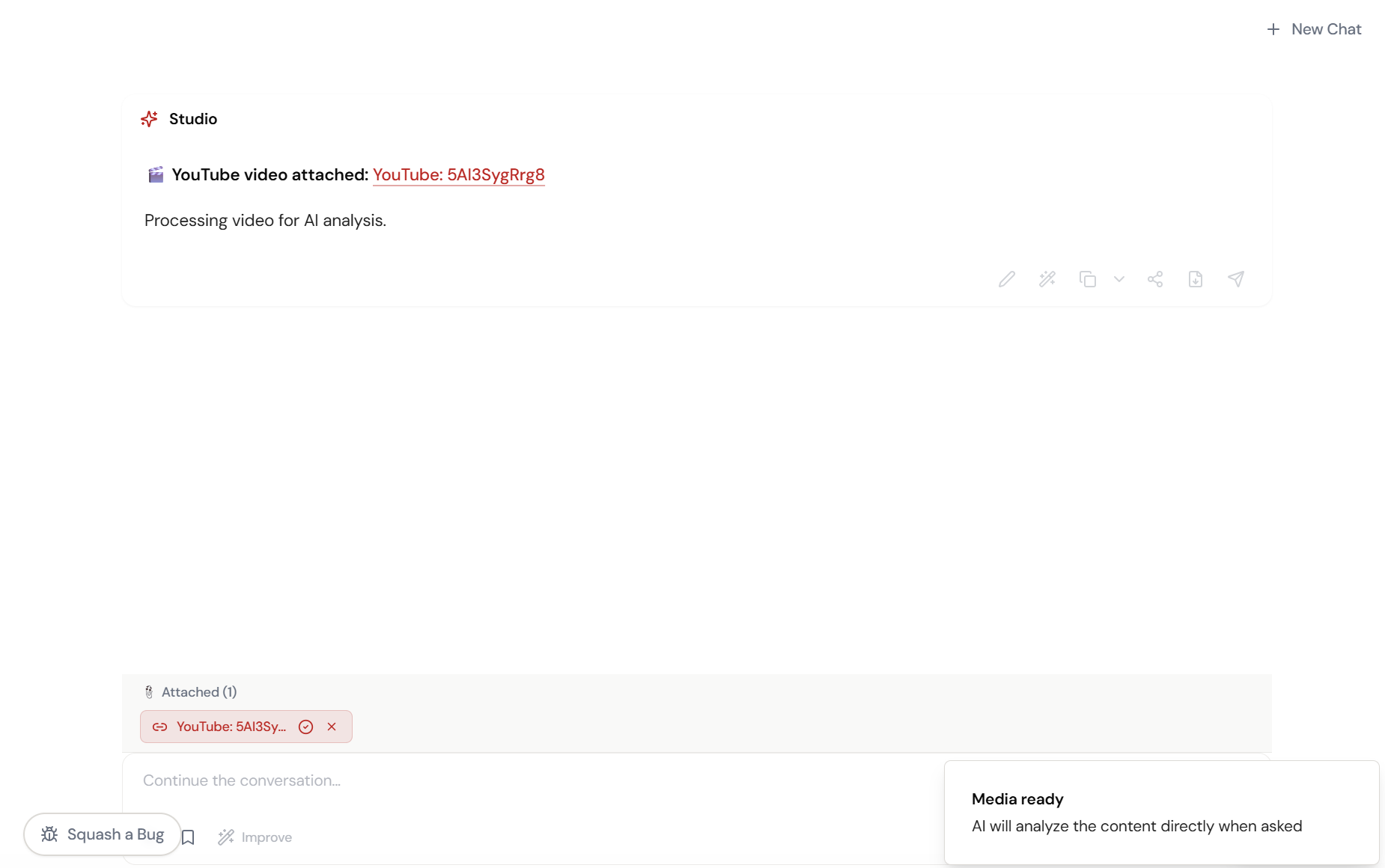
Click the + button, select YouTube Link, paste the URL. Studio processes the entire video for AI analysis.
Adjust and refine.
Every parameter is designed to be intuitive. Adjust what matters, skip what doesn’t.
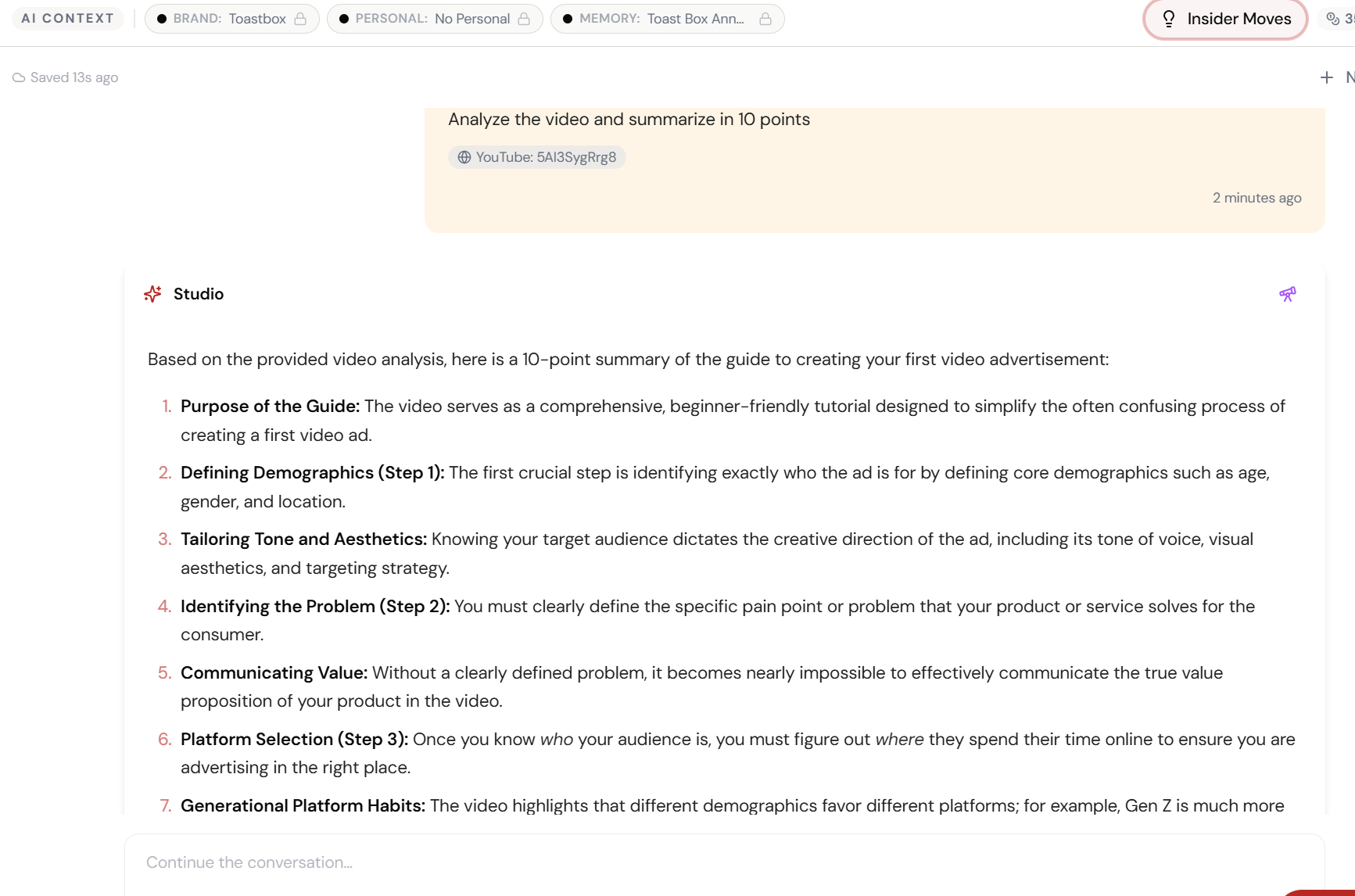
“Summarise in 10 points.” Done.
The AI watches the entire video, transcribes it, and delivers a structured 10-point summary — with the activity log showing real-time video analysis.
45 minutes → 10 bullet points.
Purpose, demographics, tone, platform selection, generational habits — every key insight extracted and structured. Ready to brief your team.
What Actually Changes
Manual. Repetitive. Time-consuming. Every video intelligence task starts from scratch with no context, no memory, and no brand awareness.
One click. Full context. Video Intelligence handles it — with your brand, your data, your preferences baked in from the start.
Escape the Messy Middle
See how Video Intelligence transforms your workflow.