



You described the image perfectly. The AI drew a fever dream.
“A professional product shot with warm lighting and a clean background.” What you got: a melting laptop hovering over a neon void. Three rounds of prompting later, you’re further from the brief than when you started.
The Hack: The Chat-to-Image
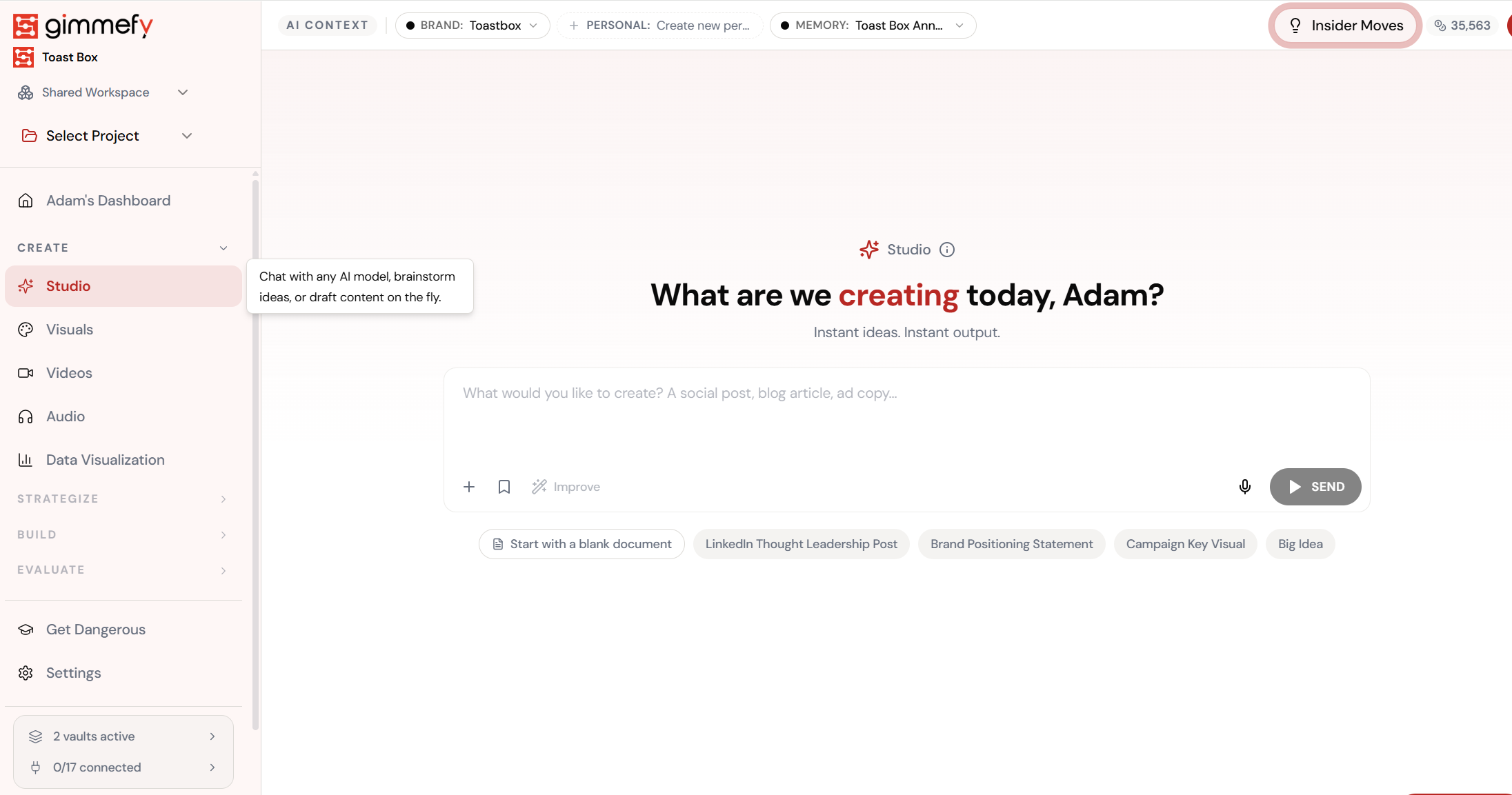
Type your post. Get the image. Same chat.
In Studio, just ask for a caption and an image in one prompt. No tab-switching. No separate tools. One conversation does both.
The Walkthrough
Type your post. Get the image. Same chat.
In Studio, just ask for a caption and an image in one prompt. No tab-switching. No separate tools. One conversation does both.
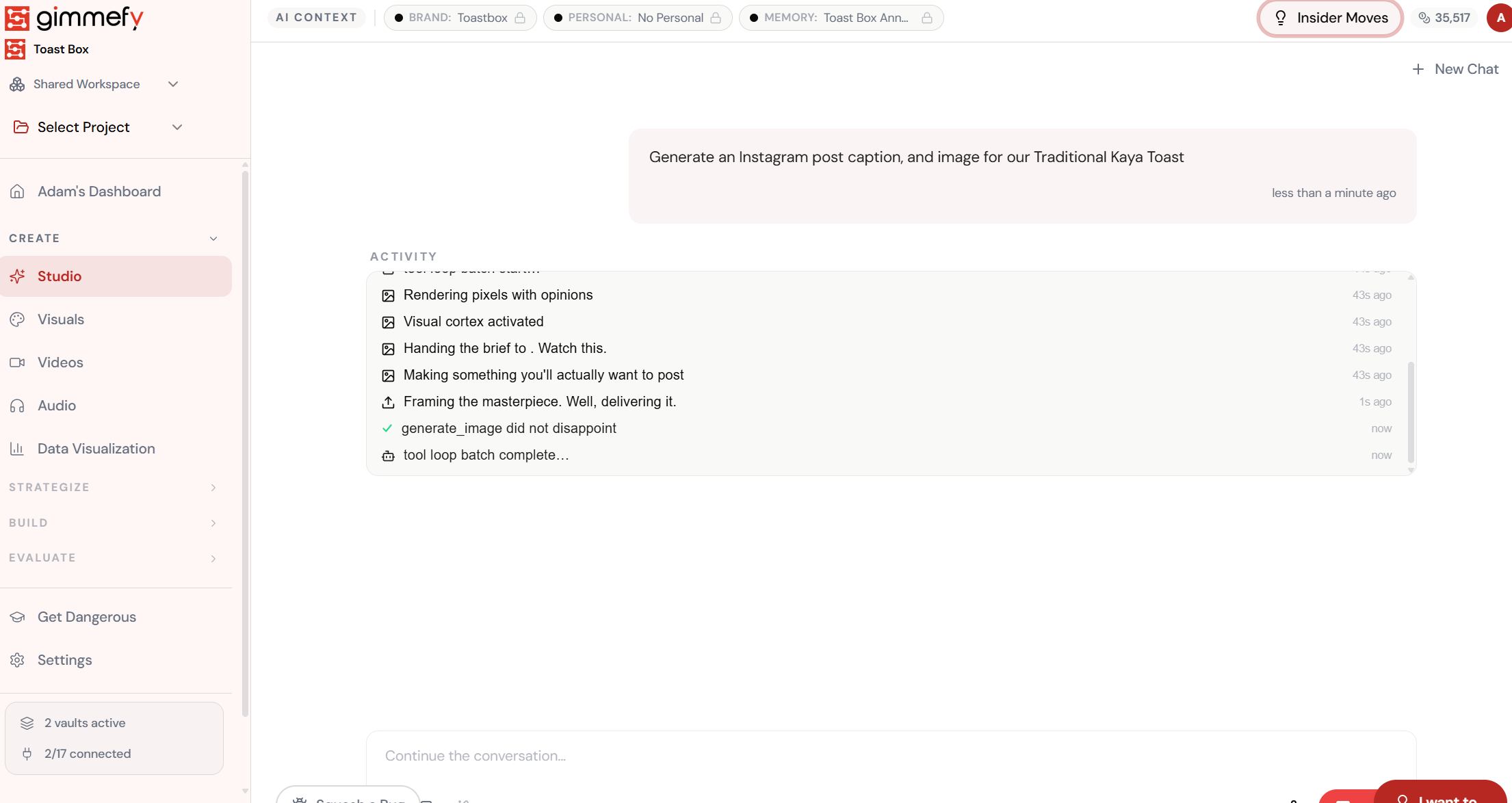
Watch it think. Then watch it create.
The activity log shows the AI writing your caption, then generating the image — all in one flow. “generate_image did not disappoint.”
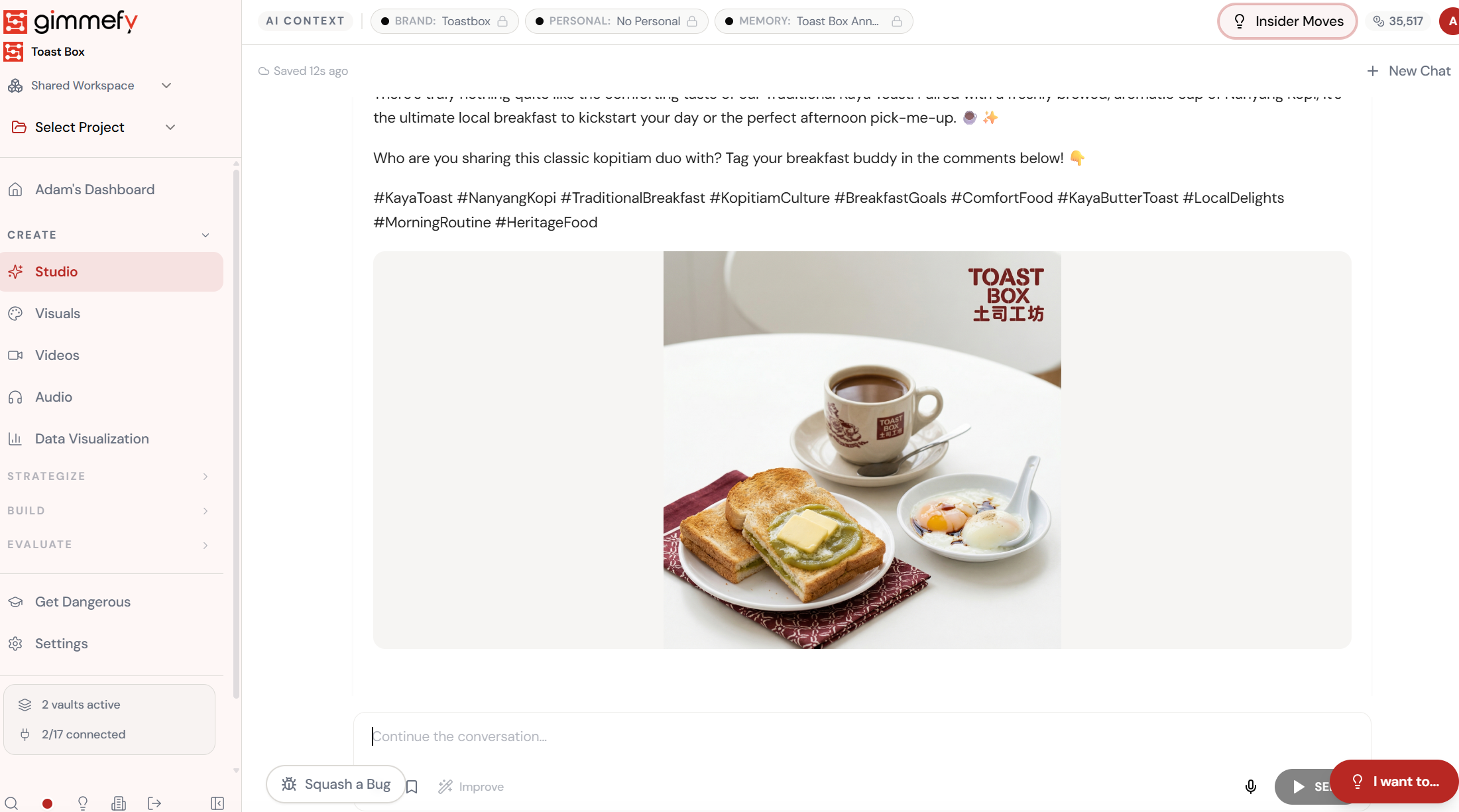
Caption, hashtags, and a scroll-stopping image. Done.
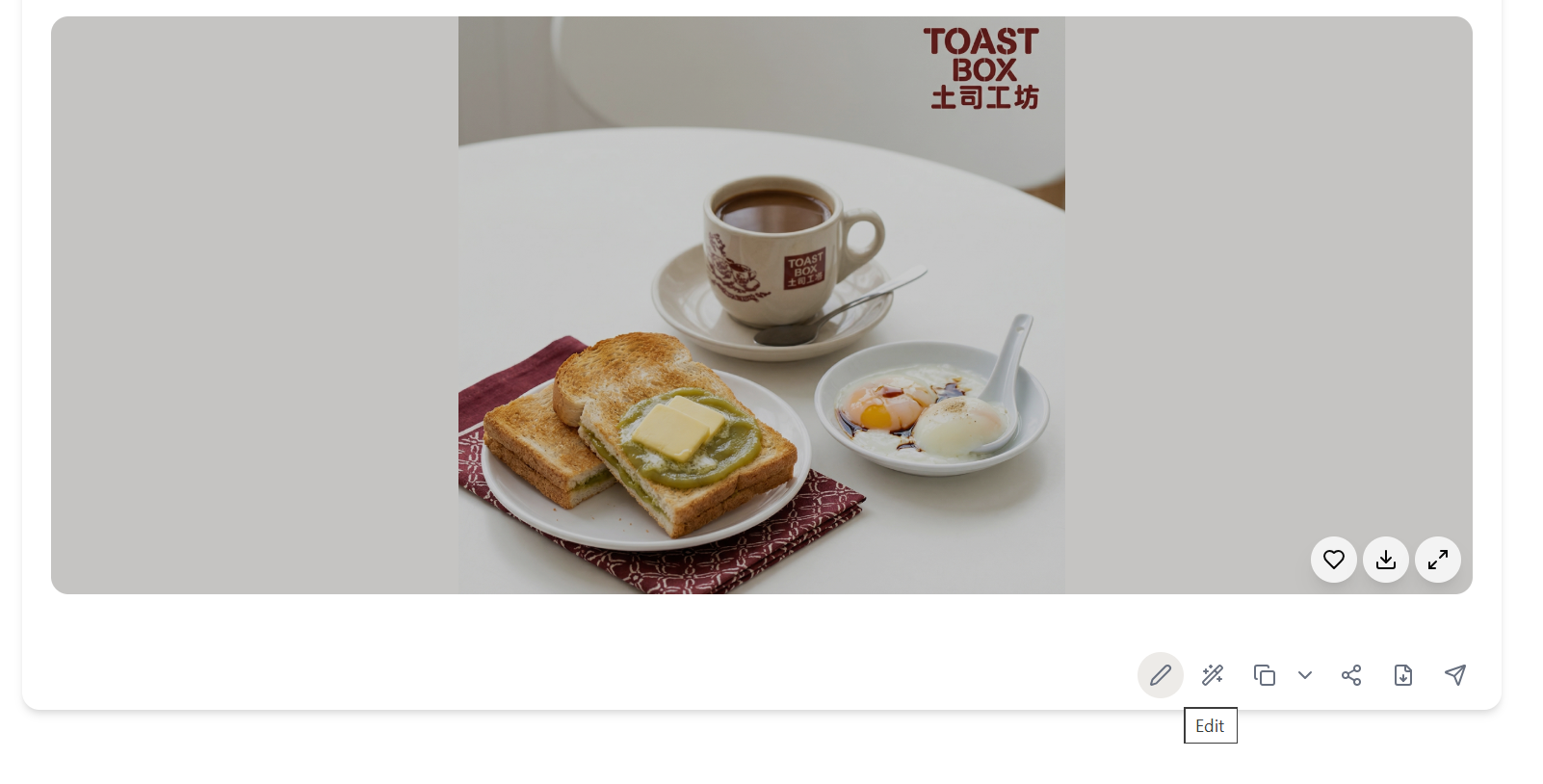
Full Instagram post — on-brand copy, relevant hashtags, and a generated image featuring your actual product. Ready to post.
The result. Ready to use.
Your output is complete — polished, on-brand, and ready to download, share, or refine further.
What Actually Changes
Manual. Repetitive. Time-consuming. Every visual hub canvas task starts from scratch with no context, no memory, and no brand awareness.
One click. Full context. Visual Hub Canvas handles it — with your brand, your data, your preferences baked in from the start.
Escape the Messy Middle
See how Visual Hub Canvas transforms your workflow.